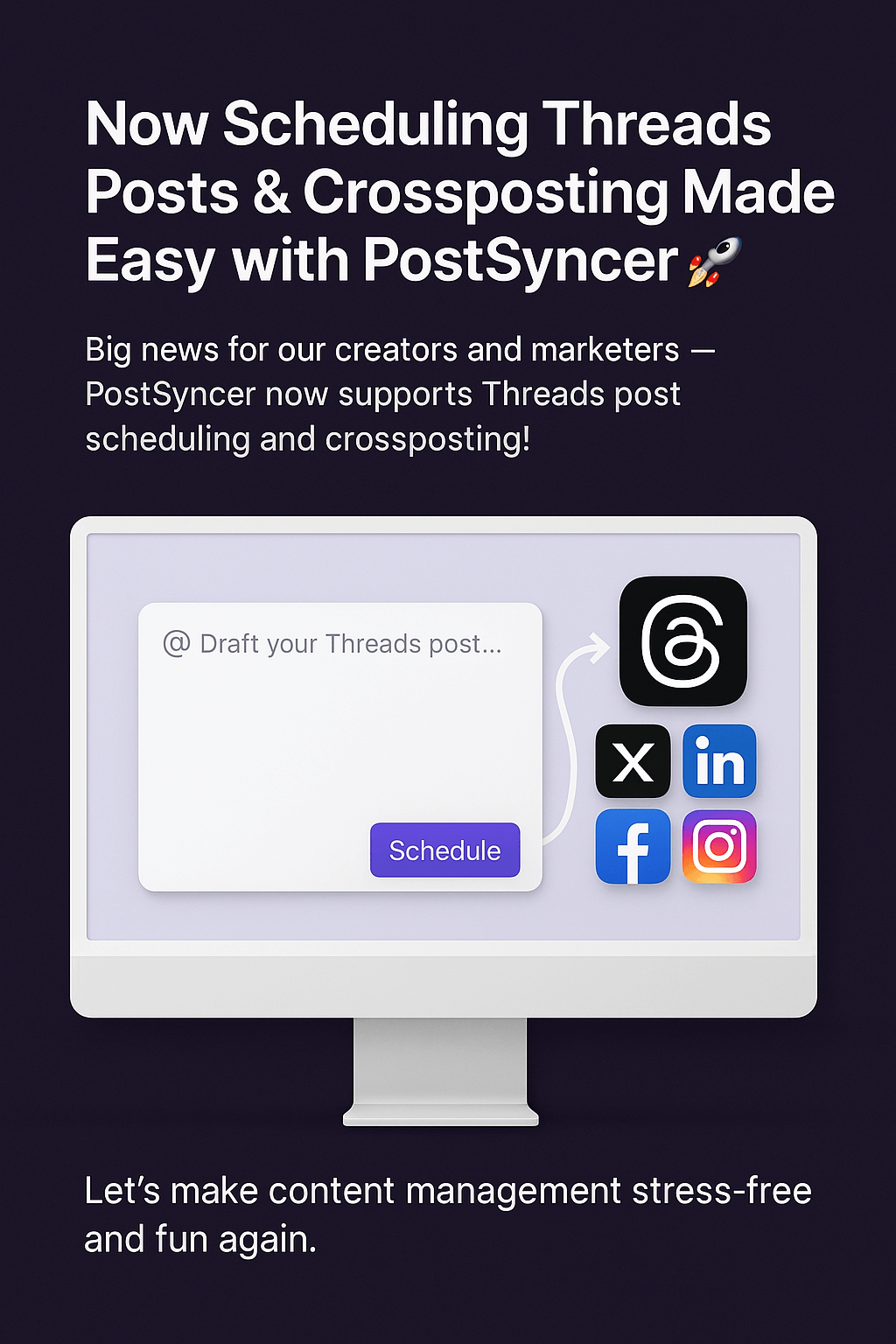












Big news for our creators and marketers PostSyncer now supports Threads post scheduling and crossposting!
At PostSyncer, we’re always working to simplify and supercharge your social media workflow. Today, we’re excited to announce our newest integration: Threads by Instagram is now available for scheduling and crossposting directly inside your PostSyncer dashboard.
No more switching between platforms or setting calendar reminders. Now you can plan, schedule, and publish content to Threads, along with your other social channels all in one go.
🔥 Why This Matters:
✅ Plan Ahead: Draft and schedule Threads posts days, weeks, or even months in advance.
✅ Crosspost Seamlessly: Share your message across Threads, X (Twitter), LinkedIn, Facebook, Instagram, TikTok, and more without duplicating effort.
✅ Consistency Made Simple: Stay on-brand and on-schedule across every platform.
✅ One Unified Workflow: Manage everything from one clean, powerful interface.
🚀 How to Start Scheduling Threads Posts:
Log in to your PostSyncer dashboard.
Connect your Threads account (via Instagram).
Create a new post and select Threads as one of your destinations.
Choose your time, preview, and hit schedule.
It’s that simple.
Whether you're a solo creator, a growing brand, or an agency managing multiple clients this update helps you keep everything running smoothly and consistently.
💡 Pro Tip:
Use our media library to craft and store high-performing Threads posts that stand out.
🌍 Ready to try it?
If you're already using PostSyncer, Threads scheduling is live and ready for you.
If you're new here start your free trial today and experience the easiest way to manage social media content at scale.
Let’s make content management stress-free and fun again. 💫
✍️ Content Summary:
PostSyncer now supports Threads post scheduling and crossposting, making it easier than ever to manage content across platforms like Threads, Telegram, YouTube, LinkedIn, Pinterest, X, and more from one dashboard.



