












Managing a successful social media presence demands more than just creative content; it requires consistency, strategic timing, and efficient workflow management. Juggling multiple platforms, optimizing post times for different audiences, and analyzing performance can quickly become a full-time job in itself. This is precisely the problem that social media scheduling tools are designed to solve. They transform a chaotic, time-consuming process into a streamlined, automated, and data-driven operation.
By automating the manual task of publishing content, these platforms free up valuable time for what truly matters: engaging with your audience, building community, and refining your strategy. However, the market is saturated with options, each offering a unique blend of features, pricing models, and target users. Choosing the wrong one can lead to wasted budget, a frustrating user experience, and a strategy that never quite hits its mark. To truly unlock your social strategy and choose wisely, it's essential to understand the array of available top social media automation tools and what makes each one distinct.
This comprehensive guide is built to cut through the noise. We will dive deep into the best social media scheduling tools available today, from enterprise-level powerhouses like Sprout Social and Hootsuite to creator-focused platforms like Later and Buffer. For each tool, you will find:
- A detailed breakdown of core features.
- Honest pros and cons based on real-world use cases.
- Clear pricing information.
- Specific "best for" scenarios to match the tool to your needs.
Our goal is to provide a definitive resource that empowers agencies, creators, and businesses to select the perfect platform to elevate their social media management and achieve measurable results.
1. PostSyncer
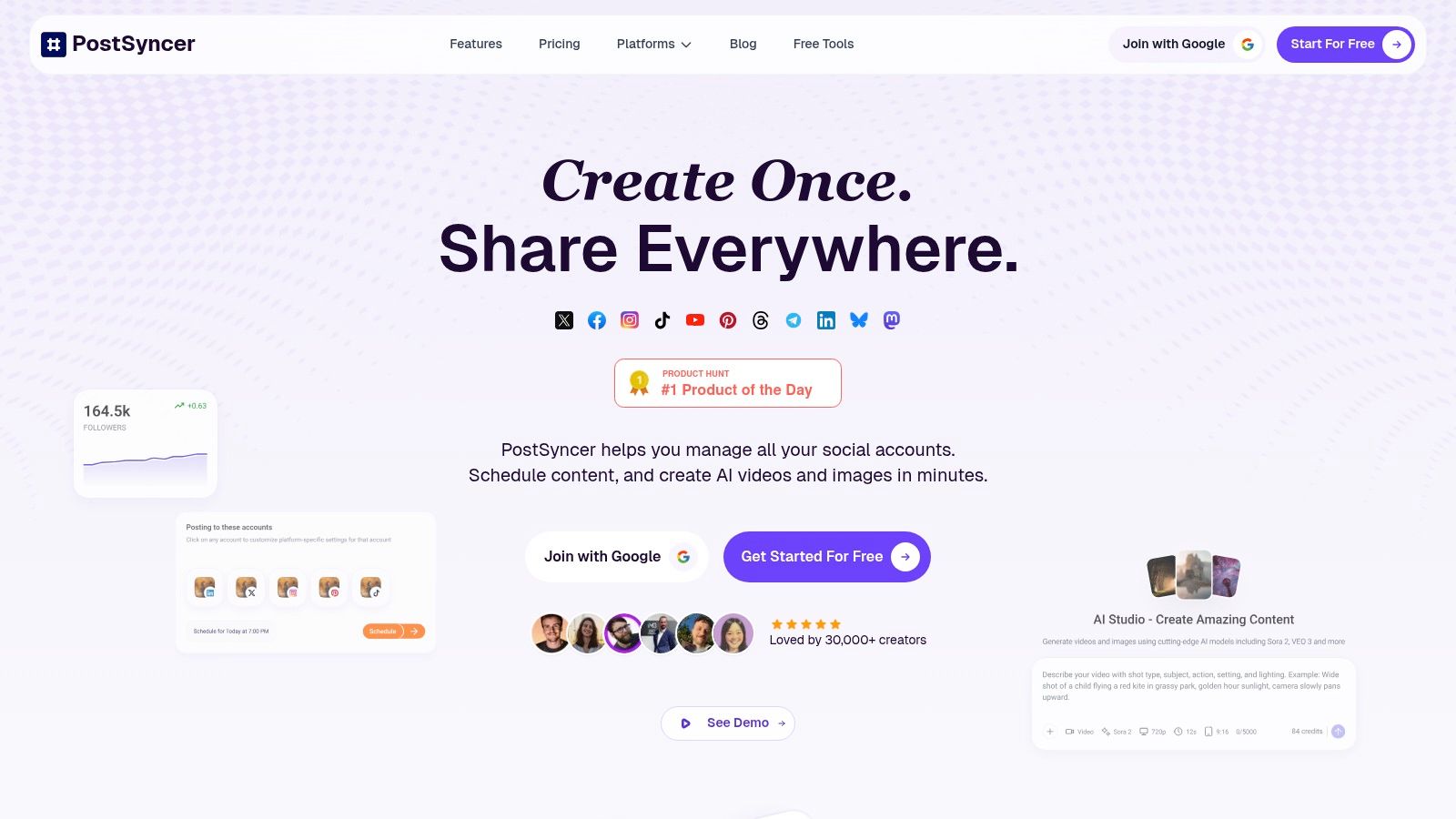
PostSyncer establishes itself as a powerful, AI-first command center for social media management, making it an exceptional choice for creators, agencies, and businesses aiming for efficiency and scale. It excels by integrating AI-driven content creation directly into the scheduling workflow, effectively collapsing the time from idea to publication. The platform is engineered to centralize every critical task: planning, content generation, team collaboration, and performance analytics, supporting all major social networks.
Its core strength lies in the AI Content Studio, which generates engaging captions, hooks, and even images, alongside a dedicated AI Video Creator for producing short-form video content in minutes. This makes it one of the most comprehensive social media scheduling tools for teams that need to maintain a high-volume, high-quality content pipeline without a proportional increase in effort. For multi-client agencies or businesses managing several brands, the multi-workspace architecture provides a clean, organized environment for each project.
Key Features & Use Cases
- AI-Powered Content Generation: Use the AI Studio to overcome writer's block and generate a month's worth of post ideas, captions, and corresponding images. The AI Video Creator is ideal for quickly turning text prompts or articles into engaging Reels and Shorts.
- Unified Visual Calendar: Drag and drop posts to reschedule, and plan complex content like Instagram carousels and multi-platform short-form videos from a single, intuitive interface.
- Agency-Grade Collaboration: Invite unlimited team members and assign specific roles (e.g., content creator, editor, client). Use the approval workflows to ensure all content is reviewed and signed off on before it goes live.
- Centralized Engagement: Manage comments and direct messages from all connected accounts in one unified inbox. Leverage AI-powered moderation and auto-replies to maintain community engagement 24/7.
Pricing Structure
PostSyncer offers a transparent pricing model with a 7-day free trial. Plans are designed to scale with your needs and notably include unlimited team members, a significant cost-saver compared to per-seat pricing.
- Starter: $19/month ($15/month annually) for solo creators, including 10 social accounts.
- Pro: $49/month ($39/month annually) for growing teams, with more AI credits and advanced analytics.
- Pro Plus: $99/month ($79/month annually) for larger teams or agencies, offering multiple workspaces and unlimited media storage.
Pros & Cons
| Pros | Cons |
|---|---|
| Deep AI Integration: Built-in tools for text, image, and video creation dramatically speed up content production. | Account Limits: Each plan caps at 10 social accounts per workspace; larger agencies will need add-ons or higher tiers. |
| No Per-Seat Fees: Unlimited collaborators on all paid plans make it extremely cost-effective for teams and agencies. | Non-Rollover Credits: Monthly AI credits do not carry over, requiring careful planning for high-volume creation. |
| Powerful Scheduling: Supports Reels, Shorts, and carousels across platforms from one visual drag-and-drop calendar. | Minor Marketing Discrepancy: Some copy mentions "unlimited" profiles, which conflicts with plan-specific limits. |
| Built for Organization: Multi-workspace support and campaign labeling keep client and brand management streamlined. | |
| Unified Inbox & Analytics: A single hub for engagement and robust reporting tools help measure content effectiveness. |
PostSyncer is a top-tier solution for any team that wants to leverage AI to enhance productivity and streamline their entire social media strategy. To better understand its capabilities, you can learn more about how to schedule posts effectively with their platform.
Website: https://postsyncer.com
2. Hootsuite
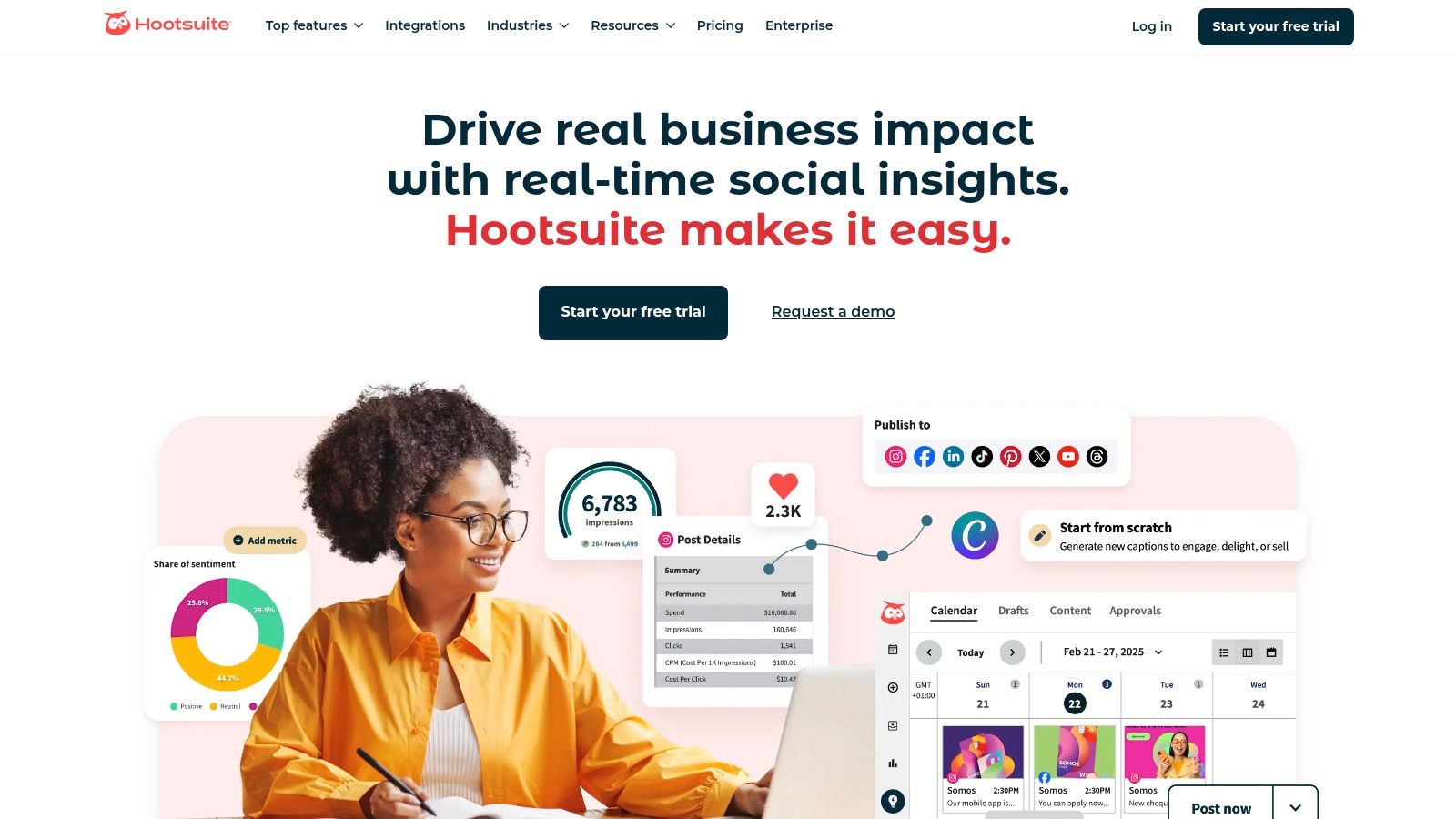
Hootsuite is one of the most established and comprehensive social media scheduling tools on the market, evolving into a full-fledged management suite ideal for large teams and agencies. It moves beyond simple posting to offer a centralized command center for monitoring, engaging, and analyzing social media performance across multiple networks and profiles. Its key strength lies in its robust infrastructure built for complex organizational needs, including sophisticated team permissions, content approval workflows, and security protocols.
For organizations that require stringent brand governance, Hootsuite provides unparalleled control. This makes it a go-to choice for regulated industries or global brands managing numerous regional accounts. The platform’s advanced features, such as deep social listening and detailed competitor benchmarking, allow teams to gather strategic intelligence directly within their primary workspace.
Core Features & Use Case
Hootsuite is best suited for established teams that need more than just scheduling. Its unified social inbox centralizes conversations from all connected platforms, allowing for efficient assignment and response management. This is particularly valuable for customer service teams handling high volumes of inquiries. The analytics suite provides customizable, in-depth reports that demonstrate ROI and track campaign effectiveness with precision. If your team is struggling with the logistics of managing multiple social media accounts, Hootsuite’s structured environment can impose order and clarity.
- Best For: Agencies and enterprise-level corporations requiring extensive team collaboration features, governance, and deep analytics.
- Key Standout: Enterprise-grade security, compliance features, and extensive third-party app integrations.
- Pricing: Plans start at $99/month for the Professional tier. Custom pricing is available for Business and Enterprise plans.
| Pros | Cons |
|---|---|
| Mature, all-in-one feature set for scheduling, listening, and analytics. | Pricing structure can be prohibitive for small businesses. |
| Granular user roles, permissions, and sophisticated approval workflows. | The user interface can feel dated and complex for new users. |
| Extensive ecosystem with over 150 app integrations and strong support. | Some premium features require costly add-ons. |
Website: https://www.hootsuite.com
3. Sprout Social
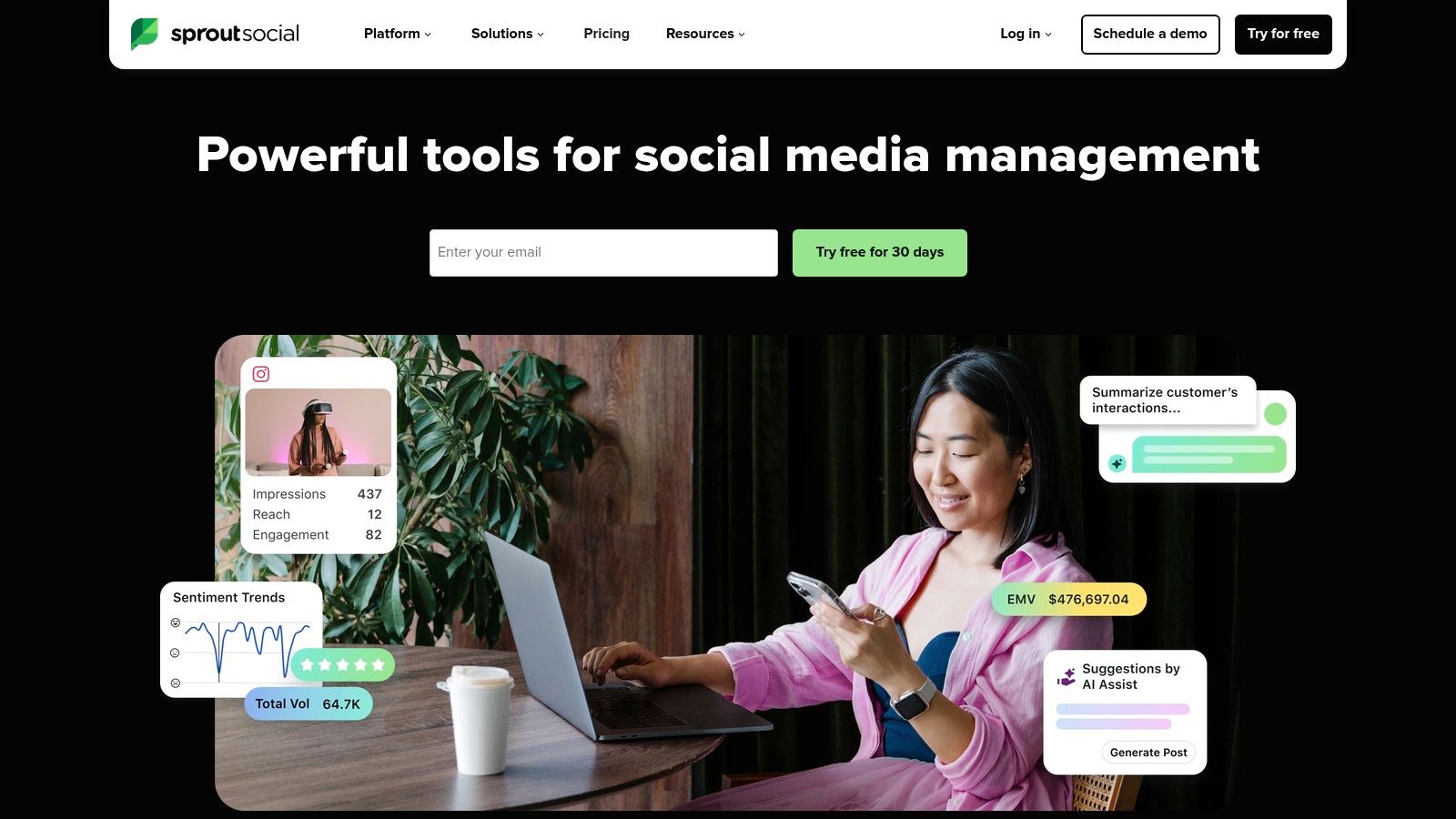
Sprout Social is a premium, all-in-one platform that places a heavy emphasis on analytics, social listening, and customer care. Designed for professional teams that view social media as a core business function, it integrates sophisticated scheduling tools with a powerful suite of engagement and reporting features. Its key differentiator is the focus on data-driven decision-making, providing teams with the deep insights needed to refine strategy, prove ROI, and manage brand reputation at scale.
This analytics-forward approach makes Sprout Social a strategic partner rather than just a publishing utility. It caters to businesses that require a unified system for managing high-volume interactions, tracking performance with granular detail, and collaborating effectively across departments like marketing, sales, and customer service. Its polished user interface and robust workflow tools are built to support complex organizational structures and approval processes seamlessly.
Core Features & Use Case
Sprout Social excels in environments where team collaboration and data analysis are paramount. Its Smart Inbox unifies messages, comments, and mentions into a single, filterable stream, complete with tasking and collision detection to prevent duplicate responses. The platform’s AI-powered ViralPost® feature helps content creators by automatically publishing posts at the best times to post for maximum engagement. The reporting suite is exceptionally detailed, offering profile, tag, competitor, and paid performance insights that are easily exportable for stakeholders.
- Best For: Mid-market to enterprise businesses and agencies that need a sophisticated, data-rich platform for team collaboration and in-depth reporting.
- Key Standout: Superior analytics and reporting capabilities, combined with a clean, intuitive user interface that enhances team productivity.
- Pricing: Plans start at $249/month for the Standard tier. Premium features are available in higher-tier plans or as add-ons.
| Pros | Cons |
|---|---|
| Excellent reporting depth and highly customizable data exports. | Per-seat pricing model can become costly for larger teams. |
| Well-designed, modern UI that simplifies complex team workflows. | Many advanced features like deep listening are paid add-ons. |
| Strong customer support, comprehensive onboarding, and educational resources. | The entry-level price point is high for small businesses. |
Website: https://sproutsocial.com
4. Buffer
Buffer is a highly regarded social media scheduling tool celebrated for its simplicity, clean user interface, and accessible approach. It has carved out a niche by focusing on the core scheduling needs of creators and small to medium-sized businesses, prioritizing an intuitive workflow over an overwhelming feature set. The platform excels at making content planning and publishing a streamlined, hassle-free experience, allowing users to queue up posts for multiple channels with minimal effort.
Its strength lies in its user-centric design and transparent philosophy. Buffer’s straightforward calendar and queueing system demystifies the scheduling process, making it an excellent entry point for those new to social media management. The platform’s flexible pricing, which scales per channel, offers a fair and predictable cost structure that grows alongside a user’s social media presence. This makes it a sustainable choice for freelancers and startups managing a limited budget.
Core Features & Use Case
Buffer is ideally suited for individuals and small teams who need a reliable, no-fuss tool to maintain a consistent posting schedule. Its key features include a visual content calendar, a "first comment" option for Instagram hashtags, and an integrated landing page builder (Start Page) to create a link-in-bio page. The platform also offers basic analytics to track post-performance and audience engagement, providing essential insights without the complexity of enterprise-level reporting.
- Best For: Content creators, solo entrepreneurs, and small business teams looking for an easy-to-use and affordable scheduling solution.
- Key Standout: An exceptionally clean and intuitive user experience combined with a flexible, per-channel pricing model.
- Pricing: A generous free plan is available for up to 3 channels. Paid plans start at $6/month per channel.
| Pros | Cons |
|---|---|
| Simple onboarding process and an exceptionally easy-to-navigate interface. | Reporting and analytics are less robust than enterprise tools. |
| Flexible and affordable pricing that scales with the number of channels. | Advanced features like social listening require other tools. |
| Transparent documentation and highly-rated customer support resources. | Lacks the deep team collaboration and approval workflows of competitors. |
Website: https://buffer.com
5. Later
Later has established itself as a premier visual-first social media scheduling tool, designed specifically for brands and creators who prioritize visual platforms like Instagram, TikTok, and Pinterest. Its interface is built around a visual calendar, allowing users to drag and drop media to plan their feed's aesthetic with precision. This focus on visual planning makes it an indispensable asset for industries where brand image and a curated online presence are paramount, such as fashion, beauty, and e-commerce.
The platform's strength lies in simplifying the workflow for visual content creation and scheduling. Features like its popular Link in Bio tool and intuitive content calendar help creators and businesses drive traffic and conversions directly from their social profiles. Later is particularly adept at managing short-form video, providing dedicated workflows for scheduling TikToks, Instagram Reels, and YouTube Shorts, a critical function in today's content landscape.

Core Features & Use Case
Later is best suited for individuals and teams whose social strategy is heavily reliant on visual storytelling. Its Social Sets feature allows agencies and managers to bundle different social profiles together, making it easy to manage multiple brands or clients from a single dashboard. Each set comes with its own media library and settings, streamlining content management. The integrated social inbox for Instagram and Facebook comments helps teams stay on top of community engagement, while AI-powered caption writing and best-time-to-post suggestions optimize content for maximum impact.
- Best For: E-commerce brands, influencers, and small businesses focused on Instagram, TikTok, and Pinterest.
- Key Standout: Its powerful visual-first content calendar and dedicated short-form video scheduling workflows.
- Pricing: A free plan is available. Paid plans start at $25/month for the Starter tier, with Growth and Advanced plans offering more features.
| Pros | Cons |
|---|---|
| Exceptional visual planner tailored to Instagram and TikTok workflows. | Post quotas per social profile can be restrictive on lower-tier plans. |
| Easy management of multiple brands or clients via Social Sets. | Some advanced analytics and collaboration features require higher plans. |
| User-friendly interface that is intuitive for beginners. | Limited network support compared to more comprehensive platforms. |
Website: https://later.com
6. Loomly
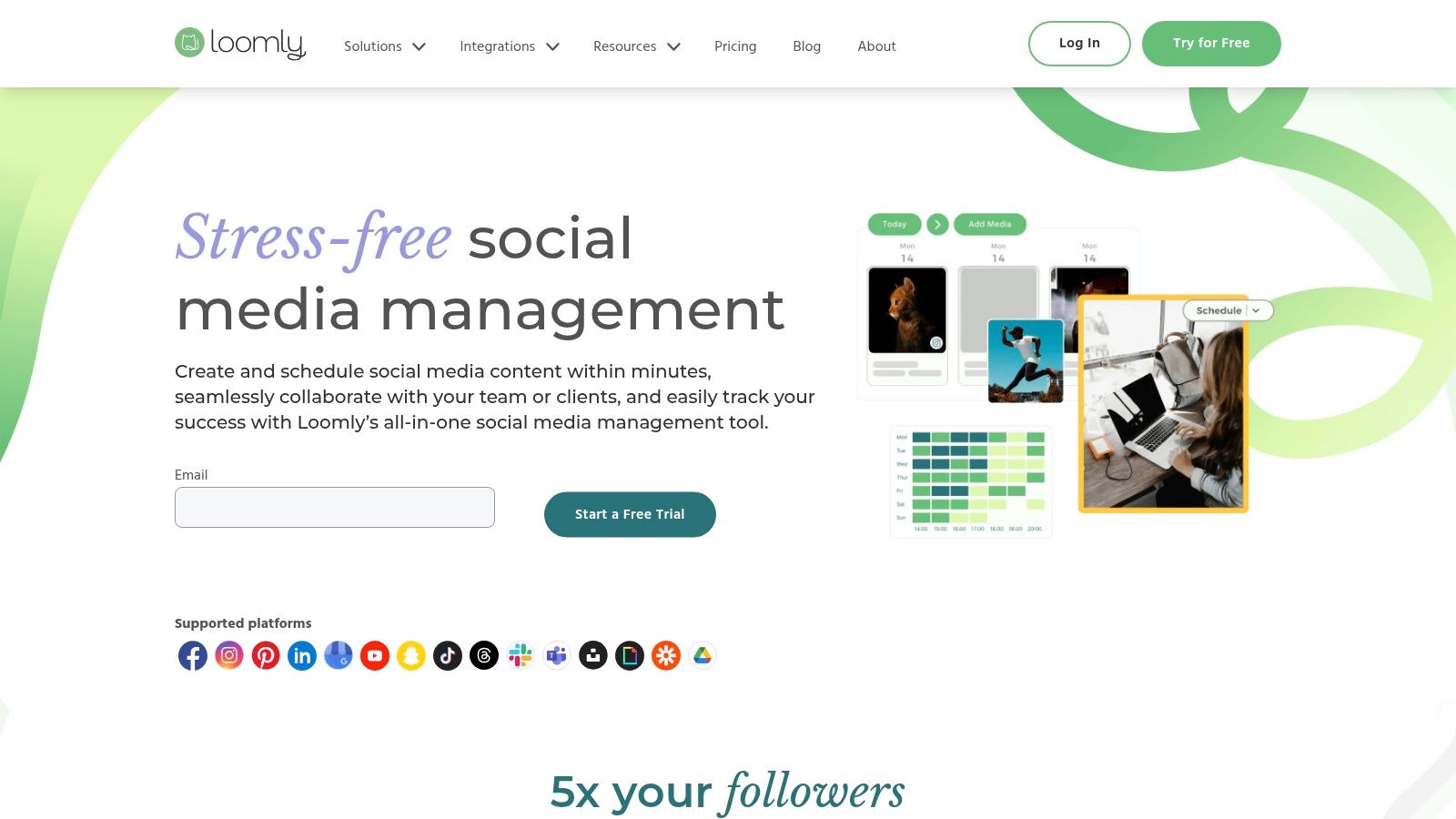
Loomly operates as a brand success platform, positioning itself not just as a scheduling tool but as a comprehensive content planning and collaboration hub. Its core strength is a clean, calendar-centric workflow that guides teams from content ideation to approval and publication. This structured, step-by-step process makes it particularly effective for teams that require clear oversight and streamlined communication, preventing last-minute content scrambles.
The platform provides valuable guidance throughout the content creation journey, offering post ideas based on trending topics, social media best practices, and custom RSS feeds. This emphasis on inspiration and guided creation sets it apart, making it an excellent choice for teams looking to maintain a consistent and high-quality content pipeline. For agencies or businesses managing multiple brands, Loomly’s separate calendars and asset libraries provide essential organization.
Core Features & Use Case
Loomly is best suited for marketing teams and agencies that value a structured and collaborative approval process. Its system of custom roles and workflows ensures that every piece of content can be drafted, reviewed, edited, and approved by the right stakeholders before it goes live. This is invaluable for maintaining brand voice and accuracy. The platform also generates automatic post mockups, allowing collaborators to see exactly how content will appear on each social network.
- Best For: Small to mid-sized agencies and marketing teams needing a clear, calendar-driven workflow with strong collaboration and approval features.
- Key Standout: Built-in content idea generator, post optimization tips, and transparent, multi-step approval workflows.
- Pricing: Plans start at $32/month for the Base plan. A 15-day free trial is available for all tiers.
| Pros | Cons |
|---|---|
| Clean, intuitive, and calendar-centric interface simplifies planning. | Advanced analytics are reserved for higher-priced plans. |
| Excellent for team collaboration with custom roles and approval flows. | Does not offer a free-forever plan for individual users. |
| Provides helpful content ideas, hashtag suggestions, and post previews. | Pricing can scale quickly as more users are added. |
Website: https://www.loomly.com
7. SocialBee
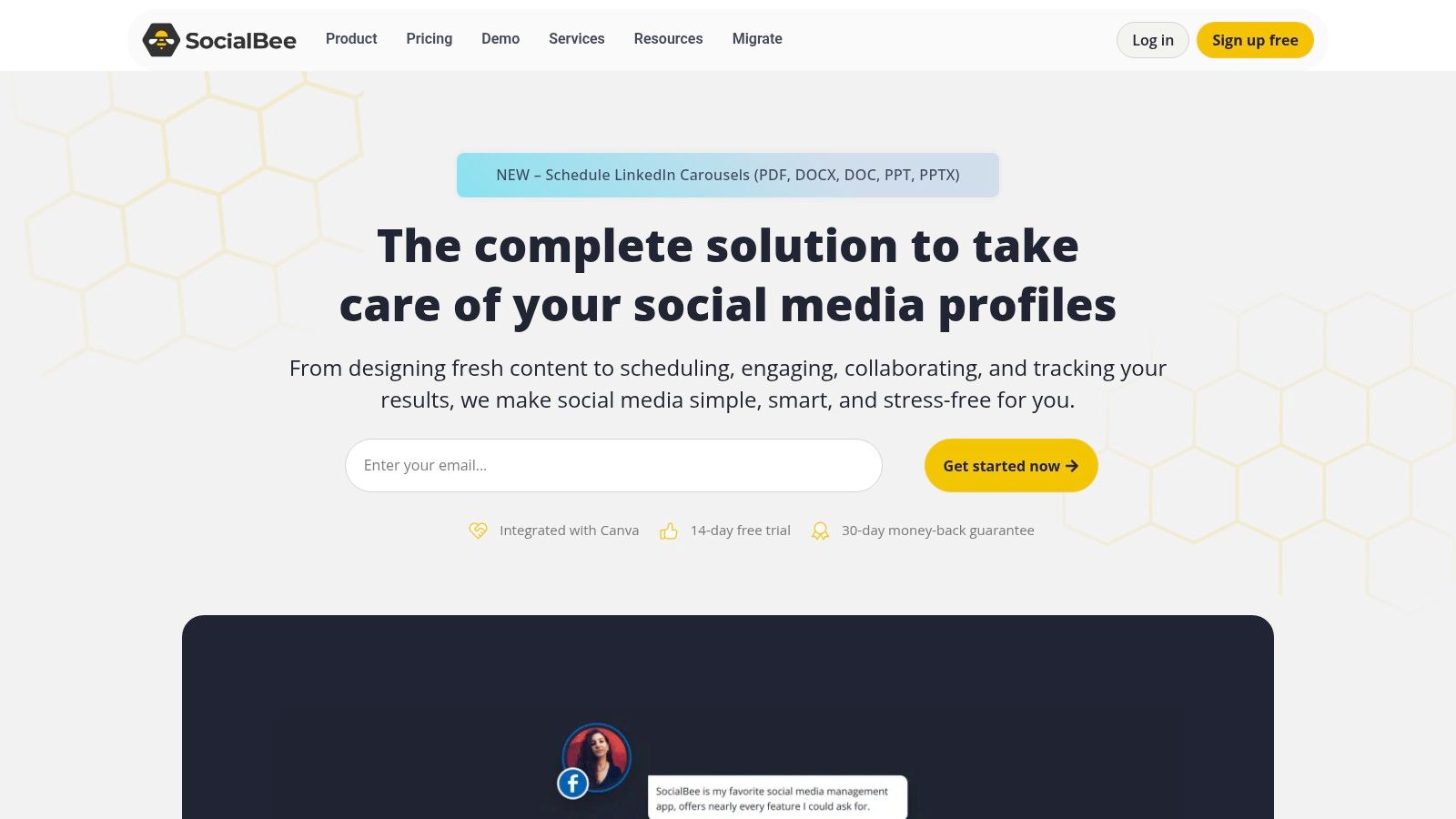
SocialBee is a powerful scheduling tool designed with a strong focus on content categorization and evergreen recycling. It appeals to small businesses, solopreneurs, and agencies that need to maintain a consistent social media presence without creating new content daily. The platform's core strength is its category-based queuing system, which allows users to organize posts by theme (e.g., blog posts, promotions, quotes) and set a schedule for when each category should publish. This automates a varied and balanced content calendar with minimal ongoing effort.
By enabling users to build a library of evergreen content that can be re-posted at set intervals, SocialBee solves the problem of the content treadmill. This makes it an invaluable asset for teams looking to maximize the lifespan of their best-performing content and ensure their social feeds never run dry. The platform is especially useful for those managing multiple clients or brands, offering dedicated workspaces to keep content and analytics neatly separated.
Core Features & Use Case
SocialBee is best suited for content-heavy marketers who want to "set it and forget it." Its category-based system combined with evergreen recycling ensures a constant flow of relevant content. For agencies, the ability to create separate workspaces for each client, complete with individual content categories and analytics, simplifies management and reporting. The bulk scheduling and CSV import features further streamline the process of populating content queues, making it one of the more efficient social media scheduling tools for teams with extensive content libraries.
- Best For: Agencies, bloggers, and small businesses focused on content marketing and maximizing the reach of evergreen posts.
- Key Standout: Sophisticated content category queues and powerful evergreen content recycling rules.
- Pricing: Plans start at $29/month for the Bootstrap tier, scaling up to Agency plans with more users and workspaces.
| Pros | Cons |
|---|---|
| Competitive pricing for the advanced feature set offered. | The user interface is more utilitarian than design-led. |
| Excellent evergreen content and queuing options for automation. | Some advanced analytics are limited to higher-tier plans. |
| Clear plan progression and features designed for agency scaling. | Can have a steeper learning curve for absolute beginners. |
Website: https://socialbee.com
8. CoSchedule Marketing/Social Calendar
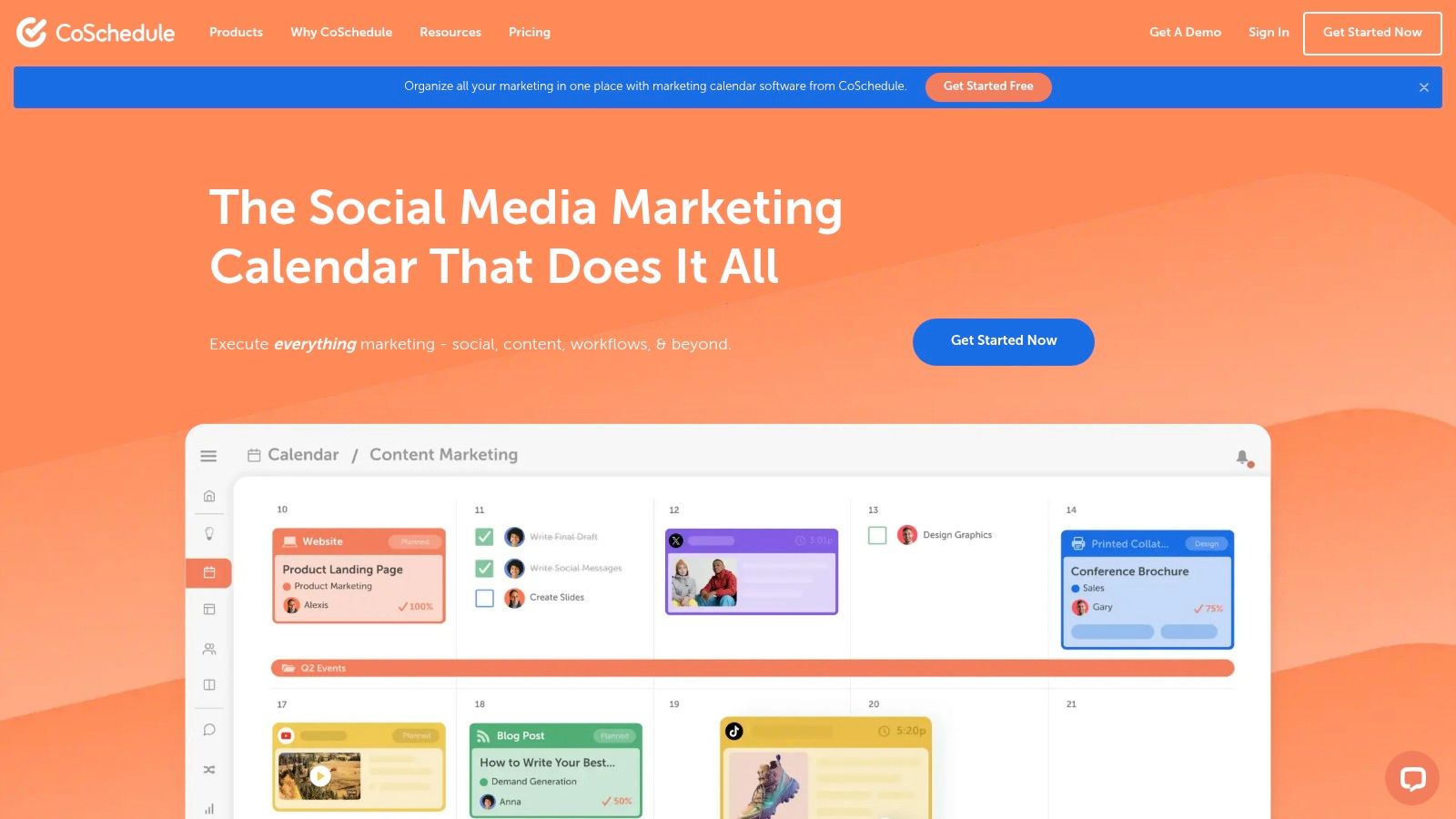
CoSchedule excels by framing social media scheduling within a broader marketing context. It is fundamentally a unified marketing calendar designed for visibility and alignment, making it more than just a standard post scheduler. This platform is built for marketers who need to see how their social content fits alongside blog posts, email campaigns, and other projects, creating a single source of truth for all marketing activities. Its strength is its visual, drag-and-drop interface that simplifies complex campaign planning.
The platform is particularly well-suited for solo entrepreneurs and small teams that are juggling multiple marketing functions. CoSchedule's integrated approach helps prevent silos, ensuring social media efforts are directly tied to larger business goals. Its focus on project management and content organization makes it a unique hybrid among social media scheduling tools, prioritizing strategic oversight alongside execution.
Core Features & Use Case
CoSchedule is best for users who want to manage their entire marketing strategy, not just their social media, from one central hub. The Best Time Scheduling feature analyzes audience engagement to suggest optimal posting times, removing guesswork from the process. For those struggling with content creation, the AI-powered Headline Studio and expansive library of over 1,600 templates provide a powerful creative boost. Its ability to create shareable, read-only calendar views is perfect for keeping stakeholders informed without granting full access.
- Best For: Solo marketers and small teams wanting to unify their social media scheduling with overall marketing project management.
- Key Standout: A powerful marketing-focused calendar that provides a holistic view of all content and campaigns.
- Pricing: A free plan is available. Paid plans with advanced features and AI start at $29/user/month.
| Pros | Cons |
|---|---|
| Strong, intuitive calendar UX for planning all marketing in one place. | Team collaboration features are limited on lower-tier plans. |
| Helpful Best Time Scheduling and extensive AI content templates. | Social profile limits can be restrictive on the free plan. |
| Generous free-forever plan is great for individual users starting out. | Some integrations are part of the broader, pricier Marketing Suite. |
Website: https://coschedule.com
9. Sendible
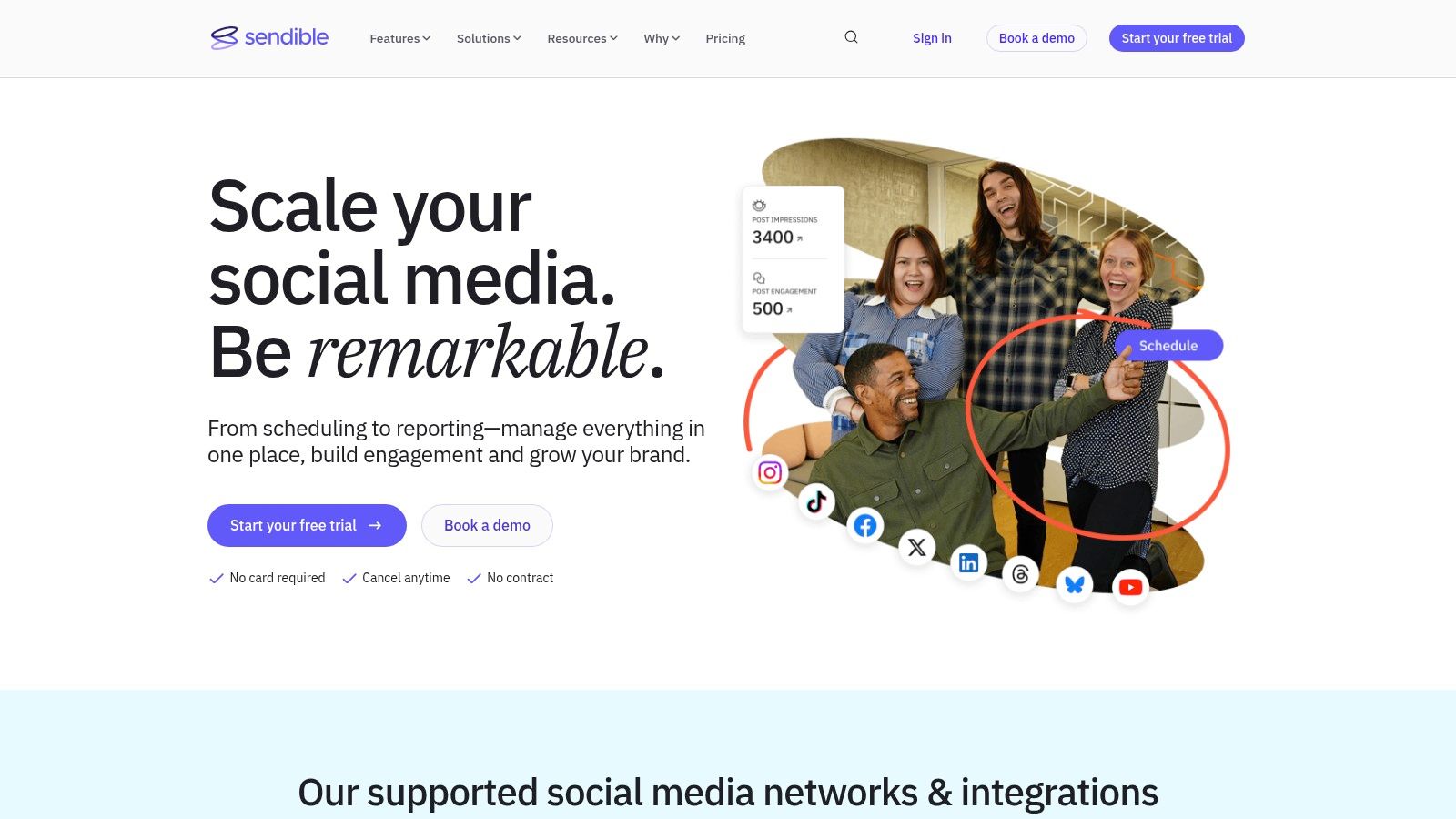
Sendible is a powerful social media management platform built with agencies and teams in mind. It excels at providing a scalable and collaborative environment for managing numerous client accounts, offering a suite of tools designed to streamline agency workflows. From client-facing dashboards and content approval queues to white-label branding options, the platform is engineered to help agencies deliver professional, organized, and measurable social media services. Its strength lies in combining scheduling, monitoring, and reporting into a single, cohesive interface.
The platform is particularly well-regarded for its robust reporting capabilities, which allow agencies to generate custom, automated reports that showcase value to clients. This focus on client management makes Sendible one of the most practical social media scheduling tools for service-based businesses that need to manage multiple brands efficiently and transparently.
Core Features & Use Case
Sendible is the ideal solution for agencies managing a portfolio of client accounts or for marketing teams overseeing multiple brand profiles. Its client dashboards provide a secure way to involve clients in the approval process without giving them full access to the backend. The platform also offers a unified social inbox to manage engagement and a content suggestion engine to help brainstorm post ideas. If your primary challenge is scaling your social media services while maintaining client satisfaction and brand consistency, Sendible’s agency-focused features provide a solid foundation.
- Best For: Marketing agencies and teams that need to manage multiple client brands with custom workflows, approvals, and white-labeled reporting.
- Key Standout: Comprehensive agency-centric toolkit, including client dashboards, flexible user bundles, and powerful, automated reporting.
- Pricing: Plans begin at $29/month for the Creator plan. Agency-focused plans start with the White Label plan at $280/month.
| Pros | Cons |
|---|---|
| Thoughtful agency workflows and scalable user/profile bundles. | The user interface can feel dense given the breadth of features. |
| Robust reporting and client-ready outputs with automation. | White-labeling is an additional cost on most plans. |
| Flexible scaling from solo creators to enterprise-level agencies. | Initial setup for multiple clients can be time-consuming. |
Website: https://www.sendible.com
10. Agorapulse
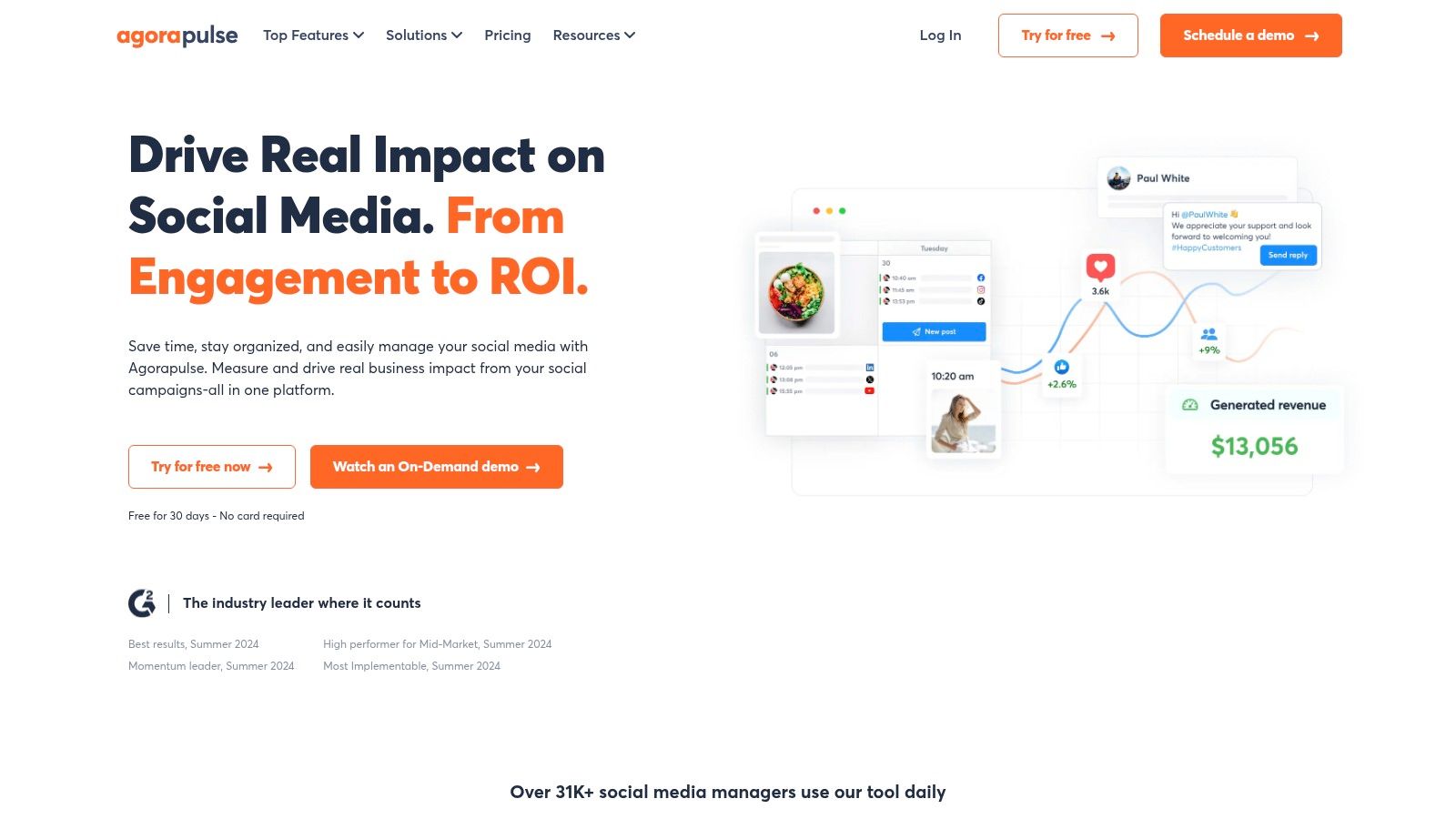
Agorapulse is a comprehensive social media management platform designed for teams that require structured workflows, robust moderation, and detailed reporting. It goes beyond simple scheduling by integrating a powerful unified inbox, publishing tools, and monitoring capabilities into a single, cohesive dashboard. The platform's core strength is its focus on engagement management, particularly in handling high volumes of comments and messages, including those on paid ads.
This makes Agorapulse an excellent choice for businesses and agencies that prioritize community management and customer service on social media. Its system allows for efficient collaboration, ensuring that no inbound message is missed and that team members can work together seamlessly to resolve issues. The platform's reporting features are also noteworthy, providing clear, exportable, and brandable analytics that help demonstrate social media ROI.
Core Features & Use Case
Agorapulse is ideal for teams that need to manage community engagement at scale while maintaining a structured content pipeline. Its unified social inbox centralizes all interactions, allowing for easy filtering, labeling, and assignment. This is particularly valuable for moderating ad comments, a common pain point that many other social media scheduling tools overlook. The platform also offers useful team performance reports, helping managers track response times and overall productivity.
- Best For: Mid-sized businesses and agencies focused on community management, customer service, and performance reporting.
- Key Standout: Advanced inbox management with powerful moderation rules for both organic and paid comments.
- Pricing: Free plan available for beginners. Paid plans start at $49/month (billed annually).
| Pros | Cons |
|---|---|
| Strong moderation for organic and paid comment streams. | Per-user pricing can become costly for larger teams. |
| Branded report exports and useful competitive insights. | Some valuable features are gated behind higher-tier plans. |
| Scales well with clear workflows for growing teams. | The interface may have a slight learning curve for new users. |
Website: https://www.agorapulse.com
11. Zoho Social
Zoho Social is an integral part of the sprawling Zoho business ecosystem, offering a powerful yet affordable social media scheduling tool designed for SMBs and agencies. It balances essential publishing and monitoring features with unique, deep integrations into other Zoho products like CRM and Desk. This connection transforms it from a simple scheduler into a component of a larger customer relationship and lead generation engine, making it exceptionally valuable for businesses already invested in Zoho's suite.
The platform provides a clean, functional interface that prioritizes efficiency over flair. For teams managing client accounts or multiple business divisions, Zoho Social offers dedicated agency features that streamline multi-brand management without the enterprise-level price tag. Its straightforward approach to scheduling, monitoring, and reporting makes it a highly practical choice for organizations seeking strong performance and tangible business results from their social media efforts.
Core Features & Use Case
Zoho Social is best suited for businesses that want to bridge the gap between social media engagement and sales or customer support. The integration with Zoho CRM allows users to create leads and contacts directly from social media conversations, while the Zoho Desk connection lets them convert social media posts into support tickets. This creates a seamless workflow from public interaction to internal action. The SmartQ feature also optimizes post timing by suggesting the best times to publish content based on when your audience is most active.
- Best For: SMBs and agencies already using the Zoho ecosystem, or those looking for an affordable, all-in-one tool with strong CRM capabilities.
- Key Standout: Native integration with Zoho CRM and Zoho Desk, turning social interactions into actionable business data.
- Pricing: A limited free plan is available. Paid plans start at $15/month for the Standard tier.
| Pros | Cons |
|---|---|
| Excellent value with competitive pricing and a generous free plan. | The user interface is functional but less polished than premium peers. |
| Seamless integration with Zoho CRM/Desk for integrated workflows. | Adding extra "Brands" or team members can increase costs. |
| Comprehensive feature set including monitoring, reporting, and team collaboration. | Analytics are solid but may lack the depth of enterprise-focused tools. |
Website: https://www.zoho.com/social/
12. Metricool
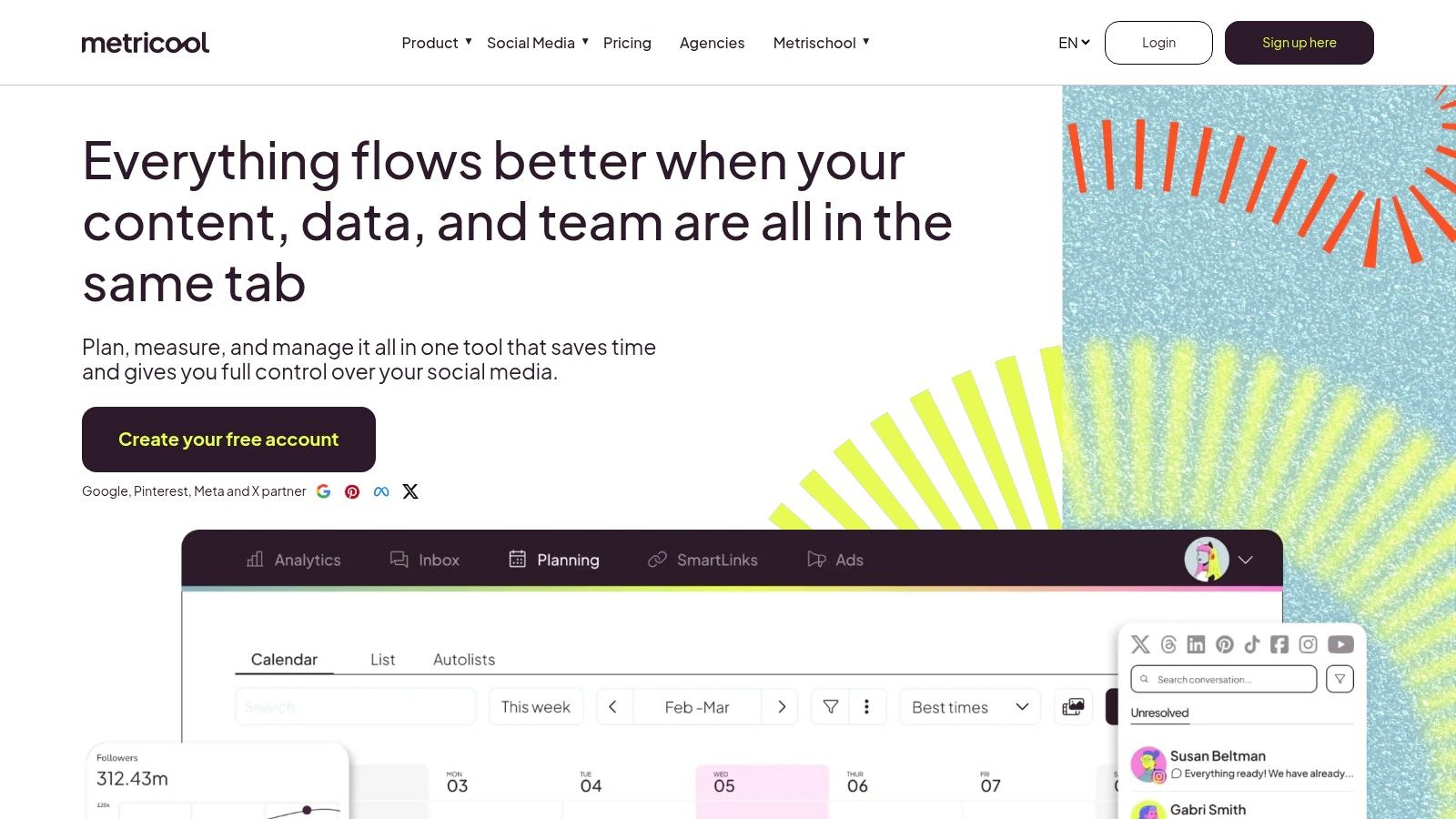
Metricool stands out as one of the most versatile social media scheduling tools, striking a balance between powerful analytics and user-friendly planning. It is uniquely positioned for freelancers and agencies that manage multiple brands, offering a scalable model based on brand count rather than user seats. The platform excels by integrating content scheduling with deep competitive analysis and ad management, allowing users to track organic performance alongside paid campaigns in a unified dashboard. Its strength lies in making data-driven decisions accessible without an overwhelming interface.
The platform is designed for marketers who need to justify their strategies with concrete data. Metricool provides unlimited analytics history on its paid plans and robust competitor tracking, enabling teams to benchmark their performance against others in their industry. This analytical focus, combined with a clean visual planner, makes it a powerful yet approachable tool for optimizing social media presence.
Core Features & Use Case
Metricool is best suited for data-focused marketers and agencies who need to report on performance and analyze the competition. Its planner includes best-time-to-post suggestions and "autolists" for evergreen content recycling, which simplifies content management. The ability to manage and analyze Google Business Profile and social media ad campaigns directly within the platform is a significant advantage for businesses focused on local SEO and integrated marketing. The Looker Studio connector on higher tiers further extends its reporting capabilities for advanced data visualization.
- Best For: Freelancers, agencies, and data-driven marketers managing multiple brands who need strong analytics and competitor benchmarking.
- Key Standout: Flexible pricing that scales per brand and integrated competitor analysis features.
- Pricing: A free plan is available. Paid plans start at $18/month for one brand.
| Pros | Cons |
|---|---|
| Competitive pricing model that scales affordably for multiple brands. | LinkedIn and X (Twitter) posting are not included in the free plan. |
| Strong focus on analytics, competitor tracking, and ad campaign reporting. | Advanced features like API access are limited to top-tier plans. |
| Seamless integrations with Canva, Google Drive, and ad platforms. | The interface can feel less modern compared to some competitors. |
Website: https://metricool.com
Top 12 Social Media Scheduling Tools — Feature Comparison
| Platform | Core features | UX & Quality | Pricing & Value | Target audience | Standout |
|---|---|---|---|---|---|
| PostSyncer 🏆 | ✨ AI Content Studio, AI Video Creator, drag‑drop calendar, Reels/Shorts, unified inbox | ★★★★☆ Clean UI, responsive support | 💰 Starter $19/mo · Pro $49 · Pro+ $99; transparent, no per-seat fees | 👥 Creators, agencies, multi‑brand teams | ✨ Deep AI integration, unlimited collaborators, multi‑workspaces |
| Hootsuite | Scheduling, listening, analytics, unified inbox | ★★★★☆ Mature, enterprise‑grade | 💰 Higher‑end; enterprise plans can be costly for small teams | 👥 Agencies, enterprises, multi‑brand orgs | ✨ Strong listening, governance & broad integrations |
| Sprout Social | Publishing, engagement, deep analytics, listening | ★★★★☆ Premium UX & support | 💰 Premium/per‑seat pricing; add‑ons for advanced reports | 👥 Teams needing sophisticated reporting | ✨ Best‑in‑class reporting & data exports |
| Buffer | Queueing, calendar, link‑in‑bio, basic analytics | ★★★★☆ Simple, fast onboarding | 💰 Per‑channel pricing; generous free plan | 👥 Creators & SMBs | ✨ Easy UX, scalable channel pricing |
| Later | Visual planner, auto‑publish, Social Sets, short‑form focus | ★★★★☆ Visual‑first workflow | 💰 Tiered plans with post quotas; good annual discounts | 👥 Instagram/TikTok/Shorts creators & brands | ✨ Strong visual planning & short‑form scheduling |
| Loomly | Calendar, role‑based approvals, hashtag tools, ideas | ★★★★☆ Clean calendar UX | 💰 Tiered; free plan for solo users | 👥 Agencies & SMBs needing approvals | ✨ Calendar‑driven approvals and content ideas |
| SocialBee | Category queues, evergreen recycling, bulk scheduling | ★★★☆☆ Utilitarian but effective | 💰 Competitive pricing for features | 👥 Budget‑conscious SMBs & agencies | ✨ Evergreen recycling & bulk tools |
| CoSchedule | Drag‑drop marketing calendar, Best Time, AI templates | ★★★★☆ Strong project/calendar UX | 💰 Free tier; paid Marketing Suite upgrades | 👥 Solo users to small marketing teams | ✨ Marketing project alignment + AI templates |
| Sendible | Multi‑calendar, client dashboards, approvals, white‑label | ★★★★☆ Agency‑focused, robust workflows | 💰 Scales with user/profile bundles; white‑label extra | 👥 Agencies managing many client accounts | ✨ Client dashboards & white‑label reporting |
| Agorapulse | Unlimited scheduling, unified inbox, moderation, reporting | ★★★★☆ Reliable moderation & reporting | 💰 Per‑user pricing can rise with scale | 👥 Teams needing moderation & branded reports | ✨ Ad comment moderation & branded exports |
| Zoho Social | Multi‑channel publishing, monitoring, reporting, CRM links | ★★★☆☆ Practical UI, integrated with Zoho | 💰 Affordable; good value within Zoho ecosystem | 👥 SMBs & agencies using Zoho products | ✨ CRM/Desk integrations and value pricing |
| Metricool | Planner, competitor tracking, ads integrations, reporting | ★★★★☆ Analytics & competitive focus | 💰 Brand‑based, competitive pricing | 👥 Freelancers, agencies, brands needing benchmarking | ✨ Competitor analysis & Looker Studio connector |
Your Ultimate Checklist for Choosing the Right Tool
Navigating the crowded landscape of social media scheduling tools can feel overwhelming, but the perfect platform for your needs is within reach. We've explored a dozen powerful contenders, from enterprise-grade solutions like Sprout Social and Agorapulse to creator-focused platforms like Later and streamlined tools like Buffer. Each offers a unique blend of features, pricing, and strategic focus, underscoring a critical takeaway: there is no single "best" tool for everyone. The right choice is deeply personal, tied directly to your specific goals, team size, and budget.
Your decision process should move beyond a simple feature-for-feature comparison. The most crucial step is to gain absolute clarity on your own operational needs before you even start a free trial. Are you a solo creator who lives and breathes on Instagram and TikTok? A visual-first tool like Later or Metricool might be your ideal match. Are you a marketing agency juggling dozens of client accounts? The robust reporting, team collaboration, and approval workflow features found in platforms like Sendible or Hootsuite are likely non-negotiable.
Distilling Your Decision: Key Factors to Prioritize
Before you commit, run through this final checklist. It’s designed to help you filter out the noise and focus on what truly matters for your workflow. Answering these questions will guide you to a confident and strategic choice among the many social media scheduling tools available.
Core Platform Support: Which social networks are mission-critical for your brand? Don’t pay for a tool with extensive Pinterest features if your audience is primarily on LinkedIn. Verify that your must-have platforms are not just supported, but have deep, native integration for scheduling all content types (e.g., Stories, Reels, Carousels).
Budget vs. Scalability: What is your realistic monthly or annual budget? More importantly, how might that change in the next 12-24 months? Some tools, like Zoho Social or SocialBee, offer incredible value at lower price points. Others, like Sprout Social, come with a premium price tag but offer a clear path for growth as your team and needs expand.
The User Experience (UX): How intuitive is the platform? During a free trial, pay close attention to the user interface. Is building a content calendar a smooth, drag-and-drop process, or is it clunky and confusing? A frustrating UX can kill productivity, no matter how powerful the features are.
Analytics and Reporting Depth: What data do you need to prove ROI? Basic metrics like likes and shares are standard. However, if you need competitive analysis, hashtag performance tracking, or customized white-label reports for clients, you'll need a more advanced tool like Agorapulse or Metricool.
Collaboration and Workflow: How does your team work? If you have multiple stakeholders, including copywriters, designers, and clients, you need a system with built-in approval queues, team member roles, and internal commenting. Tools like Loomly and CoSchedule excel at organizing these complex content production cycles.
Final Thoughts on Implementation
Once you’ve made your choice, the final step is successful implementation. Don't just sign up and hope for the best. Dedicate time to onboarding your team, connecting your accounts securely, and building out your first few weeks of content within the platform. Explore the tool's unique features, such as SocialBee’s category-based scheduling or CoSchedule’s ReQueue function, to maximize your efficiency from day one.
Choosing the right social media scheduling tool is an investment in your brand’s future. It’s about reclaiming your time, gaining deeper insights into your audience, and building a consistent, impactful presence across the platforms that matter most. Armed with this guide and a clear understanding of your needs, you are now fully equipped to select a partner that will not just schedule your posts, but will actively help you grow.
Ready to simplify your social media workflow with a tool designed for clarity and impact? PostSyncer offers an intuitive, all-in-one platform that makes planning, scheduling, and analyzing your content effortless. See how our streamlined interface and powerful features can transform your strategy by starting your free trial at PostSyncer today.



