












Choosing the best platform for managing social media isn't just about scheduling posts; it's a strategic decision that reclaims your time, scales your strategy, and proves your return on investment. Juggling multiple social accounts, analyzing performance data, and maintaining a consistent content calendar can quickly become a chaotic, resource-draining task. The right tool centralizes your entire workflow, transforming disjointed activities into a streamlined, efficient, and measurable process. It's the command center for your entire social presence, allowing you to focus on high-impact strategy instead of getting lost in manual, repetitive tasks.
This guide cuts through the marketing noise to deliver a comprehensive, side-by-side comparison of the top 12 platforms available today. We dive deep into each tool's core strengths, practical use cases, and honest limitations to help you find the perfect fit. Whether you are a solo content creator, a digital marketing agency managing dozens of clients, or an enterprise-level brand, this resource is designed to help you make a confident decision. Each entry includes detailed analysis, screenshots of the user interface, and direct links to help you evaluate your options effectively.
We will analyze everything from PostSyncer and Hootsuite to Sprout Social and Buffer, giving you a clear picture of how each platform performs in real-world scenarios. To ensure you make an informed choice, consider delving into dedicated reviews and lists, such as these 12 essential social media content management tools for 2026, which can provide deeper insights into each platform's capabilities. Our goal is to provide you with all the information needed to select a platform that not only meets your current needs but also supports your future growth.
1. PostSyncer
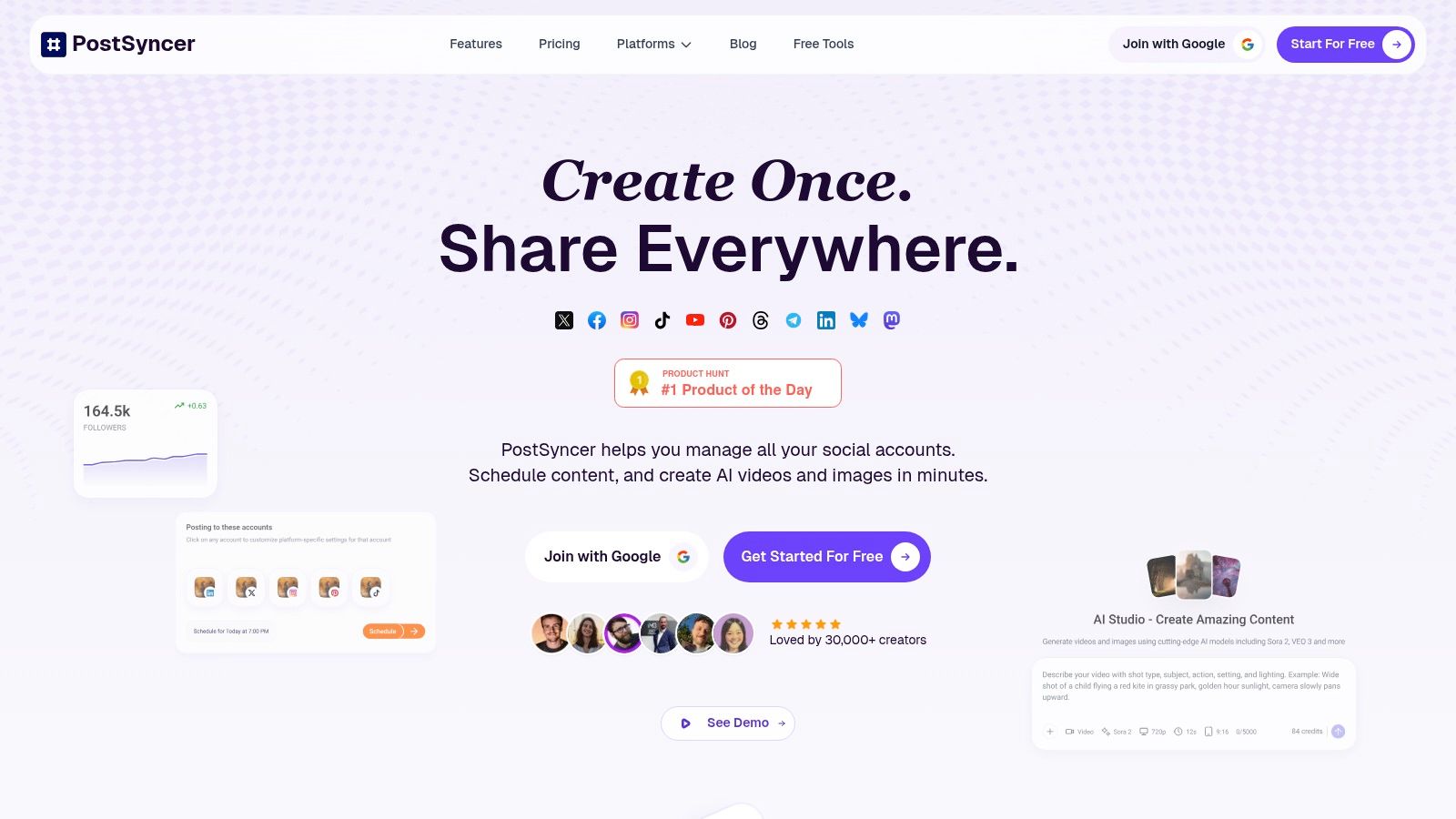
PostSyncer has rapidly emerged as a powerful contender for the best platform for managing social media, offering a comprehensive, AI-driven suite of tools that excels in both functionality and value. It centralizes the entire content lifecycle, from ideation and creation to scheduling, publishing, and in-depth analytics, all within an intuitive, unified dashboard. This all-in-one approach is designed to streamline workflows for a diverse range of users, including solo creators, marketing agencies, and large brands.
The platform's core strength lies in its visual, drag-and-drop content calendar, which simplifies planning across all major networks like Instagram, TikTok, YouTube, and LinkedIn. It fully supports modern formats, including carousels, Reels, and YouTube Shorts, ensuring content strategies remain relevant and engaging.
Key Features and Use Cases
PostSyncer's feature set is particularly robust, with a strong emphasis on AI and collaboration.
- AI Content Studio: This is more than a simple caption generator. Users can leverage the AI Content Agent to brainstorm post ideas, generate entire content series based on a single prompt, and even produce short-form videos and images from text. This dramatically reduces content production time, making it ideal for teams needing to scale output without sacrificing quality.
- Team Collaboration: A significant advantage is the inclusion of unlimited team members at no extra cost. This feature, combined with granular role-based permissions, multi-step approval workflows, and dedicated workspaces for different clients or brands, makes it an exceptional choice for agencies and collaborative marketing departments.
- Unified Analytics & Moderation: The platform consolidates performance data into a single view, providing actionable insights on what content resonates and which channels drive results. The unified inbox also allows teams to manage comments and messages efficiently, ensuring timely community engagement.
Practical Considerations
PostSyncer's pricing model is transparent and highly competitive, often positioning it as a more affordable alternative to legacy platforms. It offers a 7-day free trial, with monthly and annual plans (annual billing provides a ~20% discount).
However, it's important to note the specifics. The standard plan includes 10 social accounts, and additional workspaces come with a separate monthly fee. The advanced AI and video creation tools operate on a monthly credit system, which does not roll over. Heavy video producers should assess their needs and may need to purchase extra credits. Despite these nuances, the platform's strong social proof, with over 30,000 creators and positive testimonials praising its ease of use and rapid development, solidifies its standing as a top-tier solution.
Website: https://postsyncer.com
2. Hootsuite
Hootsuite is one of the most established and recognizable names in social media management, making it a powerful contender for the best platform for managing social media, especially for larger organizations. It provides a comprehensive, enterprise-grade suite of tools designed for teams that require robust collaboration, security, and governance features. The platform excels at streamlining complex workflows, from content creation and scheduling to community engagement and performance analytics.
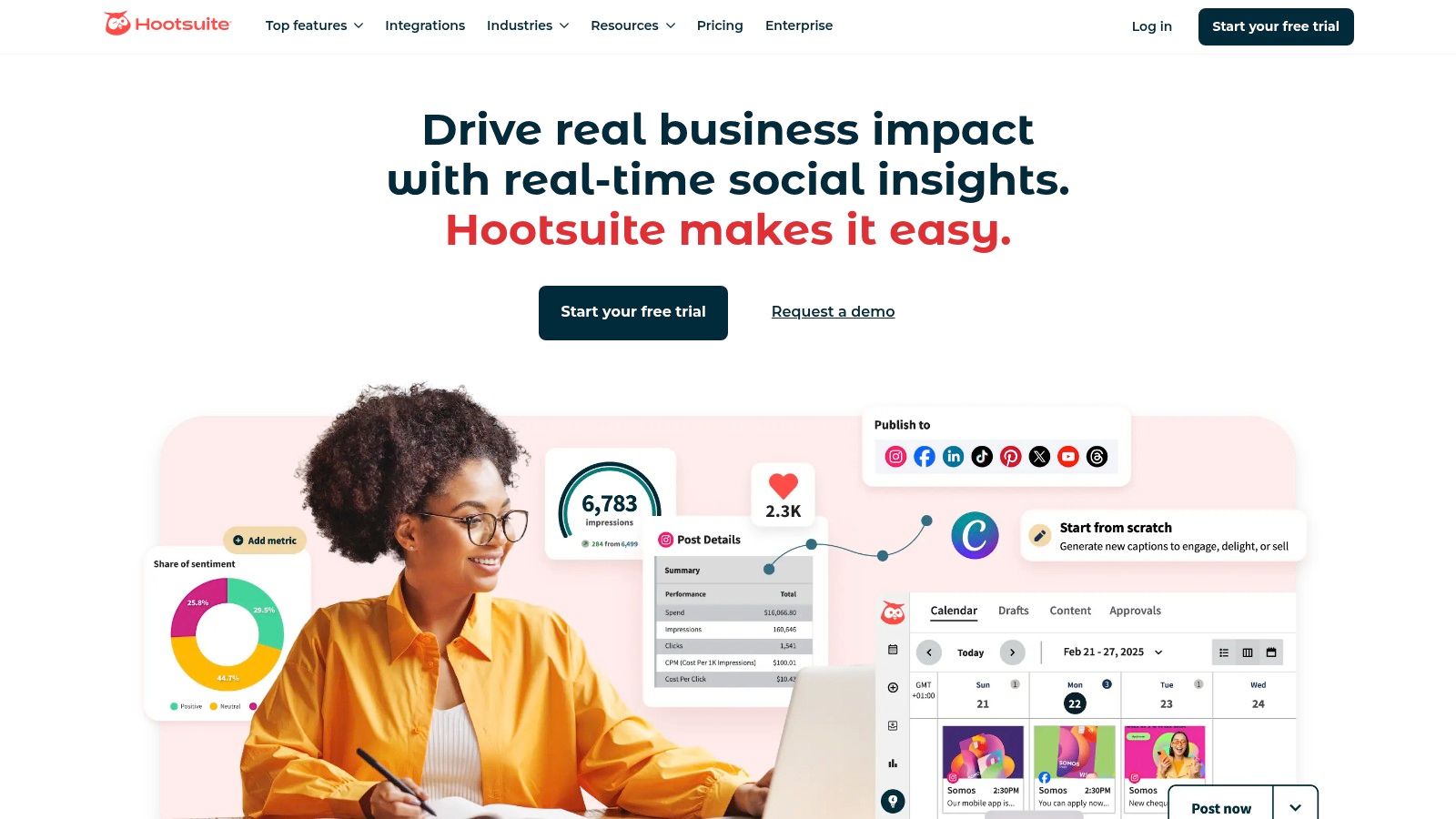
Its strength lies in its mature infrastructure. Teams can leverage features like a unified inbox with DM automations, sentiment analysis, and a vast ecosystem of integrations. The built-in AI assistant for generating captions and images, alongside direct integrations with Canva and Adobe Express, accelerates content production significantly. This makes it an ideal solution for businesses looking to efficiently manage multiple social media accounts with strict approval processes.
Key Features & Pricing
| Feature | Details |
|---|---|
| Best For | Enterprise teams, agencies, and regulated industries. |
| Core Tools | Publishing, unified inbox, analytics, social listening. |
| Unique Selling Point | Mature team workflows, security, and extensive app integrations. |
| Pricing | Starts at $99/month. A free 30-day trial is available. |
| Website | https://www.hootsuite.com |
Practical Tip: Use Hootsuite’s certification programs to onboard new team members. They provide a structured way to learn the platform and social media best practices, ensuring your team maximizes its investment from day one.
Pros:
- Robust team management: Advanced user permissions, approval workflows, and content libraries are ideal for large or distributed teams.
- Vast integration ecosystem: Connects with hundreds of apps, extending its functionality for specific needs like CRM, analytics, or e-commerce.
- Strong educational resources: Hootsuite Academy offers valuable certifications and training.
Cons:
- Complex pricing: Higher-tier features and per-seat costs can escalate quickly, and pricing isn't fully transparent on the main website.
- Can be overwhelming: The interface can feel dated and complex for solo users or small businesses compared to more modern alternatives.
3. Sprout Social
Sprout Social positions itself as a premium, all-in-one suite, making it a strong candidate for the best platform for managing social media, particularly for brands that prioritize data-driven strategies. It offers a powerful combination of publishing, engagement, analytics, and social listening tools in a clean, user-friendly interface. The platform is designed to help teams work more efficiently, from collaborating on content to delivering exceptional customer care.
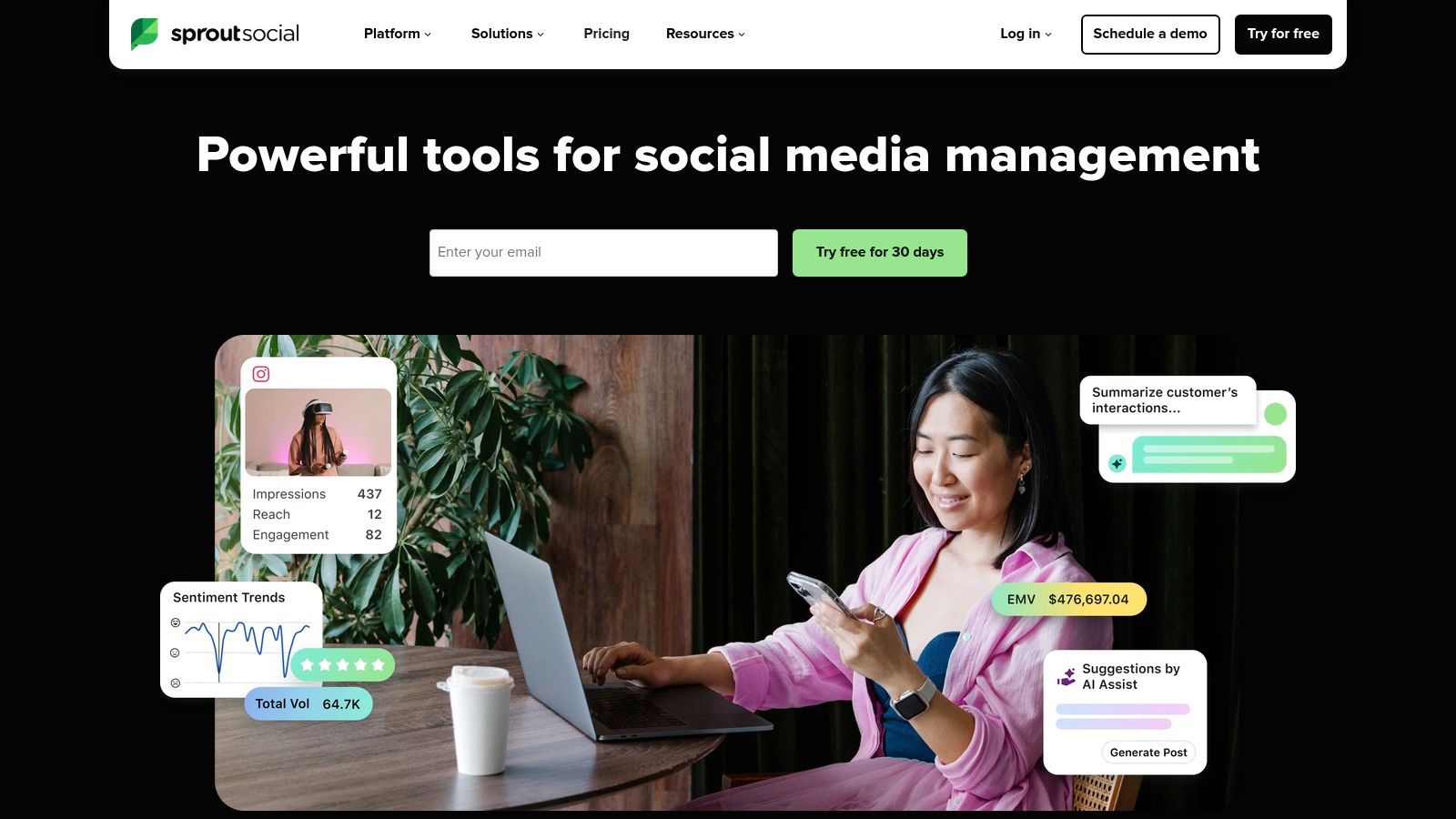
Its core strength is its advanced, presentation-ready analytics. Sprout Social simplifies the process of demonstrating ROI with detailed reports on tagged messages, competitor performance, and paid campaign insights. Features like AI Assist for post creation and optimal send times, alongside integrated review management, provide a comprehensive solution for agencies and mid-to-large businesses that need to prove their impact. This focus on measurement makes it an excellent choice for teams looking to master their social media analytics and reporting.
Key Features & Pricing
| Feature | Details |
|---|---|
| Best For | Agencies, mid-to-large brands, and data-focused marketing teams. |
| Core Tools | Publishing, Smart Inbox, analytics, review management, social listening. |
| Unique Selling Point | Presentation-ready analytics and a highly intuitive user interface. |
| Pricing | Starts at $249/month. A free 30-day trial is available. |
| Website | https://sproutsocial.com |
Practical Tip: Leverage Sprout Social's tagging feature from day one. Systematically tag all incoming and outgoing messages by campaign, theme, or customer issue to generate highly specific, actionable reports that reveal what truly resonates with your audience.
Pros:
- Excellent, presentation-ready analytics: Creates beautiful, easy-to-understand reports that are perfect for stakeholders.
- Strong customer support and onboarding: Known for responsive support and a smooth setup process.
- Flexible upgrades: Offers a 30-day free trial and add-on modules for advanced listening and employee advocacy.
Cons:
- Per-seat pricing can climb: The cost can become substantial for larger teams as each user requires a paid seat.
- Some features are add-ons: Key functionalities like advanced listening are not included in standard plans, increasing the total cost.
4. Buffer
Buffer has carved out a niche as the go-to platform for creators, small businesses, and brands that prioritize simplicity and affordability. It is celebrated for its clean, intuitive user interface and a straightforward approach to social media management. The platform excels at its core function: helping users plan and publish content efficiently across multiple channels without the steep learning curve often associated with more complex, enterprise-level tools.
Its strength lies in making powerful features accessible. The built-in AI assistant helps generate post ideas and captions, while the simple publishing queue makes it easy to visualize and manage your content calendar. For users looking to understand how to schedule posts on social media effectively, Buffer's transparent workflow is an ideal starting point. This focus on ease of use makes it a top contender for the best platform for managing social media for those who need to get started quickly.
Key Features & Pricing
| Feature | Details |
|---|---|
| Best For | Solo creators, small businesses, and brands valuing simplicity. |
| Core Tools | Publishing, engagement inbox, analytics, landing page builder. |
| Unique Selling Point | Extremely user-friendly interface and flexible per-channel pricing. |
| Pricing | Generous free plan available. Paid plans start at $6/month per channel. A 14-day trial is offered. |
| Website | https://buffer.com |
Practical Tip: Leverage Buffer's "Start Page" feature to create a simple, mobile-friendly landing page for your social media bios. It’s a quick and free way to consolidate your important links without needing a separate tool.
Pros:
- Very approachable UI: The platform is incredibly easy to navigate, making onboarding fast and painless for new users.
- Flexible, scalable per-channel pricing: You only pay for the channels you need, making it highly cost-effective for small but growing accounts.
- Generous free plan: The free tier is robust enough for individuals to manage up to three channels, a significant benefit for those just starting out.
Cons:
- No deep social listening: Lacks the advanced monitoring and brand sentiment analysis tools found in enterprise-focused platforms.
- Lighter team workflows: Collaboration and approval features are more basic compared to suites designed for large, complex teams.
5. Later
Later has carved out a niche as the best platform for managing social media with a strong visual-first approach, making it a favorite among creators, e-commerce brands, and businesses focused on Instagram, TikTok, and Pinterest. Its core strength is the visual content calendar, which allows users to drag and drop media to plan their feed's aesthetic with precision. This focus on visual planning streamlines the entire content creation and scheduling process for platforms where appearance is paramount.

The platform extends beyond simple scheduling, offering a suite of tools designed for modern social media marketing. Features like the AI Content Assistant for generating captions, an integrated Link in Bio tool, and detailed analytics provide a comprehensive toolkit for growing a visual brand. For teams, higher-tier plans introduce approval workflows and content libraries, allowing for collaboration without sacrificing the intuitive, visual-centric user experience that defines the platform.
Key Features & Pricing
| Feature | Details |
|---|---|
| Best For | E-commerce brands, content creators, and businesses focused on visual platforms like Instagram and TikTok. |
| Core Tools | Visual content calendar, auto-publishing, Link in Bio, analytics, AI assistant. |
| Unique Selling Point | Unmatched visual-first planning and scheduling workflow. |
| Pricing | Starts at $25/month. A 14-day free trial is available. |
| Website | https://later.com |
Practical Tip: Use the "Best Time to Post" feature to analyze your audience's activity. Later will highlight optimal posting slots directly on your calendar, taking the guesswork out of maximizing engagement for your visual content.
Pros:
- Excellent for visual content: The visual calendar and feed preview are best-in-class for planning Instagram, TikTok, and Pinterest.
- Clear plan structure: Pricing is straightforward, based on social sets and post limits, making it easy to choose a plan.
- Integrated creator tools: The built-in Link in Bio feature and product tagging capabilities are a major asset for monetization.
Cons:
- Post limits on lower tiers: Entry-level plans have caps on the number of posts per profile, which may be restrictive for high-frequency posters.
- Advanced collaboration is gated: Key team features like content approvals are reserved for more expensive plans.
6. Agorapulse
Agorapulse stands out as a strong contender for the best platform for managing social media, especially for agencies and SMBs that prioritize team efficiency and ROI tracking. It offers a well-rounded, all-in-one toolset that excels in community management and reporting without being overly complex. The platform is designed around streamlined workflows, allowing teams to manage everything from post scheduling to ad comment moderation in a single, intuitive dashboard.
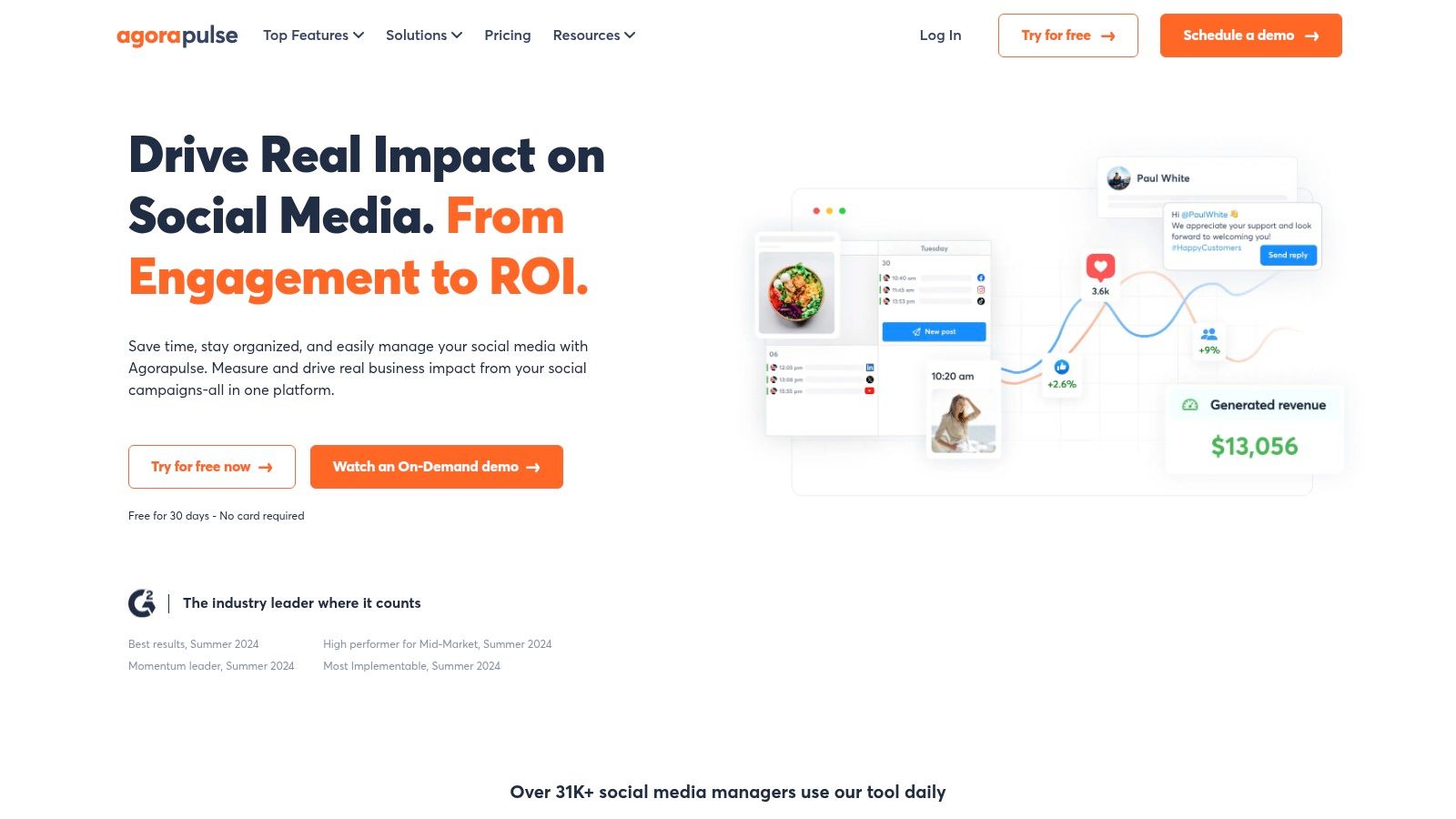
Its core strength lies in its unified social inbox, which consolidates comments, DMs, and mentions from all connected profiles, including ad comments. This feature, combined with clear team assignment and approval tools, ensures no customer interaction is missed. Agorapulse also provides robust reporting that tracks campaign performance, team activity, and even the traffic and conversions generated from social efforts, making it easy to prove the value of social media.
Key Features & Pricing
| Feature | Details |
|---|---|
| Best For | Agencies and SMBs needing robust collaboration and ROI reporting. |
| Core Tools | Unified inbox, publishing, collaboration, and performance analytics. |
| Unique Selling Point | A clean, user-friendly interface combined with powerful team workflow and reporting features. |
| Pricing | Plans start around $49/month. A generous 30-day free trial is available. |
| Website | https://www.agorapulse.com |
Practical Tip: Use the "Inbox Assistant" feature to automatically review, assign, or label incoming messages based on keywords. This can save your team hours each week by filtering out spam and prioritizing important conversations.
Pros:
- Clean user interface: The platform is known for its intuitive design and fast, responsive customer support.
- Solid team collaboration: Offers great features for team assignments, approvals, and performance reporting at mid-market price points.
- Flexible plans: Provides month-to-month and annual options, along with a free 30-day trial to test its full capabilities.
Cons:
- Costly add-ons: Advanced features like competitive benchmarking and deep social listening are often sold as separate add-ons.
- Per-user pricing: The cost can increase significantly as you add more users, which may be a consideration for larger teams.
7. Sendible
Sendible has carved out a strong niche as the best platform for managing social media for agencies and teams handling multiple client accounts. Its entire feature set is built around collaboration and client management, offering a powerful, scalable solution without the enterprise-level price tag. The platform provides dedicated workspaces and client dashboards, allowing agencies to streamline content approvals, reporting, and communication in a centralized, professional environment.
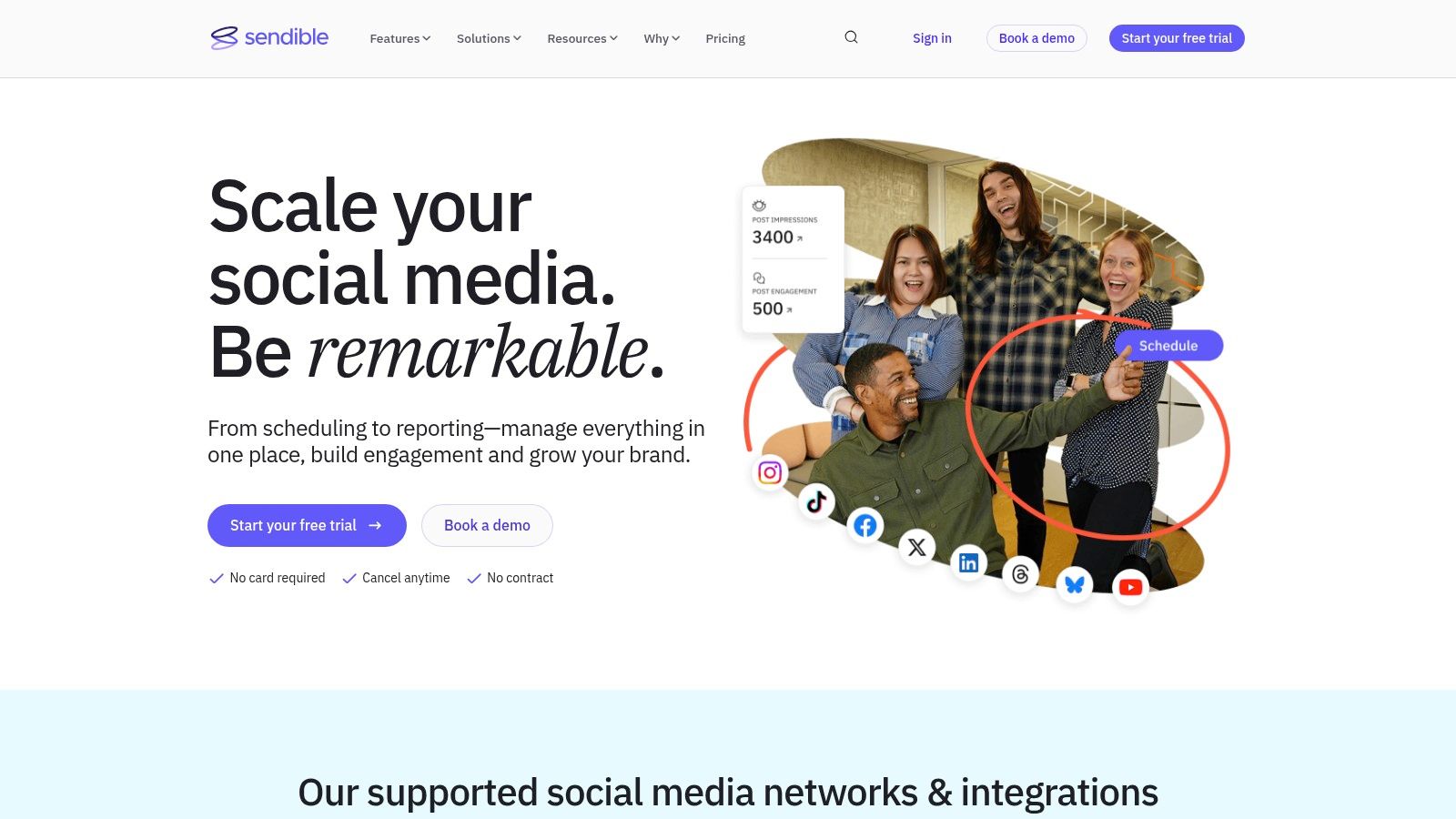
Its strength lies in delivering exceptional value for its target audience. Features like bulk scheduling, smart content queues, and shared content libraries make managing a high volume of profiles efficient. For agencies looking to offer a branded experience, Sendible's white-label options are a significant draw, enabling them to present the platform as their own. This combination of agency-centric tools and competitive pricing makes it a top contender.
Key Features & Pricing
| Feature | Details |
|---|---|
| Best For | Digital marketing agencies and teams managing multiple client brands. |
| Core Tools | Publishing, client management, collaboration, and automated reporting. |
| Unique Selling Point | Agency-focused features like white-label dashboards and client workspaces. |
| Pricing | Starts at $29/month. A 14-day free trial is available without a credit card. |
| Website | https://www.sendible.com |
Practical Tip: Set up individual client dashboards from the start. This not only organizes your workflow but also provides clients with a secure, branded portal to review and approve content, significantly reducing back-and-forth communication.
Pros:
- Excellent value for agencies: Competitive pricing model allows for managing a large number of social profiles affordably.
- Intuitive and easy to use: Users frequently praise its straightforward interface and simple setup process.
- No-card free trial: Offers a generous 14-day trial without requiring payment information, making it easy to test.
Cons:
- Occasional technical glitches: Some users report intermittent bugs or performance issues with certain features.
- Key features are add-ons: White-label options and other advanced functionalities may require higher-tier plans or paid add-ons.
8. SocialPilot
SocialPilot carves out its niche as a cost-effective and highly efficient scheduler, making it a strong candidate for the best platform for managing social media, particularly for growing agencies and small-to-medium businesses. It prioritizes value, offering generous account and user limits without the steep costs associated with enterprise-level platforms. The platform provides a clean, straightforward interface for scheduling, content curation, and performance analytics.
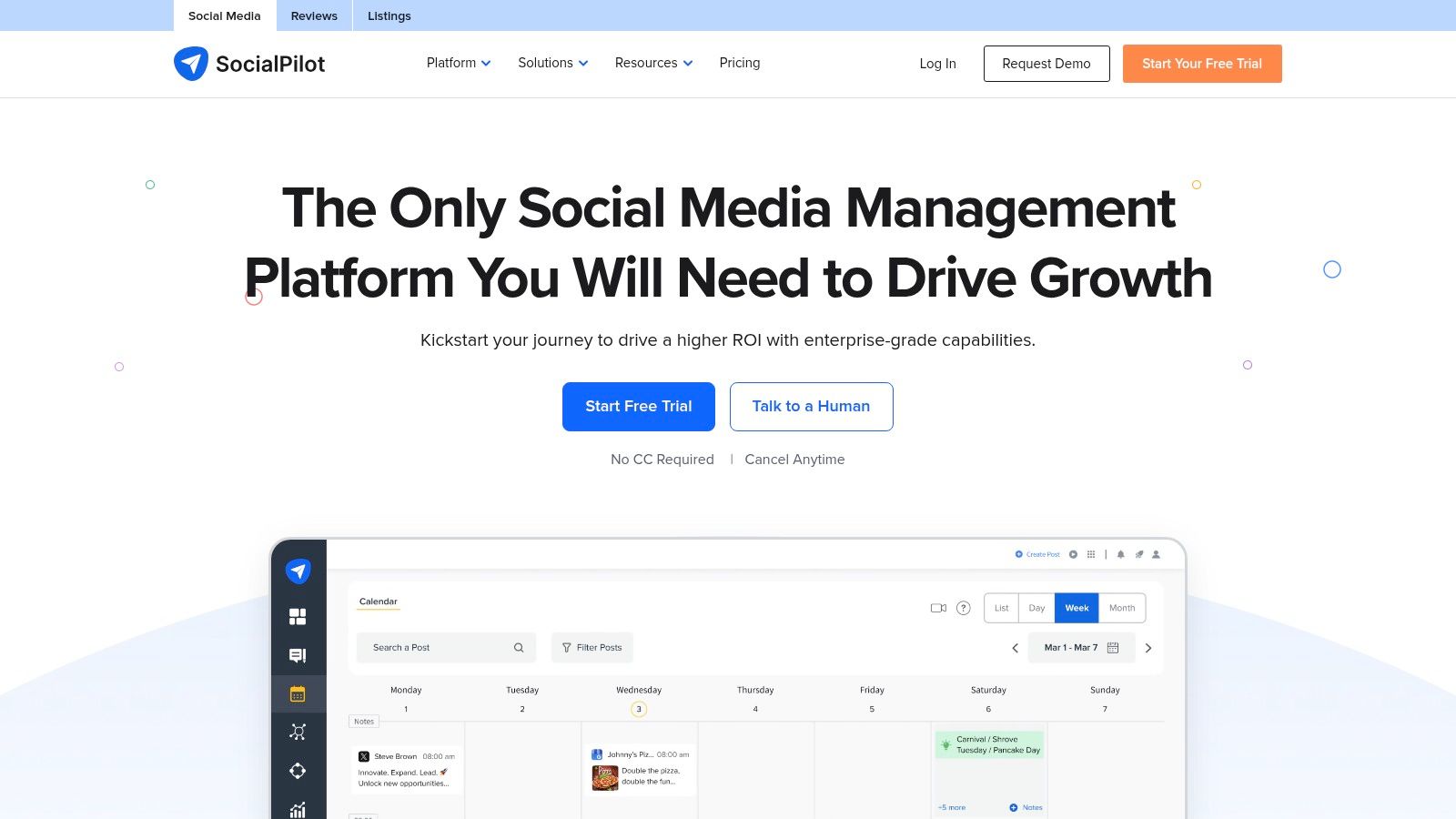
Its core strength lies in balancing essential features with affordability. Agencies can leverage client management and white-label reporting tools to deliver professional results, while SMBs benefit from bulk scheduling and a unified content calendar to maintain a consistent online presence. With transparent add-on pricing, SocialPilot allows businesses to scale their social media efforts predictably as their needs expand.
Key Features & Pricing
| Feature | Details |
|---|---|
| Best For | SMBs and agencies needing a high-value, scalable scheduling tool. |
| Core Tools | Bulk publishing, analytics, content library, team collaboration. |
| Unique Selling Point | High account and user limits per dollar, with transparent pricing. |
| Pricing | Starts at $25.50/month (billed annually). A 14-day free trial is available. |
| Website | https://www.socialpilot.co |
Practical Tip: Use the "Content Curation" feature to discover and schedule relevant articles and posts directly within the platform. This saves time on content discovery and helps keep your social feeds active with engaging, industry-specific information.
Pros:
- Excellent value for money: Offers generous social account and user limits on all plans, making it ideal for agencies managing multiple clients.
- Transparent pricing: Easily add extra accounts or users with clear, upfront costs, avoiding complex enterprise negotiations.
- No-credit-card trial: The 14-day free trial allows for a thorough, risk-free evaluation of its features.
Cons:
- Less advanced analytics: Reporting is functional but lacks the deep-dive analytics and social listening capabilities of more expensive platforms.
- Simpler user interface: The UI is straightforward and easy to use but may feel less modern or robust compared to premium competitors.
9. Zoho Social
Zoho Social positions itself as a strong contender for the best platform for managing social media, especially for businesses already invested in the broader Zoho ecosystem. It provides a well-rounded suite of tools covering publishing, monitoring, and reporting, all while maintaining a user-friendly interface. The platform is particularly effective for teams and agencies needing structured collaboration without the enterprise-level complexity or cost of some competitors.
Its core advantage lies in its seamless integration with other Zoho products like Zoho CRM and Zoho Desk. This connection allows for a unified approach to customer relationship management and social media engagement, enabling teams to convert social conversations into leads and support tickets directly. Features like a content calendar, bulk scheduler, and SmartQ for optimal posting times make it a highly efficient tool for maintaining a consistent online presence.
Key Features & Pricing
| Feature | Details |
|---|---|
| Best For | SMBs, agencies, and teams using other Zoho products. |
| Core Tools | Publishing calendar, bulk scheduling, monitoring, reporting. |
| Unique Selling Point | Deep integration with the Zoho business suite (CRM, Desk). |
| Pricing | Starts at $10/month. A free plan is available. |
| Website | https://www.zoho.com/social |
Practical Tip: Leverage the Zoho CRM integration to its fullest. Train your team to use the social tab within the CRM to view customer interactions, adding valuable context to sales calls and support inquiries for a truly holistic customer view.
Pros:
- Strong value proposition: Offers robust features at a competitive price point, especially for existing Zoho users.
- Dedicated agency plans: Provides specific features for multi-client management, including custom roles and client portals.
- Excellent integration: Works seamlessly within the Zoho ecosystem, unifying marketing, sales, and support efforts.
Cons:
- Lighter on advanced features: Social listening and in-depth analytics are less comprehensive than top-tier enterprise platforms.
- Regional pricing variations: Costs can sometimes be promotional or vary by region, requiring careful review before subscribing.
10. Loomly
Loomly carves out its niche as a powerful collaboration tool, making it a strong candidate for the best platform for managing social media for in-house marketing teams. Its core strength is a highly visual and intuitive editorial calendar that simplifies content planning, creation, and approval. The platform is designed to foster teamwork, providing a structured environment where ideas can be drafted, commented on, and polished before going live.
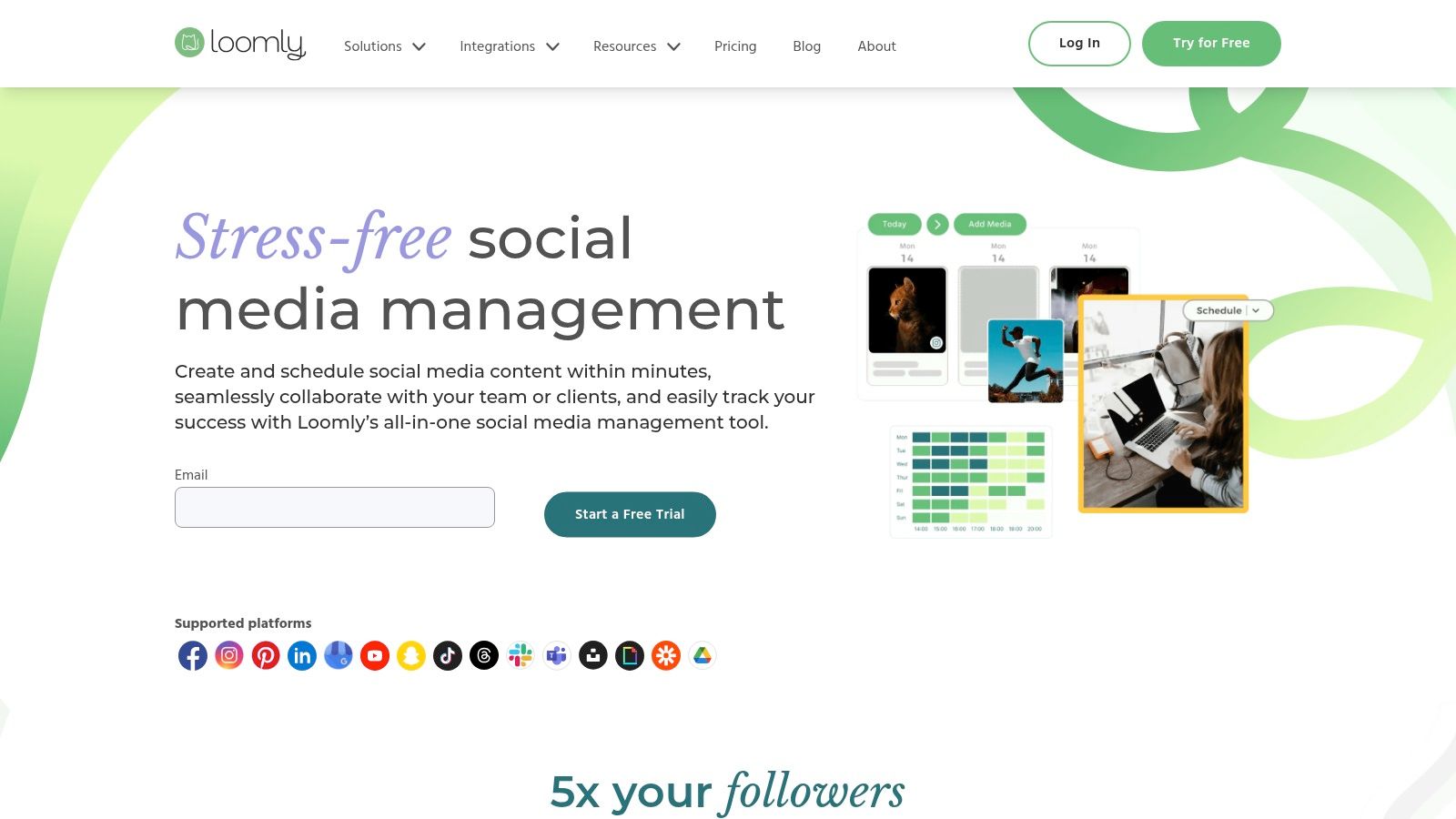
This focus on structured workflow makes it ideal for teams that need clear oversight and approval processes. Loomly provides post ideas, hashtag suggestions, and best-time-to-post guidance, streamlining the entire content lifecycle. With features like unlimited scheduling, link shortening, and advanced analytics, it offers a complete package for teams aiming for brand consistency and operational efficiency across their social channels.
Key Features & Pricing
| Feature | Details |
|---|---|
| Best For | In-house marketing teams and agencies needing structured approval workflows. |
| Core Tools | Editorial calendar, approval workflows, asset management, analytics. |
| Unique Selling Point | Intuitive, calendar-first approach with excellent team collaboration features. |
| Pricing | Starts at $32/month. A free 15-day trial is available. |
| Website | https://www.loomly.com |
Practical Tip: Use Loomly’s "Post Ideas" feature to overcome creative blocks. It provides a steady stream of inspiration based on trending topics, holidays, and social media best practices, ensuring your calendar is always full of relevant content.
Pros:
- Intuitive workflow: The calendar and approval flows are exceptionally easy for marketing teams to adopt and use daily.
- Scalable user options: Higher-tier plans support unlimited users, making it a cost-effective choice for growing teams.
- Transparent billing: Offers clear monthly or yearly billing options, simplifying budget management.
Cons:
- Fewer integrations: Lacks the extensive third-party app ecosystem found in some larger competitors.
- Final pricing display: The final USD price, including tax, may only be visible during the checkout process.
11. Metricool
Metricool has carved out a niche as an incredibly cost-effective and analytics-focused tool, making it a strong contender for the best platform for managing social media among freelancers, agencies, and data-driven creators. It balances robust publishing capabilities with deep reporting and competitor analysis features that are often locked behind much more expensive plans on other platforms. The platform's strength lies in its ability to manage multiple brands affordably while providing clear, exportable analytics reports.
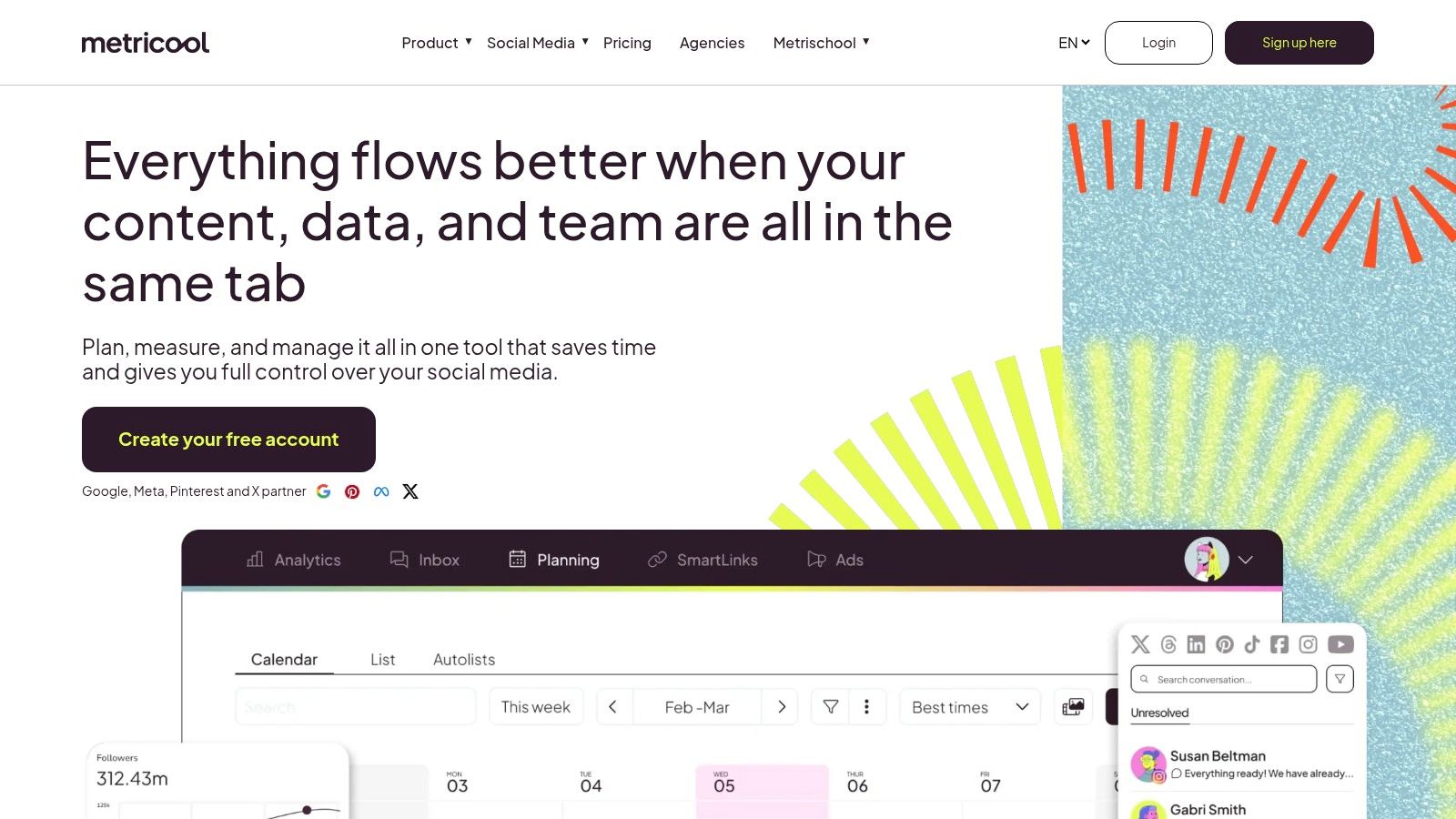
This makes Metricool an ideal solution for users who need to demonstrate ROI without a hefty budget. Its unlimited publishing on paid plans, combined with a built-in AI assistant, streamlines content workflows significantly. Furthermore, its integrations with tools like Looker Studio, Zapier, and Canva allow for impressive customization and automation, enabling users to create powerful, data-centric social media strategies.
Key Features & Pricing
| Feature | Details |
|---|---|
| Best For | Freelancers, agencies, and creators needing affordable multi-brand management. |
| Core Tools | Publishing, analytics, competitor tracking, and reporting. |
| Unique Selling Point | Competitive pricing for managing multiple brands and strong analytics. |
| Pricing | A free plan is available. Paid plans start at $18/month. |
| Website | https://metricool.com |
Practical Tip: Leverage Metricool’s competitor analysis tool to benchmark your performance. Track up to 100 competitors (depending on your plan) to identify their top-performing content, posting frequency, and engagement metrics to refine your own strategy.
Pros:
- Very competitive pricing: Offers exceptional value for the number of brands and features included, especially for agencies.
- Strong reporting and analytics: Provides detailed, exportable reports (PPT/PDF) with unlimited data history.
- Useful integrations: Connects seamlessly with Google Drive for asset management and Canva for content creation.
Cons:
- Tiered feature access: Full support for some platforms like LinkedIn or X requires higher-tier plans or add-ons.
- Lighter UI depth: The user interface is functional but lacks the depth and advanced workflow features of premium enterprise tools.
12. CoSchedule
CoSchedule distinguishes itself as a marketing-first calendar, making it an excellent platform for managing social media within a broader content strategy. Unlike tools that focus solely on social channels, CoSchedule provides a unified view of all marketing activities, from blog posts and email newsletters to social campaigns. This calendar-centric approach helps teams coordinate efforts, prevent content silos, and visualize their entire marketing timeline in one place.
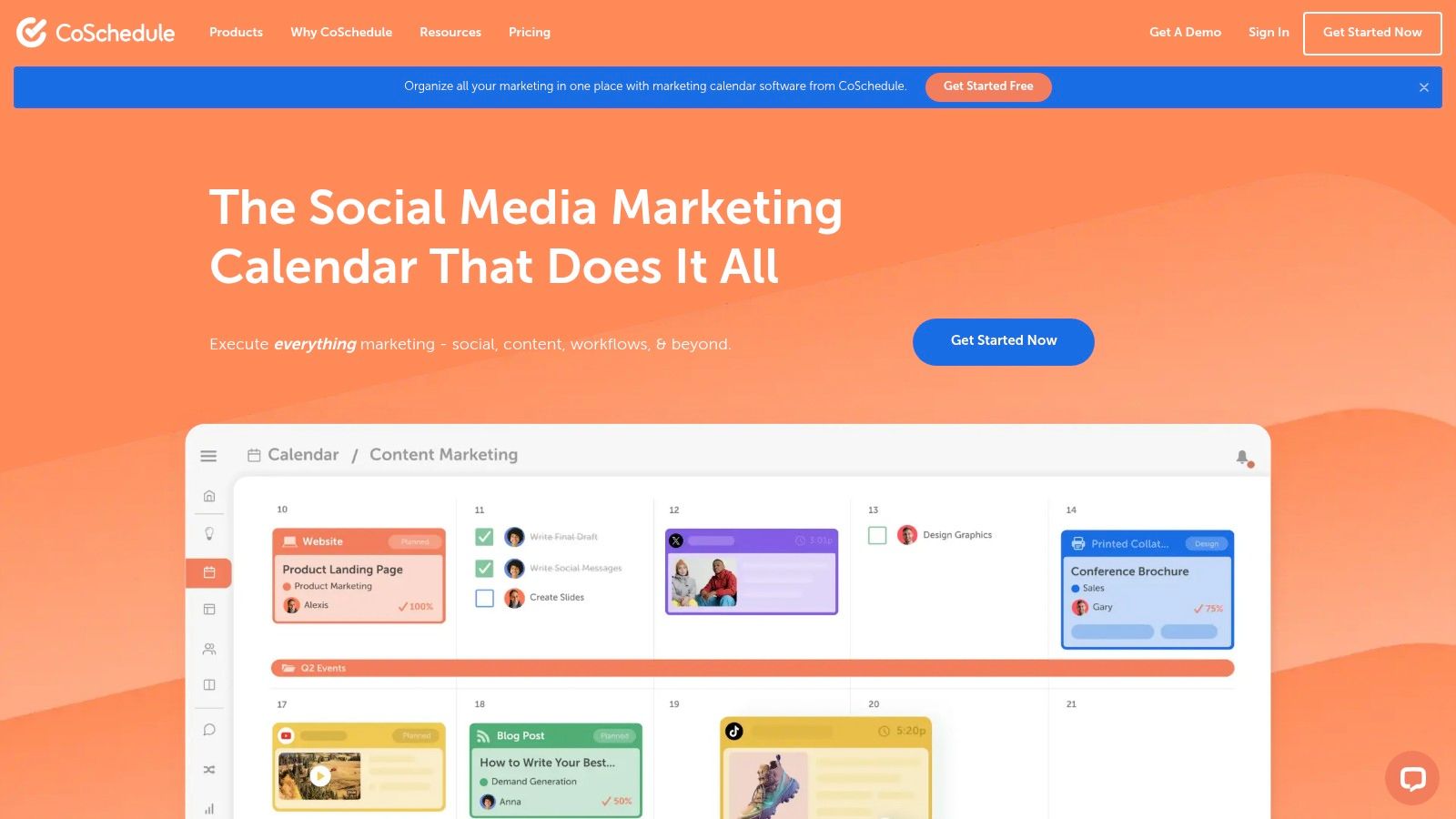
Its core strength is in planning and automation. The standout feature, ReQueue, automatically re-shares your best evergreen content at optimal times, ensuring your content library continues to drive engagement with minimal manual effort. This makes it an ideal solution for content-heavy teams looking to maximize the lifespan and impact of their work while maintaining a consistent and active social media presence.
Key Features & Pricing
| Feature | Details |
|---|---|
| Best For | Marketing teams, content creators, and agencies needing a unified calendar. |
| Core Tools | Marketing calendar, social publishing, ReQueue automation, analytics. |
| Unique Selling Point | A holistic marketing calendar that integrates social media with other content. |
| Pricing | Starts with a free plan. Paid plans begin at $19/user per month. |
| Website | https://coschedule.com |
Practical Tip: Leverage the ReQueue feature for your highest-performing blog posts and evergreen content. Create specific groups for different topics or campaigns to ensure a balanced and intelligent re-sharing schedule without appearing repetitive.
Pros:
- Strong calendar-first workflow: Excellent for coordinating cross-channel marketing campaigns and providing team-wide visibility.
- Useful content automation: The ReQueue feature is a powerful tool for recycling evergreen content efficiently.
- Generous free tier: Offers a solid starting point for individuals and small teams to test the basic scheduling functionalities.
Cons:
- Key features are tiered: Advanced marketing suite tools and campaign timelines are reserved for more expensive plans.
- Complex add-on pricing: Some social profiles may be billed separately on certain plans, which can complicate the overall cost.
Top 12 Social Media Management Platforms — Comparison
| Platform | Core features | UX (★) | Value / Pricing (💰) | Target audience (👥) | Unique selling points (✨) |
|---|---|---|---|---|---|
| 🏆 PostSyncer | Unified calendar, AI Content Studio, AI scheduling, media library, short-form video support, multi-workspaces | ★★★★☆ | 💰 Transparent, lower-cost alternative; 7‑day trial; annual ~20% off | 👥 Creators, agencies, SMBs, teams | ✨ AI video tools & caption generator, unlimited team members, collaborative approvals |
| Hootsuite | Publishing, unified inbox, listening, analytics, Canva/Adobe integrations | ★★★★☆ | 💰 Enterprise-priced; per-seat can be high; pricing partly opaque | 👥 Enterprises, large teams, agencies | ✨ Mature ecosystem, strong governance & integrations |
| Sprout Social | Advanced reporting, listening, publishing, collaboration | ★★★★☆ | 💰 Premium; powerful but add-ons raise cost | 👥 Agencies, mid‑to‑large brands | ✨ Presentation-ready analytics, excellent support |
| Buffer | Simple publishing, AI assistant, inbox, analytics | ★★★★☆ | 💰 Affordable; per-channel pricing; generous free plan | 👥 Creators, small teams, SMBs | ✨ Very approachable UI, easy onboarding |
| Later | Visual planning, auto-publish, link-in-bio, product tagging | ★★★★☆ | 💰 Mid-priced; post limits on lower tiers | 👥 Visual brands, Instagram/TikTok creators | ✨ Visual-first calendar, strong IG/TikTok workflows |
| Agorapulse | Unified inbox, scheduling, reporting, campaign tracking | ★★★★☆ | 💰 Mid-market pricing; good team value | 👥 Agencies, SMBs | ✨ Fast support, clean UI, strong inbox & team assignments |
| Sendible | Multi-calendar client workspaces, bulk scheduling, reporting, white-label | ★★★★☆ | 💰 Agency-friendly; white-label as add-on | 👥 Agencies managing many clients | ✨ Client dashboards, white-label & multi-workspace focus |
| SocialPilot | High account limits, bulk publishing, AI credits, collaboration | ★★★★☆ | 💰 Very cost-effective for many profiles; transparent add-ons | 👥 Agencies/SMBs with many profiles | ✨ High account/user limits per dollar |
| Zoho Social | Publishing calendar, monitoring, reporting, Zoho integrations | ★★★★☆ | 💰 Strong value within Zoho; flexible billing; free plan | 👥 Teams using Zoho apps, agencies | ✨ Native Zoho CRM/stack integration, agency plans |
| Loomly | Editorial calendar, approvals, analytics, best-time suggestions | ★★★★☆ | 💰 Clear pricing; scales to unlimited users on higher tiers | 👥 In-house marketing teams | ✨ Intuitive calendar-first workflow and approvals |
| Metricool | Publishing, analytics, competitor tracking, integrations, unlimited history | ★★★★☆ | 💰 Very competitive per-brand pricing | 👥 Creators, freelancers, agencies | ✨ Strong competitor analysis & exportable reports |
| CoSchedule | Marketing calendar, ReQueue automation, analytics, campaign timelines | ★★★★☆ | 💰 Mid-priced; some features require higher plans | 👥 Teams coordinating social with broader marketing | ✨ Calendar-first coordination, evergreen automations |
Making Your Final Decision
Navigating the crowded landscape of social media management tools can feel overwhelming. After an in-depth analysis of twelve leading platforms, from enterprise powerhouses like Sprout Social and Hootsuite to creator-focused tools like Later, one thing is clear: the best platform for managing social media is not a one-size-fits-all solution. Your ideal tool is the one that aligns perfectly with your specific team structure, strategic goals, budget constraints, and daily workflow.
Throughout this guide, we've dissected feature sets, compared pricing models, and identified the unique strengths of each contender. We've seen how platforms like Agorapulse and Sendible excel for agencies managing multiple clients, while tools like Zoho Social offer incredible value within a broader business ecosystem. Buffer remains a champion of simplicity and intuitive design, making it a great starting point for those new to social media management.
Key Takeaways and Final Considerations
As you move toward a decision, distill your needs down to the essentials. Don't be swayed by a long list of features you'll never use. Instead, focus on the core functionalities that will have the most significant impact on your productivity and results.
Here are the most critical factors to weigh:
- Team Size and Collaboration: Are you a solo creator, a small internal team, or a large agency? Platforms with per-user pricing can become prohibitively expensive as you scale. Conversely, tools like PostSyncer, SocialPilot, and Sendible offer team-friendly plans that provide more predictable costs and encourage collaboration without financial penalty.
- Core Feature Requirements: Is your primary need advanced scheduling and a visual calendar? Or are you more focused on deep analytics, social listening, and comprehensive reporting? Prioritize platforms that excel in your must-have areas. For instance, if AI-powered content creation is a top priority, PostSyncer’s integrated tools offer a significant advantage over platforms where this is an add-on or a limited feature.
- Budget vs. Value: The most expensive tool isn't always the best. Evaluate the return on investment. A platform like Sprout Social commands a premium price for its robust enterprise-grade features. However, an SMB or a growing agency might find that a tool like Agorapulse or PostSyncer delivers 90% of the required functionality for a fraction of the cost, providing superior overall value.
- User Experience (UX) and Intuition: A powerful platform is useless if your team finds it clunky and difficult to navigate. The user interface directly impacts adoption rates and efficiency. This is a highly subjective factor, making free trials an indispensable part of your evaluation process.
Your Actionable Path to the Right Platform
Theory and feature comparisons can only take you so far. The final step is hands-on testing. We strongly recommend creating a shortlist of two or three top contenders based on this guide and dedicating time to a proper trial period.
- Sign Up for Free Trials: Nearly every platform listed, including Hootsuite, Later, and PostSyncer, offers a free trial or a freemium plan. Use them.
- Simulate Your Real Workflow: Don't just click around. Connect your actual social accounts. Schedule a week's worth of real content. Pull a performance report on a recent campaign. Engage with comments through the inbox.
- Involve Your Team: If you work with others, get their feedback. The platform must work for everyone who will be using it daily.
- Test Customer Support: Send a simple query to the support team during your trial. Their response time and helpfulness can be a telling indicator of the service you'll receive as a paying customer.
Choosing the best platform for managing social media is a strategic decision that will empower your brand, streamline your operations, and ultimately drive better results. By focusing on your unique needs and conducting thorough, hands-on testing, you can select a tool that not only solves today's challenges but also grows with you into the future.
Ready to see how a modern, all-in-one platform can transform your workflow without the hefty price tag? PostSyncer combines powerful AI content generation, an intuitive calendar, and deep analytics with a simple, team-friendly pricing model. Start your free trial of PostSyncer today and discover a smarter way to manage social media.



