











Instagram Stories are no longer just a place for fleeting moments; they are a powerful canvas for brand storytelling, audience engagement, and driving conversions. With over 500 million daily active users, standing out requires more than just a quick snapshot. It demands strategy, creativity, and a mastery of design. Yet, many creators and brands fall into a repetitive cycle, missing opportunities to captivate their audience.
The key to breaking through the noise lies in your visual approach, and that starts with understanding effective instagram story layout ideas. This guide moves beyond generic advice to give you a complete playbook for transforming your content. We will dive deep into 8 specific, actionable layouts you can use immediately.
You'll learn not just what these layouts are, but precisely how to implement them, with real-world examples, design tips, and strategic advice tailored for brands, creators, and agencies. We'll explore how to:
- Maximize information density with grid layouts.
- Create immersive experiences with full-screen video.
- Build powerful brand recognition with consistent templates.
Ultimately, the goal of mastering various Instagram story layouts is to understand how to get Instagram views and grow your following effectively. By the end of this article, you will have a complete set of tools to turn your Stories from simple updates into a strategic asset that fuels growth, engagement, and connection, ensuring your message is not just seen, but remembered.
1. The Grid/Carousel Layout
The Grid/Carousel layout is a powerful method for structuring your Instagram Stories by dividing a single Story slide into multiple panels. Typically arranged in a two, three, or four-section grid, this approach allows you to present a cohesive yet multifaceted message at once. Instead of forcing viewers to tap through multiple slides, a grid packs more information into a single, visually organized view.

This layout is one of the most versatile instagram story layout ideas because it serves so many different purposes. It’s perfect for creating a mini-catalog of new arrivals, comparing "before" and "after" results side-by-side, or breaking down a single topic into digestible sub-points. The magic lies in its ability to tell a bigger story within the confines of one 9:16 frame.
Best Use Cases for a Grid Layout
- E-commerce & Retail: Showcase different angles of a single product, feature multiple items from a new collection, or display various colorways available. Fashion Nova frequently uses grids to present full outfits, from the dress to the shoes and accessories, all on one slide.
- Service Providers & Creators: A wellness coach can use a two-panel grid for a dramatic before-and-after fitness transformation. A SaaS company can use a four-panel layout to highlight four key software features.
- Food & Beverage: Restaurants can display a "meal deal" in a three-panel grid: one panel for the appetizer, one for the main course, and one for the drink.
Actionable Design Tips
To make your grid layout effective, focus on cohesion and clarity. Don't just throw images together; design them to work as a unified piece.
- Maintain Visual Consistency: Use a consistent color palette, filter, or font across all panels to tie them together. This ensures the grid looks intentional and professional, not chaotic.
- Prioritize Readability: If you add text, make sure it’s large enough to be read easily. The more panels you have, the smaller each section becomes, so keep text concise.
- Leave Breathing Room: Add thin borders or "gutters" between your panels. This negative space prevents the layout from feeling cramped and helps the viewer's eye distinguish between different sections.
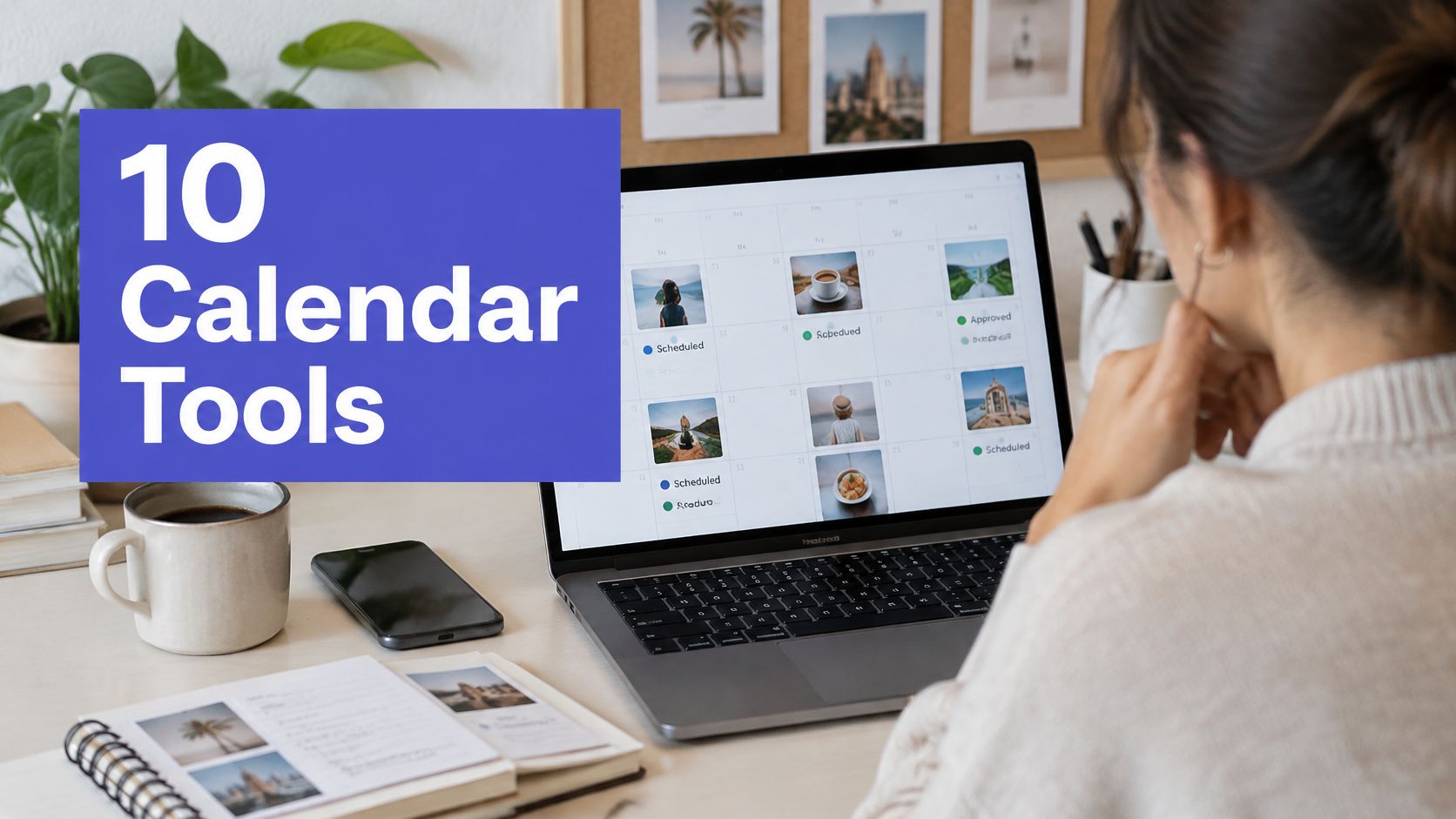
- Plan with a Calendar: When preparing a campaign, use a visual planner like PostSyncer to arrange your grid layouts in advance. This helps you see how your multi-panel Stories fit into your broader content strategy and ensures brand consistency over time.
2. The Full-Screen Video/Reel Layout
The Full-Screen Video/Reel layout is an immersive format that uses the entire 9:16 screen to capture viewer attention. This approach eliminates all borders and distractions, pulling the audience directly into the action. It is the gold standard for dynamic, short-form video content that relies on movement, quick cuts, and engaging audio to tell a story.
This layout has become one of the most essential instagram story layout ideas thanks to the rise of TikTok and Instagram Reels. Its power comes from its ability to create a "lean-in" experience. By occupying the full frame, your video commands undivided attention, making it perfect for impactful tutorials, entertaining behind-the-scenes clips, or compelling product demonstrations that stop users from swiping past.
Best Use Cases for a Full-Screen Video Layout
- Content Creators & Influencers: This format is the native language of creators. It's ideal for repurposing TikTok-style dance challenges, quick vlogs, or "get ready with me" (GRWM) videos. Influencers like Charli D'Amelio regularly use full-screen videos to maintain a consistent, engaging presence.
- E-commerce & Product Reviews: Tech reviewers use this layout for unboxing videos, showing every detail of a new gadget. A fashion brand can use it to display how a dress moves and flows on a model, providing a much richer experience than a static image.
- SaaS & Education: Companies like Canva create quick, screen-recorded tutorials demonstrating a specific feature. These bite-sized educational videos are highly effective at showing value and driving product adoption.
Actionable Design Tips
To make your full-screen video stand out, focus on immediate engagement and clarity. You only have a few seconds to make an impression.
- Keep it Short and Sweet: Aim for a video length between 3 and 15 seconds. Story viewers have short attention spans, so get to the point quickly to maintain engagement.
- Add Captions for Accessibility: Many users watch Stories with the sound off. Adding clear, synchronized captions ensures your message is understood by everyone, regardless of their audio settings.
- Batch Create for Efficiency: Video production can be time-consuming. Dedicate specific blocks of time to shoot and edit multiple videos at once. This keeps your content pipeline full and your posting schedule consistent.
- End with a Clear Call-to-Action: Tell viewers what to do next. Use a sticker, text overlay, or verbal cue at the end to "Shop Now," "Learn More," or "Swipe Up." You can also learn how to create Instagram Reels to drive further engagement from your video content.
3. The Text-Overlay/Quote Layout
The Text-Overlay/Quote layout is a typography-focused design that prioritizes your message by placing large, bold text over a clean background or subtle image. This approach strips away distractions, making your words the hero of the Story. It’s an incredibly effective way to share quick tips, powerful quotes, announcements, or key statistics without the need for complex visuals.

This method is one of the most direct instagram story layout ideas for communicating a single, focused idea. It's built for scannability and impact, capturing attention through strong typography and concise messaging. By putting the text front and center, you create an immediate connection with your audience, making it ideal for educational content, brand affirmations, and important updates.
Best Use Cases for a Text-Overlay Layout
- Business Coaches & Creators: Share motivational quotes or daily affirmations to inspire your audience. Mel Robbins is a prime example, using simple text overlays to deliver powerful, shareable messages.
- Marketing Agencies & SaaS Companies: Announce a new feature, highlight a key statistic from a case study, or share a quick industry tip. The simplicity of the layout ensures the information is absorbed quickly.
- Brands & E-commerce: Post a "Tip of the Day" related to your product, announce a flash sale, or share a customer testimonial. The clean look feels authoritative and professional.
Actionable Design Tips
To create a text overlay that stops the scroll, your design choices must be intentional and aligned with your brand. The goal is clarity and impact.
- Limit Your Text: For maximum effect, keep the text to a short phrase or sentence. A limit of three to five words is often perfect for grabbing attention before the viewer taps away.
- Use Brand Fonts & Colors: Consistency is key. Stick to your brand's official fonts and color palette to reinforce brand identity and create a recognizable style.
- Choose Complementary Backgrounds: The background should support, not compete with, the text. Use solid brand colors, subtle gradients, or blurred, low-contrast images to ensure readability.
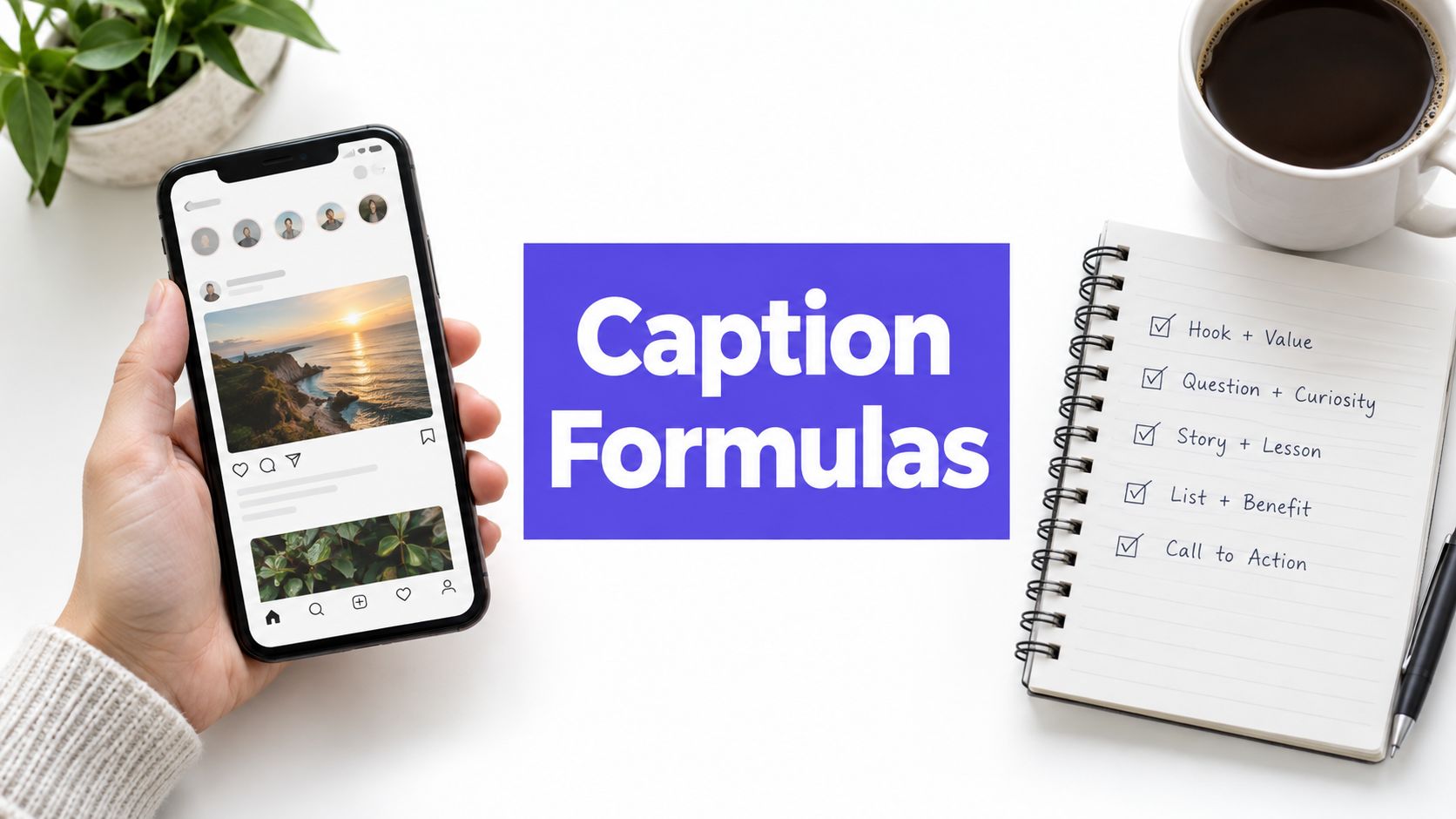
- Add Simple Design Elements: Enhance your layout with subtle elements like brand icons, underlines, or geometric shapes to add visual interest without creating clutter. For a deeper dive into making your text pop, explore different ways to add captions to your Instagram Story.
- Schedule for Consistency: Use a tool like PostSyncer to create and schedule a series of text-overlay Stories. You can build templates to maintain a consistent look for a weekly "Quick Tip" or "Motivation Monday" series, ensuring your content plan is executed flawlessly.
4. The Sticker/Interactive Element Layout
The Sticker/Interactive Element layout turns passive story viewing into an active experience by incorporating Instagram's native engagement tools. This design centers around features like polls, quizzes, question boxes, sliders, and countdown timers. Instead of just presenting information, this layout invites your audience to participate, making your content more memorable and significantly boosting interactions.
This method is one of the most effective instagram story layout ideas for driving direct audience feedback and building a community. By giving followers a simple way to share their opinions, you gain valuable insights while also signaling to the Instagram algorithm that your content is engaging. Media companies like BuzzFeed and e-commerce giants like ASOS have mastered this by making interaction a core part of their Story experience.
Best Use Cases for a Sticker Layout
- E-commerce & Retail: Use polls for "this or that" style voting on new products. ASOS frequently lets followers choose between two outfits, generating both engagement and market research data. Countdown stickers are essential for building hype around sales or product drops.
- Service Providers & Coaches: Employ question stickers to host a Q&A session, gathering client pain points or common questions for future content. A fitness coach can use a quiz to test followers' knowledge on nutrition myths.
- Media & Entertainment: Media companies like BuzzFeed create viral engagement with personality quizzes related to their content. A "Which Character Are You?" quiz can be a fun way to promote a new show or article.
Actionable Design Tips
To create an effective interactive layout, your design must encourage, not obstruct, participation. The goal is to make tapping that sticker feel intuitive.
- Strategic Placement: Position interactive stickers where they are easy to tap, typically in the center of the screen, away from the top and bottom edges where Instagram's UI elements live. Avoid placing them over crucial visual information.
- Limit Sticker Overload: Don't crowd a single Story slide with too many interactive elements. Stick to one or two per slide to maintain focus and prevent overwhelming your audience. A poll and an emoji slider can work together, but a poll, a quiz, and a question box on one slide is too much.
- Align with Your Goals: Design your interactions with a purpose. Use polls to test marketing messages before a campaign launch. Create quizzes that subtly educate customers about your product’s benefits.
- Analyze Your Engagement: Monitor your interactive story analytics directly within your PostSyncer dashboard. Track which sticker types (polls vs. quizzes) and topics generate the most taps. This data is critical for refining your strategy and understanding what truly resonates with your audience.
5. The Split-Screen/Comparison Layout
The Split-Screen/Comparison layout is a highly effective technique for telling a story of contrast or duality. It involves dividing the Story frame, either vertically or horizontally, into two distinct sections. This simple division creates a powerful visual tool for showcasing comparisons, parallel narratives, or dramatic transformations in a single, easy-to-digest slide.

This method is one of the most compelling instagram story layout ideas because it taps into our natural inclination to compare and contrast. It instantly communicates a message of change, choice, or difference. Instead of telling your audience about a transformation, this layout shows it, making the impact immediate and memorable.
Best Use Cases for a Split-Screen Layout
- Fitness & Wellness: This is the go-to format for "before and after" photos. Personal trainers and health brands use it to display incredible client transformations, making their results tangible and inspiring.
- E-commerce & Product Reviews: A tech reviewer can place two competing smartphones side-by-side to compare screen quality. A fashion brand can show the same dress styled for a day look versus a night look.
- Service Providers & SaaS: A SaaS company can use a split-screen to contrast a cluttered spreadsheet ("before") with their clean, organized software interface ("after"). A cleaning service could show a messy room next to a sparkling clean one.
- Personal Brands: Creators can use a "then and now" split-screen to share personal growth journeys, skill improvements, or changes in their creative style over time.
Actionable Design Tips
A successful split-screen relies on clarity and visual harmony to guide the viewer’s eye effectively.
- Add Clear Labels: Use bold, simple text labels like "Before" and "After," or "Option A" and "Option B." This removes any guesswork and directs the viewer's interpretation.
- Maintain Color Harmony: While the content will differ, try to find a common color thread between the two sides. This creates a cohesive look and prevents the Story from feeling like two separate, disjointed images.
- Ensure Text Readability: Test your Story on a mobile device. Ensure that any text on either side is large enough and has sufficient contrast to be read quickly before the Story advances.
- Use Design Templates: To create professional-looking split-screens quickly, use a tool like PostSyncer. Its templates are pre-formatted for optimal balance and allow you to simply drop in your images and text, saving significant design time.
6. The Slideshow/Sequential Story Layout
The Slideshow or Sequential Story layout turns your Instagram Stories into a mini-narrative, where each slide builds upon the last. Instead of standalone posts, this method connects 5 to 15 frames to tell a complete story, guide a tutorial, or unveil a product. It hooks viewers from the first slide and encourages them to keep tapping to see what comes next, creating an engaging, chapter-like experience.
This layout is one of the most effective instagram story layout ideas for holding audience attention over a longer period. It’s perfect for breaking down complex topics into digestible steps, building anticipation for a launch, or sharing a personal story with a clear beginning, middle, and end. The goal is to make each tap feel like turning a page in a book.
Best Use Cases for a Slideshow Layout
- Educational Content & Tutorials: A beauty influencer can create a step-by-step makeup tutorial, with each slide showing a new product application. A fitness coach can demonstrate an exercise form across several frames.
- Product Launches & E-commerce: Tech startups can build hype by revealing features one by one in a sequence. An e-commerce brand can use a "storytelling" sequence to show a product's journey from creation to final use.
- Announcements & Storytelling: A SaaS founder can announce a new company milestone, dedicating each slide to a different part of the journey. A non-profit can share a compelling impact story through a sequence of photos and text.
Actionable Design Tips
To create a successful sequential story, focus on narrative flow and clarity to keep your audience engaged from start to finish.
- Hook Them Immediately: Your very first slide must be captivating. Use a bold question, a stunning visual, or a teaser statement like "Our biggest announcement yet is coming..." to ensure viewers don't swipe away.
- Number Your Slides: Add a small text overlay like "1/8" or "Part 1" to each slide. This manages viewer expectations, letting them know how long the sequence is and encouraging them to complete it.
- Use Consistent Branding: Maintain the same fonts, color palette, and visual style across all slides in the sequence. This creates a cohesive and professional look that reinforces your brand identity.
- Schedule for Impact: A sequential story works best when posted all at once. Use a tool like PostSyncer to schedule the entire sequence to go live at a specific time, ensuring the narrative is delivered without interruption for maximum effect.
7. The Branded Template/Consistent Style Layout
The Branded Template or Consistent Style layout is a strategic approach that builds a strong, recognizable brand identity directly within your Stories. This method relies on a visual system of consistent design elements, including your logo, a defined color palette, specific fonts, and recurring layout patterns. The goal is to make your content instantly familiar, so your audience knows a Story is yours before they even read a word.
This method moves beyond one-off designs to create a cohesive viewing experience that reinforces brand trust and professionalism. It's one of the most powerful instagram story layout ideas for businesses focused on long-term brand building. When executed well, your Stories become a seamless extension of your website, packaging, and overall marketing. Think of Coca-Cola's iconic red and white, Apple's minimalist aesthetic, or Glossier's playful, colorful templates; each is immediately identifiable.
Best Use Cases for a Branded Template Layout
- Corporate & B2B: Companies can use professional templates to share industry news, employee spotlights, and company announcements, maintaining a polished corporate image. LinkedIn creators often use them for sharing career tips and insights.
- E-commerce & Retail: Brands can create templates for new arrivals, promotions, and customer testimonials. This ensures all commercial messaging looks unified and on-brand.
- Service Providers & Creators: Coaches, consultants, and agencies use branded templates to establish authority and create a consistent look for daily tips, client wins, and service promotions.
Actionable Design Tips
To build an effective branded template system, focus on creating a flexible yet consistent framework.
- Develop a Template Library: Don't rely on a single design. Create 5-10 base templates for different content types, such as announcements, quotes, Q&As, and promotions. This keeps your feed looking fresh while staying on-brand.
- Establish Clear Brand Guidelines: Document your brand rules, including primary and secondary color hex codes, font hierarchies (headings, subheadings, body text), and rules for logo placement. This ensures anyone on your team can create on-brand content.
- Plan for Consistency: Use a visual content calendar like PostSyncer to map out your Stories. This helps you see how your templates look over time and ensures you maintain a consistent style across all your posts and channels.
- Rotate and Refresh: While consistency is key, avoid becoming stale. Slightly rotate or refresh your templates quarterly. You can introduce a new secondary color or a slightly different layout to keep your audience engaged without losing brand recognition.
8. The User-Generated Content (UGC) Repost Layout
The User-Generated Content (UGC) Repost layout turns your audience into your most authentic marketers. This approach involves featuring customer testimonials, reviews, fan photos, or community videos directly in your Stories. Instead of creating content from scratch, you curate and share posts from real people using your products or services, adding a layer of powerful social proof to your brand narrative.
This method is one of the most effective instagram story layout ideas for building a loyal community and fostering brand advocacy. By showcasing your audience's content, you not only validate their experience but also encourage others to share their own. It moves your marketing from a one-way broadcast to a two-way conversation, making your brand feel more accessible and trustworthy.
Best Use Cases for a UGC Repost Layout
- E-commerce & Retail: Beauty brands like Glossier feature makeup looks created by their customers. Lifestyle brands like Lululemon repost photos of people wearing their apparel during workouts, showing the products in real-world action.
- Travel & Hospitality: Airbnb excels at this by sharing stunning guest photos from unique stays, inspiring wanderlust and trust in their listings. Action sports brands like GoPro have built their entire marketing strategy around thrilling customer-shot videos.
- Service Providers & Creators: A business coach can share screenshots of client testimonials from DMs or social media posts. A software company could feature a short video of a user explaining how a specific feature solved their problem.
Actionable Design Tips
To make your UGC reposts shine, focus on appreciation, quality, and seamless integration.
- Always Give Credit: This is non-negotiable. Always tag the original creator's handle prominently in the Story. It shows respect, encourages more submissions, and is proper social media etiquette.
- Request Explicit Permission: Before reposting, send a quick DM to the creator asking for their permission to feature their content. This protects your brand and builds a positive relationship with your community.
- Create a Submission System: Establish a unique, branded hashtag (e.g., #GoProHERO, #MyLuluLook) and promote it in your bio and posts. This makes it easy for you to find and filter submissions.
- Curate for Quality and Brand Alignment: Don't just repost everything. Select high-quality, on-brand content that aligns with your aesthetic and messaging. You can use PostSyncer’s unified inbox to monitor hashtags and mentions, making it easier to track and curate the best UGC submissions for your Stories. For more strategies on this, explore our guide on running effective user-generated content campaigns.
Instagram Story Layouts: 8-Point Comparison
| Layout | 🔄 Implementation complexity | ⚡ Resource requirements | 📊 Expected outcomes & ⭐ | Ideal use cases | 💡 Key advantages |
|---|---|---|---|---|---|
| The Grid/Carousel Layout | Medium–High: requires panel planning and asset prep | Moderate: multiple images/design work | Good info density & comparisons; ⭐⭐⭐ | Product showcases, tutorials, menus | Maximizes info per frame; visual cohesion for comparisons |
| The Full-Screen Video/Reel Layout | High: needs filming, editing, pacing | High: camera, editing, audio, larger files | Very high engagement and reach; ⭐⭐⭐⭐ | Demos, tutorials, behind‑the‑scenes, trends | Immersive motion + audio; excellent for dynamic storytelling |
| The Text-Overlay/Quote Layout | Low: typography-focused, simple structure | Low: basic design tools and templates | Effective for clear messaging; ⭐⭐⭐ | Quotes, tips, announcements, educational posts | Fast to produce; highly readable and accessible |
| The Sticker/Interactive Element Layout | Low–Medium: sticker strategy & placement matters | Low: uses native Instagram features | Strong engagement and feedback; ⭐⭐⭐⭐ | Polls, quizzes, community building, product testing | Boosts interaction and gathers audience insights |
| The Split-Screen/Comparison Layout | Medium: balanced dual visuals needed | Moderate: paired assets and labels | Very effective for contrasts; ⭐⭐⭐ | Before/after, product comparisons, A/B visuals | Highlights differences clearly; encourages analytical viewing |
| The Slideshow/Sequential Story Layout | High: narrative planning across many frames | High: multiple assets, consistent transitions | Increases total views & completion; ⭐⭐⭐ | Tutorials, launches, step‑by‑step guides | Builds suspense and deeper engagement over time |
| The Branded Template/Consistent Style Layout | Medium–High: initial template design required | Moderate: template library and governance | Strong brand recognition & consistency; ⭐⭐⭐⭐ | Established brands, agencies, recurring content | Speeds production, ensures cohesive brand identity |
| The User-Generated Content (UGC) Repost Layout | Medium: curation, permission and alignment needed | Low–Moderate: monitoring and outreach systems | High authenticity and trust; ⭐⭐⭐⭐ | Community‑focused brands, e‑commerce, travel | Cost‑effective social proof; fosters community loyalty |
Automate Your Story Strategy and Drive Growth
We've explored eight distinct and powerful Instagram Story layout ideas, from dynamic Grid Carousels to engaging Sticker-driven polls. Each format serves a unique purpose, whether it's educating your audience with a Sequential Slideshow, building trust with a UGC Repost, or driving action with a Full-Screen Video. Mastering this creative toolkit gives you the ability to stop your followers mid-scroll, hold their attention, and guide them toward your brand’s goals.
The real challenge, however, isn't just knowing these techniques; it's implementing them consistently. A single, well-designed Story might get a few taps, but a steady stream of diverse, high-quality content is what builds a loyal community and drives predictable business results. Manually creating, scheduling, and publishing a varied mix of these layouts every single day is a demanding task. For busy social media managers, small business owners, and growing agencies, this can quickly lead to burnout or inconsistent posting, undermining your growth efforts.
From Creative Ideas to a Sustainable Workflow
This is precisely where strategic automation becomes your most valuable asset. The difference between a struggling social media presence and a thriving one often comes down to having an efficient, repeatable system. A platform like PostSyncer is built to turn this playbook of Instagram Story layout ideas into a sustainable, scalable workflow.
Instead of starting from scratch each time, you can create and save branded templates for your most-used layouts, like Text-Overlays or Split-Screen comparisons. This ensures brand consistency and cuts creation time down to minutes. Planning becomes visual and strategic, not chaotic.
Key Takeaway: The goal is to move beyond simply creating beautiful Stories and toward building a predictable engine for audience engagement. This requires a system that supports both creativity and consistency.
How to Systematize Your Story Content
A dedicated social media management tool helps bridge the gap between inspiration and execution. For example, using PostSyncer allows you to put the concepts from this article directly into practice with minimal friction.
- Visual Planning: Use a content calendar to map out your Story sequences. You can plan a week's worth of content at a glance, ensuring a healthy mix of layouts like a "before and after" Split-Screen on Monday, an interactive poll on Wednesday, and a UGC feature on Friday.
- Efficient Creation: Save your branded templates directly within the platform. When it's time to post a quote or an announcement, you can simply pull up your pre-designed Text-Overlay template, add your new message, and schedule it.
- AI-Assisted Content: Overcome writer's block by using integrated tools to generate compelling hooks and captions for your layouts. For instance, the AI Content Agent can provide fresh ideas for your Text-Overlay Stories, making them more engaging.
- Content Repurposing: Maximize the value of your existing assets. An AI Video Creator can take a longer YouTube video or webinar clip and quickly reformat it into a series of dynamic, full-screen Stories perfect for capturing attention.
By integrating these automation and AI features, you are not just scheduling posts. You are building an operational system that executes your creative strategy flawlessly and at scale. This frees up valuable time and mental energy, allowing you to focus on bigger-picture strategy, community interaction, and analyzing your performance data.
Your next step is to choose two or three layouts from this guide that best align with your current marketing goals. Create your first templates, schedule them out for the upcoming week, and begin building a more powerful and professional Story presence today.
Ready to turn these Instagram Story layout ideas into a consistent, automated strategy? PostSyncer provides all the tools you need, from a visual calendar and branded templates to AI-powered content creation. Start planning, scheduling, and growing your Instagram presence with less effort at PostSyncer.