











You've got a Reel in your phone, a carousel draft in a shared folder, a LinkedIn caption waiting for approval in chat, and a posting window that's already passed in another time zone. Someone asks where the final asset is. No one is quite sure which version was approved. That's usually the moment when manual posting stops scaling, not when you formally decide to buy software.
The scale behind that mess is real. DataReportal's Digital 2025 report on global social media use estimated 5.24 billion social media user identities at the beginning of 2025, equivalent to 63.9% of the global population and 94.2% of internet users, with growth of 206 million identities, or 4.1%, in the preceding 12 months. Those identities don't necessarily represent unique people, but they do represent the crowded publishing surface you're competing on.
Good social media content calendar software doesn't just give you a prettier grid. It should remove the specific step that keeps breaking in your workflow.
- Approvals stuck in chat: Prioritize comments, previews, and clear sign-off states.
- Assets scattered everywhere: Prioritize workspaces, labels, and bulk scheduling.
- No link to results: Prioritize analytics that sit next to the planned post.
The picks below are organized by those real workflows, from visual feed planning and evergreen recycling to agency approvals and AI-assisted creation. Each one includes where it fits, where it strains, and what you'll feel in daily use.
1. PostSyncer
One idea rarely stays in one format anymore. A single campaign becomes a Reel, a carousel, a LinkedIn post, and a Short, each with its own caption and posting time. PostSyncer is built for that combined job, pulling publishing, AI-assisted creation, engagement, and analytics into one workspace.
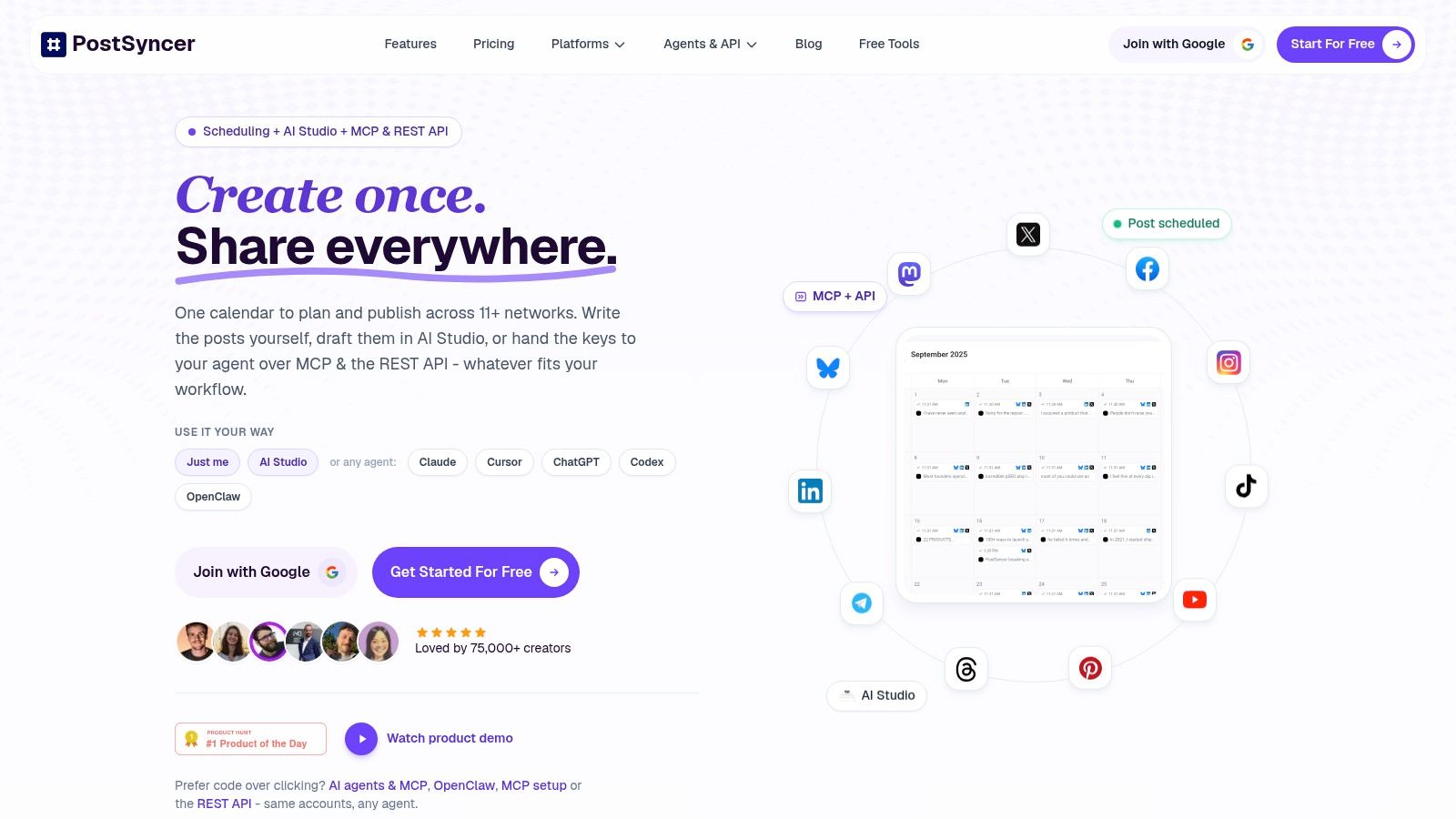
You can schedule posts, Reels, carousels, and Shorts across 11+ networks: Instagram, TikTok, Facebook, LinkedIn, YouTube, X, Threads, Pinterest, Telegram, Bluesky, and Mastodon. The calendar, queues, and bulk scheduling matter most once volume climbs, because consistency is the first thing that breaks when a team posts across that many surfaces by hand.
Where It Earns Its Place
The AI tools turn URLs, PDFs, images, videos, or plain text into captions, hooks, images, and short-form video. That pays off when repurposing, not writing from scratch, is your bottleneck. A unified comments inbox, AI auto-replies, spam filtering, and contact CRM carry it past publishing into the replies that otherwise drag you back into native apps. Agencies get approval workflows, labels, separate workspaces, and unlimited team members on paid plans.
- Best for: Teams that want planning, creation, engagement, and analytics without stitching tools together.
- Standout extra: MCP, a REST API, and webhooks for developer and AI-agent workflows.
- Pricing to check: Starter plans run $29/month, or $24/month billed annually, with a 7-day free trial.
The trade-offs are plain. Account and workspace limits still apply, extra workspaces cost more, and AI usage runs on credits. If all you need is a simple queue for one profile, this is more platform than the job calls for. If you run multiple brands or manage client approvals, the extra modules replace tools you would otherwise buy separately.
2. Buffer
Your bottleneck is the queue, not the ideas. A solo creator or small team that already knows what to post needs drafts, a dependable publishing queue, and a calendar a new hire can read in minutes. Buffer is built for exactly that workflow.
The toolset stays deliberately narrow: a visual calendar, a publishing queue, drafts, and an ideas space, with tags to group posts by campaign or topic. Comment management, analytics, and team approvals sit on eligible plans, so check your tier before assuming sign-off flows are included.
If the process underneath is still forming, pair the tool with a documented method for building a content calendar your team will actually follow. Buffer holds and publishes the posts. Cadence, pillars, and approval rules remain your job.
Where It Fits and Where It Stops
- Free entry: A free plan covers up to three channels, and paid plans carry a 14-day trial.
- Cost shape: Per-channel pricing stays transparent, but it climbs as you add channels, even for the same brand.
- Adjacent option: Linkboost's approach versus Buffer is the comparison to run if link-driven publishing matters to your decision.
Practical rule: Pick Buffer when shipping approved posts on schedule is the problem. Skip it when deciding what to create is the problem.
Solo operators and small businesses that value simplicity over depth will find that focus useful.
3. Later
Some brands don't plan posts, they plan a feed. If the order of images, the look of the grid, and the rhythm of Reels and carousels drive your decisions, Later is built around that visual-first workflow.

That emphasis has a history. A social media timeline covering platform launches places Facebook's launch in 2004, Instagram's in 2010, and TikTok's origin as Douyin in China in 2016. Each step changed the dominant format, from updated feeds to visual publishing to algorithmic short-form video. Later answers the visual stage of that shift particularly well.
The drag-and-drop planner and Instagram grid preview let you see how posts will sit together before anything goes live. You also get multi-platform scheduling, post customization, best-time-to-post recommendations, analytics, link-in-bio tools, and team approvals on selected plans.
- Best for: Creators, influencers, and commerce brands where feed cohesion sells the product.
- Trial and entry price: Annual Starter pricing listed at $16.67 per month, with a 14-day free trial.
- Watch the limits: Post and user caps vary by plan, and stronger collaboration sits in higher tiers.
Don't buy Later for complex client approval chains. Buy it when visual sequencing is the work itself.
4. Planable
A finished post can still miss its slot when approval lives in email, chat, and a marked-up screenshot. Planable is built for that agency-style handoff, keeping drafts, previews, comments, and sign-off in one shared calendar.
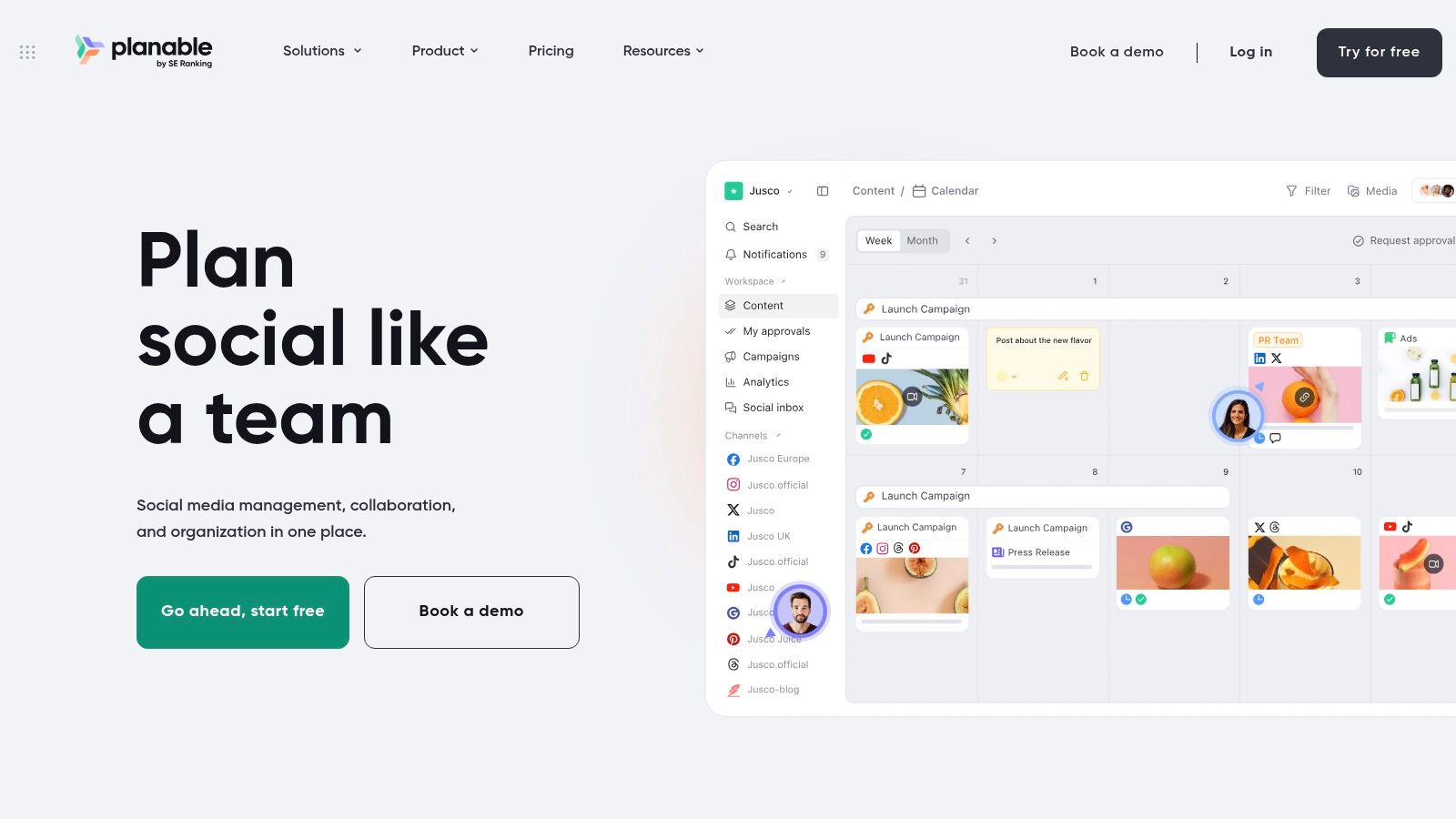
The practical gain is fewer approval loops caused by format surprise. Reviewers see the post as it will appear, comment beside it, and approve or request changes without translating feedback from a doc into the final layout. Workspaces help separate clients or brands, which matters when the same strategist touches several accounts but should never mix assets.
Planable is weaker when an empty calendar is the main blocker. It reviews and routes work well, but it will not invent next month's themes for you. If ideation is the bottleneck, use a structured content calendar generator for turning themes into scheduled posts upstream, then send those drafts into Planable for client-facing review.
Trial Checks Worth Running
- Best for: Agencies and in-house teams where sign-off decides whether a post ships on time.
- Free plan reality: Treat the free tier as a capped test drive rather than a rolling monthly allowance.
- Budget lines: Analytics, social inbox, and listening sit outside the core calendar cost, so price the workflow you need.
- Implementation note: Set approval roles before inviting clients; a vague reviewer list recreates the same delay inside a cleaner tool.
Choose Planable when the calendar's job is to get a near-final post in front of the right reviewer fast.
5. SocialBee
Evergreen content is where many small teams lose time. A useful tip, testimonial format, or product explainer performs well, gets buried, and no one rebuilds it for next month. SocialBee is designed to stop that waste with content categories and recurring evergreen queues.
Instead of filling empty dates one by one, you organize posts by category and let proven material recycle on a steady cadence. AI-assisted post and caption generation helps refresh angles, while bulk editing and CSV uploads on eligible plans speed up larger batches. Workspaces, approvals, and analytics support agencies as account numbers grow.
The risk is obvious and manageable. Recycling only works if someone reviews the queue, retires stale claims, and varies hooks and visuals. An untouched evergreen library eventually makes a brand sound like it's on autopilot.
- Best for: Small businesses and agencies that need consistency without rebuilding every queue weekly.
- Trial access: A 14-day trial is available.
- Limits to check: Entry plans cap profiles and users, and Universal Posting may rely on mobile notifications rather than direct publishing for some networks.
Used with a monthly cleanup habit, SocialBee turns your archive into a working asset instead of a folder you forget.
6. SocialPilot
SocialPilot suits the agency that is counting profiles, collaborators, and client reports at the same time. SocialPilot pairs a content calendar with bulk scheduling, collaboration, and client-oriented workflows, and its tiers let you balance price against capacity.
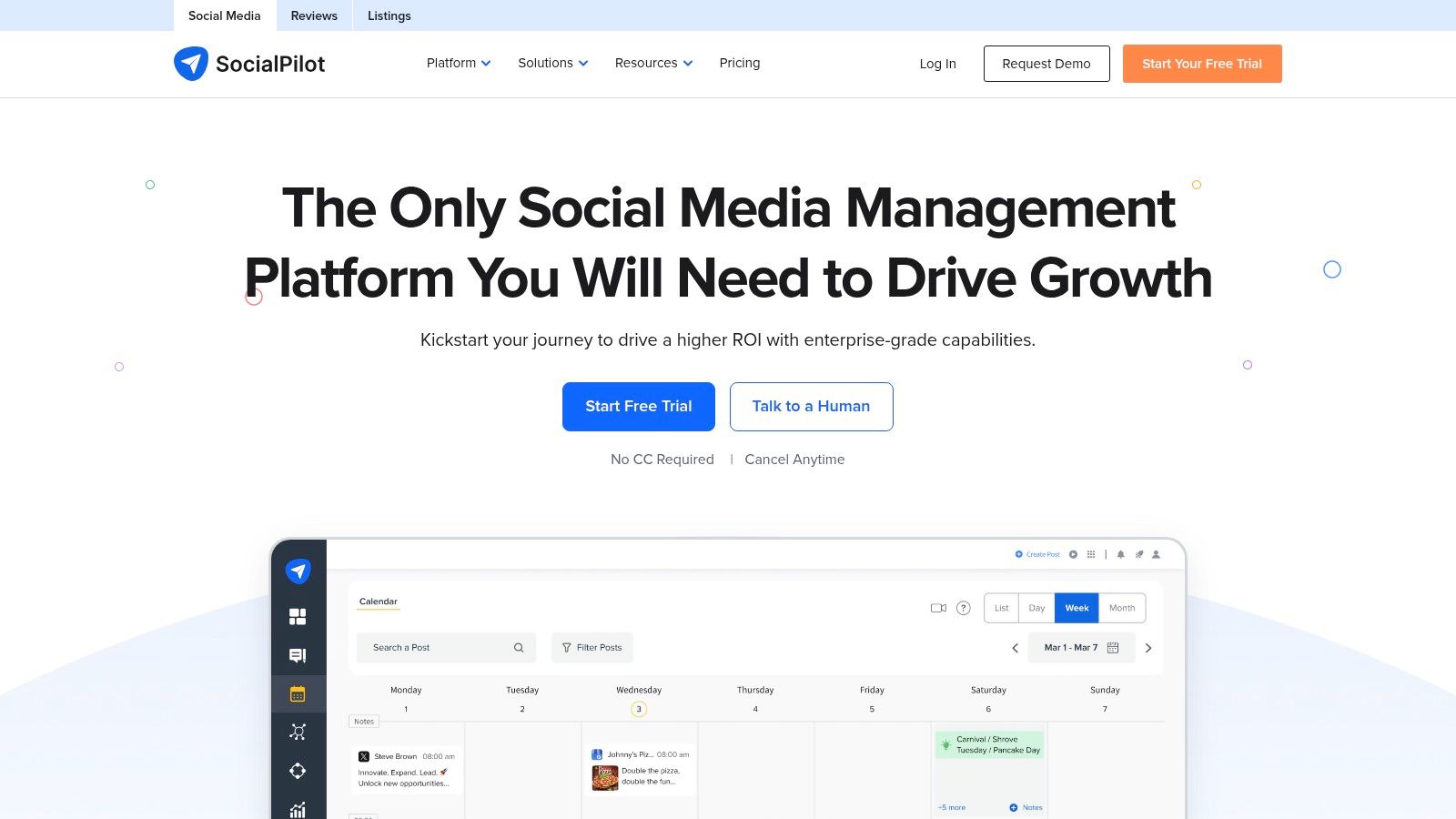
That balance matters in a growing market. Mordor Intelligence's social media management software market analysis estimated the market at USD 19.84 billion in 2025 and projects USD 42.76 billion by 2031 at a 14.2% compound annual growth rate, with SMEs projected as the fastest-growing segment at 16.92% CAGR through 2031. In plain terms, more small teams are buying these tools, so tier design and onboarding friction matter as much as raw features.
Manager or client approvals appear on eligible plans, with a social inbox, analytics, and white-label reports on selected or higher tiers. That reporting layer is useful when clients judge you on presentation as well as output.
- Entry point: Annual pricing starts at $25 per month for Essentials, with a 14-day trial.
- Strength: Multiple tiers serve solo professionals through agencies.
- Constraint: Profile and user caps vary significantly, and client approvals and white-label reports aren't included at the lowest level.
Map your next six months of accounts before choosing a tier. The cheapest plan gets expensive if you outgrow it mid-contract.
7. Metricool
Metricool is for the team that keeps asking a harder question. The calendar is full, posting is consistent, but which scheduled content contributed anything? Metricool connects scheduling with analytics and reporting across connected profiles, so planning and performance live closer together.
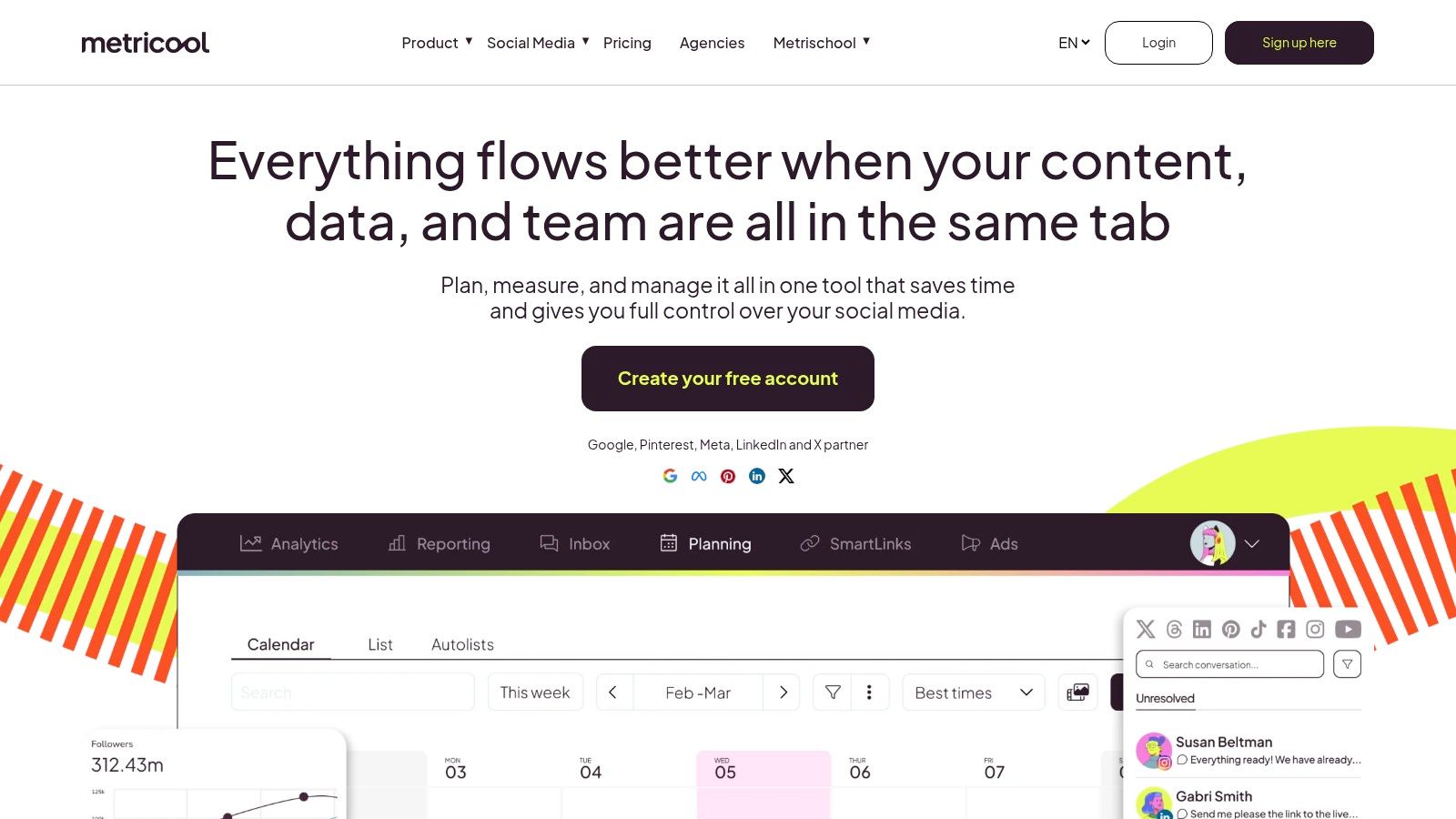
That gap is common at leadership level. Brandwatch's marketer research on social measurement found that 40% of marketers report difficulty measuring social media ROI, 45% say they need clearer visualizations of social data, and 65% of senior leaders expect a direct connection between social campaigns and business goals. A dashboard alone won't solve attribution, especially for zero-click content, but it gives you a consistent place to separate reach and watch time from leads, purchases, and retention signals you track elsewhere.
A high-reach post can create little commercial value, while a niche support or education post can influence a conversion weeks later.
Fit and Limits
- Free start: A free plan covers one brand with limited posting.
- Paid entry: Annual Starter pricing begins at $20 per month for up to five brands.
- Higher tiers: Team roles, approvals, and API access require Advanced or Custom plans.
Choose Metricool when reporting discipline will change what you schedule next month, not just decorate this month.
8. Loomly
A three-client agency I worked with ran every brand through one flat calendar, and by mid-quarter nobody could tell which post belonged to which account. Loomly is built for that setup: separate calendars per brand, region, or campaign, with shared oversight, post previews, scheduling, and approval workflows across connected accounts.
Where it earns the entry price is approvals. User roles and sign-off ship in the Starter plan, so a small agency gets client review without upgrading to a higher tier.
- Calendar capacity: Listed paid plans include unlimited calendars.
- Starter price: $49 per month with annual billing or $65 monthly.
- Starter caps: The plan limits you to 12 social accounts and three users, and the next tier is a substantial price increase.
Post ideas, AI-assisted content tools, analytics, bulk posting, and integrations round out a structured planning environment that rewards teams who plan ahead and gives improvisers little room to work. Structure alone won't fix a weak calendar, though. A disciplined approach to social media calendar planning across campaigns and channels decides what belongs on each calendar before Loomly manages it.
Pick Loomly when calendar separation and built-in approvals matter more than low entry cost. Single-brand teams will likely pay for structure they never use.
9. Agorapulse
Publishing is only half the day if comments and messages arrive faster than your team can clear them. Agorapulse combines a publishing calendar with a unified inbox, reporting, and moderation, so planned content and incoming conversation share one workspace.
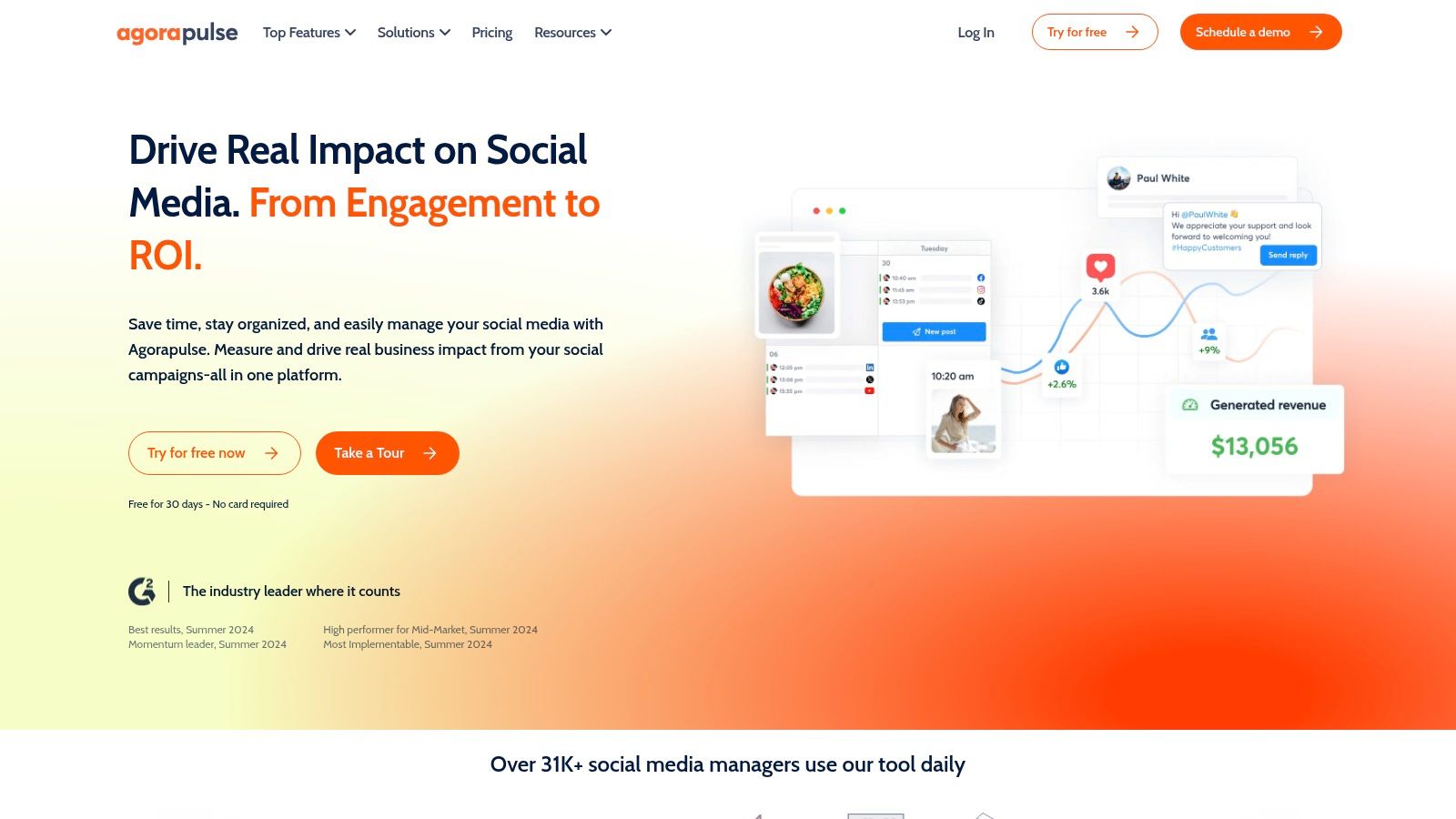
That matters operationally. A scheduled post can perform well and still create a bad experience if questions sit unanswered or a sensitive comment needs moderation. Agorapulse brings messages and organic comments into an inbox, adds branded reporting exports, and offers team workflows, shared calendars, and advanced moderation on higher tiers.
The trial terms make evaluation easier. You can test the inbox with real incoming volume, assign responses, and see whether shared visibility reduces missed messages in your team.
- Free option: A free plan covers one user and three profiles.
- Trial terms: A 30-day trial is advertised with no credit card required, and a nonprofit discount is available.
- Cost watchpoint: Paid plans are priced per user, Standard includes 10 profiles, and extra profiles cost more.
Pick Agorapulse when engagement handling is breaking alongside scheduling. If your inbox is quiet, a leaner calendar will serve you better.
10. Hootsuite
Hootsuite is the broadest platform in this group, and breadth is both the reason to buy it and the reason to skip it. Hootsuite combines a multi-network calendar with publishing, analytics, a unified inbox, and social listening and trend monitoring.
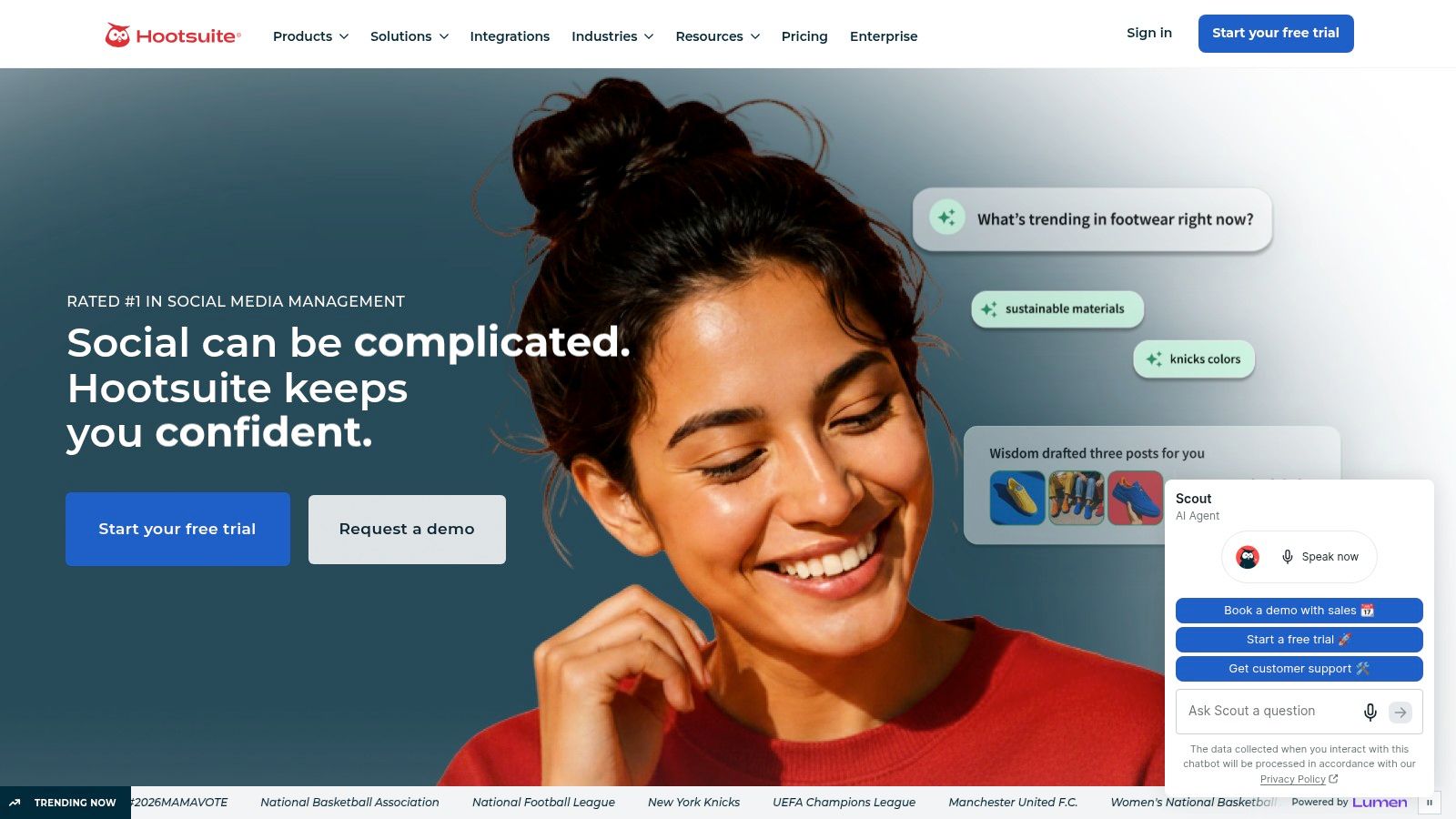
Trend awareness is where rigid calendars get exposed. Verizon's 2025 State of Small Business Survey reported that 54% of surveyed SMBs struggle to keep online content fresh and stay current with social media trends, while 28% were already using AI for marketing and social media in 2025. Monitoring helps you spot shifts, but it doesn't decide whether a trend fits your brand or when scheduled content should pause during a sensitive event. That judgment still needs a human approval rule.
Standard supports up to 10 social accounts with unlimited scheduled posts, AI-supported ideas, captions, image generation, competitor benchmarking, and a free trial advertised with no credit card required.
- Best for: Growing brands that want publishing, engagement, and monitoring together.
- Main drawback: The feature range can exceed a small team's needs, and Standard lacks advanced approvals and team workflows.
Buy Hootsuite for listening plus publishing. Don't buy it just to get a calendar.
Top 10 Social Media Content Calendar Software Compared
| Platform | Core capabilities | Standout features | Best for | Price and value |
|---|---|---|---|---|
| 🏆 PostSyncer | ★ Scheduling across 11+ networks, AI content creation, analytics, and unified inbox | ✨ AI video tools, auto-replies, CRM, unlimited paid-plan team members, API/MCP/webhooks | 👥 Creators, teams, and agencies seeking an all-in-one workspace | 💰 Starter from $29/month ($24/month annually); 7-day free trial |
| Buffer | ★ Calendar, drafts, scheduling, and basic analytics | ✨ Simple interface; free plan supports up to 3 channels | 👥 Individuals and small businesses | 💰 Free plan; paid pricing varies by channel |
| Later | ★ Visual calendar, Instagram grid preview, and scheduling | ✨ Best-time suggestions and link-in-bio tools | 👥 Creators, influencers, and visual brands | 💰 Starter from $16.67/month billed annually; 14-day trial |
| Planable | ★ Collaborative planning, previews, comments, and approvals | ✨ Shared workspaces; free plan includes 50 total posts | 👥 Agencies and teams needing client sign-off | 💰 Free tier; analytics and inbox may cost extra |
| SocialBee | ★ Category-based scheduling and evergreen content recycling | ✨ AI-assisted writing, recurring queues, and agency tiers | 👥 Small businesses and agencies maintaining a steady cadence | 💰 14-day trial; plan pricing not specified |
| SocialPilot | ★ Calendar, bulk scheduling, collaboration, and analytics | ✨ Client workflows and white-label reports on higher tiers | 👥 Solo professionals, teams, and agencies | 💰 Essentials from $25/month annually; 14-day trial |
| Metricool | ★ Scheduling paired with analytics and reporting | ✨ Brand-based plans and API access on higher tiers | 👥 Small businesses and agencies tracking performance | 💰 Free plan for 1 brand; Starter from $20/month annually |
| Loomly | ★ Shared calendars, scheduling, previews, and approvals | ✨ AI-assisted tools and unlimited calendars on paid plans | 👥 Teams coordinating multi-account publishing | 💰 Starter from $49/month annually or $65 monthly |
| Agorapulse | ★ Publishing calendar, unified inbox, reporting, and moderation | ✨ Branded reports and a 30-day trial advertised | 👥 Teams managing publishing and audience interactions | 💰 Free plan for 1 user and 3 profiles; paid plans priced per user |
| Hootsuite | ★ Scheduling, analytics, inbox, and social listening | ✨ Competitor benchmarking and trend monitoring | 👥 Brands needing publishing plus monitoring | 💰 Free trial advertised; paid pricing not specified |
Pick the Calendar That Matches Your Bottleneck
Skip the feature spreadsheet. Name the step that failed most recently. A post went out late because approval sat in a chat thread, the asset lived in the wrong folder, nobody recycled a proven idea, or a breaking trend made the planned caption read tone-deaf. That failure is your buying criterion.
If approvals break, put Planable or Loomly through a real review cycle. Send one campaign through comments, revisions, and sign-off with an actual client or stakeholder in the loop, and time it. A tool that demos cleanly can still fail if your reviewer refuses to leave email.
If visual planning breaks, load two weeks of creative into Later and drag posts around the grid. Watch whether better sequencing changes your decisions. If consistency breaks, test SocialBee's categories or PostSyncer's queues and bulk scheduling, then check whether the gaps fill with quality content or filler.
- For analytics-led planning: Trial Metricool and define success before you schedule, separating reach and watch time from leads and assisted conversions.
- For engagement plus publishing: Trial Agorapulse or PostSyncer with live comments, assignments, and moderation rules running.
- For trend monitoring: Trial Hootsuite, but write your pause and approval rules before the next cultural moment forces a rushed call.
- For simple, reliable queues: Trial Buffer and count your future channels before the per-channel bill surprises you.
A permanently full calendar matters less than controlled adaptability. Reserve space for flexible, real-time posts alongside evergreen content. Give trend-responsive posts a faster approval path, add expiration checks to recycled material, and make pausing scheduled content easy when public sentiment shifts. AI speeds up ideation, captions, and repurposing, though it should never decide on its own whether a trend is culturally appropriate or commercially relevant for your brand.
Measurement deserves the same discipline. Add campaign codes, landing-page parameters, CRM source fields, and post-level notes before content goes live, not after someone asks for a revenue report. When attribution is incomplete, say so in the report. A calendar that produces tidy dashboards but no clearer decisions has not fixed the underlying problem.
Trial test: Import one real campaign, run it from draft to approval to published post, and count the steps you removed.
That single test tells you more than any feature tour. Check platform-specific previews, failed or missing destinations, time zone handling, and format constraints. Confirm who can approve, who can only comment, and whether reviewers need paid seats. Then look at the price you'll pay in six months, with the accounts, users, and workspaces you'll have, rather than the entry number on the pricing page.
Migrate in stages. Move one brand or campaign first, keep the old process available for a short overlap, and shift the full calendar only after the new workflow survives a normal busy week. The right social media content calendar software removes your most frequent failure while staying simple enough that people keep using it after the trial ends.
If your bottleneck spans creation, scheduling, approvals, engagement, and analytics across multiple networks, PostSyncer (covered at the top of this roundup) puts those jobs in one visual calendar, with AI-assisted repurposing, unlimited team members on paid plans, and API access for custom workflows. Run one real campaign through the full process and count how many manual steps disappear.