











The most popular advice about an AI video generator online is to pick the tool with the most impressive demo. That's a poor way to choose. A striking cinematic clip doesn't help much if your team needs a branded social post by the end of the day, and an avatar presenter won't replace generated footage for an atmospheric product ad.
The best tool depends on the video you need. Social teams may prioritize captions, resizing, and publishing; business teams may need a consistent virtual presenter; creative studios may want more control over generated scenes. The right choice comes down to the final job, how much editing you'll do, and how quickly you need to publish.
This comparison groups tools by the work they're best equipped to handle: browser-based social creation, presenter-led business video, cinematic generation, and editing-first production. It also considers practical trade-offs, including credits, output consistency, and the amount of human review each workflow needs.
AI video has moved quickly from short, low-resolution research demonstrations to systems that can generate longer clips. For context, the history of text-to-video development tracks milestones from VGAN in 2016 to Sora's 2024 announcement. The practical takeaway isn't that every tool can now make a finished campaign. It's that generation is increasingly accessible, while editing, brand fit, and approval still determine whether a draft is ready to publish.
1. Free AI Video Generator for Social Media
For creators who need a quick route from an idea to a short social video, PostSyncer's free AI Video Generator brings key production steps into a browser-based workflow. You can start with a text prompt or use an image as the basis for a video, then work with generated visuals, voiceovers, subtitles, and music in one tool. That combination is useful when the brief calls for a publishable social asset, not just an isolated generated shot.
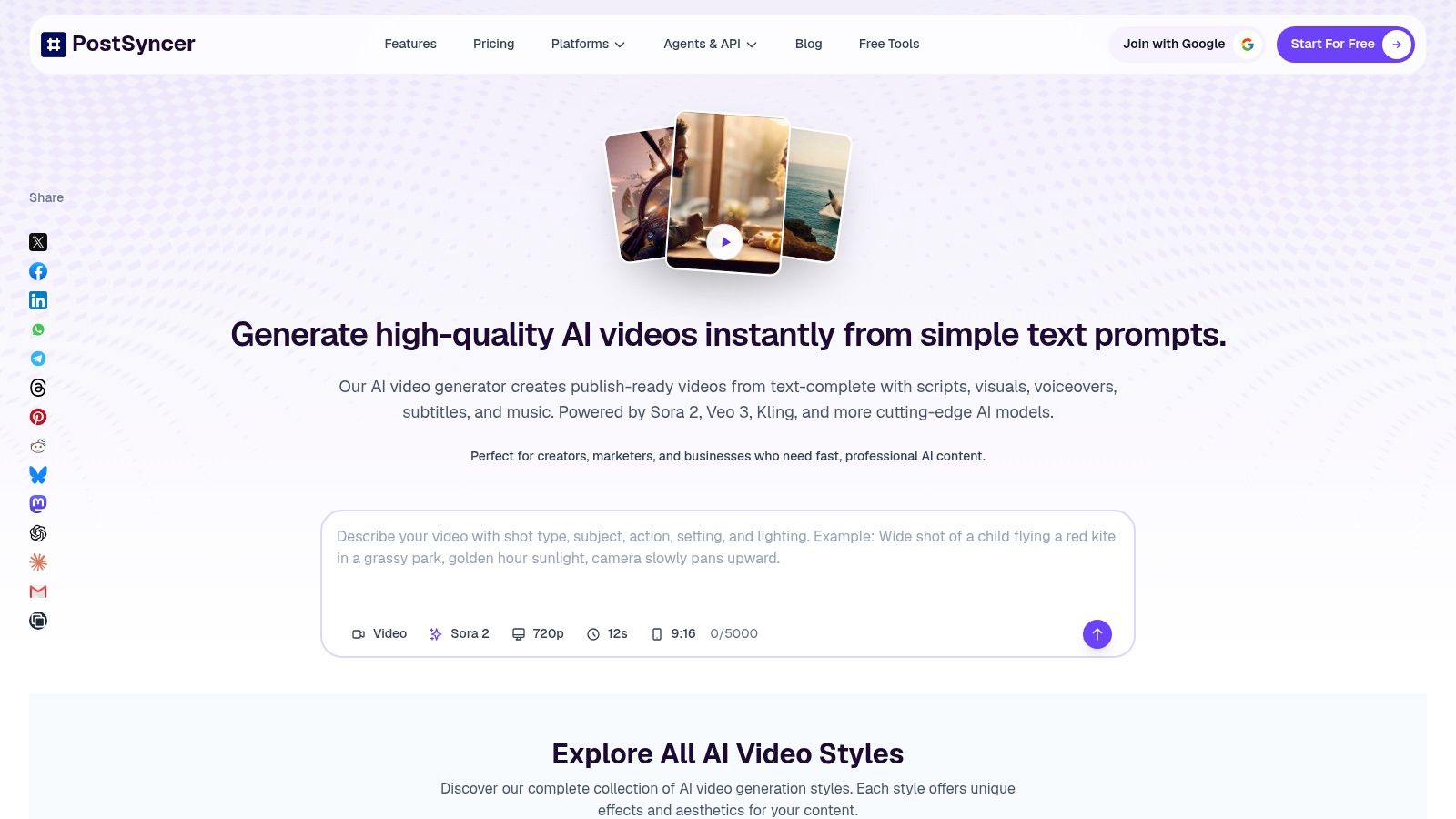
The strongest fit is short-form creation and repurposing. Image-to-video can help animate an existing product image or campaign visual, while voiceover and subtitles give a prompt-based draft more of the structure people expect from a social post. Starting in a browser also keeps the workflow accessible to teams that don't want to open a desktop editing suite just to produce a first draft.
Production rule: Treat the generated video as an editable draft. Review the visuals, voice, captions, and brand details before publishing.
The free access makes it easy to try the workflow, but the available product details don't specify export formats, resolution, or whether free exports have limits. Check those details against your needs before building a recurring publishing process around it. Generated footage may also need revisions if it doesn't match your brand style or creative direction.
For a social-first workflow, PostSyncer is particularly relevant when creation is only one step in the job. The online AI Video Generator can help get a short video started without separate editing software, while the wider publishing workflow can support teams that need to create and distribute social content. Don't judge a tool only by its first result. Judge it by how much work remains before the video is ready to share.
2. Runway
Runway is a creative generation and editing workspace for teams that want to do more than convert a prompt into a clip. It supports text-, image-, and video-based inputs, alongside tools for editing and transforming footage, extending clips, and upscaling. That makes it a stronger fit for concept development and stylized social or advertising work than for a simple, fully assembled narrated video.

The flexibility is valuable when the starting material changes from project to project. A team can begin with a text prompt, use an image as a visual guide, or bring in existing footage to transform. Keeping generation and refinement in one workspace can also be more convenient than bouncing between a generator and an editor just to explore different creative directions.
The trade-off is iteration. Generation is credit-based, and experimentation can use credits before a team has a clip it wants to keep. Prompt-based results may take repeated attempts to become usable, so set aside time and credits for exploration rather than counting on a perfect first output. A free tier provides a way to try the workflow, but it doesn't remove the need to manage usage.
Choose Runway when the main job is visual exploration or footage transformation and an editor will still review the result. It's less compelling if your priority is the shortest path from a written idea to a branded, captioned, finished social post. See the Runway website for current access and product details before planning a workflow around specific models or features.
3. HeyGen
HeyGen is built around presenter-led video, using virtual avatars to deliver scripts without requiring someone to film on camera. You can create a video from a script, link, image, or idea, then use voice and translation features for content such as product explainers, sales communication, or localized marketing. Its strength is repeatability: teams can produce structured videos without setting up a shoot for each update.
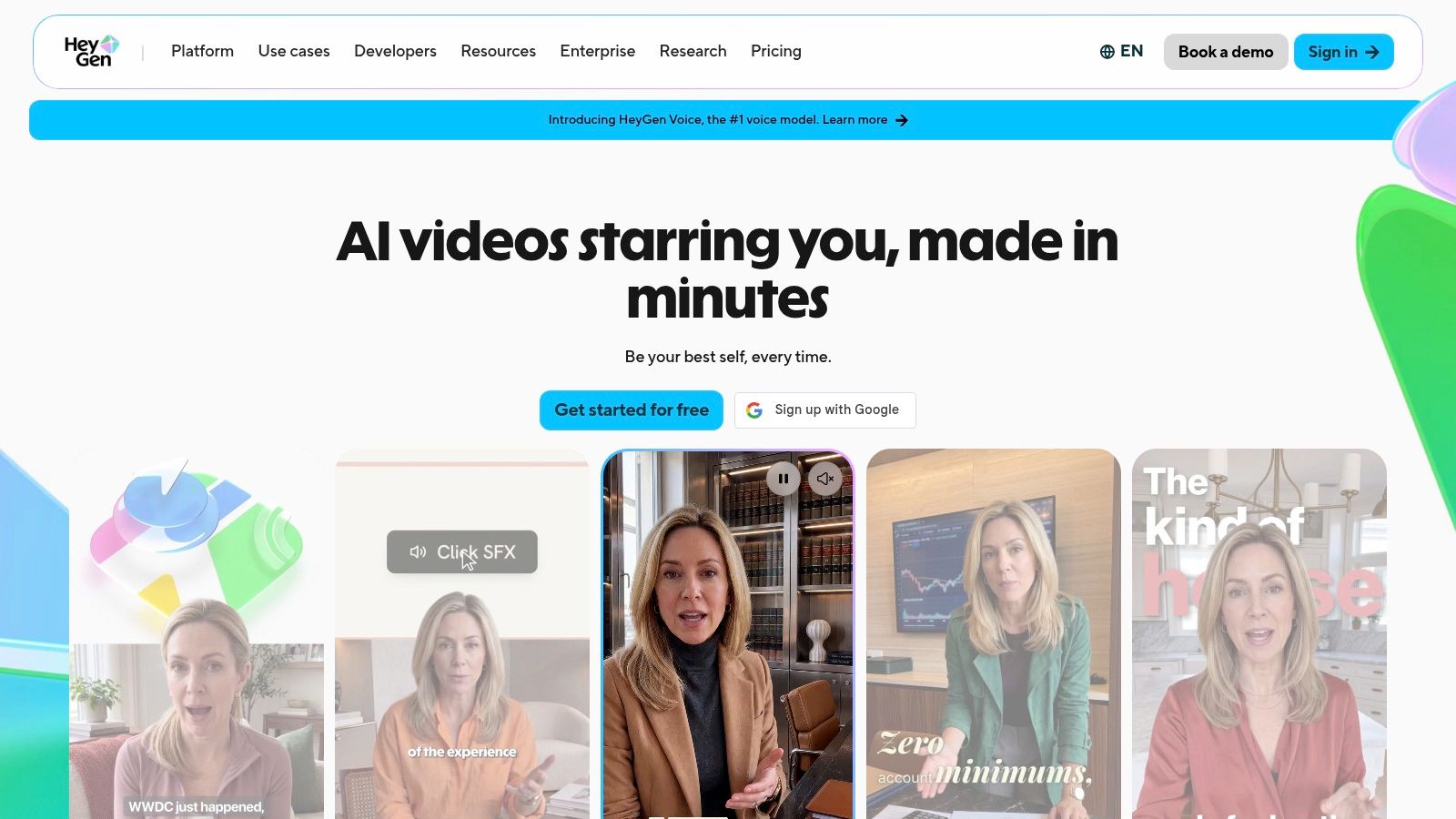
The format works best when the audience needs a clear person-like presenter to guide them through information. Ready-made and custom avatars, voice generation, and lip-sync capabilities can help a team reuse a familiar presentation style across different scripts and languages. That can be more practical for recurring explainers than generating a new visual concept for each video.
It isn't a substitute for cinematic footage. Avatar videos can feel less natural than filmed performances, and a virtual presenter's tone may not fit every brand or subject. Teams should also confirm how video allowances and credits work on the plan they're considering, since limits vary. If a project depends on realistic delivery, test a representative script and review the result at the size and context where viewers will see it.
HeyGen is a sensible choice for repeatable presenter content when no camera or recording setup is available. It's a weaker fit for a campaign built around atmosphere, action, or highly specific scenes. Visit the HeyGen website to check current avatar, voice, translation, and plan options before choosing it for a production pipeline.
4. Synthesia
Synthesia focuses on structured business video with virtual presenters. Its script-led workflow, AI avatars, generated voices, and localization tools suit training, internal communications, and explainers where the message should be clear and consistent. Teams can build a presenter-led video without arranging a recording session, then adapt the content for different audiences through localization features.
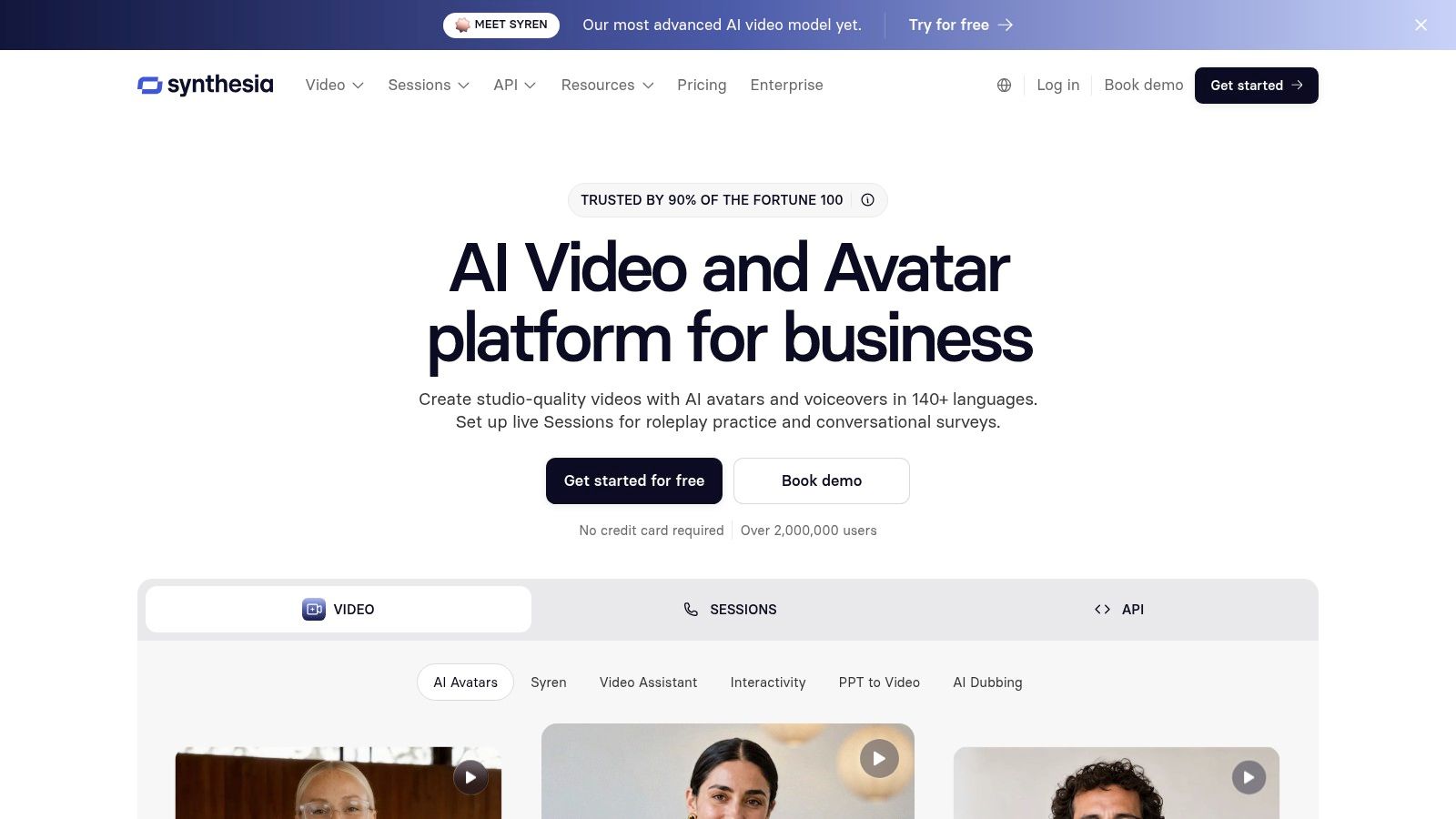
This format is most useful when the script matters more than visual spectacle. A training update or product walkthrough usually needs a dependable explanation, clear narration, and an organized sequence. Synthesia's business-oriented workflow is designed for that kind of repeatable content, with team and enterprise options for organizations that need a shared process.
The limitation is equally clear: a virtual presenter isn't a cinematic production tool. If the brief depends on bespoke scenes, live-action performances, or a strong visual narrative, a presenter-led template may feel too constrained. A free Basic tier provides a way to try the editor, avatars, and voices, but check the current Synthesia pricing page for the features and limits that apply to your planned use.
Before rolling it out for business communication, review the avatar's delivery and the script's claims. Human approval remains important, particularly for material that represents a company, makes product statements, or addresses sensitive topics. For additional workflow context, see PostSyncer's guide to AI video creation tools. Synthesia is a strong fit when your team wants a repeatable presenter format, not when it wants every video to look like a custom film.
5. Adobe Firefly
Adobe Firefly makes sense when generated video needs to move into an existing Adobe creative workflow. It supports text-to-video and image-to-video generation, with access to selected Adobe and partner models. Teams can use it to create footage for a larger design or editing project rather than treating the generated clip as the final deliverable.
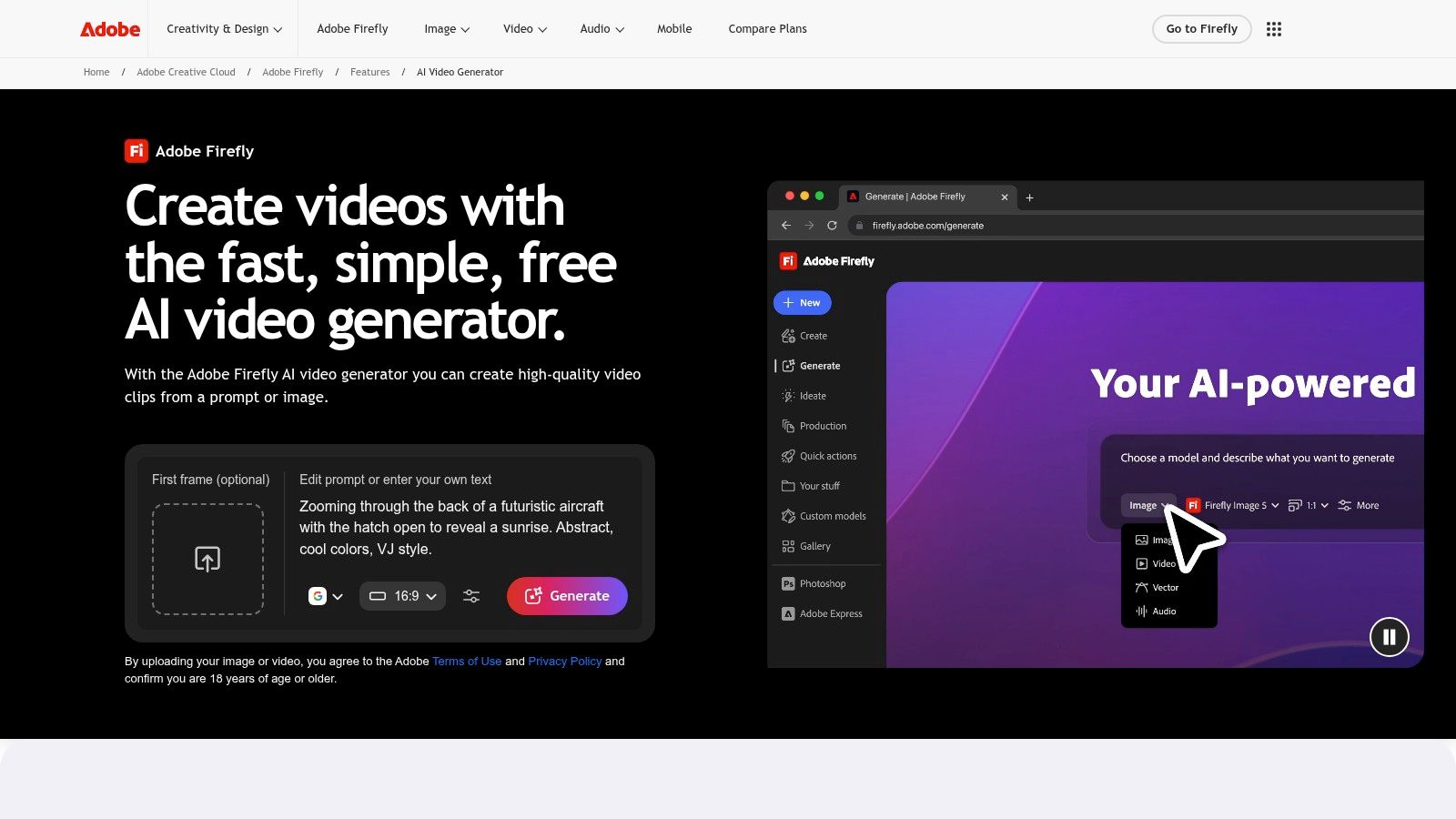
That integration matters when a designer or editor needs to combine generated visuals with established brand assets and conventional post-production. Generation is only one part of the job: teams still need to select the best take, trim it, add titles or graphics, and make sure the final piece fits the project. Firefly's place in a broader creative ecosystem can help keep those steps connected.
Credit allowances shape how often you can generate. Limited free daily generations are available, but frequent use can require a paid subscription, and heavier production may make credit management more important. Don't evaluate the cost based only on a single successful clip. Include exploration and refinement when estimating how much usage a real project will require.
Firefly is a useful option when you already work with Adobe tools or need generated footage as one component of a professionally edited piece. It may be less convenient for a team looking for a complete social video that's ready to publish from one prompt. Review the Adobe Firefly AI video generator for current model access and credit details. For commercial work, check the applicable terms and product documentation rather than assuming a particular usage right applies to every plan or workflow.
6. Invideo AI
Invideo AI is designed to assemble a complete narrated video from a prompt or idea. Its workflow combines AI scripting, visuals, voiceover, and editing, with a timeline for making changes. That makes it a better fit for a video that needs a beginning-to-end structure than for a single cinematic shot intended for a separate editor.
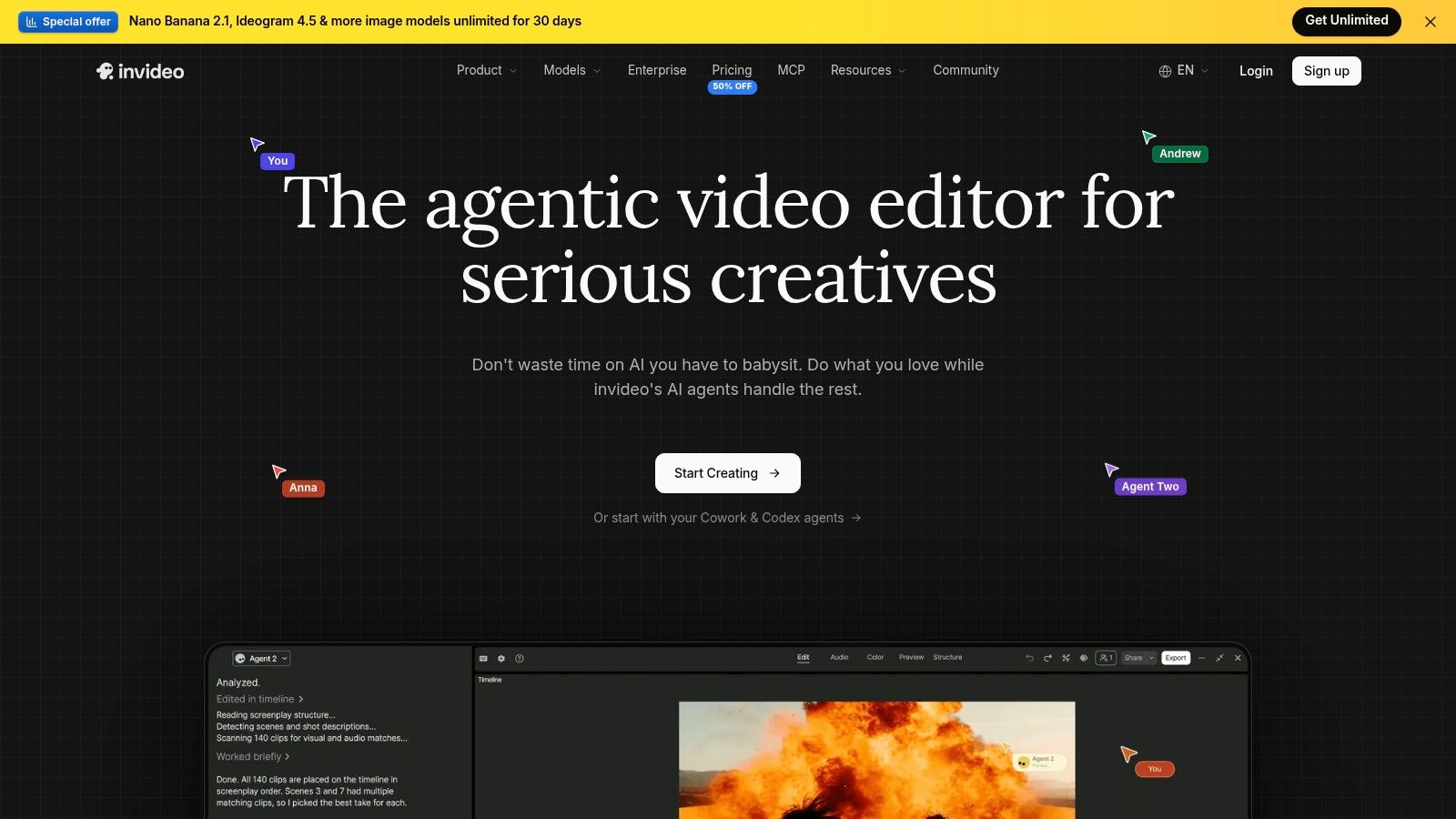
The practical benefit is having ideation and assembly in the same service. A prompt can become a narrated first draft, then the editor can adjust the script, visuals, or pacing. Model selection is also available, but access and usage depend on the plan. That flexibility makes it important to check which generation options your team can use before relying on them for a campaign.
Credit costs vary by model and settings, so an apparently simple test may not reflect the cost of a larger production workflow. The free plan provides a way to try the product, but teams should pay attention to how usage changes when they choose different models or generate revisions. A complete first draft still needs editorial review: generated narration and visuals may not match the brief closely enough to publish without changes.
Invideo AI is worth considering for faceless or narrated social videos where speed of assembly matters more than shot-by-shot control. It's less suited to a project whose core value is one carefully directed, visually distinctive scene. For more context on social video workflows, read PostSyncer's guide to AI video creation for social media. You can also compare Invideo alternatives on Adwave if you're weighing other tools for prompt-led production.
7. VEED
VEED combines browser-based editing with AI video creation and finishing tools. A team can review a script before generating a video, use the AI Playground for text- or image-to-video work, and then make edits in the browser. Subtitles, voiceovers, and resizing features make it relevant to social teams that need to prepare content for different placements.
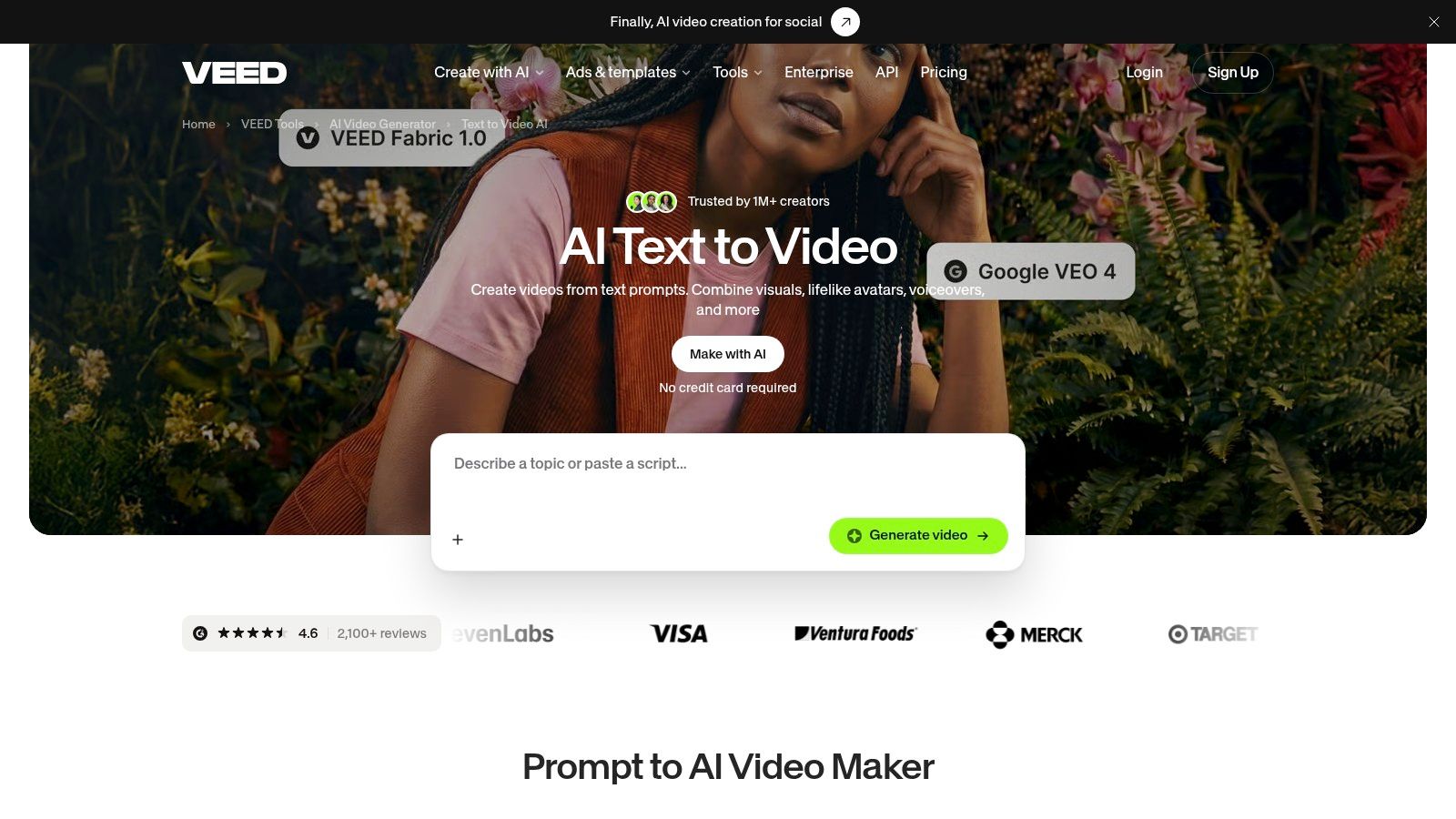
The script review step is useful because it puts editorial judgment before generation. Teams can catch a weak hook or an unclear explanation before spending credits on the video itself. VEED also shows an estimated credit cost before generation, which can make it easier to decide whether a test is worth running.
The trade-off is model-dependent usage. Credits, model availability, and output can differ, and monthly credits follow plan rules, so don't assume the same generation choice will have the same cost across all plans. Review the estimate shown for the specific model and settings you select, and remember that a generated draft may still need subtitle checks, brand adjustments, or timeline editing.
VEED is a practical choice when you want to generate, caption, and finish social clips in one browser workflow. It's not a replacement for every specialized editing suite, especially when a project calls for detailed post-production control. Check the VEED text-to-video tool for current model options and usage information. The best fit is a team that values script review and post-production in the same place.
8. Luma
Luma is an online creative workspace for generating and modifying footage, with integrated video models and options for text-to-video and image-to-video. That combination gives creators room to start from an idea or an existing visual, then explore different ways to shape the output. It's more oriented toward visual creation than toward turning a prompt into a fully packaged marketing video.
Model choice and the ability to modify footage can help when a creative team wants to compare different directions. The flexibility is useful, but it also means teams should plan time for selection and refinement. A clip that looks promising in a preview may still need changes before it fits a specific campaign or stays consistent with other assets.
Luma uses credit-based generation, and usage varies with the model, resolution, and task. As a result, there's no universal per-video cost to rely on. A team should track what its own workflow consumes, including attempts that are discarded and changes made after the first generation. Plan prices and quotas can be harder to compare than a straightforward price per finished clip.
Choose Luma when the task involves creating or modifying visual footage and you want a choice of integrated models and resolutions. If you need captions, brand templates, and distribution tools in the same workflow, an editing- or social-focused platform may be a better fit. Review the Luma website for current individual and business options before committing. Its value is in creative flexibility, not in promising that every generation will be ready to publish unchanged.
9. Kapwing
Kapwing combines a browser video editor with generation and repurposing tools. Its Kai AI video generator can turn a prompt into a video, while the wider editor supports tasks such as captions, translation, and collaboration. That makes the platform relevant to social teams that need to generate content, adapt it, and keep projects accessible in a shared online workspace.
The editing and repurposing tools are the main practical advantage. A generated clip may need a caption pass, a translation, or another edit before it suits a specific audience. Keeping those jobs near the generation workflow can reduce tool switching and make it easier for teammates to work from shared projects.
There are real plan trade-offs. Free exports include a watermark, generative tools use credits, and some advanced export and collaboration features require a paid plan. If your workflow depends on clean exports or team review, confirm which plan includes the necessary features before production begins. A generator can be quick to try, but the final workflow also depends on what happens after the clip is created.
Kapwing is a strong candidate when a team wants online editing and repurposing alongside AI generation, rather than a stand-alone cinematic model. It's also worth checking how its current credits and plan limits line up with your likely number of revisions. Visit the Kapwing website to review its current editing, export, and team options. The platform works best when adaptation and collaboration matter as much as the initial generation.
10. Canva
Canva places AI video tools inside a broader design and social-content workflow. Teams can combine generated footage with templates, design assets, and video editing tools to make a branded post, story, or short-form video. That's helpful when the video is one part of a campaign that also needs matching graphics and layouts.
The key advantage is convenience for visual consistency across formats. A social manager can work on video and related design assets in the same environment instead of exporting a generated clip and starting a separate design workflow. Canva also supports image-to-video tools, which can help when a team wants to build from an existing visual asset.
Feature eligibility and AI usage allowances depend on the plan. AI access, usage, and fair-use limits can vary, so confirm the terms that apply to your account before making Canva part of a high-volume production routine. It may also be less suitable than a dedicated generator when the main goal is cinematic footage with greater control over the generated scene.
Canva fits teams that already use its design tools and want AI video to sit alongside templates and social layouts. It's less compelling if a project depends on highly customized generated footage and detailed cinematic direction. Check the Canva website for current AI access and plan information. When a video needs to look like part of an existing content system, Canva's broader design workflow can matter more than generation alone.
Top 10 Online AI Video Generators: Feature Comparison
| Tool | Core Video Workflow | Standout Feature | Best For | Value / Pricing | Key Consideration |
|---|---|---|---|---|---|
| PostSyncer AI Video Generator | Text-to-video and image-to-video with visuals, voiceover, subtitles, and music | ✨ Social-ready video creation in a browser | 👥 Creators making short-form social content | 💰 Free access | ★ Export specs and free-use limits aren't specified |
| Runway | Generates and transforms video from text, images, or clips | ✨ Multiple models, clip extension, and upscaling | 👥 Creatives developing stylized footage and concepts | 💰 Free tier; generation uses credits | ★ Experimentation can use credits quickly |
| HeyGen | Script-led videos with virtual presenters | ✨ Avatars, voice cloning, translation, and lip-sync | 👥 Marketers creating presenter-led content | 💰 Plan-based credits and video limits | ★ Avatar delivery may feel less natural than filmed video |
| Synthesia | Script-to-video with AI presenters and voices | 🏆 Localization and structured business-video workflows | 👥 Businesses creating training and explainers | 💰 Free Basic tier; check paid-plan limits | ★ Less suited to cinematic footage |
| Adobe Firefly | Text-to-video and image-to-video | ✨ Integrates with Adobe creative tools | 👥 Adobe users adding generated clips to design workflows | 💰 Limited free generations; paid plans use credits | ★ Heavy use may increase costs |
| InVideo AI | Prompt-to-video with scripting, voiceover, and editing | ✨ Assembles complete narrated videos | 👥 Creators producing polished, story-led videos | 💰 Free plan; usage varies by plan and model | ★ Credit costs depend on model and settings |
| VEED | Script-to-video plus browser-based editing | ✨ Subtitles, branding, and estimated credit costs | 👥 Social teams creating and finishing clips | 💰 Model generation uses plan-based credits | ★ Credits and model availability vary |
| Luma | Text- or image-to-video, plus footage modification | ✨ Choice of models, resolutions, and reframing tools | 👥 Creatives generating and refining footage | 💰 Credit-based; cost varies by model and task | ★ Finished-clip costs can be difficult to predict |
| Kapwing | Prompt-based generation with online editing | ✨ Captions, translation, and team collaboration | 👥 Social teams editing and repurposing content | 💰 Free exports have a watermark; paid plans add features | ★ Generative tools use credits |
| Canva | AI video creation within a design and editing workspace | ✨ Templates and matching social graphics | 👥 Teams creating branded social assets | 💰 AI access and allowances vary by plan | ★ Less focused on cinematic generation |
Choose a Workflow, Not Just a Generator
Start with the output your team needs to publish. A cinematic clip, a presenter-led explainer, a narrated social video, and a branded short-form post are different production jobs. Choosing a tool by its most impressive sample can lead to avoidable editing work if the product is built for a different format.
PostSyncer is a good fit when browser-based social creation and integrated video production matter. Runway or Luma can suit visually ambitious footage; HeyGen or Synthesia are more focused on presenter-led communication; VEED, Kapwing, and Canva combine generation with editing or design work. Invideo AI is a better fit when the brief calls for a complete narrated draft assembled from a prompt. Adobe Firefly belongs in the conversation when generated footage needs to flow into an Adobe-centered creative process.
Before choosing, compare generation quality, editing control, credit limits, export options, and collaboration requirements. A free tier or trial can help you explore, but it doesn't necessarily reveal the cost of a repeatable workflow. Test a representative project, not just an easy prompt. Include discarded generations, revision time, caption checks, brand review, and final exports when estimating the actual effort.
Trust and approval should also be part of the production decision. In a survey cited by Baringa's research on trust in AI, 77% of respondents wanted to know whether content was created wholly or partly with AI. That's a reminder to consider how your team handles labeling, synthetic voices and avatars, consent, and human review, particularly when a video could be mistaken for a real person's statement.
Finally, don't assume every generated variant deserves its own campaign. The MIT Initiative on the Digital Economy's research on generative AI and video-ad production discusses production-cost savings and personalized video examples, but the useful business question is whether a specific project's results justify its review and distribution effort. If production needs grow beyond your team's capacity, compare your options for video editing services as well as software.
Try the tool with a real script, a real brand asset, and the people who will approve the finished video. The best choice is the one that gets your team from brief to publishable content with the least friction, not the one that makes the most exciting demo.
PostSyncer combines an online AI Video Creator with tools for planning, repurposing, scheduling, and analyzing social content across major platforms. Start a short-form video workflow in one workspace, then visit PostSyncer to see how it can support the work from creation through publishing.