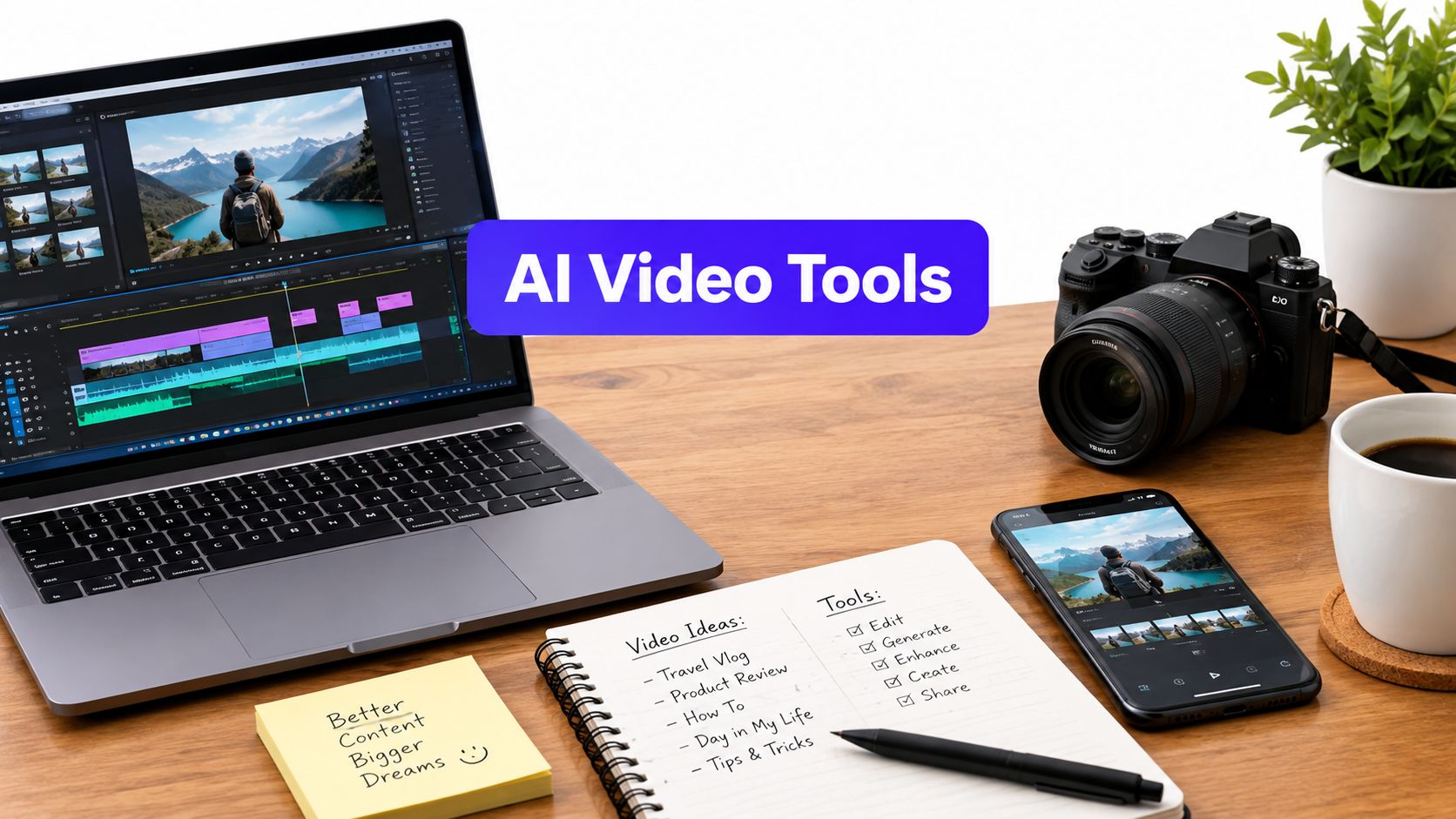












You have one long webinar recording, a product video due Friday, and four platforms waiting for fresh posts. The footage exists, but turning it into useful clips is still the bottleneck. One tool may find strong moments in the webinar, another may generate missing visuals from a script, and a third may localize a presenter video. The wrong choice leaves you regenerating clips, trimming captions, or watching credits disappear before you have a publishable post.
That's why the best AI video creation tools depend on the job. This list doesn't rank ten platforms from “best” to “worst.” It sorts them by the work they handle best, from long-to-short repurposing and text-generated footage to presenter localization and multi-network publishing. Each pick includes the practical limit that affects real production, such as credits, media minutes, watermarks, export restrictions, or model usage.
1. OpusClip
Best for repurposing long footage into short clips
OpusClip is the first tool I'd test with a webinar, podcast, interview, or livestream recording. Its clip finder scans long footage for likely highlights, then builds short-form edits with captions, face tracking, and social-first layouts. You can convert the same source into vertical versions for TikTok, Reels, and Shorts without rebuilding every crop by hand.
The useful part isn't just automatic trimming. OpusClip tries to preserve the speaker's face and keeps the framing centered as the subject moves. That matters when the original recording is wide and the final post needs a vertical composition. It also supports scheduling, team workflows, and exports to editing applications such as Premiere and Resolve.
Practical rule: Treat OpusClip's first suggestions as a shortlist, not a finished editorial decision.
The tool is less convincing when you need an original scripted ad, a controlled cinematic sequence, or a visual concept that doesn't exist in the source footage. It's strongest when the value is already inside a long recording and your job is to find it quickly.
For a deeper workflow around turning long recordings into short posts, see these video summarization best practices. If your source is YouTube footage, this guide to an AI video generator for YouTube Shorts is also relevant. The actual cost comes from processing time and the number of clips you review before finding a publishable one, not from the first automated cut.
2. Kapwing
Best for browser-based social editing and collaboration
Kapwing works well when several people need to touch the same social video. It combines editing, subtitling, translation, dubbing, templates, brand assets, and shared workspaces in a browser. A social manager can prepare the cut, a designer can adjust the layout, and a client or brand lead can review the result without opening a professional desktop editor.
Its strongest workflow starts with existing footage. Upload a product demo or interview, generate subtitles, resize it for a target network, clean up the audio, and add branded elements. Lip-sync and dubbing features can extend the usefulness of a finished video, especially when a team needs localized versions rather than entirely new shoots.

The limit that changes the economics is credit consumption. Subtitles, dubbing, and other AI operations draw from plan allowances, so a lower tier can feel inexpensive until you run several language versions or repeatedly regenerate a caption track. The free tier also includes restricted credits and a watermark, which makes it useful for testing but less suitable for client delivery.
Kapwing isn't my first choice for generating an entire visual world from a text prompt. It's better as a fast production desk for teams that already have footage, brand guidelines, and a clear publishing schedule. Its transparent plan comparison makes it easier to estimate whether recurring localization work will fit your budget.
3. Descript
Best for transcript-first editing and cleanup
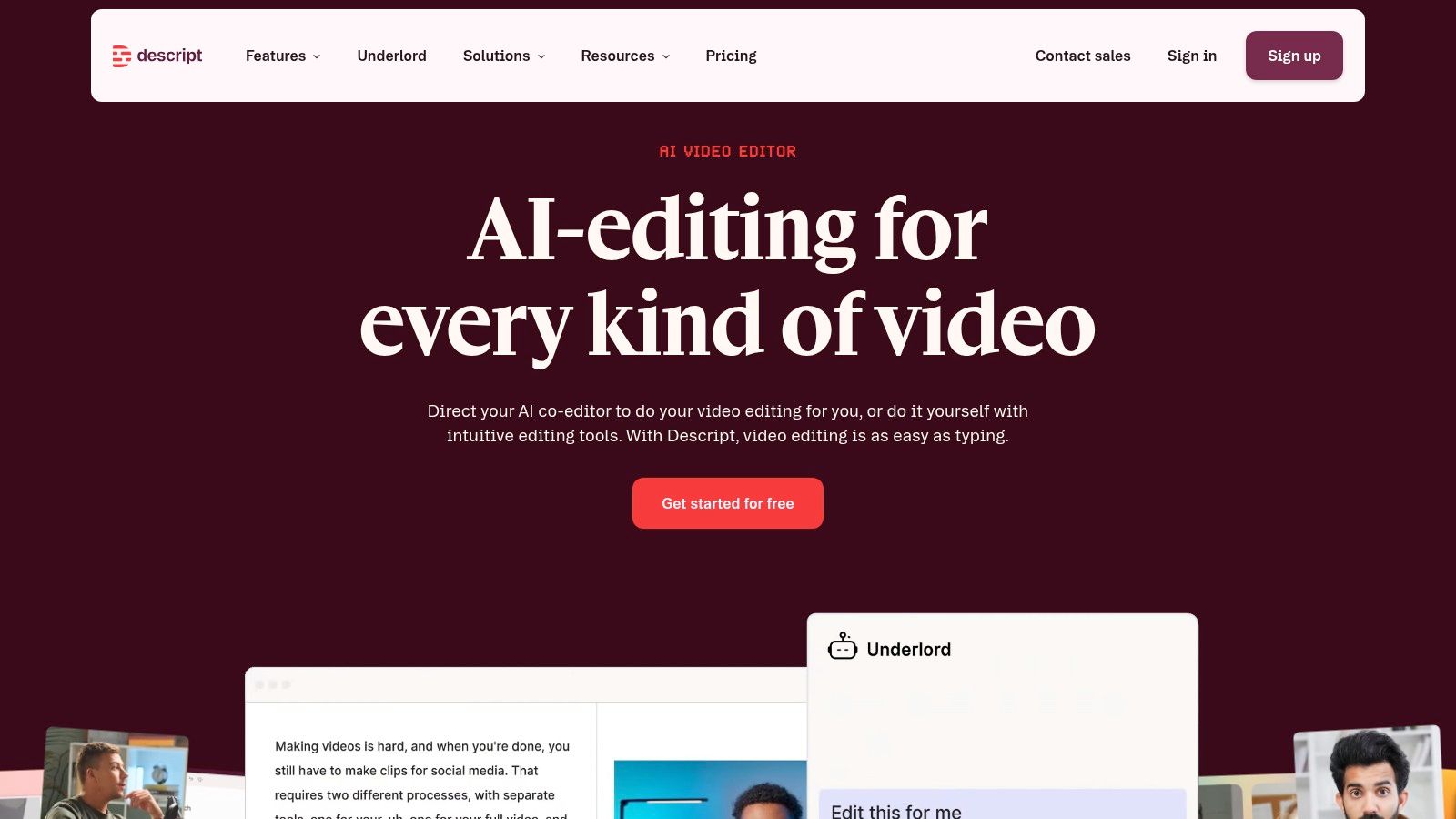
Descript changes the editing interface from a timeline problem into a writing problem. Once it transcribes a recording, you can remove a sentence, filler word, or repeated answer by editing the text. The corresponding video and audio changes with it. For talking-head content, podcasts, screen recordings, and interviews, that can remove a large amount of tedious timeline work.
The platform also includes screen and camera recording, multitrack editing, Studio Sound, captions, eye-contact correction, overdub, and other AI actions. It's especially useful when the same person records a loose first take and the team needs to turn it into a tighter social edit without reshooting every line.
Where Descript earns its place
Descript is not a specialist raw text-to-video generator. It won't replace Runway when you need generated shots or Pika when you want many visual variants. Its role is closer to a refinement hub. You can bring in footage from those tools, clean the narration, cut the transcript, add B-roll, and prepare a more credible final edit.
Media minutes and AI credits need attention. Transcription, generation, and enhancement features can draw from separate or shared allowances depending on the plan, so heavy teams should check usage before standardizing on it. Team sharing, white-labeled publishing pages, and documentation make it easier to introduce across a content operation, but the plan needs to match the volume of recorded material.
Edit the words first when the video is mostly speech. The timeline becomes much easier afterward.
4. Canva Magic Media and AI Video Editor
Best for fast, branded social assets
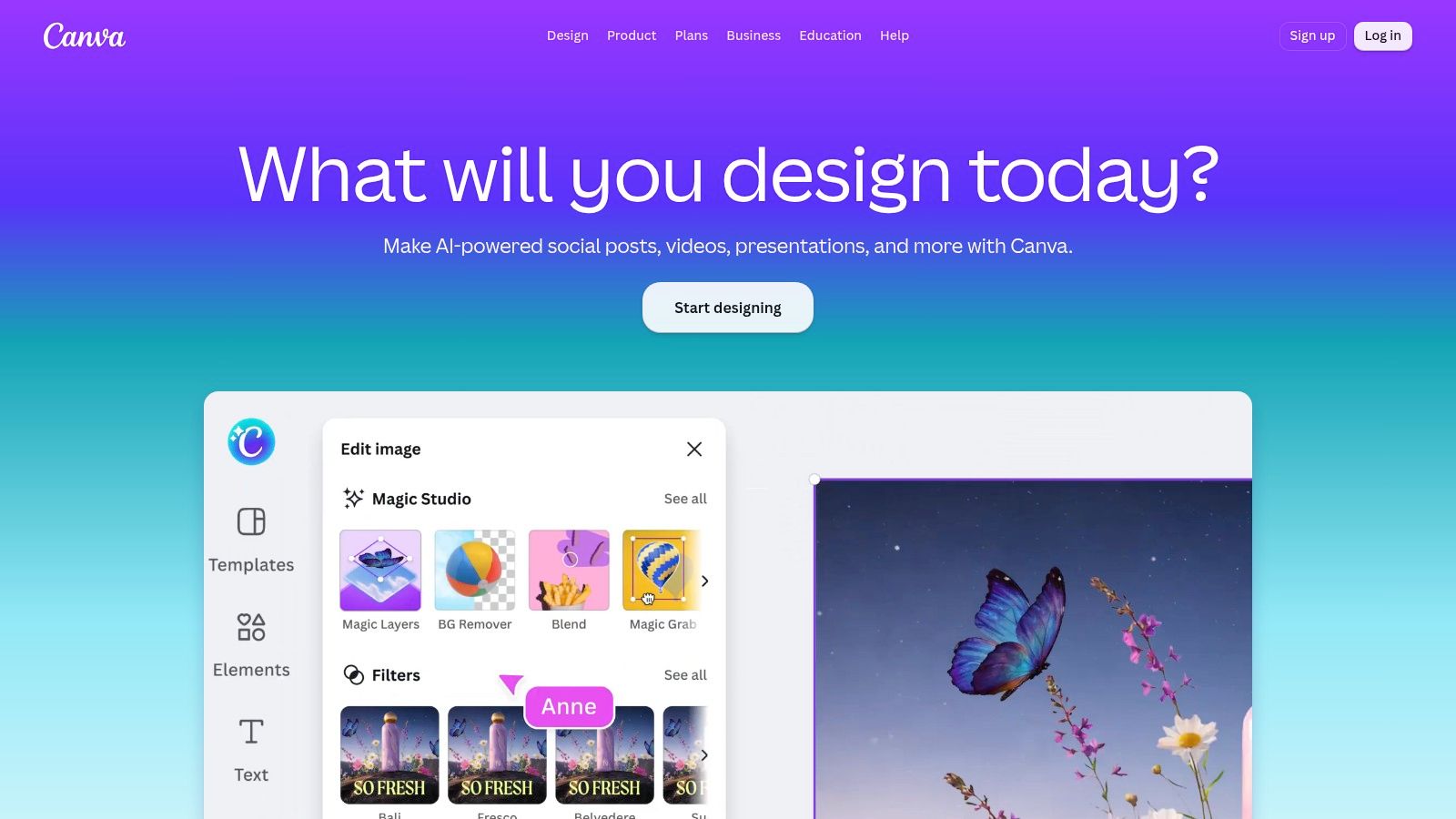
Canva is the practical choice when the video must match an existing brand system and nobody wants a steep editing curve. Magic Media adds text-to-video and AI effects inside the familiar Canva editor, alongside templates, animations, stock assets, brand kits, and collaboration tools. A small marketing team can move from a campaign brief to a usable social asset without moving between several production applications.
The advantage is consistency. Fonts, colors, logos, layouts, and reusable design elements stay close to the editing workflow. That's useful for product announcements, explainers, paid-social variations, and simple motion posts where brand recognition matters more than cinematic control.
Canva's text-to-video output is improving, but it generally isn't the reason to choose it over a specialist generative platform. The editor is stronger for assembling branded content than for producing complex, physically consistent scenes. Generated shots may need replacement with stock footage, product images, or conventional animation before they're ready for a campaign.
The cost question is metered AI usage. Free accounts have limited AI access, while Pro and Business plans provide higher allowances. An optional AI Pass can add capacity, but teams should still track which features consume usage. A template-led workflow can remain efficient, while repeated generations and broad experimentation can make the allowance disappear faster than expected.
5. InVideo AI
Best for turning a prompt or script into a social video
InVideo AI is built for the blank-page problem. Give it a prompt or script and it can draft the structure, select stock material, add voiceover and music, place subtitles, and assemble a platform-ready first version. That makes it useful for faceless explainers, product campaigns, list videos, and social content where the message matters more than custom cinematography.
The workflow is unusually broad. You can begin with an idea, revise the script, swap visuals, change the narration, and request edits through natural-language instructions. Access to several third-party models also gives users a way to balance visual quality and generation cost without building separate accounts for every model.
The trade-off is consumption billing. Every regeneration, visual change, voice operation, or model request can affect the credit balance. A draft that looks close but needs several rounds of revisions may cost more than the initial generation suggests. Weekly free-generation allowances on some tiers help with testing, but they don't remove the need to monitor usage or understand watermark rules.
I'd use InVideo AI when speed from script to draft is the priority. I wouldn't hand over the final cut without checking stock relevance, narration pronunciation, subtitle timing, and claims in the script. For a broader social workflow, pair the creation stage with this guide to an AI video creator for social media.
6. Pika
Best for quick creative variants and product-style clips
Pika suits teams that need several short visual concepts quickly. Its creation apps cover text-to-video, motion transfer, video extension, and product ads. The platform also offers multiple models, which makes it practical for comparing visual styles and cost profiles during early creative testing.
The parallel-generation workflow is useful for social ads. Instead of waiting for one idea, you can explore several directions, identify the strongest movement or composition, and bring the winner into a more controlled edit. Image-led workflows are particularly useful for product teams that have pack shots, campaign images, or reference artwork but need short motion assets.
Watch the license before publishing
Pika's credit packs expose the production math more clearly than a purely unlimited-looking interface. Different models can consume credits at different rates, and newer models may carry early-access fees. Paid plans remove the watermark, but commercial usage isn't included on the Free and Starter plans, so a business shouldn't treat a visually successful test as automatically ready for advertising.
The output is best judged as a collection of short options. Pika can help create hooks, transitions, product movements, and visual interruptions. It's less dependable for long continuity, exact readable text, or a sequence that requires the same subject to remain unchanged across many shots.
For workflows that start from existing product photography, this guide to an AI video generator using images covers the adjacent production problem. Use Pika when iteration matters, then keep a human review step before paid distribution.
7. Runway
Best for higher-control generative shots
Runway is the most natural fit here when the brief calls for generated footage rather than repurposed footage or template assembly. Its tools support text-to-video, image-to-video, keyframed motion, video-to-video transformation, and creative editing. That range lets a producer start from a written concept, a reference image, or existing footage that needs a different visual treatment.
The platform also offers parallel generations, 4K upscaling, and paid-tier access to generated music, voice, and sound effects. Brand kits and custom voice cloning become more relevant for larger teams, while the education ecosystem helps users understand prompting, shot design, and iteration.
Runway's main constraint is the credit curve. Premium models consume more credits, and repeated attempts at a difficult shot can use the allowance quickly. That isn't a flaw in the interface. It's the normal cost of searching for a particular result. A team needs to separate cheap concept exploration from final-quality generation rather than using the highest-cost model for every prompt.
Runway is also not a substitute for editorial judgment. A beautiful frame can still fail because a hand changes shape, a logo drifts, or the subject breaks continuity between shots. Test image-to-video and video-to-video with the same source asset you'll use in production, then export only the versions that survive a frame-by-frame review.
8. HeyGen
Best for localizing presenter videos
HeyGen is designed for the presenter-led workflow. Upload or create a video, translate it into other languages, and use lip-sync with a cloned voice to make the result feel closer to a localized performance than a basic subtitle track. That makes it useful for marketing, onboarding, product education, and global social campaigns.
The platform supports more than 70 languages in its translation workflow, as described in its product notes. The strongest results come from a clear, front-facing presenter with good audio and unobstructed facial movement. Side profiles, hands across the face, fast turns, and visual obstructions can reduce lip-sync quality, so the original shoot still matters.
Where the production limit appears
HeyGen's Precision mode may be necessary when a standard translation doesn't hold up. That adds another review step, especially when the localized video carries a product claim, legal wording, or a carefully timed call to action. The platform also supports project sharing, password-protected reviews, collections, and vertical exports, which helps teams manage many language variants.
This is not the best tool for open-world text-to-video scenes. Its value comes from preserving a presenter and adapting what that person says. Obtain consent for voice and likeness before cloning them, record the source and model details, and keep an approval trail for every language version.
9. Synthesia
Best for presenter videos, training, and enterprise localization
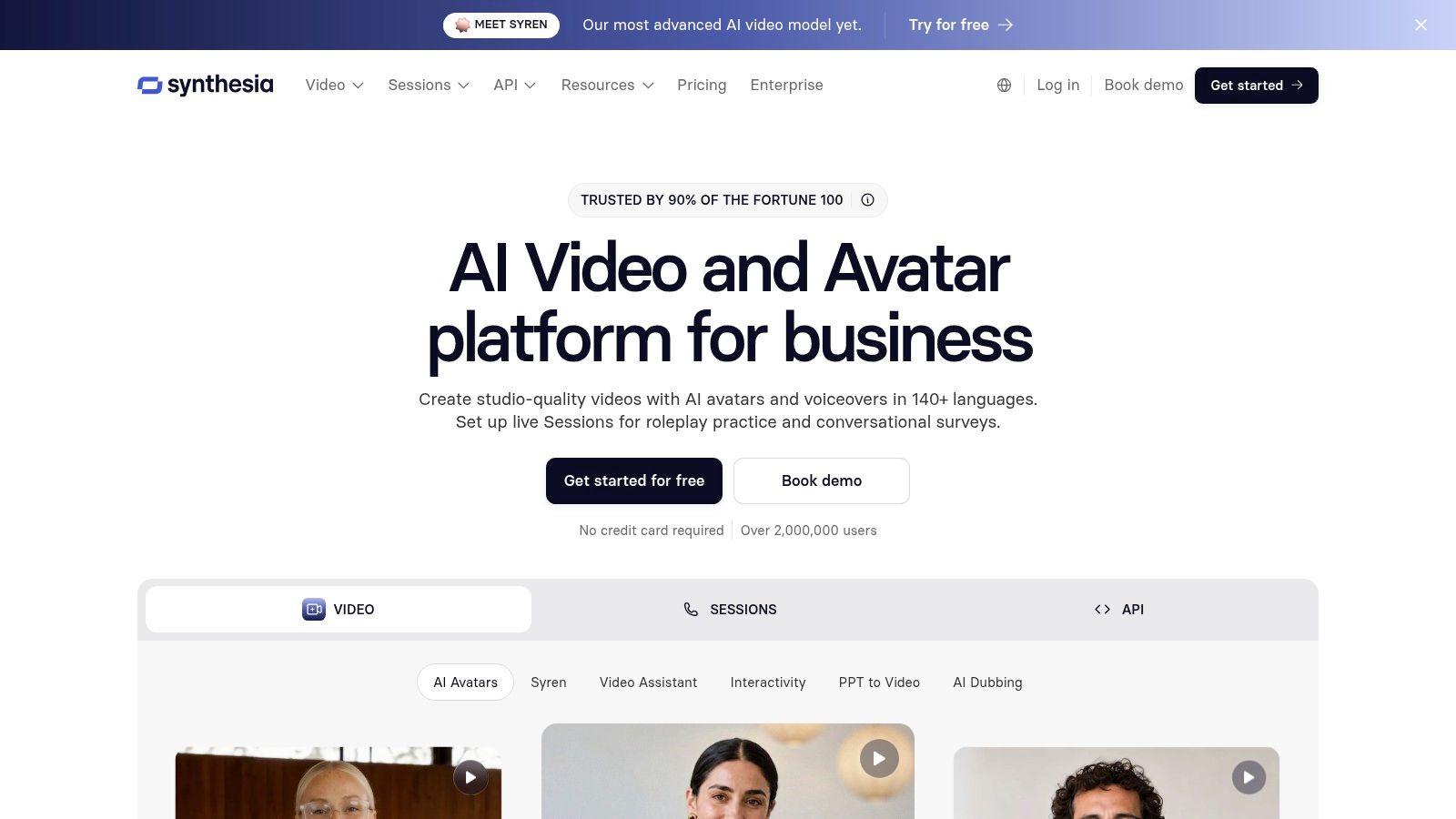
Synthesia is a focused platform for scripted presenter content. Choose an AI presenter or create a personal or custom avatar, add the script, and produce a video designed for training, internal communications, product education, or structured marketing. Its workflow is more controlled than a cinematic generator because the presenter remains the center of the frame.
The platform also supports lip-synced dubbing, localization, interactive avatar modules, and surveys. A shared credit balance can cover creation, dubbing, API use, and interactive avatars, which gives larger teams one place to plan usage across departments.
Synthesia's strength is operational repeatability. A learning team can keep a consistent presenter style, update a module without arranging another shoot, and localize the same script for different audiences. That doesn't mean every output should publish without review. Pronunciation, gestures, emphasis, on-screen text, and cultural phrasing still need a person who understands the audience.
Use it for communication that needs a presenter. Don't use it to fake the visual complexity of a live production.
The central trade-off is focus. Synthesia is not aimed at cinematic, open-world text-to-video experimentation. It's better when a script, presenter, and delivery format are already defined. Clear per-minute credit guidance helps estimate production, but teams should include revisions and dubbing in the initial budget rather than treating them as free afterthoughts.
10. PostSyncer
Best for creating, scheduling, and measuring short-form publishing
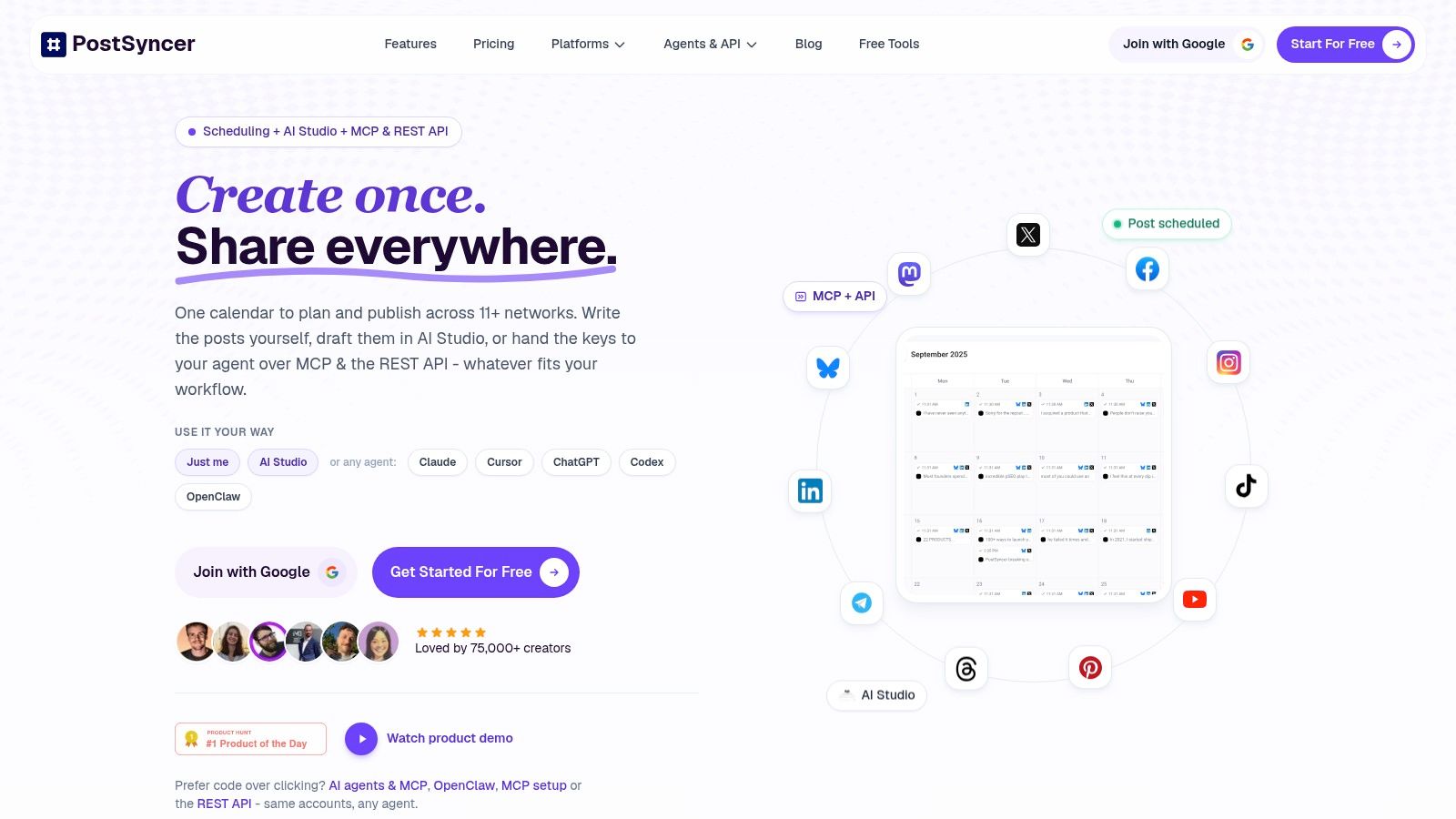
You finish the cut. The actual work starts after that. Caption writing, approvals, scheduling, comment handling, and performance checks can easily take longer than making the clip itself. PostSyncer is useful when that publishing layer is the bottleneck, because it keeps creation and distribution in one workspace.
It combines AI content generation with a visual calendar, approvals, publishing, engagement tracking, and analytics. Teams can schedule posts, reels, carousels, and shorts across 11+ networks, including TikTok, Instagram, Facebook, X, LinkedIn, YouTube, Threads, Pinterest, Telegram, Bluesky, and Mastodon.
Its AI Content Agent and AI Studio generate captions, hooks, images, and short videos from URLs, PDFs, images, video, or text. The AI Video Creator is the more practical part for production teams. It turns a script or source asset into a social draft with generated visuals, voiceover, subtitles, music, and basic editing controls. Users can set aspect ratio, style, language, and accent, then export in HD or 4K.
The advantage is the handoff
This is the tool in this list that fits the publishing job best. If another editor already handles the footage, PostSyncer can take over from draft to calendar without forcing the team into separate apps and spreadsheets.
That handoff matters in agency and in-house workflows. Unlimited team members, role-based approvals, labels, multi-workspace management, and a unified comments inbox make it easier to move assets without chasing versions or passing export files around. The gain is less about raw video quality and more about keeping the publish cycle organized.
The AI Video Creator can also animate uploaded images into short videos by analyzing the visuals. That works for e-commerce teams starting with product stills, founders posting from screenshots, and social managers who need motion from static campaign assets. Auto-captioning, a viral video library, and AI-assisted replies with spam filtering add more coverage around the post itself.
For technical teams, PostSyncer also exposes the publishing layer through REST API, OAuth, webhooks, CLI, and MCP or agent integrations. That opens the door to automated workflows with tools such as Claude, Cursor, ChatGPT, and OpenClaw, but setup still takes work. Nontechnical teams will get value faster from the calendar, approvals, and publishing tools first.
PostSyncer offers a free trial and plans starting at roughly $29 per month with annual billing. Higher tiers raise social account allowances, storage, API and daily posting limits, and AI credits. That pricing structure is the key trade-off. If you publish at scale, those limits shape cost more than the editing features do.
Top 10 AI Video Creation Tools, Feature Comparison
| Product | Core features | UX / Quality (★) | Price & Value (💰) | Target audience & USP (👥 / ✨) |
|---|---|---|---|---|
| OpusClip | Auto clip finder, face tracking, aspect‑ratio conversion, auto captions | ★★★★, fast long→short repurposing | 💰 Mid, time-saver vs editing costs | 👥 Social managers & repurposers / ✨Smart hooks & NLE exports |
| Kapwing | Auto-subtitles, TTS/translation, templates, team workspaces | ★★★★, collaborative & browser-first | 💰 Budget-friendly; free tier w/ watermark & credit limits | 👥 Social teams & creators / ✨Transparent credit model |
| Descript | Transcript-driven editor, overdub, Studio Sound, screen recorder | ★★★★, intuitive for non-editors | 💰 Mid, media minutes & AI credit considerations | 👥 Podcasters & editors / ✨Write-to-edit + overdub |
| Canva (Magic Media) | Text-to-video, templates, brand kits, animations | ★★★★, very fast, on-brand output | 💰 Freemium → Pro/Business; metered AI | 👥 Marketers & SMBs / ✨Extensive templates + brand control |
| InVideo AI | Script→video pipeline, stock assets, voiceover, unified credits | ★★★, rapid script-driven production | 💰 Mid, credit‑metered; monitor usage | 👥 Non-editors & advertisers / ✨End-to-end script-to-publish |
| Pika | Text-to-video, motion transfer, model catalog, parallel generations | ★★★★, high-speed variant generation | 💰 Competitive entry; credit packs | 👥 Growth teams & ad testers / ✨Many models & rapid variants |
| Runway | Gen‑4/4.5 T2V, image→video, keyframed motion, 4K upscaling | ★★★★, studio-grade fidelity | 💰 Premium credits; scales for studios | 👥 Filmmakers & studios / ✨High-fidelity T2V & exports |
| HeyGen | Talking avatars, 70+ language lip-sync & dubbing, localization tools | ★★★★, strong localization workflow | 💰 Mid, localization-focused plans | 👥 Global marketers & training / ✨Top-tier lip-sync translation |
| Synthesia | Human-like AI presenters, custom avatars, dubbing, interactivity | ★★★★, enterprise polish & compliance | 💰 Enterprise pricing; per-minute/credit guidance | 👥 L&D & enterprise comms / ✨Scalable presenter + interactivity |
| 🏆 PostSyncer | All-in-one scheduling (11+ nets), AI Content Agent & AI Video Creator, unified inbox, API & automation | ★★★★★, centralized workflow, fast ideation & analytics | 💰 From ~$29/mo; free trial + generous AI credits/storage | 👥 Creators, teams & agencies / ✨Schedule everywhere + AI-driven content, approvals & unified comments |
Matching Your Workflow to the Right Tool
Start with one primary job. If you have a webinar, podcast, or interview, shortlist OpusClip and Descript. If you need generated shots, compare Pika and Runway. If the deliverable is a multilingual presenter video, test HeyGen and Synthesia. If the problem is moving finished content across channels, PostSyncer belongs in the shortlist.
Run both candidates on the same real source file. Don't use a polished demo asset. Use the webinar with poor framing, the product photo that needs motion, or the presenter clip with the exact pronunciation and crop you'll need in production. Then count how many generations, media minutes, credits, revisions, and exports it takes to reach a finished post.
The cheapest plan on paper is rarely the cheapest per published clip. A low monthly price can become expensive when subtitles, dubbing, premium models, or repeated regenerations consume credits. A tool with stronger export controls may cost more but save the manual work that follows a weak first draft. Track the complete path from source file to approved post, not just the moment when the AI creates its first version.
Quality also needs more than a realism check. The VBench framework measures 16 dimensions, including object consistency, background consistency, motion smoothness, dynamic range, and text-to-video alignment, as documented in the VBench evaluation research. For social production, score identity consistency, motion stability, text alignment, audio synchronization, and crop safety separately.
Human review still matters. One review of video-generation evaluation reports that CLIPScore reached only 0.446 Spearman correlation with human judgments on one benchmark, while a stronger multimodal evaluator reached 0.551. The same source reports an improvement from 0.607 to 0.747 on another dataset for multimodal methods. Those figures don't tell you which app to buy, but they do explain why an attractive frame isn't enough to approve a whole batch.
Your test should include failure cases. Check faces, logos, readable text, scene continuity, aspect-ratio conversion, audio timing, generation latency, and editing effort. Keep a record of the model and version used, because tools change quickly and yesterday's result may not represent the workflow you'll run next month.
Revenue measurement deserves equal attention. The IAB's 2025 video advertising research reports that 86% of digital video ad buyers were using or planning to use generative AI for video creative in 2025, with buyers expecting AI-generated creative to represent 40% of ads by 2026, a projection from that research. That adoption signal doesn't prove that more AI videos create more revenue. It makes controlled testing more important.
Compare an AI-assisted version with a human baseline. Keep the audience, offer, landing page, and media conditions as stable as possible. Then connect the hook and format to watch-through, click-through, qualified leads, and revenue. The useful measure is incremental cost per winning variation, not the number of drafts your team can generate.
Finally, document provenance. Keep the source file or URL, usage rights, releases, voice or likeness consent, model and generation date, human edits, disclosure language, and takedown contact in an asset ledger. Adobe's creator survey found that 69% of surveyed creators were concerned about their content being used to train AI without permission, while unreliable output quality was an adoption barrier for 34% and uncertainty about training data for 28%, according to Adobe's 2025 creator survey. A visible AI label alone doesn't establish ownership, consent, or edit history.
Once the video is approved, use a scheduler such as PostSyncer to distribute it across the networks you manage. The strongest workflow is not the one that generates the most clips. It's the one that turns the right source into an approved, measurable post without losing control of credits, rights, or quality.
PostSyncer combines AI video creation, captions, hooks, approvals, scheduling, engagement, and analytics in one workspace, so you can move from source footage to published short-form content without a disconnected handoff. Create once and distribute across your social channels, then visit PostSyncer to start a free trial and test the workflow with your own assets.