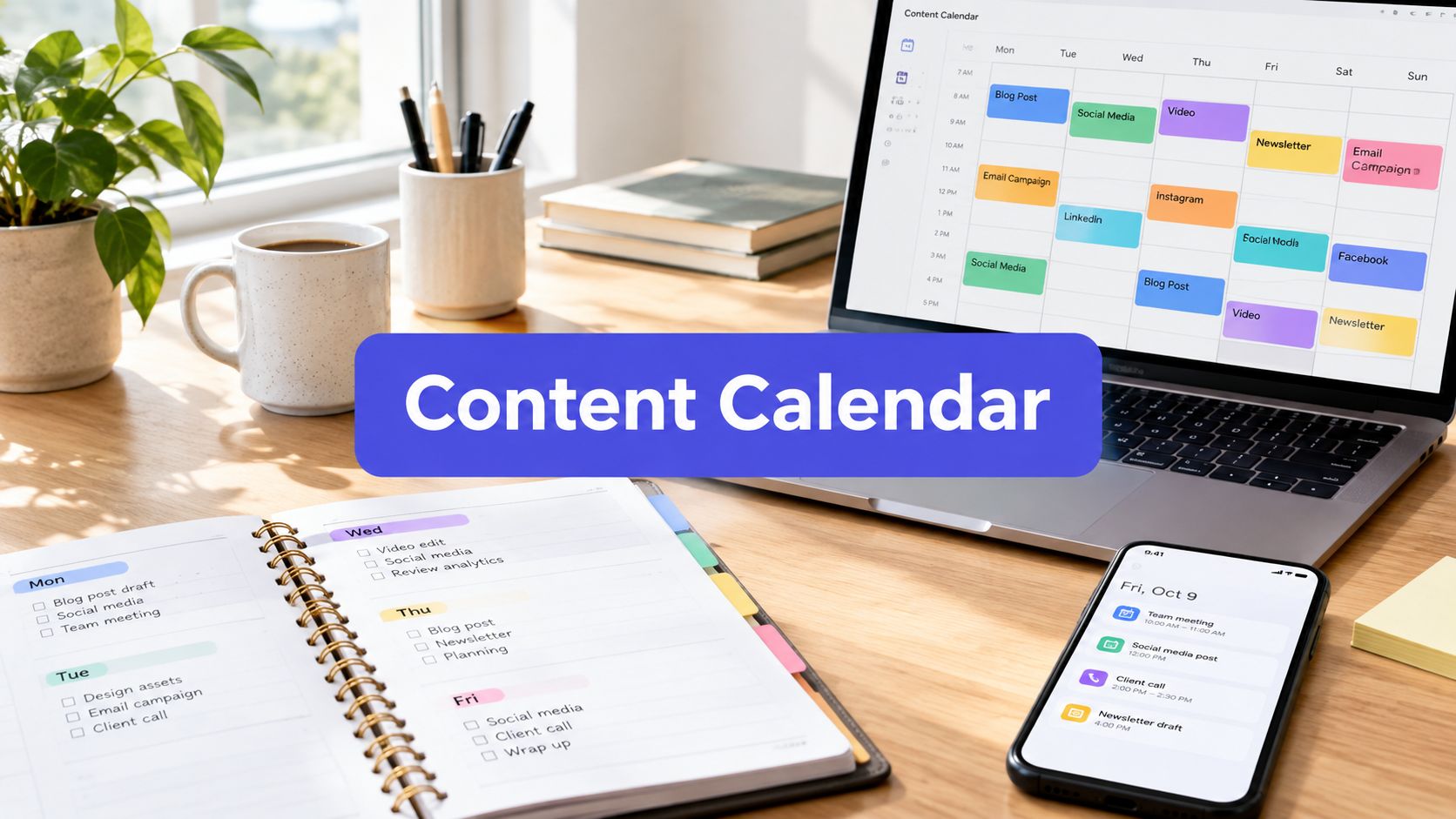












Most missed posting schedules don't fail because the team lacks ideas. They fail because the calendar lives in a sheet nobody opens after the second week, or in a board where briefs and approvals are scattered across chat threads. Before choosing a content calendar template, decide who edits it, how many channels and brands it covers, and whether anyone publishes directly from it. The right format coordinates content from idea through production and publication, continuing the editorial discipline used by print publishers in a digital workflow (Wikipedia explains the history of editorial calendars).
Read this list in order. It moves from lightweight spreadsheets to structured databases and task tools, then to a calendar that also schedules posts. Start with the simplest format that covers your current handoffs. Move up only when a specific problem, such as missing approvals or duplicated briefs, appears in practice. If you need a broader planning reference, this guide to creating a Shopify content calendar is a useful companion.
1. Later Social Media Content Calendar Template
Later's Google Sheets template is a sensible starting point for a creator or small social team. It uses familiar spreadsheet mechanics but gives social planning the right columns, including platform, caption, hashtags, status, and date or time.
That structure matters. A blank spreadsheet makes you decide what to track before you've planned a single post. Later's template gives you a usable starting grid, and a shareable sheet makes stakeholder review straightforward.
Where it fits
Use Later when one person owns most publishing or when a small team needs visibility without a formal approval system. It's also a practical bridge for teams considering a visual scheduler, since Later provides planning resources and an in-app calendar for customers who upgrade.
The limitation is maintenance. Someone still has to update statuses, paste final captions, attach assets, and move approved posts into the publishing tool. Analytics also live outside the sheet, so the calendar won't explain whether a post generated useful business activity.
Practical rule: If your team can keep the sheet current without a dedicated calendar owner, Later is probably enough.
It stops being enough when several people edit the same plan, approvals happen in different places, or you manage multiple brands with separate asset libraries. At that point, compare the sheet against a workflow that keeps briefs and publishing closer together. PostSyncer's guide to how to create a content calendar can help you define those handoffs before upgrading.
2. HubSpot Social Media Content Calendar Template
HubSpot's social media templates suit teams that want a familiar spreadsheet plus supporting planning documents. The pack works in Google Sheets or Excel and includes monthly and weekly views for multiple networks.
The useful fields go beyond date and caption. You can record the channel, owner, status, links, assets, and UTM parameters. Those fields make the template more useful for campaign coordination, especially when a social post supports a landing page or email promotion.
Where it fits
HubSpot works well for a solo marketer or a small in-house team that already uses spreadsheets for campaign planning. Its companion resources also help newer marketers build social audits and reports without inventing their own formats.
The trade-off is that it remains a planning document. You'll manually update the calendar, chase comments, and transfer approved content into a separate scheduler. Collaboration is more limited than it would be in a dedicated work-management platform, and the free download is gated by email.
A spreadsheet like this is strongest when the team has a clear owner and a modest publishing operation. It gives you enough structure to prevent forgotten channels and missing links, but it doesn't create accountability by itself.
Choose it when the main problem is inconsistent planning. Don't choose it as a substitute for approvals, asset versioning, or direct publishing. HubSpot software is sold separately, so the template shouldn't be treated as a complete publishing system.
3. Buffer Social Media Calendar Templates
Buffer's calendar template roundup is useful when your team hasn't decided which format it wants. It brings together templates for Google Sheets, Notion, PDF, Canva, and other workflows, with instructions and examples for setting up a calendar.
That choice is the main advantage. A creator may prefer a simple sheet, while a content lead may want a Notion database. A client-facing team may even need a polished Canva or PDF view for presentation rather than daily production.
Where it fits
Use Buffer's roundup as a testing ground. Try a format with your actual posts, approvals, asset links, and campaign labels before committing the team to a more involved platform. This is valuable because the best-looking template often isn't the one people maintain.
Buffer also provides a natural path to a publishing calendar if you decide to use its scheduler. That path reduces the need to redesign your workflow later, but it doesn't remove the need to adapt content for each platform.
The weakness is distribution. The downloads are introduced through an article, and some may be hosted externally or have access requirements. Publishing and analytics still require Buffer or another tool.
A useful test is to run one campaign in two formats. If the sheet gives enough visibility, stay lightweight. If the Notion version makes briefs and assets easier to find, adopt a database. Don't confuse format variety with workflow depth. Buffer gives you options, not a complete approval architecture.
For examples of how different teams structure their plans, review these social media content calendar examples.
4. Hootsuite Social Media Content Calendar Templates
Hootsuite's template library is a good fit for teams that want educational guidance alongside a planning document. Its downloadable calendars and tutorials cover the basics, while the Hootsuite platform adds an in-app calendar for teams that want to schedule and collaborate in the same environment.
The platform calendar supports drag-and-drop scheduling, which is more useful than it sounds. Social plans change often. A campaign moves, a creative asset arrives late, or a stakeholder requests a different publishing order. Moving a scheduled item is faster than rewriting rows and then checking whether someone copied the old date elsewhere.
Where it fits
Hootsuite is strongest for teams that already need a social publishing platform. Stakeholders can receive calendar exports in PDF or CSV, while the working team can manage scheduling inside Hootsuite.
The free template is less compelling if all you need is a basic plan. Downloads can be gated, and full analytics, approvals, and advanced features require Hootsuite plans. A spreadsheet may be faster for a small team with no direct publishing requirement.
Use Hootsuite when the person approving content and the person scheduling it need to work from the same calendar. Avoid choosing it solely because the template looks polished. The value comes from the connection between planning and execution, not from the grid alone.
5. Trello Editorial and Content Calendar Board Template
Trello's editorial calendar guidance works best for teams that think in workflow stages rather than rows and columns. A starter board can move cards through stages such as Ideas, Drafting, Editing, and Scheduled.
That visual flow makes ownership obvious. Each card can carry labels for channel or content type, checklists for production steps, and comments for review. Non-technical stakeholders usually understand the board quickly because the status is visible without opening a reporting view.
Where it fits
Trello suits a small content team or a single campaign with a clear pipeline. A calendar view is available through a Power-Up, so the board can show both production status and publication timing.
The trade-off is that Trello doesn't provide native analytics or publishing. You'll rely on Power-Ups, integrations, or an external scheduler. The board can also become crowded when several brands, channels, and campaigns share one workspace.
Set conventions before adding cards. Use one naming pattern, consistent labels, and a required checklist for briefs, assets, approval, and final links. Without those rules, the board becomes a visual pile of half-finished ideas.
A board should show the next action, not just the existence of a content idea.
Trello stops being enough when you need linked campaign records, reusable asset databases, detailed performance fields, or direct publishing. For a downloadable starting point, use this free editorial calendar template, then decide whether cards still represent the work clearly after the first campaign.
6. Notion Content Calendar Templates
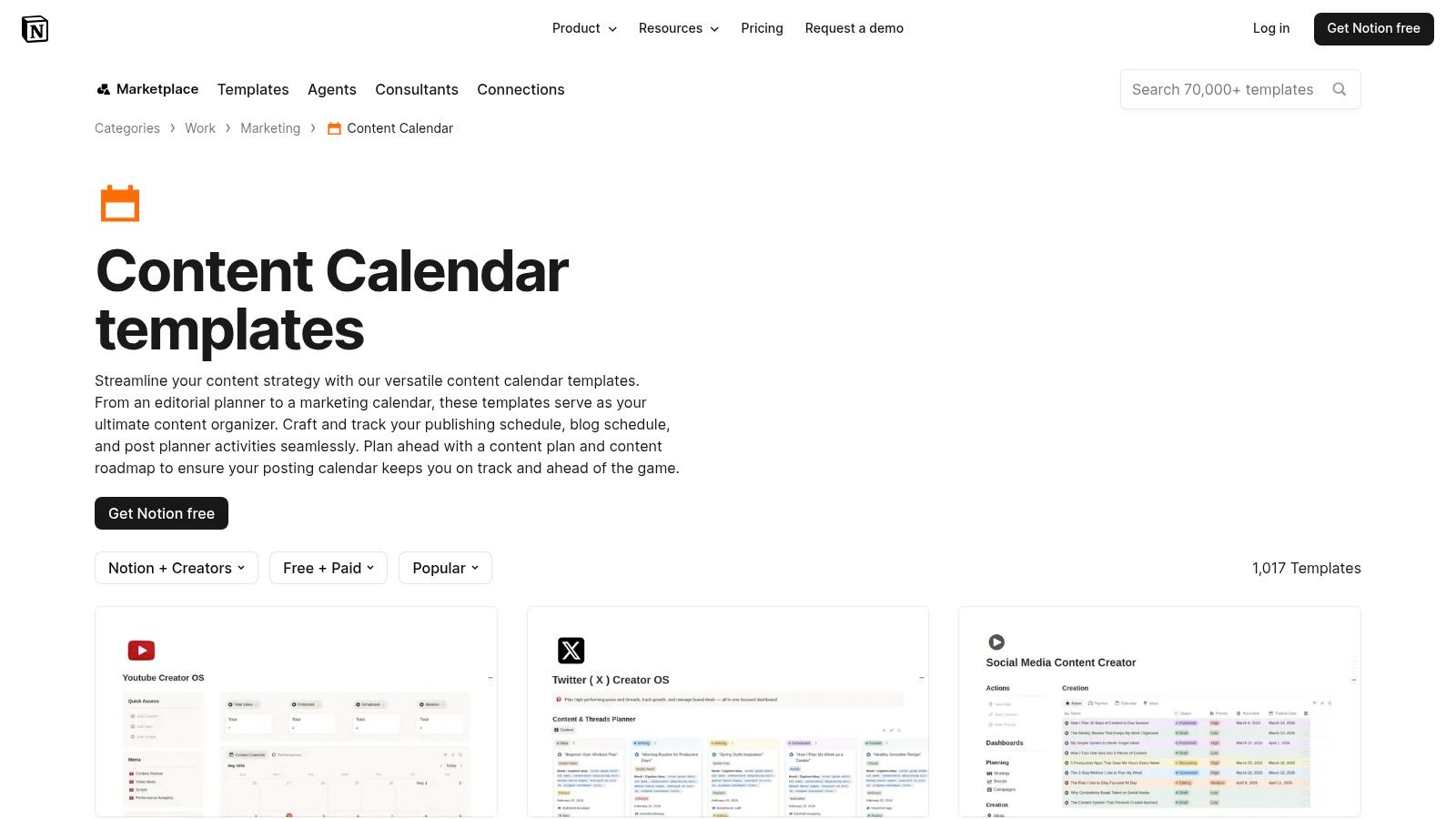
Notion's content calendar marketplace offers a broad range of free and paid templates. The platform suits teams that want the calendar, brief, asset notes, approvals, and production checklist in one workspace.
Notion's strength is its database model. You can create calendar, board, timeline, and list views from the same records. Custom properties can track status, channel, content type, due date, owner, campaign, and approval stage. Relations can connect an idea to its brief, assets, campaign, and final post.
Where it fits
Notion is a strong choice for creators and in-house teams that need a flexible editorial hub. A content manager can open a calendar item and find the full brief, draft notes, reference links, approval comments, and repurposing instructions without searching through chat.
The flexibility creates the main risk. Relations, filters, and views take time to design. Community templates also vary in quality and complexity, so duplicating a highly elaborate system can create more administration than your team needs.
Notion still requires manual copy and paste or a separate scheduler for publishing. It can organize the work extremely well, but it won't automatically turn a finished brief into a platform-native post.
Start with a small database. Add only fields that prevent a real failure, such as a missing owner or unclear approval status. If the team can't explain what each property does, remove it.
7. Airtable Social Media and Content Calendar Templates
Airtable's content calendar templates are built for teams that have outgrown a spreadsheet but aren't ready for a full marketing operations system. Airtable keeps the grid familiar while adding linked tables, multiple views, and automations.
A useful base can separate campaigns, channels, creators, assets, and posts. One campaign record can connect to several platform executions. An asset can appear in multiple posts without being re-entered each time. Calendar, Kanban, Gallery, and Grid views then show the same information from different operational angles.
Where it fits
Airtable is particularly effective for agencies and multi-brand teams. Each brand can have its own filtered view, while a manager can see the combined production load. Forms can collect ideas or requests, and automations can notify an owner when a status changes.
The setup burden is higher than with a sheet. You must decide which tables to create, which fields are required, how records relate, and who controls changes to the base. Poorly designed relations can make a simple post harder to manage.
Native publishing is limited, so many teams pair Airtable with a scheduler. That separation is fine when Airtable owns planning and asset operations, while another tool owns distribution. It becomes frustrating when staff must duplicate every approved post.
Use Airtable when duplicated data is the problem. If your team only needs a monthly list of captions and dates, the database power is unnecessary. If you manage recurring campaigns and need consistent links between content objects, it earns the setup time.
8. Asana Social Media Calendar Template
Asana's social media calendar template fits marketing teams that already use Asana for task management. The template organizes ideas, production, and scheduled posts in one project, with owners, dates, statuses, and multiple views.
The strongest feature is accountability. A post is a task with a responsible person, not merely a row that several people assume someone else owns. Comments, attachments, assignments, and approvals stay close to the work, which helps when copy, design, legal, and marketing all contribute to one post.
Where it fits
Asana works well when the calendar is part of a broader marketing operation. Teams can use list, board, and calendar views for daily work, then connect the project to larger portfolios or cross-project reporting.
It requires an Asana account, and the most useful automation and reporting features may sit in paid tiers. It also doesn't directly publish social content, so the team still needs an integration or separate scheduling tool.
Choose Asana when production coordination is the main challenge. It's less suitable when you want a visual publishing calendar with captions, media previews, and platform-specific scheduling in the same place.
A clean Asana workflow should distinguish the content owner from reviewers. The writer may attach the draft, the designer may add creative, and the marketing lead may approve the final task. That division keeps the calendar from showing “in progress” when the actual blocker is waiting for a stakeholder.
9. ClickUp Modern Social Media Calendar Template
ClickUp's Modern Social Media Calendar template is designed for teams that want content planning inside a broader task and documentation system. It includes social-focused statuses, fields, assignees, and calendar, board, and list views.
ClickUp is useful when a post involves more than writing a caption. Design tasks, video edits, stakeholder review, campaign documents, and follow-up work can live in the same environment. Cross-functional teams don't need to maintain a separate social sheet beside their main production workspace.
Where it fits
The template suits marketing departments and agencies already standardized on ClickUp. Its Template Center offers additional social planning options, while rules and automations can move work or notify people as content progresses.
The drawback is complexity. ClickUp can handle a detailed workflow, but someone needs to configure statuses, custom fields, permissions, views, and templates. A small team may spend more time managing the system than managing its content.
Publishing still requires integrations or a separate scheduler. That means ClickUp is a strong production control center, not a complete distribution layer.
Use it when your team needs task dependencies and cross-functional visibility. Don't use it just to replace a two-column list. The tool earns its place when a social post has enough moving parts to justify structured task management.
Workflow test: If a post needs several people to complete different tasks, ClickUp's structure helps. If one person writes, approves, and publishes it, the setup may be excessive.
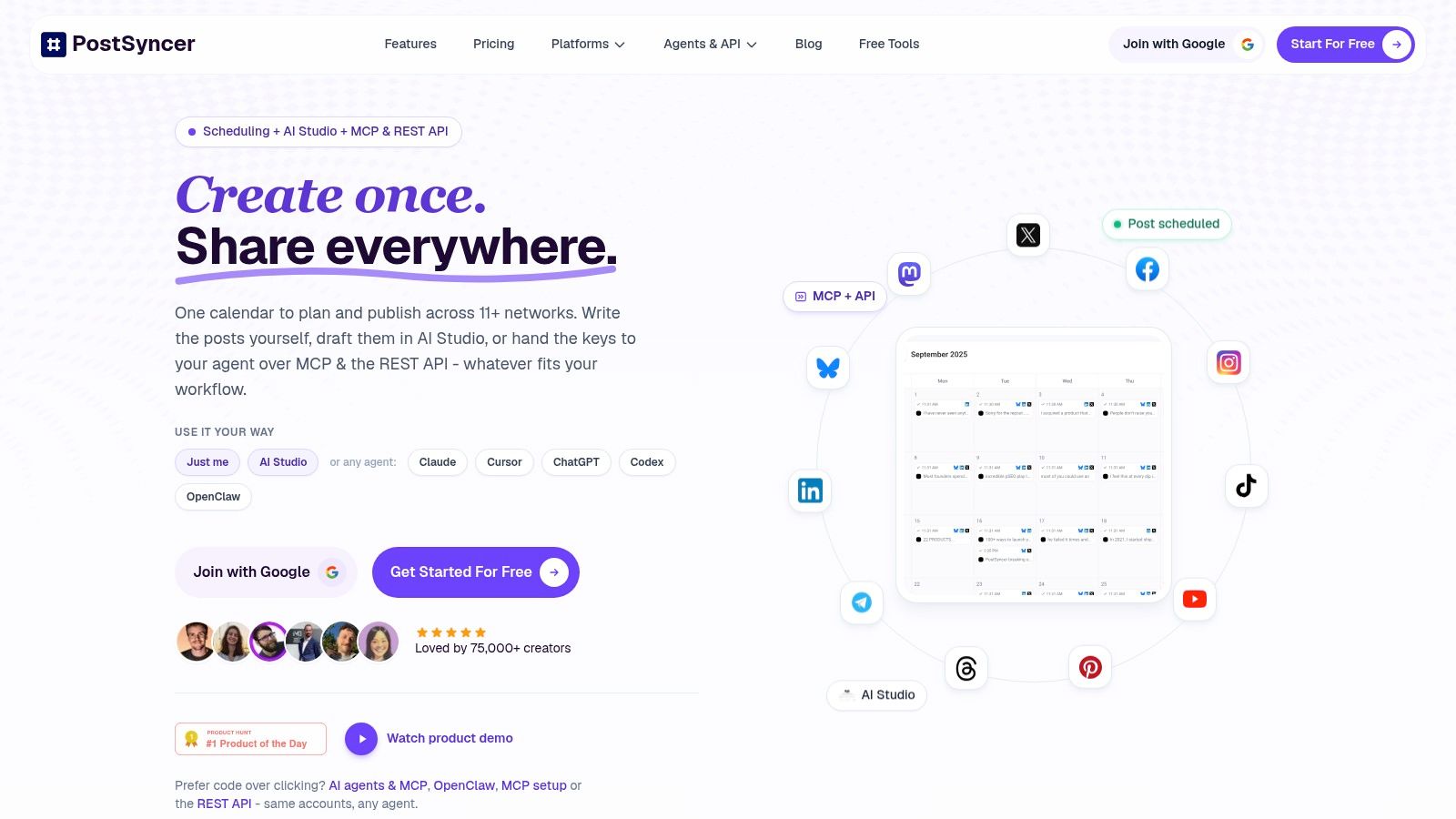
10. PostSyncer
PostSyncer fits teams that need the calendar to publish and measure content, not only plan it. It combines a visual calendar with scheduling, approval workflows, labels, analytics, team collaboration, and AI-assisted content creation.
The main benefit is fewer handoffs. Teams can arrange posts visually, send drafts for approval, and schedule content across TikTok, Instagram, Facebook, X, LinkedIn, YouTube, Threads, Pinterest, Telegram, Bluesky, and Mastodon from one workspace. It supports posts, reels, carousels, and shorts, so the calendar can cover more than text updates.
Where it fits
PostSyncer suits creators, small businesses, in-house teams, and agencies managing several brands or channels. Unlimited team members, multiple workspaces, labels, and approval workflows help separate client or brand work while keeping publishing in one place.
The AI Studio and AI Content Agent can draft captions, hooks, images, and short-form videos from URLs, PDFs, images, videos, or text. Developers and advanced operators can extend the workflow through the REST API, webhooks, OAuth delegation, and MCP or agent integrations. These features make more sense when the calendar supports a repeatable content operation rather than a static planning file.
A unified comments inbox includes AI auto-replies and spam filtering. Analytics can be separated by platform, content type, and timing, giving teams more useful detail than a single combined engagement score.
Where it stops being the right fit
A shared publishing tool does not remove the need to adapt content for each network. Keep the core idea where appropriate, then adjust the hook, caption, pacing, CTA, and format. Human review remains necessary for AI-generated copy and automated posts.
Paid plans start at $29 per month, with annual billing saving about 20%. A 7-day free trial gives teams time to test the workflow. Match the plan to your publishing volume by checking social account limits, workspaces, storage, AI credits, and API posting limits before committing.
Teams can also import pre-formatted CSV and Excel files with captions, dates, and media. That reduces migration work when a spreadsheet still handles planning but the team needs approvals, publishing, and reporting in the same workspace. Setup is higher than a basic sheet, so PostSyncer becomes worthwhile when several channels, brands, or reviewers make manual execution difficult.
Top 10 Content Calendar Templates Compared
| Product | Core features | Best for 👥 | Collaboration & UX ★ | Unique selling point ✨ | Price / Value 💰 |
|---|---|---|---|---|---|
| Later – Social Media Content Calendar (Google Sheets) | Google Sheets template (platform, caption, hashtags, status, date/time); in‑app visual planner upgrade | Creators & small teams 👥 | ★★★ Easy to adopt; manual upkeep | Smooth upgrade path to Later's visual planner ✨ | Free template; paid Later for scheduling 💰 |
| HubSpot – Social Media Content Calendar | Google Sheets/Excel monthly & weekly views; UTM, owner, links, assets | Small teams & individuals 👥 | ★★★ Familiar spreadsheet; manual updates | Companion audits, reports & how‑to resources ✨ | Free (email gate); HubSpot paid separately 💰 |
| Buffer – Social Media Calendar Templates (Roundup) | Multiple formats (Sheets, Notion, Canva, PDF) + step‑by‑step guides | Teams testing formats 👥 | ★★★ Flexible formats; no native publishing | Choice of formats + practical examples ✨ | Free templates; Buffer plans for publishing 💰 |
| Hootsuite – Social Media Content Calendar Templates | Downloadable templates + in‑platform drag‑drop calendar & export | Teams wanting templates + scheduler 👥 | ★★★★ Templates + in‑app scheduling (paid) | Exportable calendars & in‑platform scheduling ✨ | Free (some gated); paid plans for full features 💰 |
| Trello – Editorial/Content Calendar Board Template | Copyable board, labels, checklists; calendar Power‑Up available | Small teams & visual planners 👥 | ★★★★ Very easy drag‑and‑drop workflow | Lightweight, visual editorial pipeline ✨ | Free template; Power‑Ups/paid tiers for extras 💰 |
| Notion – Content Calendar Templates (Marketplace) | Calendar/board/timeline views; relational DBs; custom properties | Creators & in‑house teams needing flexibility 👥 | ★★☆ Highly customizable; steeper learning | Combine briefs, assets & workflow in one place ✨ | Many free/paid templates; Notion plans for teams 💰 |
| Airtable – Social Media/Content Calendar Templates | Prebuilt bases, linked tables, multiple views, automations | Multi‑brand teams & ops 👥 | ★★★ Powerful structure; setup required | Database power + automations for complex workflows ✨ | Templates free to copy; paid for advanced automations 💰 |
| Asana – Social Media Calendar Template | Project template with owners, dates, statuses; calendar/board views; approvals | Marketing teams standardizing on Asana 👥 | ★★★★ Strong collaboration, approvals & reporting | Integrates with Asana rules, approvals & cross‑project reporting ✨ | Free in Asana; best features on paid tiers 💰 |
| ClickUp – Modern Social Media Calendar Template | Prebuilt statuses, calendar/board/list views; automations | Cross‑functional teams using ClickUp 👥 | ★★★ Deep task management; more complex setup | Integrated automations + task & doc workflows ✨ | Free/paid ClickUp plans; templates free 💰 |
| 🏆 PostSyncer | All‑in‑one scheduler for 11+ networks; AI Studio, AI Content Agent & Video Creator; unified inbox; analytics; REST API | Creators, agencies, in‑house teams & SMBs 👥 | ★★★★★ Visual calendar, unlimited team members, approval workflows & AI‑powered automation | AI content generation + cross‑posting + developer API & MCP/agent integrations, fast repurposing 🏆✨ | Plans from $29/mo (Starter); generous AI credits, storage & 7‑day free trial 💰 |
Match the Template to Your Team, Then Test It for 30 Days
Choose the template that fits your current handoffs, not the most complete one in the list. A solo creator may need only a Later or HubSpot spreadsheet. A small production team may work better in Trello or Asana. A multi-brand operation often needs Airtable, Notion, or ClickUp to connect campaigns, assets, owners, and approvals.
Run the chosen system for 30 days. Track whether briefs and approvals finish on time, and whether posts go out when planned. Those two checks reveal more than a long feature comparison because they measure the actual workflow your team has to maintain.
A documented strategy also matters. A 2024 Content Marketing Institute study referenced by ClickMinded surveyed 1,186 global B2B marketers, and 53% of top performers identified a documented content strategy as a key success factor (ClickMinded summarizes the research). That evidence concerns documented strategy, not a calendar template alone, so don't treat it as proof that one tool causes better results. It does support a practical principle: write down the audience, objective, owner, channel, approval stage, and measurement plan instead of relying on memory.
Your calendar should also close the loop after publication. 70% of surveyed marketers reported establishing marketing goals, while only about 47% of those with objectives said they observed success most of the time or always, according to LLCBuddy's marketing-calendar statistics compilation. The same source reports that 87.6% of businesses use data to inform content selection. Validate the underlying methodology before using those figures for forecasting, but use the operational lesson now. Add a KPI, conversion event, campaign identifier, and review date to important entries.
If publishing from the calendar matters, test a publishing-linked option such as PostSyncer. Confirm account limits, workspace requirements, AI credits, storage, and API or daily posting limits before you commit. A tool should remove a real bottleneck, not add a more elaborate place to record work.
PostSyncer combines a visual content calendar, approvals, multi-network scheduling, AI-assisted creation, and platform-level analytics in one workspace. If your spreadsheet is ready to be replaced by a calendar that helps your team plan and publish, visit PostSyncer and test the workflow with the free trial.