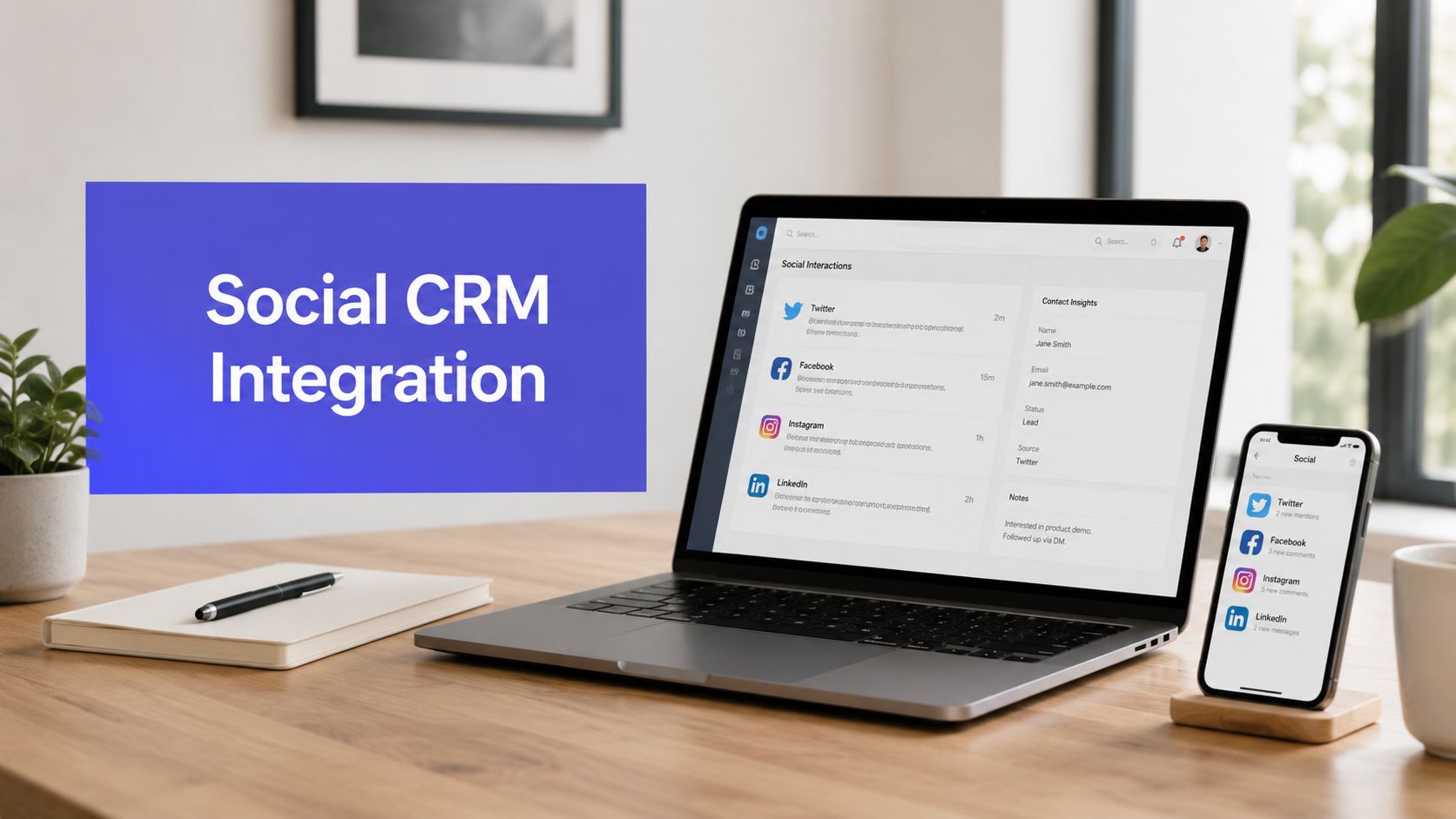












A lot of teams are closer to value than they think. The social team already sees buying signals in comments and DMs. Support already gets complaints in public before they land in a help desk. Sales already knows some prospects prefer sending a quick message instead of filling out a form.
The problem isn't usually access. It's handoff.
Without social media CRM integration, every team works from a partial view. Marketing sees engagement. Support sees tickets. Sales sees pipeline. Nobody sees the full interaction trail until a customer is frustrated, a lead has gone cold, or two people from the same company have answered the same social message with different guidance.
That's why the core job isn't just connecting tools. It's designing a system where social conversations enter the CRM with the right context, land with the right owner, and trigger the right next step.
Why Disconnected Social Media Is Costing You Customers
The pattern is familiar. A customer posts a complaint on X. The social manager replies hours later because the support team never saw it. On Instagram, someone asks a product question in a DM that should have gone to sales, but it sits in a shared inbox with campaign comments and spam. Marketing reports strong engagement on a launch post, but no one knows whether those comments came from new prospects, existing customers, or accounts already tied to open support issues.
That kind of fragmentation creates avoidable mistakes. Teams miss context. Customers repeat themselves. Internal ownership gets blurry fast.
Social isn't a side channel anymore. One CRM guide notes that 64% of people prefer messaging businesses on social media, which is a big reason teams now treat social conversations as operational data instead of casual chatter. The same guide also says integrating that data into CRM workflows can increase retention by up to 26%. You can review those figures in this social CRM metrics guide.
What the disconnect actually looks like
When social and CRM are separate, the damage usually shows up in a few places:
- Missed service recovery: Public complaints never become tickets, so support doesn't step in early.
- Leads with no follow-up: Buying questions in comments or DMs aren't logged against a contact record.
- Duplicate outreach: Social, sales, and account managers all respond independently.
- Weak prioritization: Teams can't tell whether a comment came from a high-value customer or a first-time visitor.
For teams trying to organize this mess, a solid social media contact management workflow is often the first sign that social should be treated like customer data, not just content activity.
Social chaos rarely starts with bad intent. It starts when each team uses the right tool for its own job, but nobody designs the path between them.
Social media CRM integration fixes that by turning comments, messages, mentions, and engagement history into structured records and workflows. Done well, it gives teams one place to understand who the customer is, what they said, and what should happen next.
Your Pre-Integration Strategic Blueprint
Most failed integrations don't fail because the connector broke. They fail because the team never agreed on what should happen after the data arrives.
A useful starting point is simple: define the business outcome before you define the sync. The core logic of a successful integration is to merge social data into a unified 360-degree view of the customer. That became practical in the 2010s as APIs and automation tools matured, shifting social media from a siloed channel into a customer-data layer for sales and service teams, as described in this overview of social media integration in CRM.

Start with one operational objective
Don't begin with “we want social in the CRM.” That's too vague to build around.
Pick one business problem with an obvious owner. Examples:
- Support wants social complaints turned into cases
- Sales wants product-interest DMs assigned to reps
- Customer success wants account mentions routed to account owners
- Marketing wants advocate activity attached to known contacts
Each objective should answer three questions: what event matters, who owns it, and what action should happen next.
Map the customer journey before the data model
The initial focus often goes straight to fields and APIs. That's backward. First, map the journey a customer takes across channels.
A practical workshop usually includes:
- Channel entry points: comments, mentions, replies, DMs, story replies, tagged posts
- Customer states: unknown prospect, known lead, current customer, at-risk account, advocate
- Decision points: should this go to marketing, sales, support, or customer success
- Exit states: resolved, converted, nurtured, escalated, ignored by rule
In such scenarios, alignment is paramount. If social says “we handle first response,” but support says “all complaints must be ticketed,” you need that conflict resolved before launch.
Define ownership rules in writing
The cleanest social CRM setups use simple ownership rules that anyone can follow. Put them in plain language, not just in an automation builder.
A lightweight operating model might look like this:
| Social event | CRM destination | Primary owner | Backup rule |
|---|---|---|---|
| Product question in DM | Lead or contact activity | Sales | If existing customer, route to account manager |
| Complaint with service issue | Case or ticket | Support | If VIP account, notify customer success |
| Positive customer mention | Contact timeline note | Marketing or success | If account is open opportunity, notify sales |
| Influencer or partner mention | Contact/account task | Partnerships or marketing | Escalate if active campaign exists |
Practical rule: If two teams could reasonably reply, the CRM needs one clear owner and one escalation path.
Audit your current systems before you buy anything
The audit should cover both systems and process gaps. Look for:
- Social platform coverage: Which channels matter to your team?
- CRM readiness: Can your CRM store social handles, message history, and interaction tags in a usable way?
- Workflow constraints: Does sales want tasks, does support want cases, does marketing want tags?
- Reporting gaps: What decisions do managers need to make from this data?
If you need a planning aid before the build starts, a structured social media marketing plan template can help teams define channels, goals, owners, and campaign context before those choices get baked into the integration.
Plan adoption as carefully as the sync
Even a strong technical setup falls apart if users don't trust the records. Teams stop using CRM fields when they see duplicates, missing context, or noisy alerts. That's why launch planning should include training, exception handling, and a short list of “what not to sync.”
A good pre-integration blueprint is selective. It doesn't pull everything in. It pulls in the social events that support a decision, an action, or a handoff.
Connecting Your Tools The Nuts And Bolts
There are three practical ways to connect social platforms and a CRM. The right choice depends less on budget than on workflow complexity, data quality needs, and how much control you need over routing logic.

Choose the connection method based on control
Here's the simplest decision frame I use.
| Method | Best for | Strength | Limitation |
|---|---|---|---|
| Native connectors | Standard use cases | Fast setup | Limited custom logic |
| Middleware like Make or Zapier | Mid-complexity workflows | Flexible routing | Can get messy if overbuilt |
| Direct API integration | High-control environments | Deep customization | More technical overhead |
Native connectors are fine when you need straightforward sync behavior, such as creating a contact activity from a social interaction or pushing support messages into an existing case workflow.
Middleware helps when the handoff logic spans more than two systems. For example, a comment might need sentiment tagging, duplicate checking, owner assignment, and a Slack notification before it becomes a CRM record.
Direct API work is worth it when your business rules are specific, your identity matching is complex, or your teams need near-real-time behavior across multiple channels.
The hard part is data mapping, not the connector
A well-designed integration starts with data-model design. That means flowcharting how data moves, defining a data dictionary, and mapping fields carefully so social profiles can be reconciled with CRM contacts. The implementation guidance I trust most also recommends API listeners or webhooks for near-real-time sync, because poor schema planning is a common cause of failure. That framework is explained well in this guide to integrating social data into a CRM system.
Think of field mapping as translation, not transfer.
A social platform might have one “Name” field, while your CRM requires first name, last name, display name, and account name. A DM thread might need to become a case note, a timeline event, or a task depending on who sent it and what they said. A username might identify a person in one channel and a brand account in another.
That's why a data dictionary matters. At minimum, define:
- Field name: what the destination field is called
- Data type: text, date, boolean, picklist
- Format rules: lowercase handle, normalized timestamp, channel naming standard
- Validation: what gets rejected, truncated, or routed for review
- Example values: one real example per field
- System of record: which platform wins when fields conflict
Use identity rules before you automate anything
Bad identity resolution is where clean demos turn into unusable CRM data.
A practical matching stack often looks like this:
- Primary key first: existing CRM contact ID, if available
- Known social handle mapping: if the handle is already tied to a contact
- Email or form-linked identifier: if the user has previously converted
- Manual review bucket: when confidence is low
Don't merge records on name alone. Social display names are inconsistent, shared, and often incomplete.
This is also why teams should think seriously about aligning marketing and customer data before they expand automation. If campaign metadata, lifecycle stages, and customer records aren't speaking the same language, your social sync will only spread the confusion faster.
Tag events, not just contacts
A lot of teams overfocus on who the person is and underfocus on what just happened. The second question is often more useful operationally.
Useful event tags include:
- Channel source: Instagram DM, LinkedIn comment, X mention
- Intent category: support, sales inquiry, advocacy, complaint, partnership
- Urgency marker: standard, escalated, executive visibility
- Relationship state: prospect, customer, former customer, unknown
- Workflow outcome: routed, resolved, pending enrichment, ignored by rule
If your reporting stack depends on downstream dashboards, a technical primer on a social media analytics API can help teams understand how identifiers, timestamps, and event payloads need to stay consistent across systems.
Build the translation layer first. The automation layer only works when the records coming through are trustworthy.
What usually breaks first
The common failures are predictable:
- Everything syncs: Teams import too much and bury useful signals in noise.
- No deduplication plan: One person becomes three contacts and two open tickets.
- Channel assumptions: The team assumes all networks support the same automation paths.
- No exception handling: Edge cases have nowhere to go, so they clog production workflows.
A stable integration is boring in the best way. Clean fields. Clear match logic. Minimal surprises.
Putting Your Integrated Data to Work With Automation
Once the data is flowing, the next job is to make it useful. If social interactions just land in the CRM as notes nobody reads, the integration becomes shelfware.
The most effective setups convert social engagement into workflow triggers. Likes, comments, replies, and message activity can assign leads, alert reps, or start follow-up sequences instead of sitting in a dashboard. That operating model is captured well in this practical guide to integrating social media with CRM.
A shared workspace helps teams act on those triggers consistently.

Social lead capture that reaches sales fast
A common missed opportunity looks small on the surface. Someone comments, “Does this work for agencies?” or sends a DM asking about pricing, onboarding, or integrations. Marketing sees it. Sales never does.
A better workflow is direct:
- The social interaction gets tagged as buying intent
- The system checks whether the person matches an existing lead or contact
- If not, it creates a new lead with the social handle and conversation context
- The CRM assigns an owner based on territory, segment, or account rules
- Sales gets a task with the original message attached
This only works if the team agrees on what counts as buying intent. If every question creates a lead, reps stop trusting the queue.
Support ticketing that preserves context
Support handoffs are where social CRM either becomes valuable or becomes chaos.
The broken version goes like this. A customer posts publicly, the social team replies, support asks for screenshots by email, and the customer has to explain the issue again. The CRM has partial notes, but no complete interaction history.
The better version routes the event as a service workflow from the start.
- Trigger: post or DM includes service language, issue tags, or account identifiers
- Record action: create or update a case in the CRM
- Context attached: social handle, channel, message body, timestamps, prior interaction thread
- Ownership: assign support first, then notify customer success if the account warrants visibility
Fast response is helpful. Coordinated response is what customers actually remember.
That distinction matters. A quick public reply with no internal handoff often looks responsive while solving nothing.
Proactive routing for high-value contacts
The most mature teams don't just react to complaints and inbound questions. They route social signals from important accounts before the conversation drifts.
Examples include:
- Existing customers mentioning a product issue publicly
- Strategic accounts engaging with launch content
- Advocates sharing positive feedback worth amplifying
- Partners asking operational questions in comments instead of email
The key is to flag these contacts based on CRM context, not follower count alone. A known customer with an active renewal or expansion conversation usually deserves different handling than a new account with a large audience.
For a quick visual walkthrough of how teams think about these workflows in practice, this short video is useful:
Keep automation narrow at first
The strongest automations are specific. One trigger. One owner. One clear next action.
Start with a short list such as:
- Buying question to lead assignment
- Service complaint to case creation
- Known customer mention to account alert
Everything else can wait. Broad automation feels efficient early, then produces noisy queues and weak adoption.
Measuring Success and Navigating Compliance
If you can't tell whether the integration improved response quality, handoff consistency, or customer follow-through, you don't have an operational system yet. You have a sync.
One of the biggest gaps in social CRM strategy is the failure to design handoffs between social, support, and sales teams. When ownership rules and escalation paths aren't defined in the CRM, automation can speed up responses while reducing coordination. That risk is discussed clearly in this analysis of social CRM as a process and team alignment problem.

Measure handoff quality, not just volume
A lot of teams track the easy numbers first. Message count. Comment count. Engagement trends. Those are useful, but they won't tell you whether the integration improved operations.
Better KPIs focus on process health:
- Average social response time: How quickly does someone acknowledge inbound social issues?
- Time to correct owner: How long does it take for a social interaction to reach the team that should own it?
- Lead follow-up speed from social inquiries: Are buying signals reaching reps quickly enough to matter?
- Resolution time for social-originated support cases: Do social tickets move differently than other service tickets?
- Duplicate record rate: Are multiple contacts or cases being created for the same person or issue?
- Reopen rate on social-originated cases: Are teams closing issues before they're fully resolved?
These metrics show whether your workflow design is working. They also reveal where the process is breaking. Slow first response points to queue issues. Fast response but slow resolution points to bad routing. High duplicate rates point to identity problems.
Build a governance layer before scale
Social data feels informal because it starts in public channels and messaging apps. That's exactly why governance matters.
Your operating baseline should include:
| Governance area | What to define |
|---|---|
| Data collection | Which social interactions get stored in the CRM |
| Access control | Which teams can view, edit, and reassign social-originated records |
| Authentication | Approved connection methods and token management practices |
| Retention | How long social conversation data stays in the CRM |
| Audit trail | How ownership changes and escalations are logged |
If teams skip this step, they usually overcollect data, expose too many users to customer records, or create inconsistent retention habits.
Compliance is mostly a workflow discipline problem
Privacy and security matter here, but most compliance failures aren't caused by a platform checkbox. They're caused by loose internal process.
A few rules make a big difference:
- Store only what supports the workflow: Not every social signal needs to live in the CRM forever.
- Use secure authentication: OAuth-based connections and role-based access help reduce unnecessary exposure.
- Separate visibility from ownership: A team may need awareness of an issue without edit rights on the record.
- Document escalation paths: When legal, compliance, or executive communications need to review a case, the path should already exist.
Good governance doesn't slow down social CRM. It keeps one urgent interaction from turning into three conflicting responses and an audit problem.
Watch for false positives in your dashboard
An integration can look successful on paper while failing customers in practice.
Examples:
- Faster response time, but more duplicate outreach
- More logged social leads, but weak lead quality
- More automated ticket creation, but unresolved ownership disputes
- Higher case volume, but poor context captured at intake
The dashboard should help managers ask better questions, not just celebrate bigger numbers.
Choosing Your Tools and Launching Your Integration
Tool selection gets easier when you stop asking which platform has “social CRM” and start asking which one supports the workflow you need.
Compare tool categories by operating fit
The market usually falls into three buckets.
All-in-one social platforms with CRM features work well when the social team needs publishing, engagement, and lightweight contact handling in one environment. These are useful for lean teams that want fewer moving parts.
Standalone CRM systems with social connectors fit organizations where customer records, case management, and pipeline ownership already live in a mature CRM. In that setup, social should feed the core system rather than become a side database.
Middleware and automation layers make sense when your stack is mixed and your workflow rules are specific. They're often the glue, not the destination.
One example in the first category is PostSyncer, which combines scheduling, a unified comments inbox, contact CRM features, and direct Zoho CRM and Zoho Desk integration. That makes it relevant for teams that want social engagement and contact handling close together rather than split across separate tools.
Match the tool to the team
A solo operator and an enterprise service team shouldn't buy the same way.
- Small businesses and startups: Usually need simplicity, shared visibility, and a short setup path.
- In-house marketing teams: Need cleaner routing into sales and support without owning a heavy engineering project.
- Agencies: Need channel management, approval workflows, and a way to keep contact history separated by client.
- Larger organizations: Need stronger ownership controls, cleaner APIs, and more deliberate governance.
Launch with a pilot, not a big-bang rollout
The safest launch plan is narrow and testable.
Pick one channel
Choose the social platform that already produces meaningful inbound interactions.Pick one use case
Support ticketing or lead capture are usually easier than trying to solve everything at once.Train a small group
Give the pilot team explicit rules for routing, ownership, and exceptions.Test with edge cases
Try duplicate contacts, incomplete profiles, known customers, and unclear ownership scenarios.Review the records weekly
Check whether context is preserved, owners are correct, and users trust the data.Expand only after the handoffs are stable
Add channels, teams, or automations one layer at a time.
The goal isn't to launch fast. It's to launch cleanly enough that teams keep using it.
If your team wants one place to schedule content, manage comments, organize contacts, and connect social activity to CRM workflows, PostSyncer is worth a look. It fits teams that want to reduce tool sprawl and make social interactions operational, not just visible.