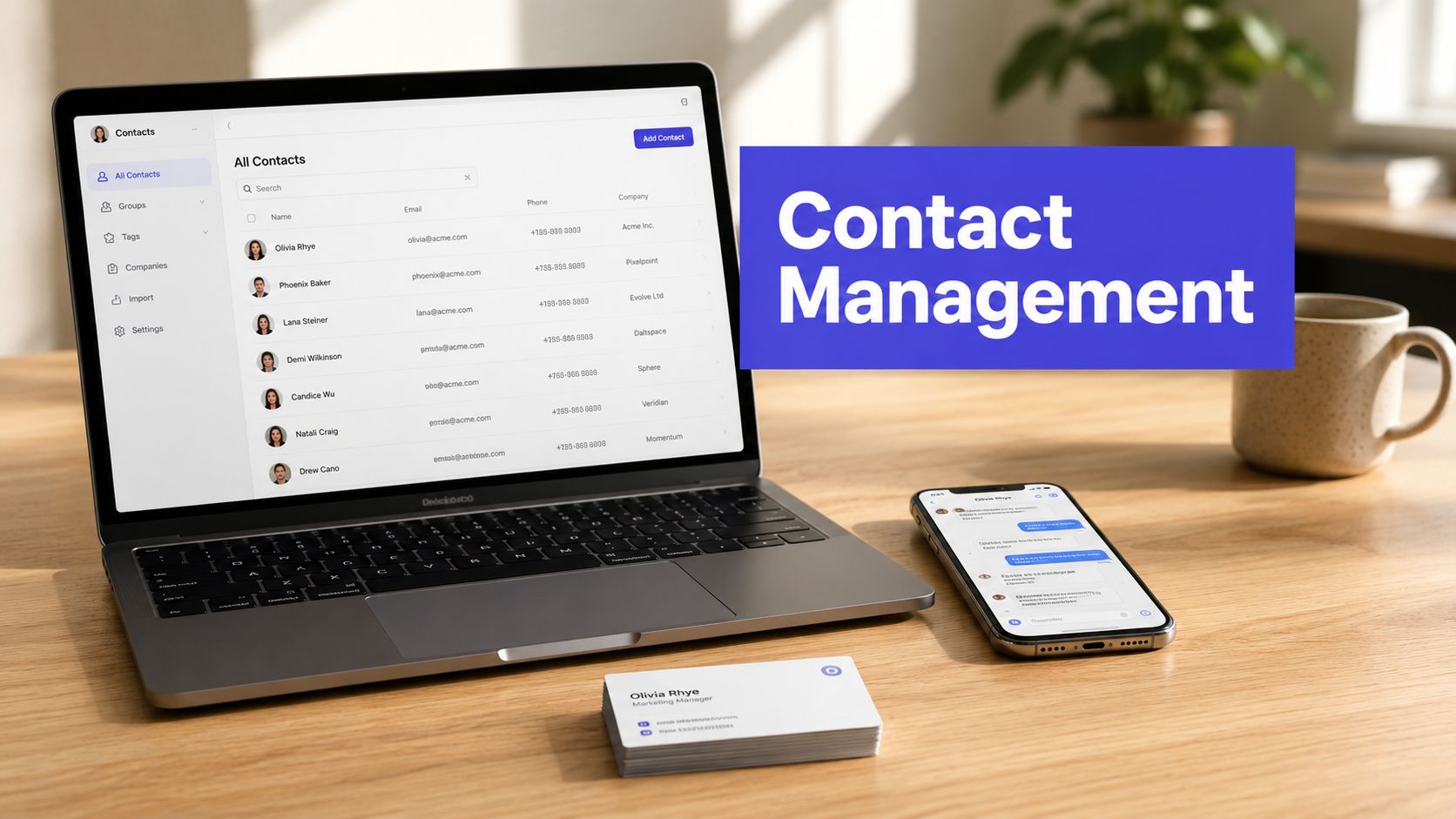












Your team already has the signs. A lead comes in through Instagram, someone else replied by email last week, and a third person on the account is about to send the same intro message again. The problem usually isn't effort, it's that the contact record lives in too many places at once.
What Is Contact Management? It's the disciplined way a business captures, organizes, updates, and uses relationship data so people can act with context. That matters because contact handling has been a real operational problem since organizations moved from paper address books to software-based databases, and by the early 2000s customer service teams were already handling volume at scale, with the average number of calls per representative rising from 470 per week in 1998 to 990 per week in 2000 in a U.S. Department of Labor fact book (U.S. Department of Labor fact book).
The Hidden Cost of Scattered Contact Information
A social media manager sees a comment from a promising lead on LinkedIn and tags sales. Sales says they already spoke to that person by email. Customer support has a separate thread with a different spelling of the company name. By the time the team pieces the story together, the prospect has moved on.
That's the hidden tax of scattered contact data. Every missing record creates a small delay, then the delay becomes a duplicate outreach, then the duplicate becomes a bad customer experience. Contact management exists to stop that pattern by putting names, roles, histories, and follow-ups into one place your team can use.
A useful way to think about it is this. A contact list answers “who's this person?” A contact management system answers “who's this person, what happened last time, and what should happen next?” That's why even a practical guide to guest list management can feel familiar, it's really about keeping relationships organized so no one gets missed.
Why a shared record matters
When a brand handles email, DMs, comments, and support tickets separately, the team loses context at every handoff. One person remembers the conversation, another person owns the account, and nobody has the full timeline. A shared contact record keeps that institutional memory in one place.
Practical rule: if a teammate has to ask for the history twice, the system isn't working.
The global significance is simple. As contact volume rises, organizations need one system to store names, histories, and follow-ups so staff can respond consistently and avoid lost opportunities. That need hasn't changed, even though the channels certainly have.
Core Components of a Contact Management System

A contact management system is easier to understand when you stop treating it like a digital address book. It usually has three layers that work together, and each layer solves a different problem.
Storage layer
This is the basic record. It holds the facts that identify a person or company, such as names, roles, company details, emails, phone numbers, social handles, and custom fields that matter to your business. If you're managing influencers, that might include preferred platforms. If you're in B2B, it might include territory or account ownership.
Activity layer
This layer keeps the relationship history. Emails, meeting notes, DMs, comments, support tickets, and other touchpoints should sit on a timeline so anyone can understand how the relationship developed. Without this layer, teams end up with a contact record that looks complete but tells no story.
Segmentation layer
The system becomes useful for action. Tags, lists, and segments let you group people by status, channel, campaign, or relationship type. A segment might be “new inbound leads from Instagram,” “active partners,” or “customers awaiting follow-up.” That's what turns stored data into a workflow your team can operate on.
A simple comparison helps:
| Layer | What it holds | Why it matters |
|---|---|---|
| Storage | Core identity and profile details | Prevents confusion about who the contact is |
| Activity | Communication and engagement history | Gives context for the next interaction |
| Segmentation | Tags, lists, and groups | Makes targeting and follow-up possible |
A good contact system doesn't just store data. It explains the relationship well enough that another teammate can step in without guessing.
Why Contact Data Decays Faster Than You Think
A contact database starts losing accuracy the moment people begin changing jobs, moving companies, retiring old email addresses, or shifting where they are active online. A list that looked tidy during import can become shaky long before the next campaign goes out. That is why contact management is not a one-time cleanup task, it is ongoing data governance.
Contact records decay in ordinary, predictable ways. Emails stop working, phone numbers go stale, social handles change, and company records drift after mergers or role changes. Current industry reporting citing data decay rate statistics shows that B2B contact data can decay between 22.5% and 70.3% annually, with email decay reported at 3.6% in a single month in late 2024. A separate figure often used in the same context says around 30% of all contact data becomes outdated each year.
For marketing and social teams, the signs show up fast. Campaigns bounce. Sales reps call numbers that no longer work. A DM lands on an account that belongs to someone else now. The record may still exist, but the person behind it has already moved on.
Maintenance is the real job
A reliable contact process depends on verification, deduplication, and regular refresh cycles. Each one plays a different role. Verification checks whether the details still point to a real person or company. Deduplication prevents the same contact from splintering into several records. Refresh routines keep ownership, job titles, and channel preferences current enough for daily use.
Teams do not use contact data in the abstract. They use it to send follow-ups, route replies, coordinate outreach across email and social, and decide who should own the next touchpoint. When the record is stale, every one of those actions becomes slower and less trustworthy.
Reports on CRM data quality show the scale of the problem as well. One report notes that 76% of organizations say less than half of their CRM data is accurate and complete (data decay rate statistics). That points to a data governance issue, not a software issue.
If your team only cleans contacts before a launch, the launch begins with stale information.
Strong contact management teams treat data like a living asset. Records need ownership, review cycles, and rules for what counts as current. Social and marketing teams feel that most directly, because their engagement workflows depend on clean records across channels, not just on a stored address book.
Contact Management vs CRM Explained
The confusion is understandable because the two overlap. Contact management is the foundation, CRM is the broader operating system built around it.
Contact management stores and organizes contact records, plus the interaction history tied to those records. CRM adds sales pipelines, marketing automation, service workflows, and revenue reporting around that same data. If you only need to know who someone is and what you've already discussed, contact management can be enough. If you need forecasting, handoffs, and cross-team automation, CRM is usually the better fit.
A simple comparison
| Capability | Contact Management | Full CRM |
|---|---|---|
| Contact records | Yes | Yes |
| Interaction history | Yes | Yes |
| Access controls and audit history | Sometimes | Usually |
| Sales pipeline tracking | Limited | Yes |
| Marketing automation | Limited | Yes |
| Service ticketing | Limited | Yes |
| Revenue forecasting | No | Yes |
| Cross-team workflows | Basic | Strong |
Small teams often start with contact management because they need one reliable place for records, not a full revenue machine. Social-first brands, agencies, and influencer teams can work well there when the main problem is coordinating relationships across channels. The moment pipeline visibility, approvals, or multi-department handoffs become routine, the broader CRM layer starts to matter.
The decision comes down to workflow complexity
Ask three questions. Do multiple teams need the same contact data? Do you need more than basic follow-up tracking? Do records drive formal sales or service processes? If the answer is yes to all three, a CRM may be the right move. If not, a disciplined contact management setup can carry a lot further than people expect.
How Social and Marketing Teams Use Contact Management Daily
A follower comments on a reel, a brand ambassador replies in DMs, and a week later the same person fills out a form from an email campaign. Without contact management, those touchpoints sit in different tools and nobody sees the full picture. With it, the team can recognize the person, pull up the timeline, and respond with context.

That's where a unified inbox becomes more than a convenience. It becomes the point where social engagement, campaign follow-up, and relationship history come together. Teams that use PostSyncer's social media contact management can centralize people who comment on posts, track their interaction history, and work from a shared CRM dashboard instead of bouncing between spreadsheets and platform tabs.
A workflow social teams actually run
A community manager sees a comment on LinkedIn and tags the account owner. The account owner checks past conversations before replying. A manager approves the response because the contact is also in an active campaign. No one has to rebuild the backstory from scratch.
That same logic applies to influencer outreach and partner management. One person may first appear as a commenter, then as an email lead, then as a collaboration opportunity. If those identities stay fragmented, the outreach feels disconnected. If they're unified, the team can keep the conversation coherent.
For teams using PostSyncer, the value is practical. Scheduling, engagement, and contact records live in one workspace, so the people who manage social activity can see who they've already talked to and what happened last time. PostSyncer also offers a unified comments inbox with contact CRM, which fits this workflow naturally.
The same discipline helps when campaigns span LinkedIn, Instagram, and email. The contact record becomes the shared memory that keeps the team from sounding repetitive or careless.
Best Practices for Building a Reliable Contact Database
A reliable contact database starts with rules, not optimism. If everyone can type anything into any field, the database will drift fast. The best teams make it easy to enter data correctly and hard to enter it sloppily.

Start with standards
Define required fields, naming conventions, and tags before the team enters a lot of records. Use dropdowns where possible. Reserve free-text fields for context that needs nuance. That single decision cuts down on inconsistent spelling, broken filters, and duplicate categories.
Build maintenance into the process
Set deduplication rules so overlapping records get flagged early. Give every contact an owner so someone is accountable when details change. Create a review schedule for stale records, especially if your team relies on social and email outreach.
Connect capture to actual work
Contacts should flow in from every channel where the relationship begins. That includes email, comments, DMs, meetings, and support interactions. If a team member has to remember to log something later, it probably won't get logged at all.
A few mistakes show up again and again:
- Too much freedom in fields. Free-text tags create tidy-looking chaos.
- No ownership. If everyone owns the contact, nobody does.
- No audit trail. When records change, the team needs to know who changed them and why.
PostSyncer's community management tool is relevant here because it shows how contact handling and engagement workflows can sit inside the same operating pattern, instead of living as separate chores.
Choosing the Right Contact Management Approach for Your Team
The right setup depends on how messy your current workflow feels. If your team is duplicating outreach, missing follow-ups, or losing context between channels, the issue is already costing attention and trust. If stale records are lowering campaign quality, the database needs governance, not another spreadsheet export.
A simple self-check helps. Look at storage, interaction tracking, and governance. If one of those layers is weak, the whole system feels fragile. If all three are covered, even a modest setup can support a growing team for a long time.
For teams that need a lighter operating layer, contact management is often enough. For teams handling approvals, automation, multiple channels, and coordinated collaboration, a broader platform makes more sense. The point isn't to buy more software. It's to make sure the system matches the complexity of the work.
For a technical overview of how shared contact workflows can connect into a larger system, the PostSyncer MCP overview is a useful reference.
If you're trying to bring order to contact data without adding more manual work, PostSyncer gives teams a way to manage social engagement, contact records, and approvals in one workspace. Visit PostSyncer to see how a unified contact workflow can help your team keep records current and respond with context.