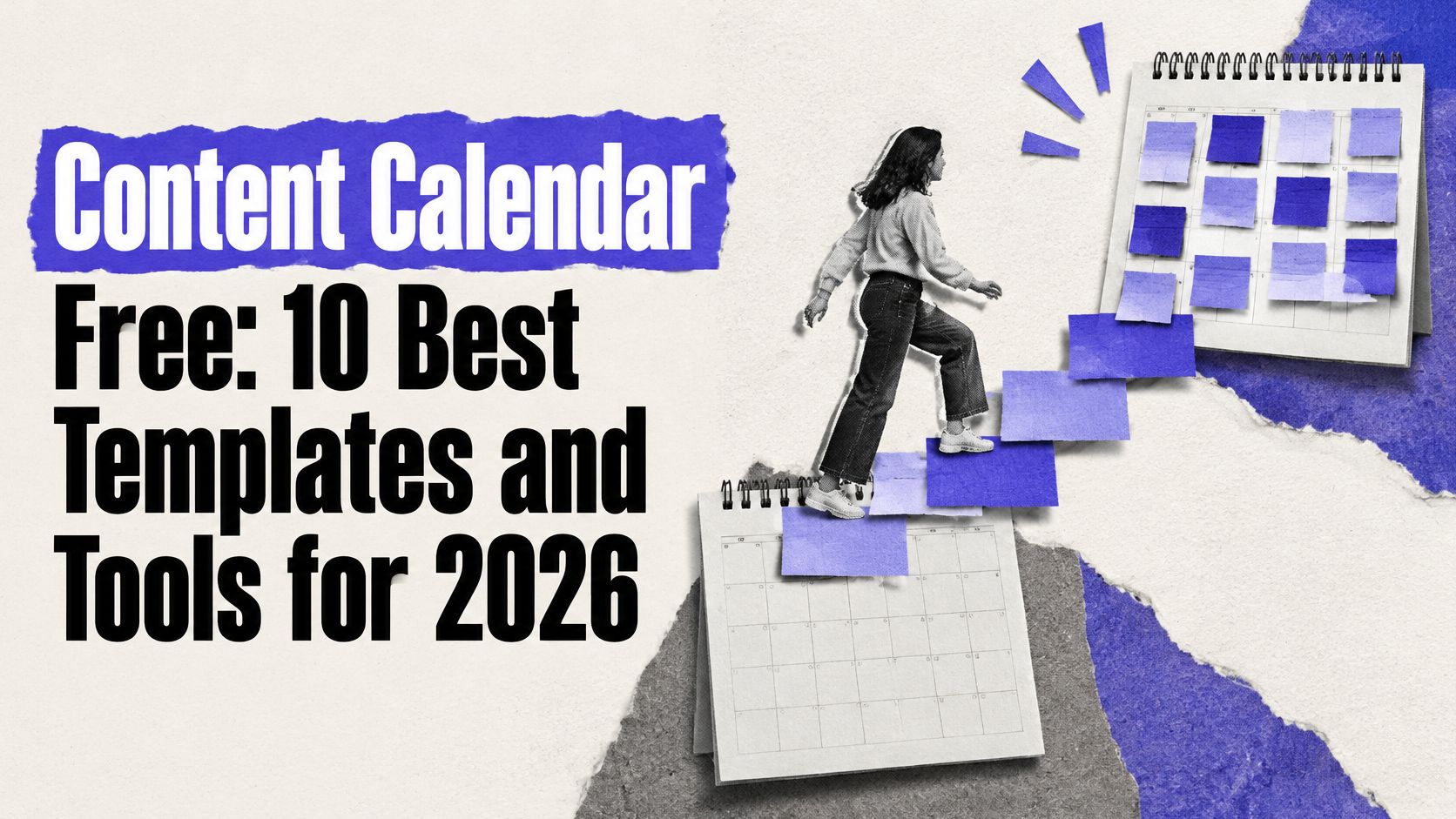


What can you realistically get done for free, and where does the free version stop helping without making a fuss? That's the question most roundups skip. They call a spreadsheet, a capped scheduler, and a task board the same thing, even though only one of them will publish a post for you.
This list splits content calendar free options into three honest categories. True free schedulers plan and publish. Template and spreadsheet planners organize ideas but leave posting to you. Workflow boards track production, approvals, and owners, but they don't send anything live.
The pressure is real. In 2025, 54% of small and midsize businesses said they struggled to keep up with content needs across multiple social media channels, according to a survey of 600 SMB decision-makers reported by Marketing Dive. You probably don't need paid software on day one. You do need a system you won't outgrow in week two.
Each item below states the actual limit, what stops being free, and who it fits. Channel caps, queue limits, missing networks, and single user seats matter more than a feature checklist. Pick by constraint first, convenience second.
1. PostSyncer
Start here if you want planning and publishing in the same place. PostSyncer is an all in one scheduler built around a visual drag and drop content calendar, so you can plan weeks of posts, move them when plans change, and publish from one workspace rather than bouncing between a spreadsheet and five apps.
What the free start gives you
- 11+ networks: Instagram, TikTok, LinkedIn, Threads, Bluesky, YouTube, Facebook, X, Pinterest, Telegram, and Mastodon from one calendar
- Unlimited scheduled posts and drafts: You aren't counting queue slots before you can plan next week
- Unlimited team members: Collaboration doesn't force an upgrade just because a second person needs access
The trade off is at the edges. Advanced analytics and multi workspace features require paid plans, and AI credits are capped monthly, so heavy AI generation isn't unlimited. That's a fair boundary, because the core calendar job, scheduling volume, and team access aren't the things being rationed.
Who it fits: Small teams, creators, and agencies that want a true scheduler now and a credible upgrade path later. If you'll need approvals, multiple brands, and deeper reporting soon, starting here avoids rebuilding your workflow in a second tool.
2. Buffer
Buffer is the simplest on ramp if you've never scheduled anything. The Buffer free plan is ongoing rather than a timed trial, and the interface teaches you the habit fast. Connect a channel, add posts to a queue or calendar, and publish without learning a project management system first.
Practical rule: Count your active channels before you fall in love with any free scheduler. The cap you hit first is usually accounts or queued posts, not features.
The limits are concrete. You get up to three connected channels and up to 10 scheduled posts per channel at a time. Published posts free up queue space, so a light, steady cadence works fine. A launch week with daily posts across four platforms doesn't.
You also get an ideas area, AI Assistant, and basic insights, which is enough to test whether a cross platform routine sticks. The weak points are scale and people. The free plan supports only one user, so there's no real team workflow, no second pair of eyes inside the tool, and no room to hand work off.
Who it fits: Solo creators and very small businesses running two or three channels at a modest pace. If you're already posting daily in several places, you'll feel the queue limit within the first fortnight.
3. Metricool
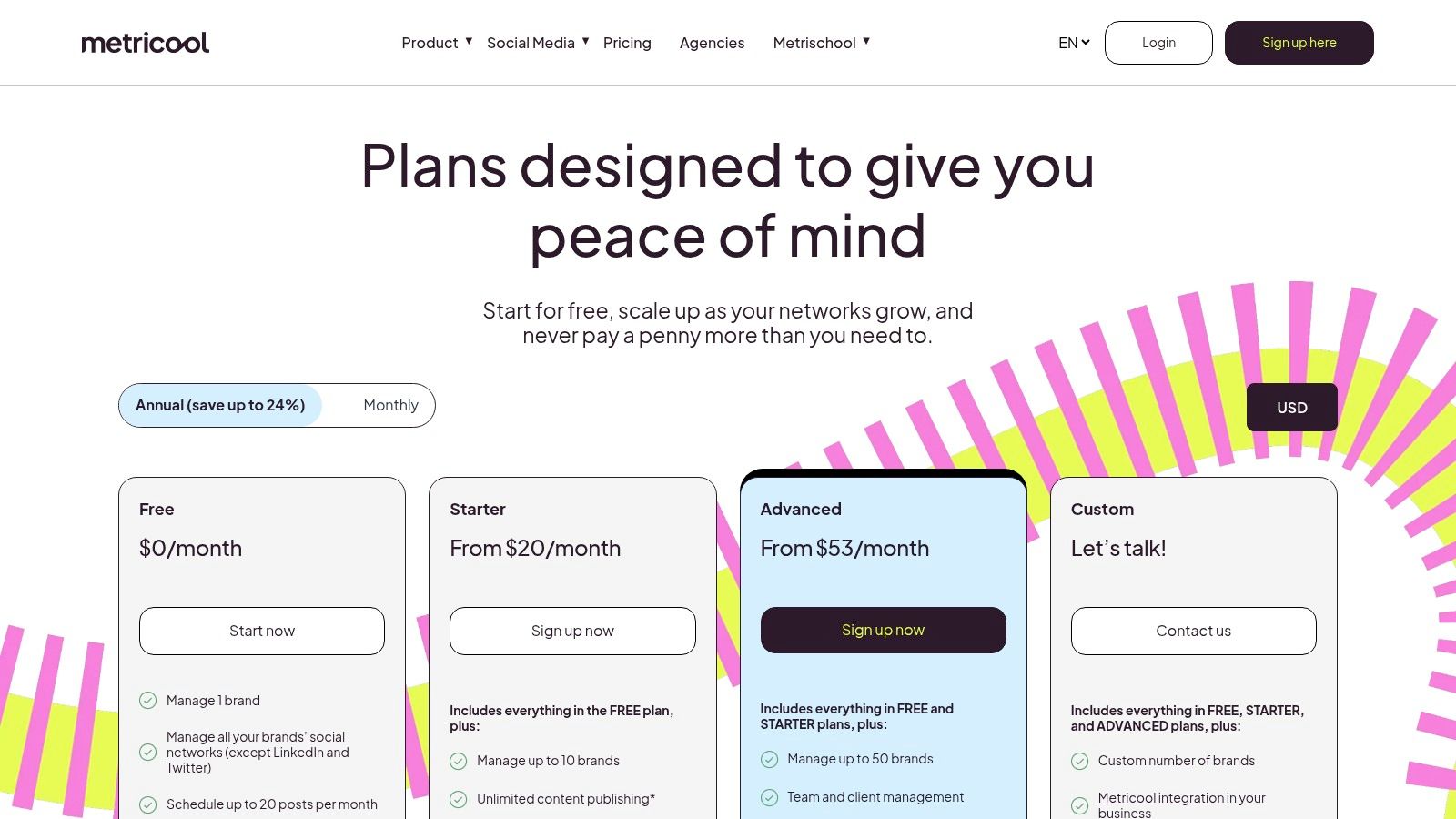
Metricool earns its place for one reason most free schedulers skip. It pairs the calendar with measurement. The Metricool free tier is permanent and doesn't require a credit card, and it includes basic analytics with 30 days of history alongside a monthly planner.
Where the free tier stops
- 20 published posts per month: Enough for a few posts a week, not daily multi channel publishing
- One brand only: Agencies and multi brand operators hit the wall immediately
- No LinkedIn or X: A serious gap if either network drives your leads
You also get five AI text generation credits per month and competitor tracking with fixed profiles. That's useful for a first look at what rivals post and how your own content performs, though analytics are watermarked and some integrations and reports sit behind paid plans.
Planning and measurement together change behavior. You stop asking whether you posted and start asking whether the post earned its slot.
Who it fits: A single brand with a light cadence that cares about basic results from day one. If LinkedIn is central to your pipeline, skip the free tier entirely.
4. Publer
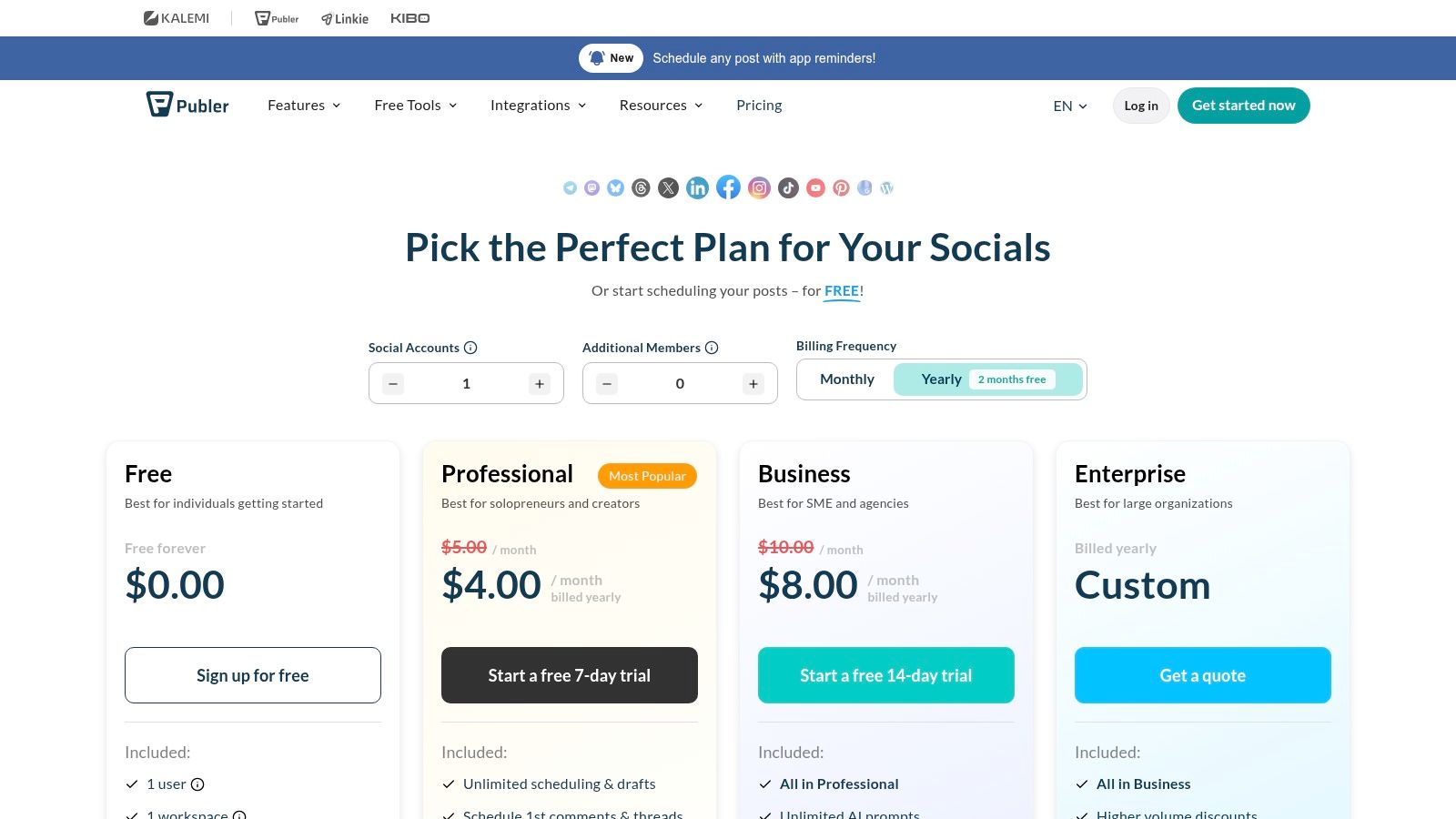
Say you're testing whether scheduled publishing will survive contact with your real week. Publer's permanent free plan is a clean way to find out. The Publer free plan covers up to three social accounts with calendar and queue views, and it doesn't expire after a trial window.
Its limit works differently from a monthly allowance. You can hold up to 10 pending scheduled posts per account, and slots reopen as posts publish. Steady planners who schedule a week at a time barely notice. Batch planners who build a month in one sitting notice immediately.
The exclusions need reading before you commit. X isn't included on the free plan, supported networks vary by plan, and some network specific eligibility rules apply, including a Pinterest restriction for free accounts. The three account cap also rules out most multi brand work.
Who it fits: Individuals and tiny teams validating a workflow across two or three accounts. It's a test bed, not a home base. If your strategy depends on X or Pinterest, verify eligibility first or choose another scheduler.
5. CoSchedule Social Calendar
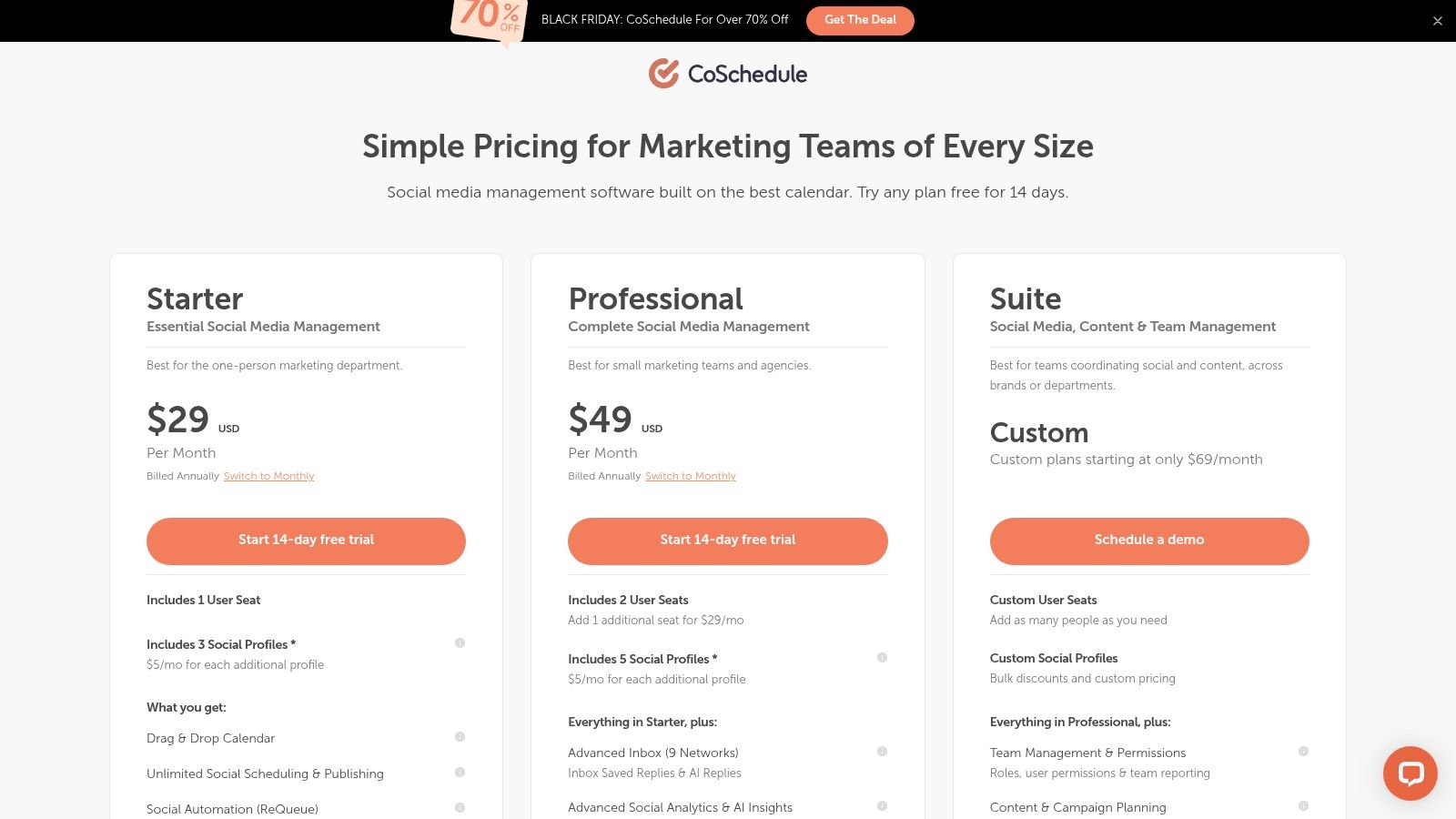
CoSchedule is purpose built for one job, planning social messages on a calendar, and that focus shows. If you're comparing social media content calendar software, this is the narrow, calendar first end of the spectrum rather than a broad marketing suite.
Then read the free limit twice. The CoSchedule free plan supports one social profile and up to 15 unsent messages at a time. Drafts and failed messages count toward that allowance. Fifteen sounds workable until three drafts, one failed post, and a week of scheduled messages share the same small bucket.
What's missing for free
- Analytics: Not included, so you measure results elsewhere
- CSV bulk scheduling: Paid only, which slows down campaign setup
- X publishing: Requires a paid plan
The upside is clarity. The limits make it easy to judge sufficiency in one afternoon, and paid tiers add broader publishing and marketing calendar features if you like the approach.
Who it fits: One profile, one light schedule, one person coordinating it. Anyone running several channels will treat this as a trial in disguise.
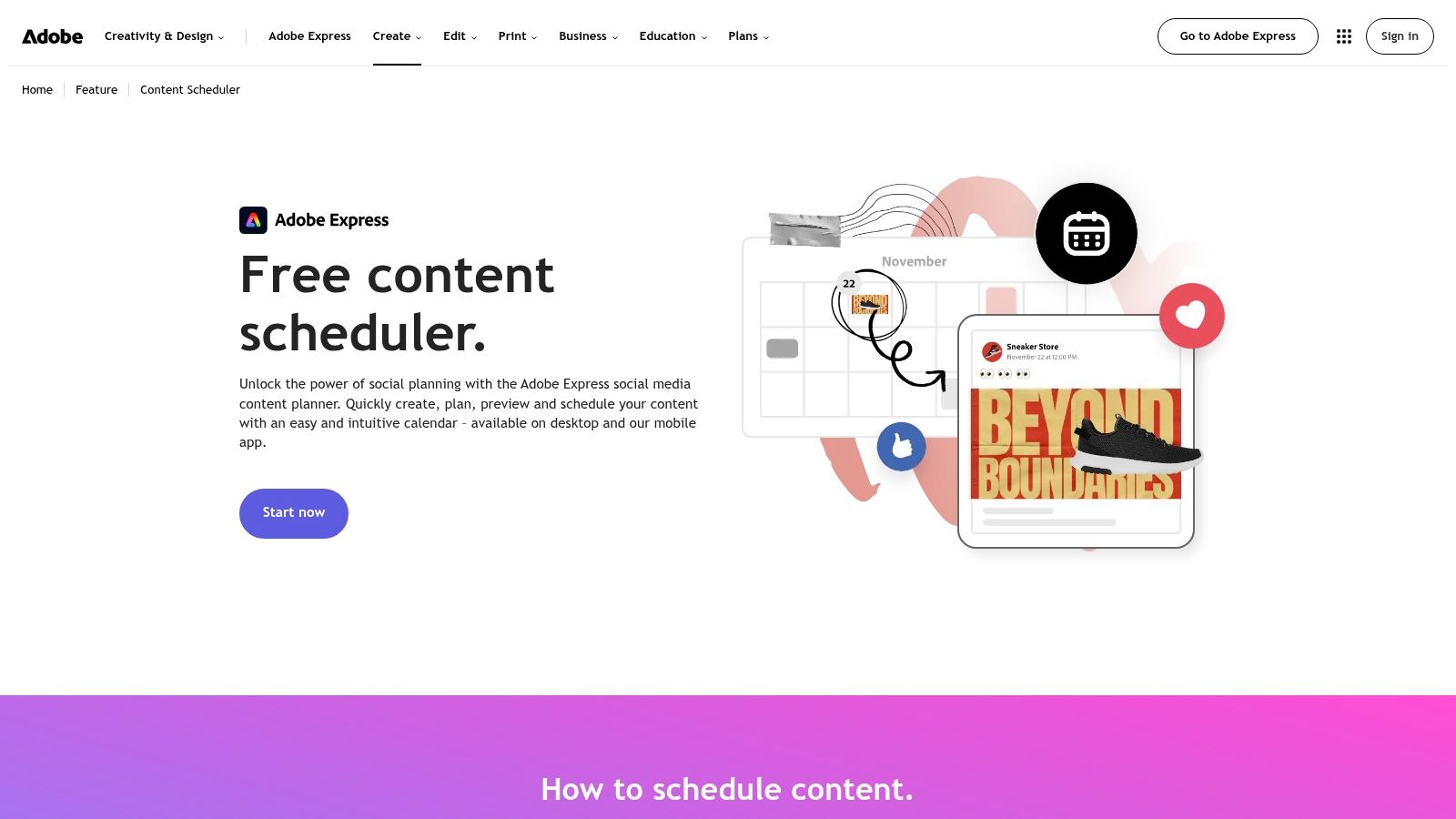
6. Adobe Express Content Scheduler
Already making graphics in Adobe Express? This scheduler removes the export, save, upload shuffle. The Adobe Express Content Scheduler lets you create, preview, and schedule posts in one place on desktop and mobile, with a calendar view for drafts and unscheduled ideas.
The headline number is generous. Adobe states the free scheduler allows up to 1,000 posts per month, which dwarfs the queue caps above. For a design led creator posting frequently, that allowance alone can settle the decision.
A high post allowance doesn't fix a missing workflow. Volume is rarely the constraint that breaks a small team's week.
Check the boundaries anyway. The free plan allows one account per channel, so managing two Instagram accounts is a problem. It also isn't a full suite. You won't get proper approvals, inbox management, or advanced analytics, and you should confirm current supported channels and account limits before building your routine around it.
Who it fits: Creators and solo marketers whose content starts as design. If your bottleneck is approvals or community replies rather than graphics, pair it with another tool or choose a scheduler built for teams.
7. Zoho Social
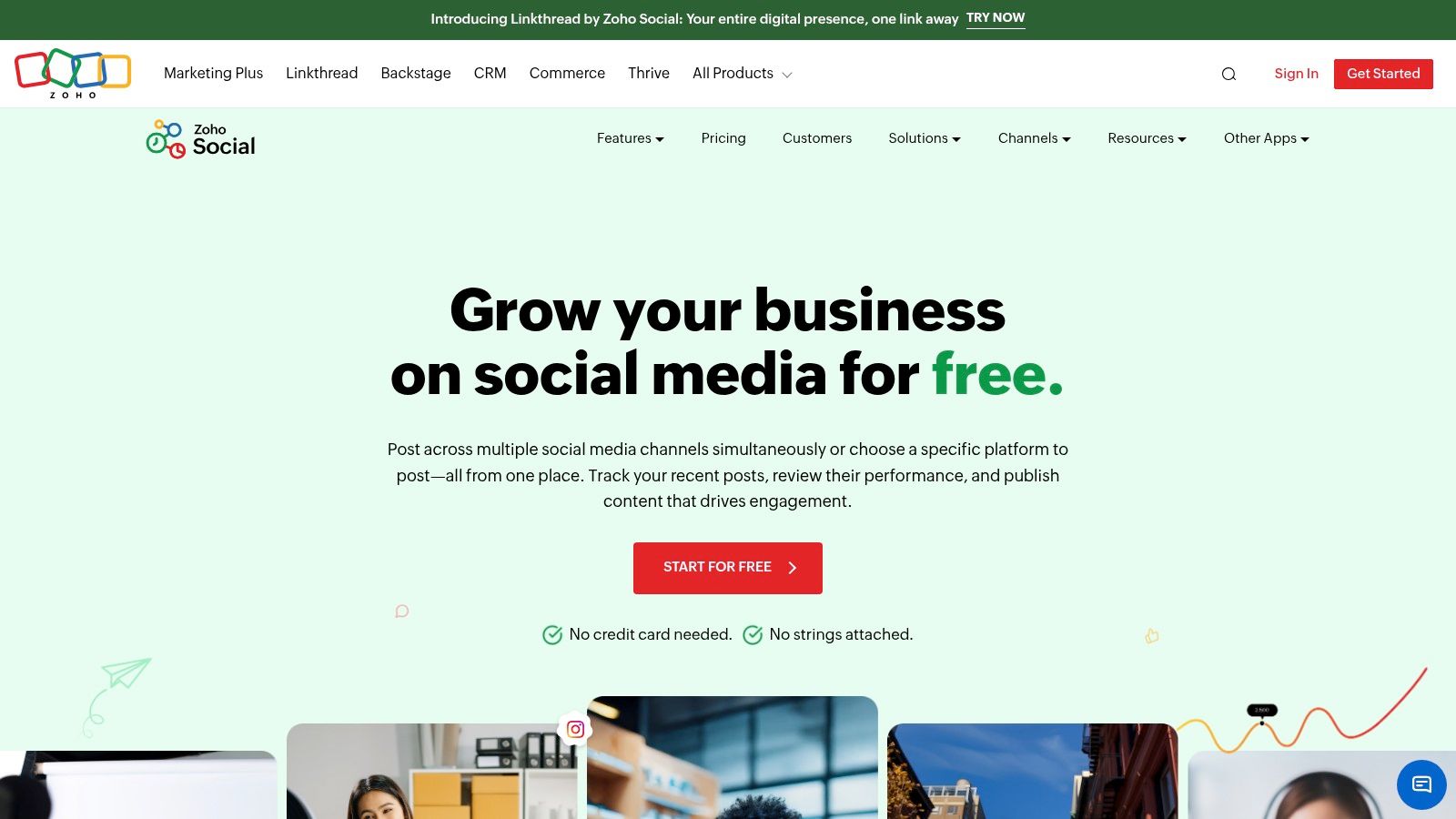
Zoho Social's free edition can show you the product, but it does not schedule posts. That distinction matters if you're comparing free content calendars by whether they can publish, not just organize ideas.
The Zoho Social free edition includes one brand, one user, six listed social channel connections, and a browser extension. It gives solo users room to explore the interface and connect channels.
The deal breaker
Zoho's help page says the free plan does not support post scheduling. You'll need to publish manually or use another tool, so the calendar cannot handle the full planning-to-publishing workflow.
The one-user limit also rules out free team collaboration. Plan details and channel support can change, so check the current offering before you commit to a workflow. The free edition is most useful for evaluating Zoho Social before deciding whether to pay.
Who it fits: Zoho users assessing whether the paid product suits their workflow. If you need a free calendar that schedules posts, this option stops at planning and channel management.
8. Notion Content Calendar Templates
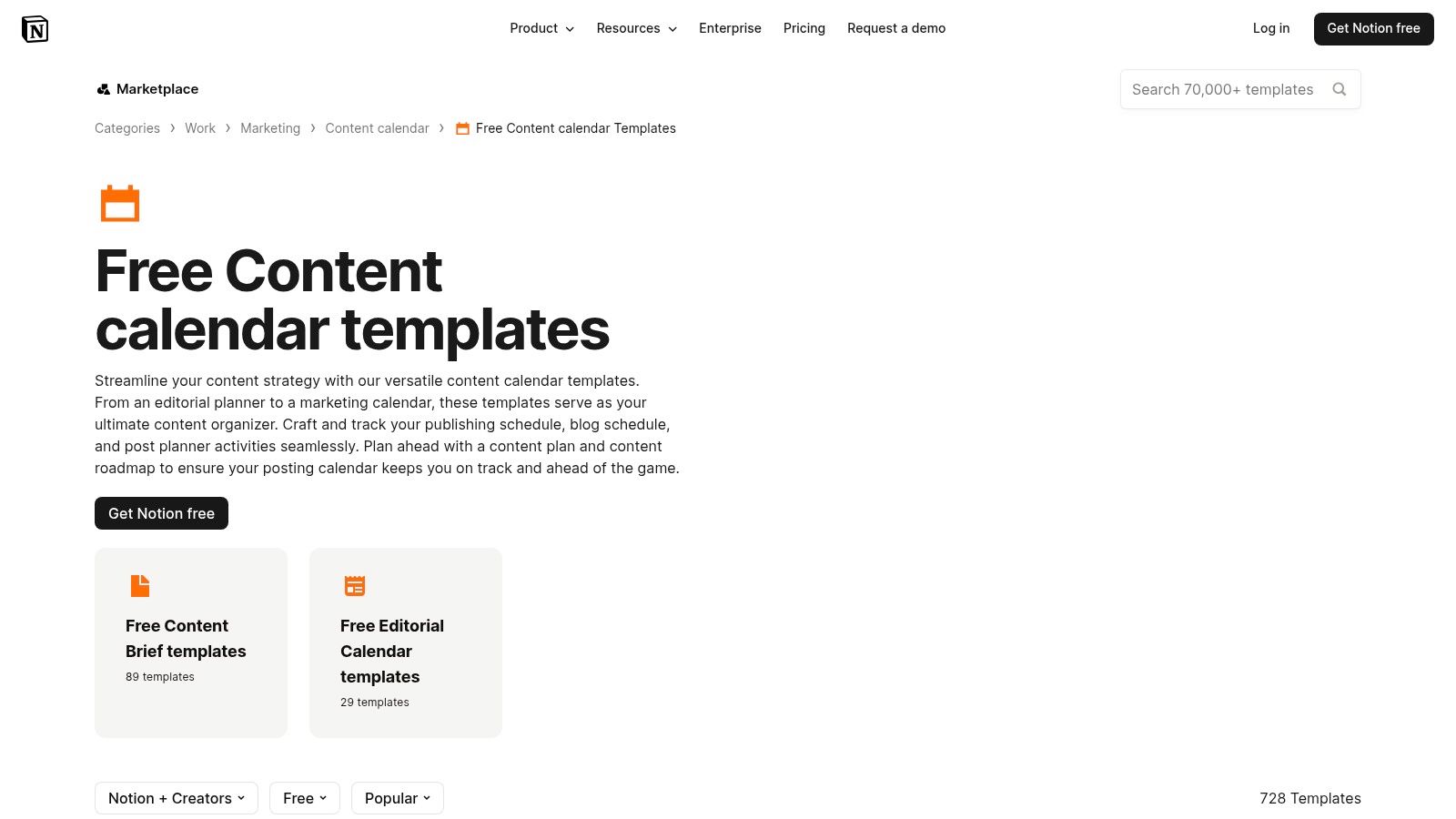
Notion templates win when your planning process is unusual. The Notion free content calendar templates gallery holds community built options for editorial, marketing, and social content, with calendar, board, and table views over the same database. If you're adapting a content calendar template to your own fields, Notion gives you the most room to do it.
You can add custom properties for campaign, funnel stage, owner, status, and review date, then keep briefs and notes on the same page as the post. That planning depth matters. A global Content Marketing Institute and MarketingProfs survey of 1,707 respondents found that 70% of technology marketers used an editorial calendar, compared with 84% among top performing organizations, in the CMI and MarketingProfs research.
The costs are upkeep and publishing. Template quality varies, setup takes real time, and Notion doesn't publish to social networks. Someone still copies approved posts into a scheduler or posts natively.
Who it fits: Teams that plan long form and social together and already live in Notion. Pair it with a scheduler, or accept manual posting as a permanent tax.
9. HubSpot Social Media Content Calendar Template
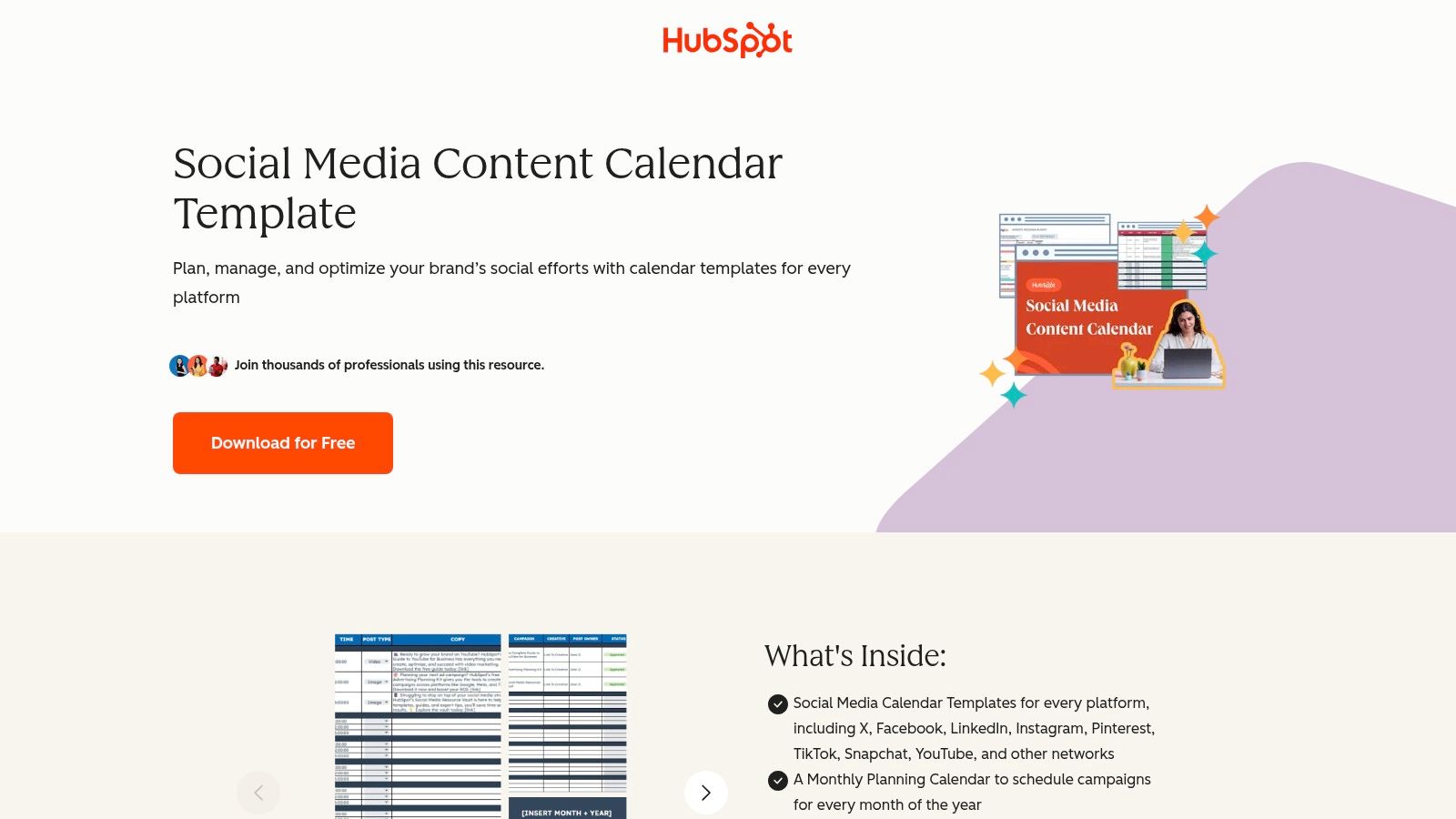
HubSpot's download is the classic spreadsheet starting point, and it's broader than most. The HubSpot social media content calendar template includes platform specific planning sheets, a monthly campaign calendar, and a content repository for tracking reusable assets, plus a guide explaining how to use it.
That repository tab is the underrated part. Repurposing fails when nobody can find the original asset, and a simple register of what exists, where it ran, and what it can become fixes more than another brainstorming session will.
What you're giving up
- Form gate: Download access requires filling in a form
- Manual updates: Every date change and status change is typed by hand
- No publishing: The template documents the plan, it doesn't execute it
You don't need HubSpot software to use it, which makes it a low risk first system. There's no live collaboration magic either, though a shared spreadsheet is often enough for two people.
Who it fits: Beginners who want structure before software. Download it, plan a month, and let the manual friction show you exactly which scheduler features you'd pay for.
10. Canva Social Media Calendar Templates
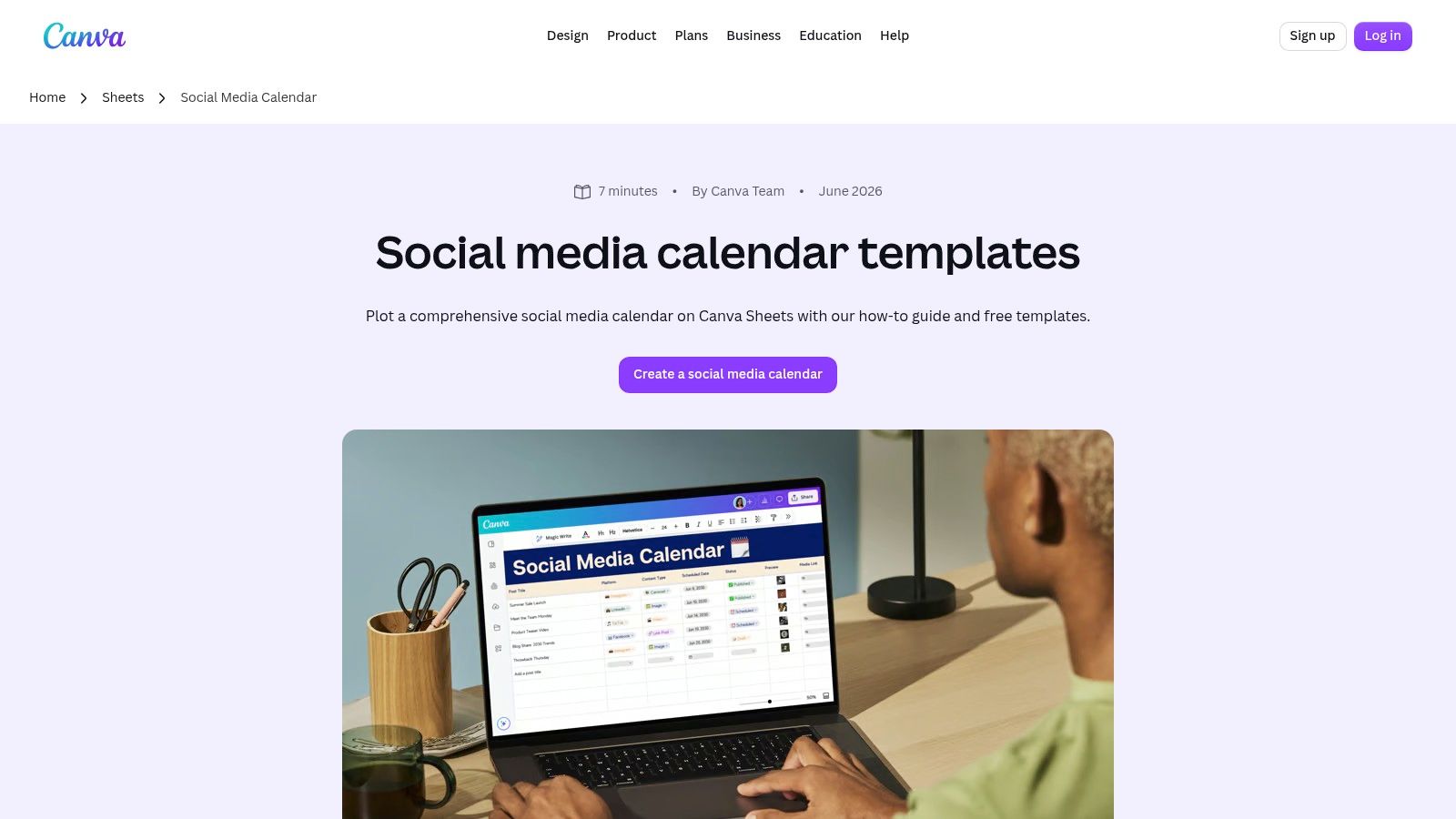
Canva's templates suit people who plan visually and already create assets there. The Canva social media calendar templates run in Canva Sheets, where you can organize posts by date, platform, campaign, and status. For a stakeholder-ready social media calendar template, Canva makes it easy to present a clean plan without formatting a spreadsheet from scratch.
Keeping the plan near the creative files can reduce file hunting when a campaign moves from concept to scheduled post. Templates also give you a starting layout for a launch or seasonal campaign, though the sheet still needs manual updates as dates and statuses change.
Canva is a planning tool, not a publishing scheduler. You'll need another tool to publish posts or send reminders, and complex approvals or multi-client workflows can become awkward. Template and feature availability may also depend on your Canva account and the assets you use.
Who it fits: Design-oriented solo operators and small brands that need to present plans to others. Agencies managing several clients may find Canva useful for presentation, but should use a separate system to manage publishing and approvals.
11. Asana Personal
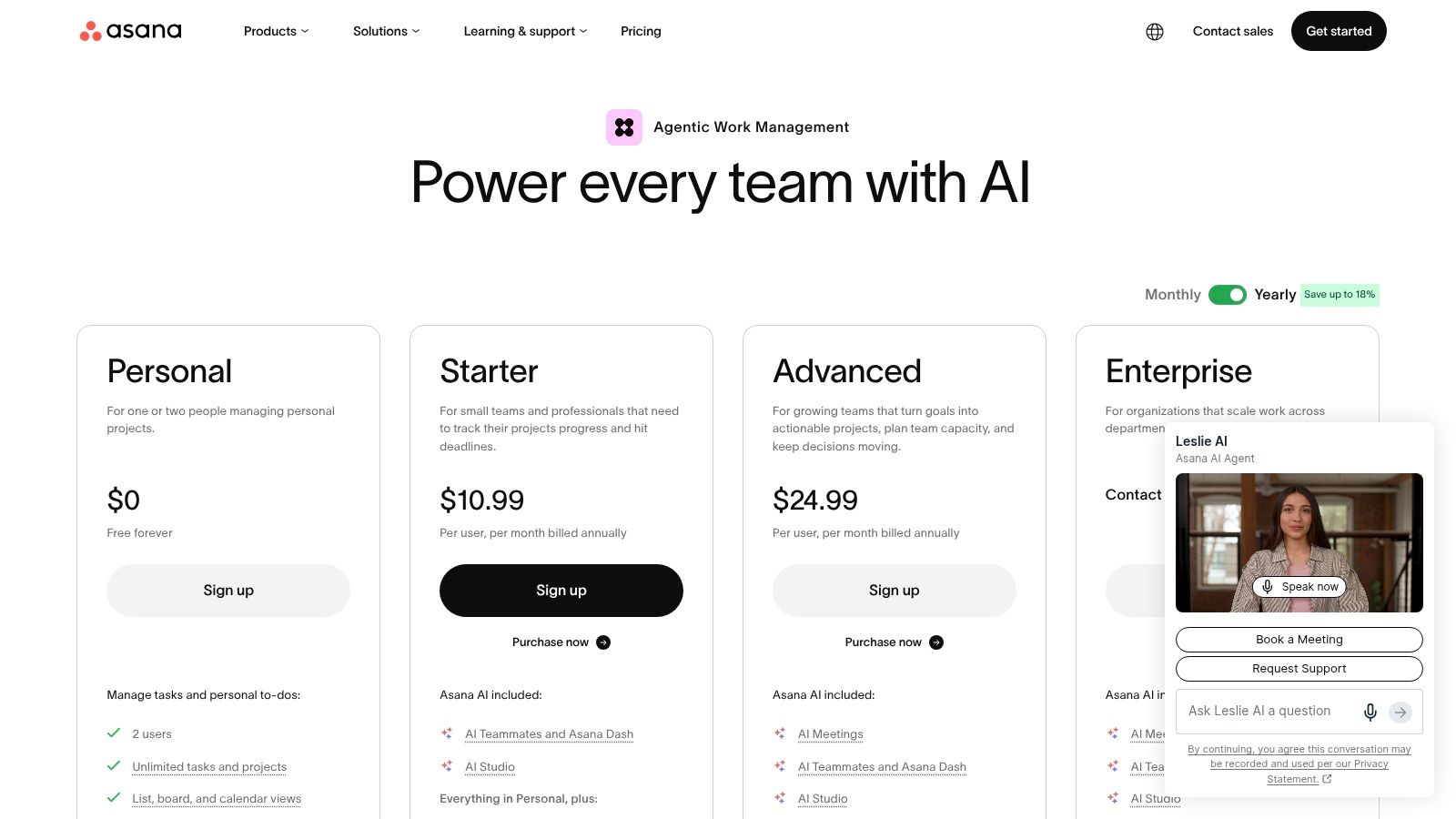
Asana organizes the work behind a post. Tasks with owners and due dates can be viewed as a calendar, list, or board, making the Personal plan adaptable to editorial and social planning. A video post, for example, can have separate tasks for scripting, filming, editing, writing captions, and approval.
Free plan boundaries
- Small-group collaboration: The free Personal plan supports a small group of collaborators. Check Asana's pricing page for the current limit.
- Unlimited tasks and projects: You can track production work without a task-count cap.
- No social publishing: Approved posts still need to be published through another tool.
Some team workflow and reporting features require a paid plan. As production steps multiply, task tracking becomes more useful; a calendar slot alone cannot show whether an asset is ready. HubSpot's survey of more than 1,700 B2B and B2C marketers reported that short-form video had become the leading content format and was widely regarded as delivering the highest return on investment in its State of Marketing report.
Who it fits: Creators and small teams coordinating content with several production steps. Use Asana to manage the work, then publish through a separate scheduler.
Free Content Calendar Options at a Glance
| Type | Free Plan Limits | Publishes to Social? | Best For |
|---|---|---|---|
| PostSyncer, social scheduler | 11+ networks; unlimited scheduled posts, drafts, and team members | Yes | Calendar-based planning across many networks |
| Buffer, social scheduler | 3 channels; 10 queued posts per channel | Yes | Individuals starting with a few channels |
| Metricool, social scheduler and analytics | 1 brand; 20 posts per month; 30 days of analytics | Yes | Combining publishing with basic analytics |
| Publer, social scheduler | 3 accounts; 10 pending posts per account; excludes X | Yes | Testing a workflow with a few accounts |
| CoSchedule Social Calendar, social scheduler | 1 profile; 15 unsent messages | Yes | Planning a light posting schedule |
| Adobe Express Content Scheduler, design and scheduler | Up to 1,000 posts per month; 1 account per channel | Yes | Creators designing and scheduling in one place |
| Zoho Social, social management tool | 1 brand, 1 user, and 6 listed channel connections; no scheduling | Limited; scheduling unavailable | Exploring channel management in the Zoho ecosystem |
| Notion Content Calendar Templates, planning templates | Free community templates; limits vary by template | No | Customizable editorial and social planning |
| HubSpot Social Media Content Calendar Template, downloadable template | Free download; requires form submission | No | Organizing campaigns and reusable content assets |
| Canva Social Media Calendar Templates, planning templates | Free templates; availability may vary | No | Visual planning alongside Canva design work |
| Asana Personal, project management tool | Up to 2 users; unlimited tasks and projects | No | Tracking content production from idea to completion |
Choosing Your Free Calendar and Getting Started This Week
Stop comparing feature grids and start with one question. Do you need the calendar to publish, or only to plan? Everything else follows from that answer, and most free tool regret comes from blurring the two.
Solo creators posting to two or three channels can start with Buffer or Publer and learn the scheduling habit cheaply. You'll accept queue limits because your cadence is light. If your work starts as graphics, Adobe Express removes more friction because creation and scheduling share a home. If it starts as video with several production steps, Asana Personal plus any free scheduler beats either tool alone.
Small teams should filter on seats first. A free plan limited to one user isn't a team tool, whatever the feature page implies. You need shared visibility of owners, statuses, and deadlines, because content fails at handoffs more often than at ideas. That coordination gap is well documented. The Content Marketing Institute's 2025 B2B benchmark study of 1,186 marketers worldwide found that 58% of B2B marketers rated their content strategy as only moderately effective, in the CMI 2025 B2B research. A shared calendar with named owners is the cheapest fix available.
Watch for four traps. Queue limits punish batch planners, so count pending posts, not monthly averages. Missing networks like LinkedIn or X can exclude your highest value channel. Single user seats block approval and cover during holidays. No scheduling at all, as with Zoho Social's free edition, means the calendar label is doing marketing work the product doesn't.
The pairing strategy works better than forcing one free tool to do everything. Plan in Notion, HubSpot's template, or Canva, where briefs and campaigns live comfortably. Publish through a scheduler that holds your actual queue. Add fields for objective, audience, tracking link, and review date from the start, because a calendar that only records dates and captions can't tell you what to repeat or kill. As volume grows, you'll also need a way to measure content production at scale rather than judging output by how full the calendar looks.
Start this week with a small, honest version. Pick one planning home and one publishing tool. Map two weeks, not a quarter. Assign an owner and a status to every item, leave slack for timely posts, and review what shipped against what you planned. Two weeks of real use exposes your true constraint, whether that's seats, channels, queue space, or production time.
When spreadsheet planning starts costing more time than it saves, graduate the publishing side first. PostSyncer's free tier and visual calendar let you move from documented intentions to scheduled posts across your networks without paying upfront, while your planning template can stay exactly where it is until the team outgrows it too.
PostSyncer gives you a visual drag and drop content calendar and scheduling across 11+ networks, with unlimited scheduled posts and drafts, so your free planning system can finally publish what it plans. Start on the free tier, build your next two weeks in one workspace, and visit PostSyncer to set up your calendar today.