











A typical social week starts with one long webinar, a product launch, and five platforms that each need something different. LinkedIn needs a useful takeaway, Instagram needs a visual, TikTok needs a sharp opening, and the launch needs copy that stays consistent across all of them. The hard part isn't getting an AI draft. It's moving a good idea through editing, design, video, approvals, and publishing without creating more busywork.
These AI tools for social media content creation solve different stages of that workflow. Some turn existing material into drafts, some shape platform-specific copy, and others handle visuals, short-form video, or scheduling. Each entry explains what the tool does well, where it falls short, and how it can hand work off to the next stage.
Teams need two or three tools, not a sprawling stack. Choose based on the bottleneck you have now, whether that is repurposing a webinar, producing consistent graphics, or getting approved posts onto the calendar. If product visuals are a priority, a specialized AI video generator for clothing brands can also fit into the production stage.
1. Lately.ai
Lately.ai is built for teams sitting on a backlog of blogs, podcasts, videos, and other long-form material. Feed it an existing asset, and it can produce social drafts for different platforms, reducing the blank-page work that often slows a weekly content plan. Its brand-voice capabilities are designed to learn from historical content, which can help keep a batch of drafts more consistent than a set of unrelated prompts.
Where it fits
Use Lately when the source material already contains useful ideas. A webinar can provide several social angles, while a blog post can become platform-specific drafts for a team to review. The handoff is straightforward: Lately helps create the starting posts, then a writer or social manager checks whether each one makes sense on its intended channel before scheduling.
The tool is aimed at teams, agencies, and employee advocacy programs that need to repurpose content consistently. Integrations, including a Hootsuite app, can extend the workflow into social management. For a closer look at the broader repurposing process, see this guide to an AI content repurposing tool.
Practical rule: Give the tool strong source material. It can help multiply a useful idea, but it can't rescue a webinar that lacks a clear point.
Lately's trade-off is cost and plan complexity. Pricing may be high compared with basic AI writing tools, and feature tiers can change, so check the current plan details on the Lately.ai website before building the workflow around a specific feature.
2. Jasper
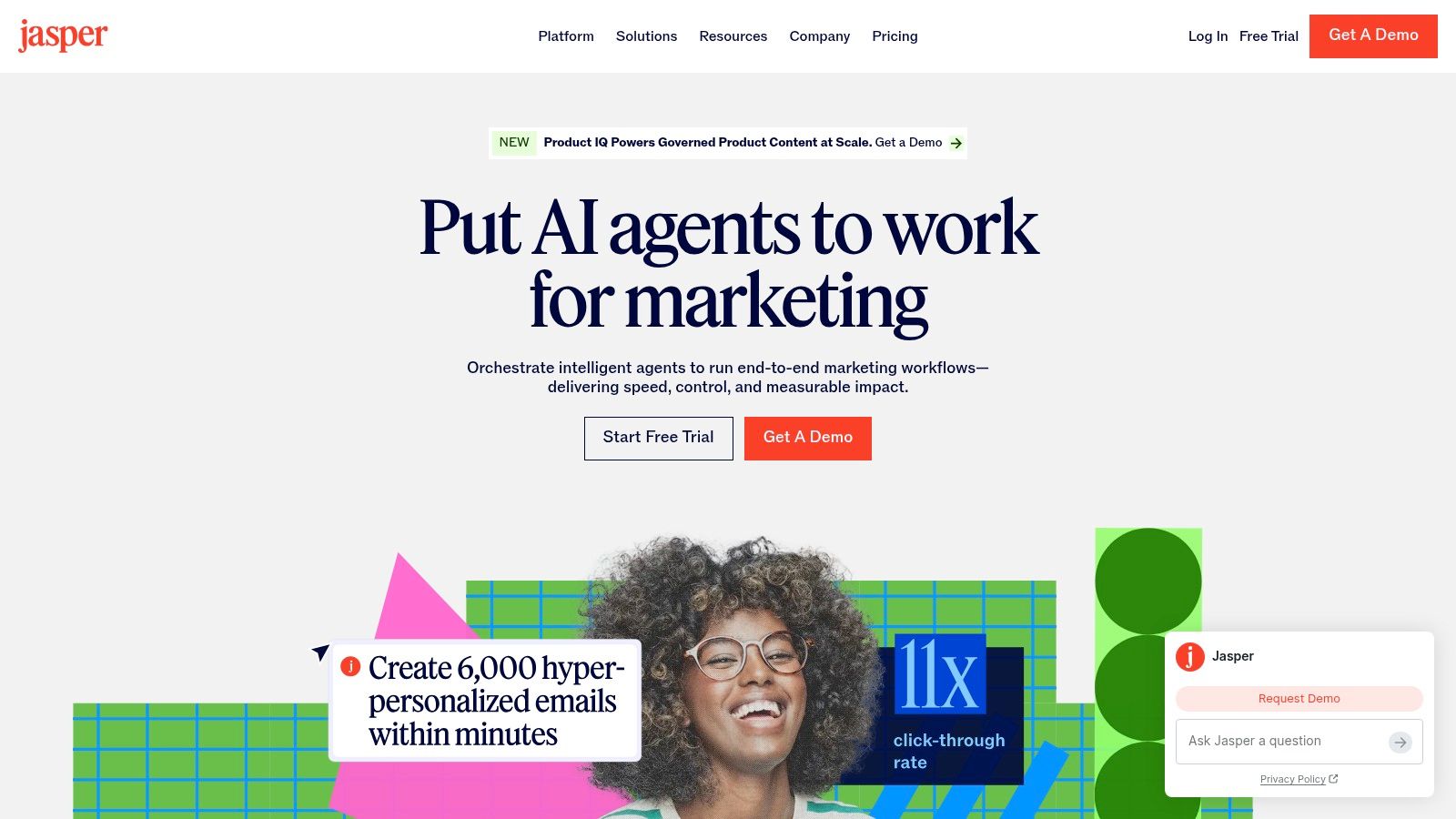
Jasper is a marketing-focused writing platform for teams that need social copy to follow established brand guidance. Its social media agent can create variations for networks such as LinkedIn, X, Instagram, and Facebook, while Brand Voice and style guides help keep the language aligned. Templates and agents can support common formats such as captions, hooks, and carousel copy.
From campaign brief to platform copy
Jasper makes the most sense when a team has a campaign idea and needs channel-specific versions without rewriting the message from scratch each time. A browser extension can also help users create content in social apps and content management systems, reducing app switching for quick edits. The practical workflow is to draft the core message, generate variations, then edit the opening and call to action for each audience.
Brand controls help, but they don't remove the need for review. A post that sounds like the brand can still be too vague, too polished, or poorly suited to the platform. Ask a reviewer to check whether the post makes a clear point, uses accurate claims, and gives the reader a reason to respond.
Jasper focuses on copy rather than advanced native video editing. Teams that need polished short-form video will still need a video tool, and Jasper's marketing-suite positioning may be more than a solo creator needs. Check the current offer on the Jasper website before committing.
3. Canva (Magic Studio)
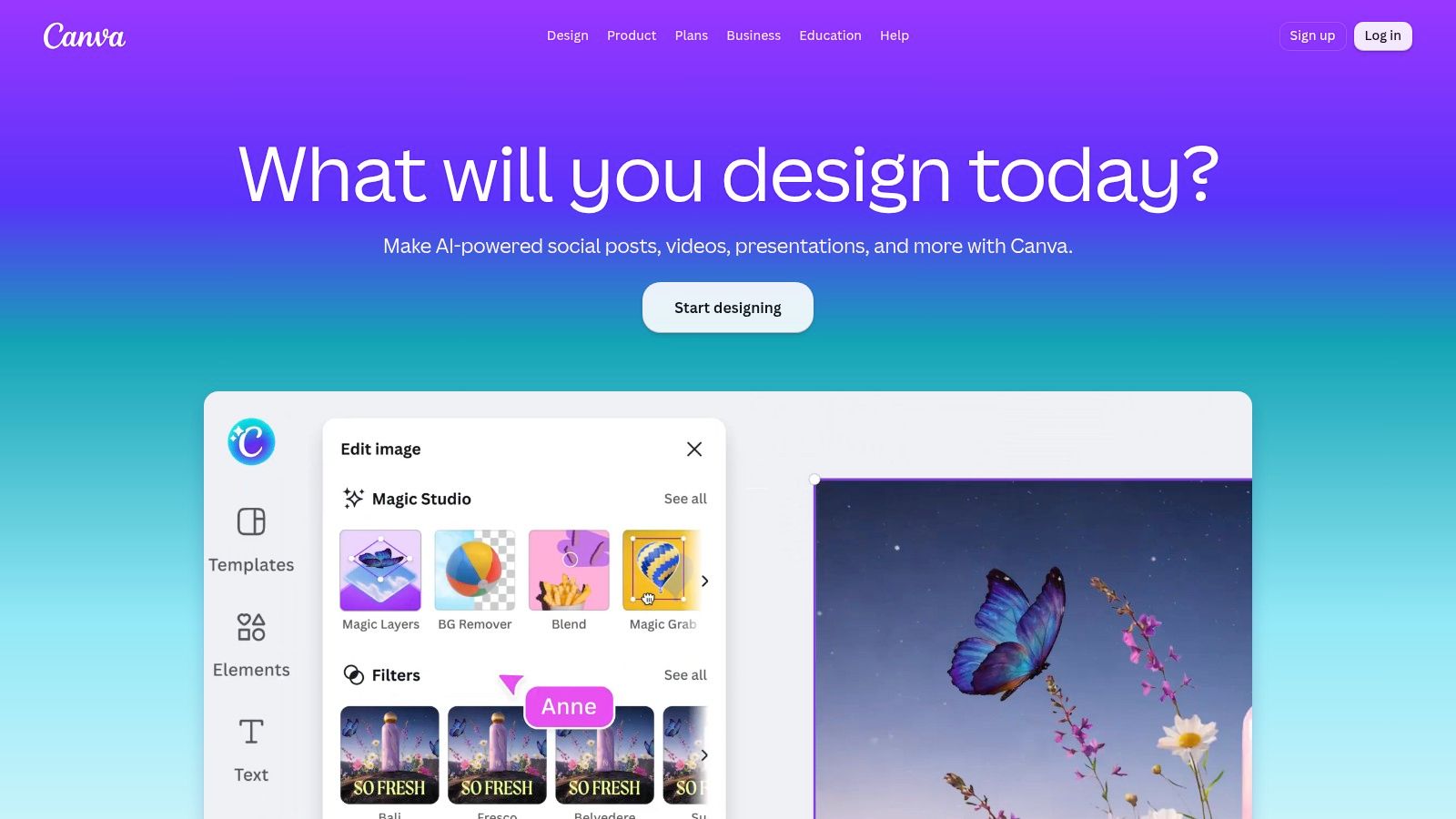
Canva combines design, AI-assisted creation, and lightweight publishing in one workspace. Magic Write can help draft text, while Magic Design, Magic Edit, and text-to-image and text-to-video features support visual production. Templates, Brand Kit controls, and resizing tools make it easier for a non-designer to adapt a campaign visual for different social placements.
Design and publishing in one place
Canva is useful when the main bottleneck is turning a sound idea into a presentable graphic, carousel, or short video. A social manager can start with a template, apply brand elements, make a few platform-specific adaptations, and use Content Planner for scheduling and basic performance checks. That makes it a convenient bridge between copy and publishing for a small team.
The ease of use is the selling point, but it can also be a limitation. Template-driven design helps people move quickly, yet teams can end up with visuals that feel familiar or too similar to one another. Customize the layout, type hierarchy, and image choices instead of treating the first generated design as finished creative.
Content Planner doesn't offer the depth of workflow controls found in dedicated social media managers, and some advanced AI and scheduling features require a paid plan. For a broader look at the creation workflow, visit this guide to AI social media content creation. Check current features and plan details on the Canva website.
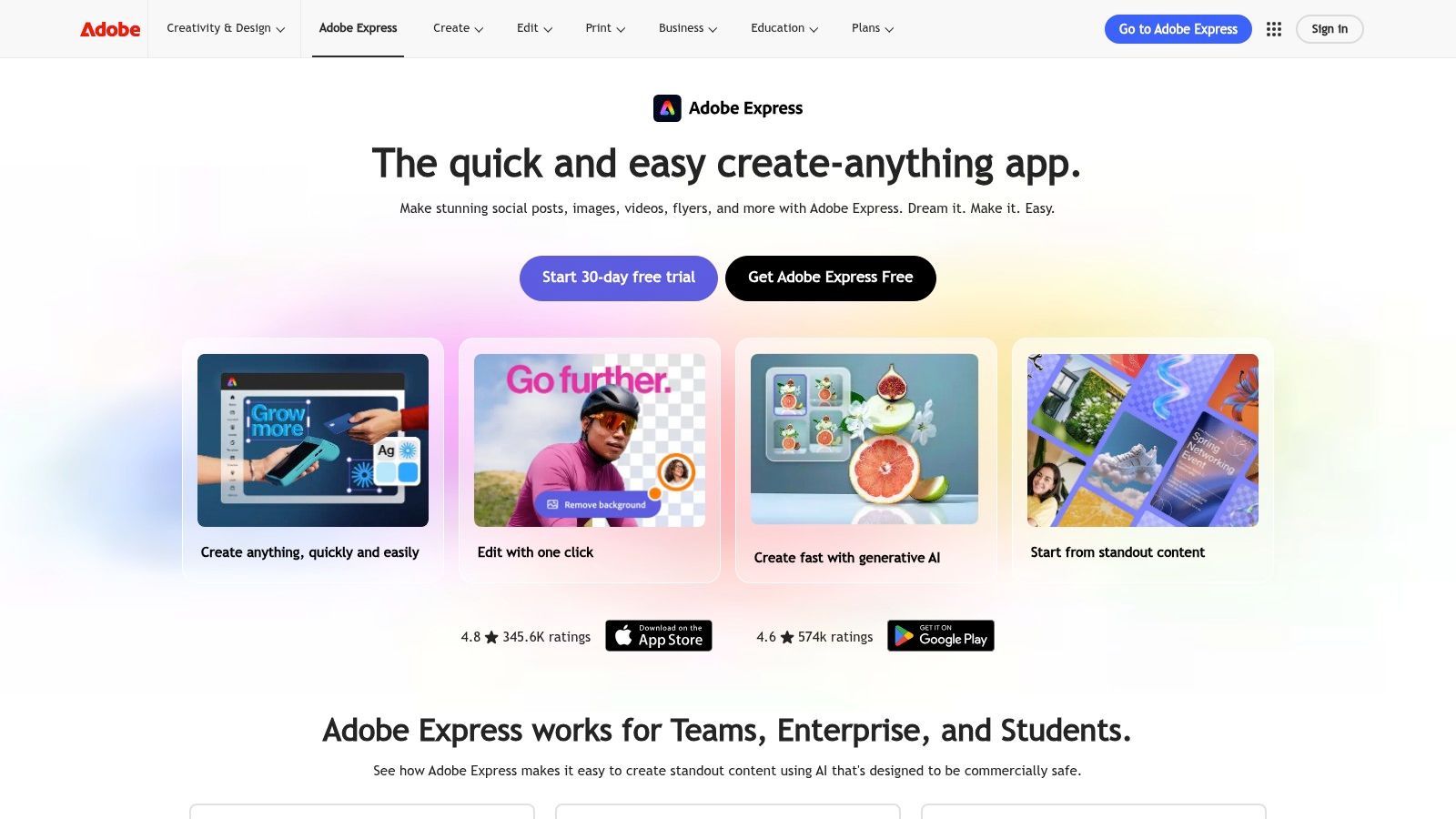
4. Adobe Express
Adobe Express suits teams that want quick social design with access to Adobe's broader creative ecosystem. Firefly-powered tools support image and video generation, while the Content Scheduler helps marketers plan, preview, and schedule posts. The toolset also includes AI caption generation, auto-captions, and Animate from Audio.

A fit for Adobe-centered teams
The handoff from brand asset to social post is where Adobe Express can be convenient. A designer or marketer can make a quick visual, use existing brand assets, and move into planning without leaving the Adobe environment. Teams already using Adobe tools may find that continuity more useful than another standalone design app.
Firefly's approach to commercial use is designed to support business needs, but teams should still review generated assets and the terms that apply to their own use. Scheduler network limits depend on the plan, and advanced video tools may use more generative credits. Those limits matter if a team creates frequently or expects several people to produce assets.
For an independent overview of AI design options, see Skup's AI design tool roundup. Confirm current feature availability and plan restrictions on the Adobe Express website.
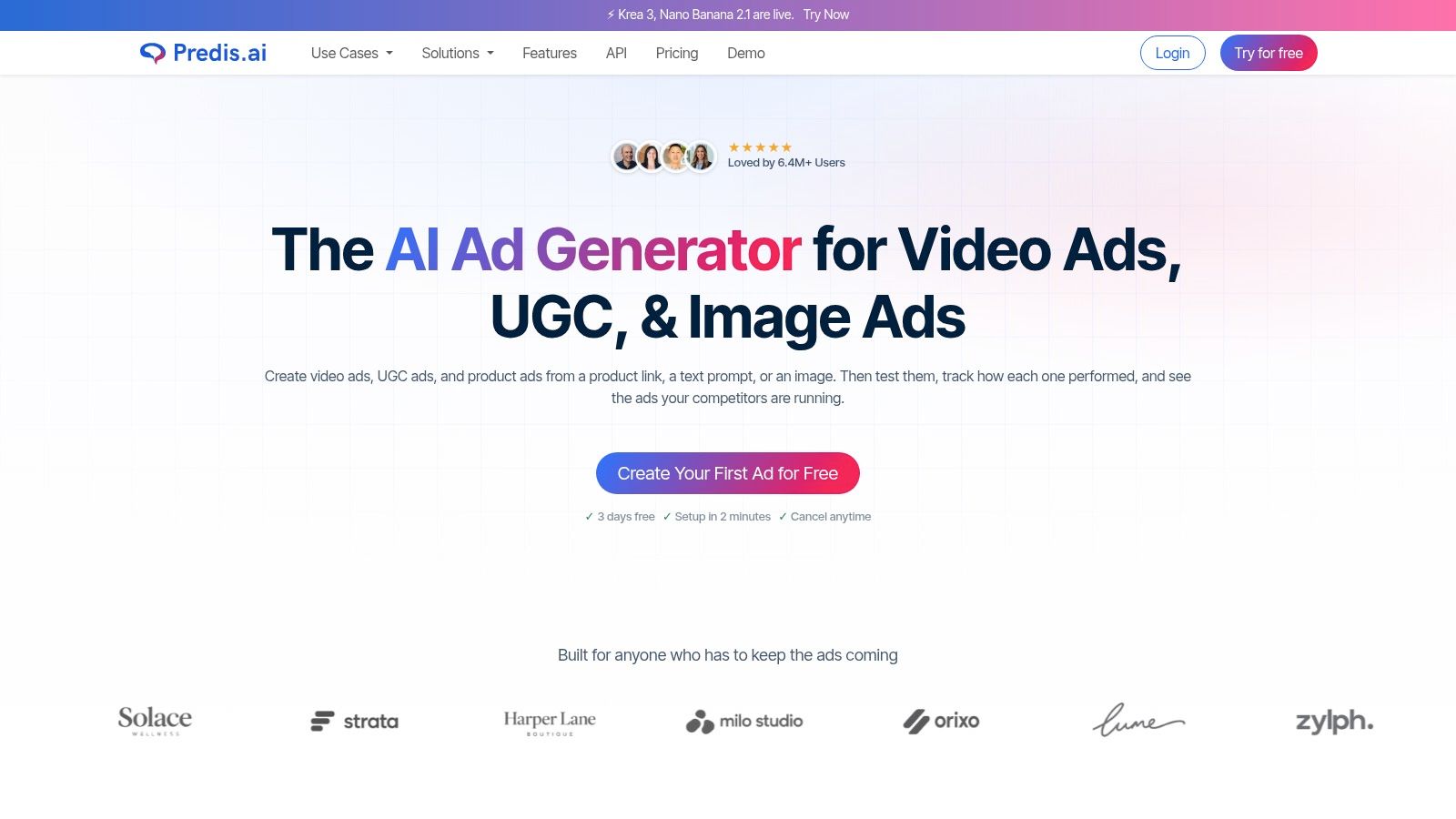
5. Predis.ai
Predis.ai is designed to create social posts and ad creatives from prompts, product links, or catalogs. It can combine copy and visuals, apply a brand kit, and support UGC-style videos with AI voiceovers. Ecommerce teams can use it to turn product information into starting points for social creative without building every asset manually.
Useful for product-led production
A product URL or catalog gives Predis.ai a concrete brief to work from. The tool can create draft ads and posts, while its calendar and autoposting features help move work toward distribution. API support can also suit teams that want to generate content in bulk or connect production to a larger process.
Treat the output as a first pass, especially the hook and call to action. Product information is not the same as a persuasive message, and generic copy can make a campaign feel interchangeable with other brands. Strong inputs matter: provide clear brand guidance, useful examples, and an accurate description of the product's benefits.
Predis.ai can make more sense for ecommerce and high-volume content than for a team that only needs occasional caption help. Generated creative still needs human editing, and the quality depends on what the team supplies. Review the current workflow options on the Predis.ai website.
6. CapCut
CapCut is a creator-friendly editor for short-form video across web, desktop, and mobile. Its AI features include automatic speech-to-text captions, background removal, text-to-speech, and social-sized templates. For a team making TikToks, Reels, or Shorts, it can help move recorded footage from rough cut to a more publishable draft without a steep editing learning curve.
Fast edits, lighter governance
CapCut works well when a creator needs to add captions, clean up a clip, or build a short video using a template. It fits after the recording stage and before a scheduler: edit the footage, check captions and pacing, export, then send the approved file to the publishing workflow.
The fast learning curve and mobile experience are strengths. The trade-off is that brand management and collaboration are more limited than in professional suites. If several people need to review edits, enforce brand standards, and manage reusable assets, plan for a separate collaboration process. Some advanced AI features also require a Pro subscription.
Automatic captions need checking, especially for names, product terms, and speech with background noise. Don't assume that a technically complete edit is ready to publish. Check the current toolset and plans on the CapCut website.
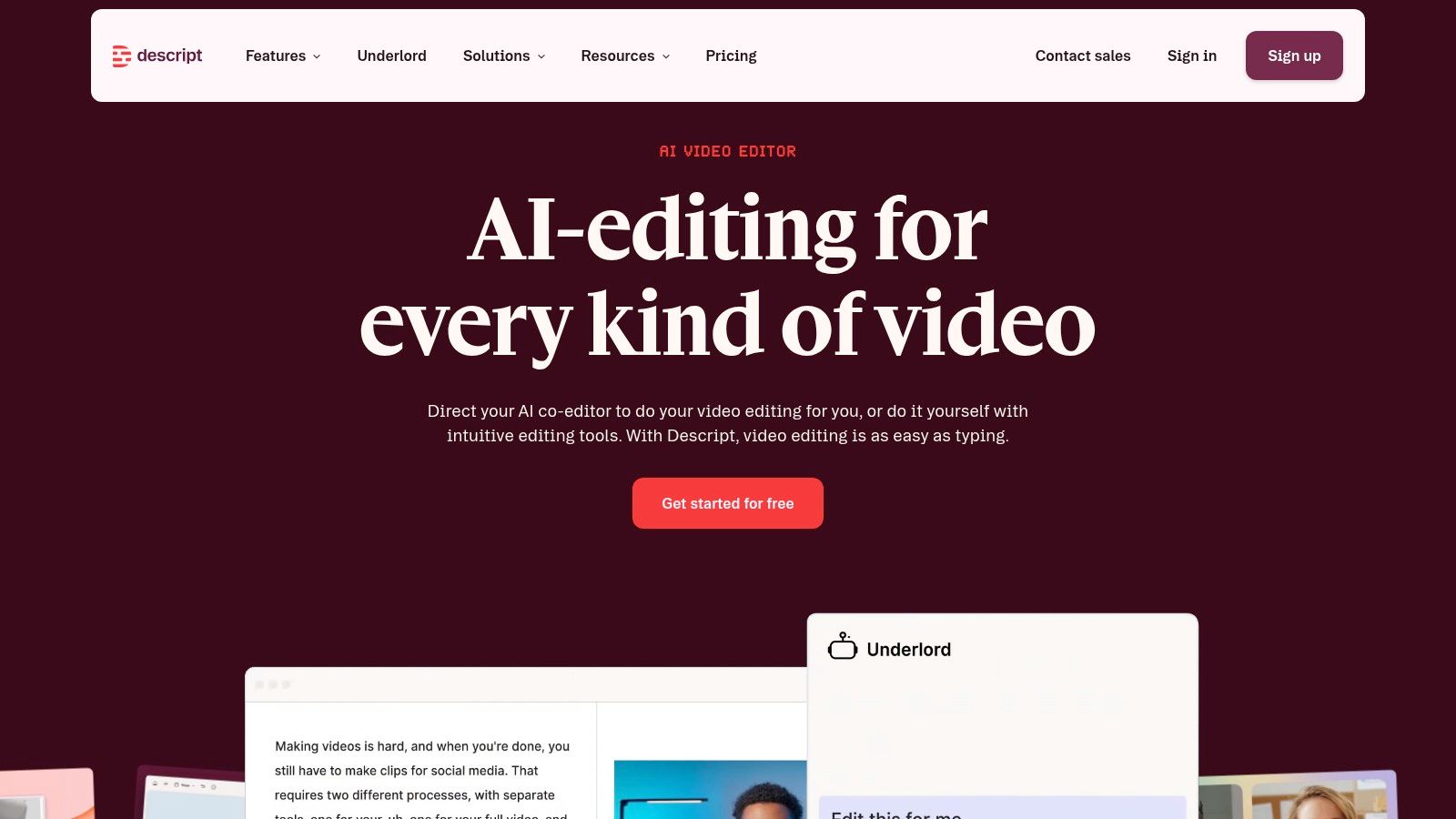
7. Descript
Descript is an audio and video editor built for teams working with recordings, webinars, and podcasts. Its text-based editing approach lets users work through a transcript, while tools such as Studio Sound, Eye Contact, and Green Screen support cleanup and presentation. Underlord AI can also draft social posts, descriptions, and summaries from existing material.
Start with the recording
Descript is especially useful when the content already exists as spoken material. A team can edit a webinar by working with its transcript, pull out a section for a clip, and draft accompanying social copy from the same source. That makes it a practical middle step between long-form content and short-form distribution.
Its AI video maker can generate videos from scripts or prompts, and collaborative workflows help teams work through edits. Still, Descript doesn't replace a full social scheduler. The work needs to move to a publishing tool once the video and copy are approved, and some AI features use credits, so review plan limits against the team's actual editing habits.
The transcript is a useful editing surface, not a substitute for editorial judgment. Check whether a clip has enough context to stand alone, and make sure captions preserve the speaker's meaning. Explore current editing and AI options on the Descript website.
8. VEED
VEED is a browser-based video suite for teams creating captioned, localized, and branded social video. Its features include an AI Clip Generator, automatic subtitles, subtitle translation, dubbing, text-to-speech, avatars, and eye contact correction. Brand Kit, templates, team Spaces, and API options support workflows that involve more than one person.
Localization and review
VEED can help a team adapt video for different audiences without rebuilding every edit from scratch. Subtitles and translation tools support accessibility and localization, while team spaces and brand controls help keep production organized. It can take a recorded clip through editing and preparation before the final file moves to a scheduler.
The risk is treating translation or automated subtitles as finished copy. Review names, technical terms, and phrasing for the target audience. AI credit rules and pricing can also become important for heavy use, and access to advanced features or templates varies by plan.
VEED is a better fit when video production and localization are recurring tasks than when the team only needs occasional trimming. Compare the plan limits with the work you expect to create, then check current options on the VEED website.
9. OpusClip
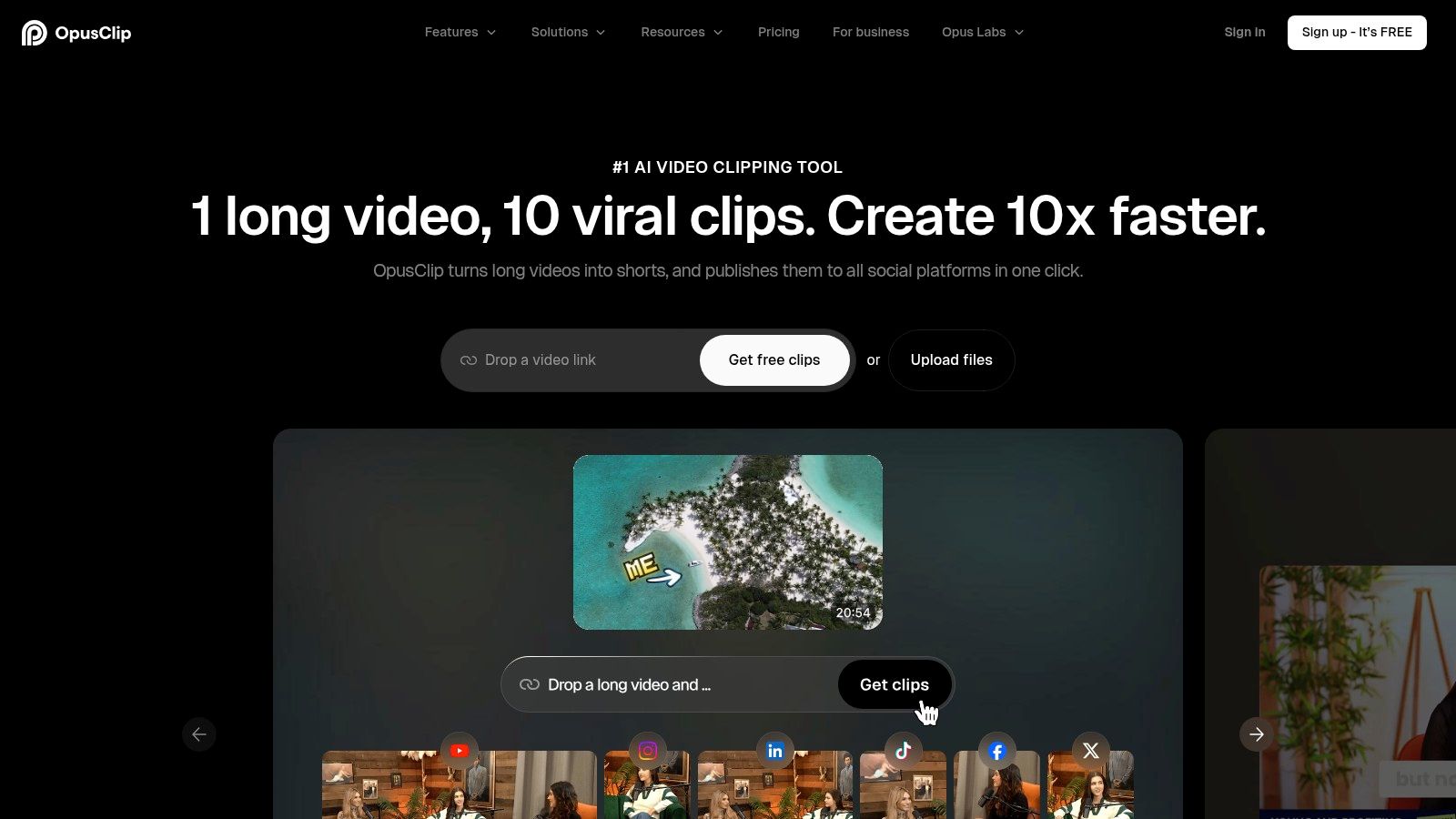
OpusClip focuses on turning long videos into short social clips. Its AI can identify highlights, format clips vertically, add captions, and apply presets. Features such as AI B-roll and automatic zoom can help a creator produce a more finished draft from a webinar, podcast, or YouTube video.
Let the editor choose, then decide
OpusClip's key workflow is simple: provide a long video, review the candidate moments, edit the strongest clips, and send the exports to a scheduler. Highlight selection and presets can speed up repetitive clipping, particularly when the source has clear sections or strong standalone points.
The tool's suggestion isn't an editorial verdict. A short clip can lose the context that made the original point accurate, or start too late to make sense to someone who hasn't watched the full recording. Review the beginning and ending, captions, and any claims before publishing. Teams that need precise control over the entire edit may prefer a full non-linear video editor for the finishing stage.
OpusClip is specialized rather than general-purpose. That focus helps with turning long videos into vertical clips, but it means teams may still need a separate tool for broader editing and scheduling. Check current capabilities on the OpusClip website.
10. PostSyncer
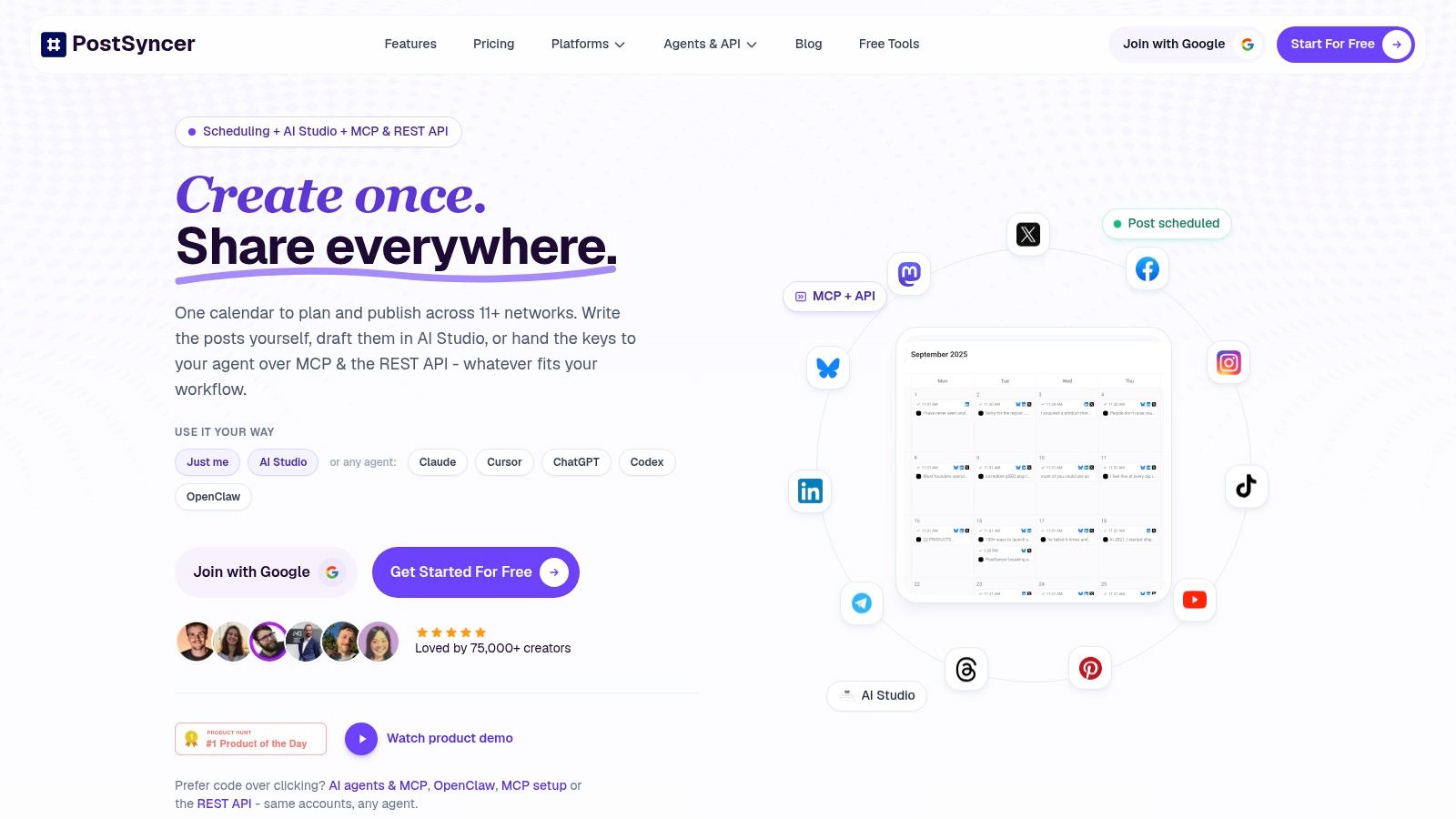
Once captions, graphics, and clips are ready, the bottleneck shifts to approvals and publishing. PostSyncer brings that handoff into a visual calendar, with cross-posting, team collaboration, engagement management, and analytics. It supports Instagram, TikTok, Facebook, X, LinkedIn, YouTube, Threads, Pinterest, Telegram, Bluesky, and Mastodon.
Image note: this asset's filename references Lately.ai, so it should not be treated as a PostSyncer calendar screenshot.
Coordinate the handoff to publishing
AI Studio generates captions, hooks, images, and videos from text, URLs, PDFs, images, or videos. A team could bring in a product page, draft channel-specific assets, and route them for approval before scheduling. Labels and multiple workspaces help separate brands or clients. The practical test is whether those controls reduce handoffs between your existing creative tools and the publishing queue.
Publishing is only part of the workload.
A unified comments inbox offers AI replies and spam filtering. Contact management and analytics support follow-up and performance review, while MCP, a REST API, and webhooks provide connections to other systems. Review suggested replies before sending, particularly when a comment needs brand-specific judgment.
Plan limits deserve a close check. Social accounts, workspaces, storage, analytics, and AI credits vary by subscription; unused AI credits do not roll over, and publishing features differ by network. The PostSyncer website lists support for 11+ social networks, plans starting at $29 per month, or $24 per month billed yearly, and a 7-day free trial. Use the trial to test an actual approval-to-publication workflow and check the limits against your publishing volume before switching.
Top 10 AI Social Media Content Creation Tools Compared
| Platform | Core strength | Standout capabilities | Best fit | Value / pricing |
|---|---|---|---|---|
| Lately.ai | ★ Long-form content repurposing | ✨ Learns brand voice and creates many social drafts | 👥 Agencies, teams, employee advocacy programs | 💰 Pricing may be premium; confirm current plans |
| Jasper | ★ On-brand marketing copy | ✨ Platform-specific variations, brand voice tools, and marketing agents | 👥 Marketing teams with established workflows | 💰 Paid plans; priced for marketing-suite use |
| Canva (Magic Studio) | ★ Accessible design and content creation | ✨ AI design tools, templates, resizing, and content planner | 👥 Small teams and non-designers | 💰 Free and paid plans; advanced features may require a subscription |
| Adobe Express | ★ AI-assisted social design | ✨ Firefly image and video tools, scheduler, and Adobe integrations | 👥 Marketers and teams in the Adobe ecosystem | 💰 Free and paid plans; features vary by tier |
| Predis.ai | ★ Social posts and ad creative generation | ✨ Creates content from prompts or product links; supports scheduling and autoposting | 👥 Ecommerce teams and high-volume publishers | 💰 Plan-dependent; check AI and publishing limits |
| CapCut | ★ Short-form video editing | ✨ Auto-captions, background removal, voiceovers, and mobile templates | 👥 Creators focused on TikTok, Reels, and Shorts | 💰 Free tools available; some features require Pro |
| Descript | ★ Editing and repurposing recordings | ✨ Text-based editing, AI summaries, and social clip creation | 👥 Podcasters, webinar teams, and video creators | 💰 Plan and AI-credit limits vary |
| VEED | ★ Browser-based video production | ✨ Subtitles, translation, dubbing, avatars, and team brand tools | 👥 Social teams producing localized video | 💰 Plan-dependent; review AI credits and feature limits |
| OpusClip | ★ Long-video-to-short-clips conversion | ✨ AI highlight selection, captions, and vertical formatting | 👥 Creators and teams scaling short-form video | 💰 Free and paid options; limits vary by plan |
| 🏆 PostSyncer, Recommended | ★ All-in-one scheduling, AI creation, engagement, and analytics | ✨ 11+ networks, AI content from multiple inputs, approvals, unified inbox, and automation/API support | 👥 Creators, teams, and agencies managing multiple brands | 💰 From $29/month or $24/month billed yearly; 7-day free trial |
| Overall note | ★ Choose based on your main workflow | ✨ Specialized tools excel at particular content tasks; PostSyncer combines creation, publishing, collaboration, and engagement | 👥 Best for teams seeking a unified social workspace | 💰 Compare plan limits for accounts, workspaces, storage, and AI credits |
Build a Social Content Stack You Can Sustain
Choose the tool that removes your current bottleneck, not the one with the longest feature list. If your team has strong source material but struggles to turn it into posts, start with a repurposing tool. If the copy is ready but visuals hold up production, test a design platform. If video is the backlog, choose an editor or clipper that handles the formats your audience watches.
Run a free trial or the smallest paid plan through a full posting cycle. Use real work, not a novelty prompt: take a blog post or webinar, create a few platform-specific drafts, review them, and publish through the workflow you plan to keep. Track how many AI credits a typical week consumes, whether collaborators can review assets without friction, and what still requires manual work. Confirm current pricing and plan limits on each vendor site before committing, since features and plans can change.
Keep a human reviewer for hooks, calls to action, visual assets, and product claims. AI can increase the speed and volume of production, but that doesn't guarantee stronger audience response. A global survey of more than 1,600 social media marketers found that 90% said generative AI saved a moderate to significant amount of time, while 73% reported higher engagement or impressions. Those are survey responses, not guaranteed results for any one team, so measure your own output by platform and format. See BAMF's list of tested AI tools for another perspective on the category.
Audience response deserves as much attention as publishing speed. In one reported Instagram experiment, human-created posts had an average engagement rate of 6.73%, compared with 5.96% for AI-generated posts. Results vary by objective and sample, but the difference is a useful reminder to review the work rather than assume a generated draft is ready to go.
If you need one calendar for publishing, comment replies, and analytics across your networks, test PostSyncer alongside your creative tools. Its 7-day free trial gives you a way to check the workflow against your actual needs before you commit. Start small, keep the editorial review in place, and add another tool only when the current setup has a clear gap.
PostSyncer brings AI-assisted captions, hooks, images, and short-form video together with scheduling, approvals, and analytics across social networks. Test how it fits your content workflow by visiting PostSyncer and trying the free trial.