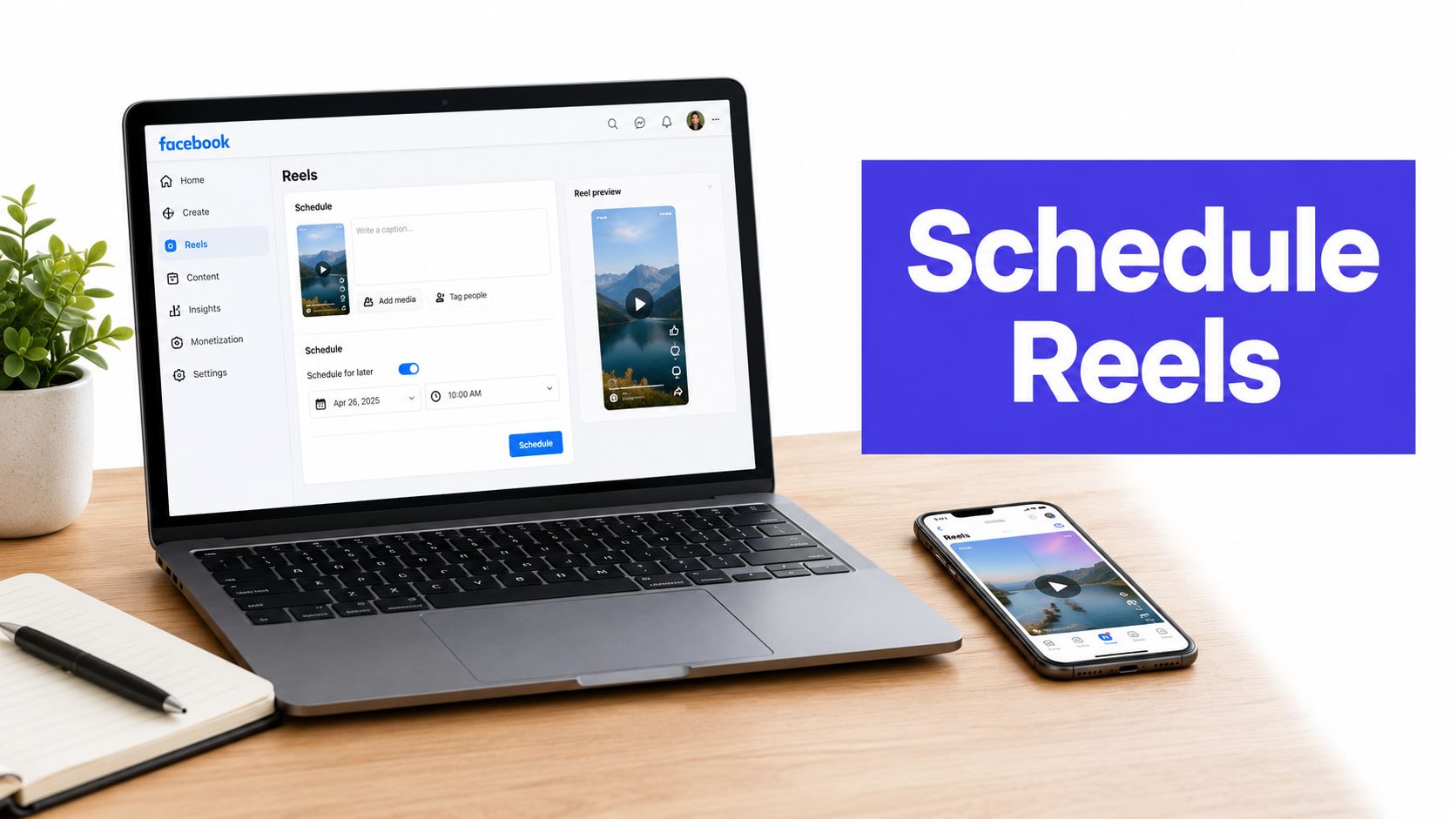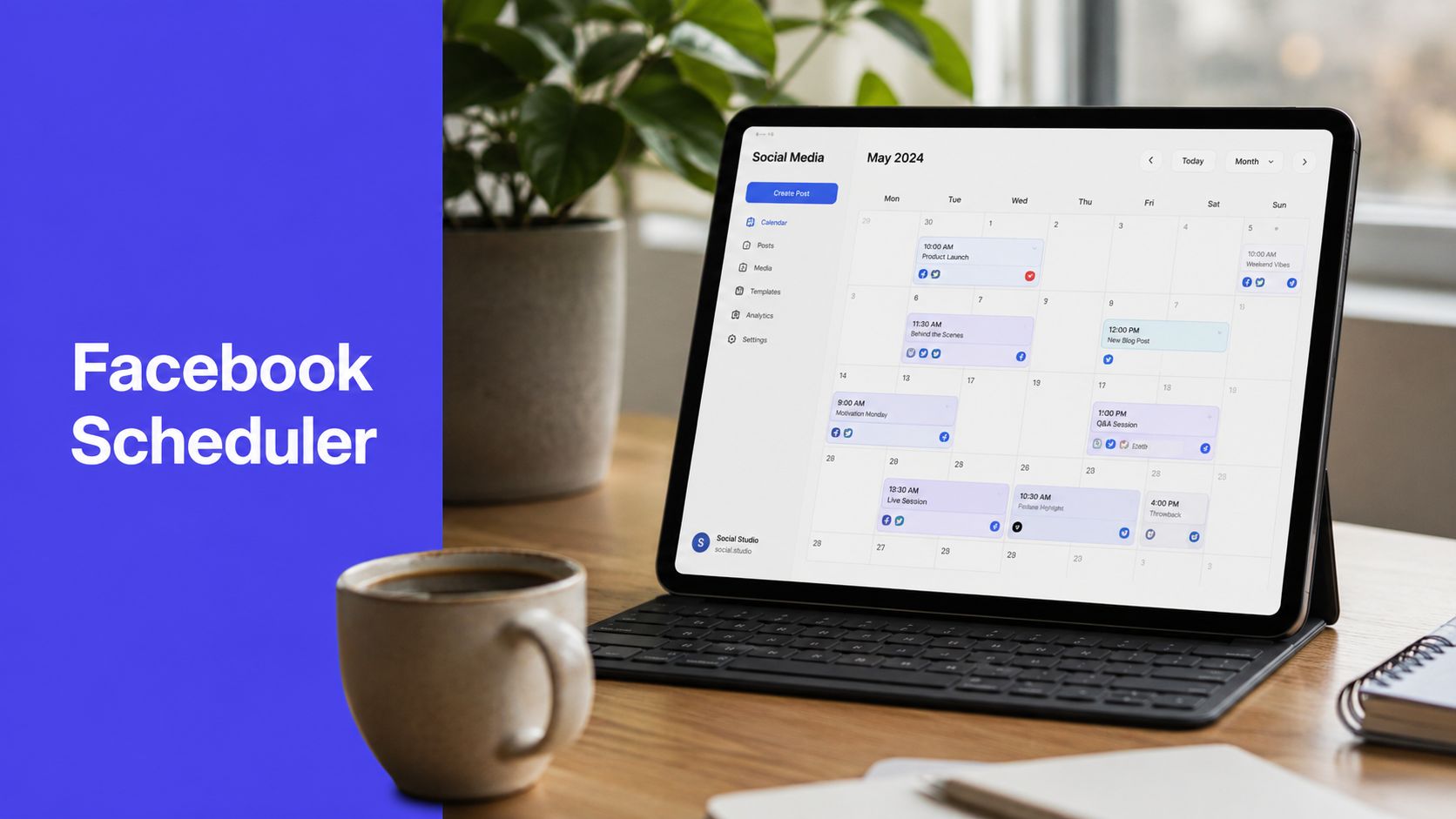












You're probably staring at three browser tabs, a half-finished caption, and a video that already got rejected once because the file wasn't quite right. Someone on your team wants the post up at 9 a.m., someone else is waiting on approval, and the audience won't care that Monday started messy. A Facebook scheduling tool exists to turn that scramble into a calm queue, so your work gets planned once and published on time.
The true value isn't just “posting later.” It's moving from reactive publishing to planned publishing, where the calendar, the asset checks, and the approvals happen before the pressure hits. That matters on a platform with 3.07 billion monthly active users and a native scheduling window that only stretches 29 days in advance in Meta's built-in tools, which is why third-party schedulers became their own category in the first place. Hootsuite's overview of Facebook scheduling limits explains that boundary clearly.
The Monday Morning Posting Problem You Already Know
Monday usually doesn't start with strategy. It starts with someone asking whether the post is ready, someone else hunting for the final video export, and a social manager checking three places to confirm the copy, the thumbnail, and the publish time all match. If the file gets rejected, the whole chain slows down, and you end up re-uploading the same asset while the clock keeps moving.
A Facebook scheduling tool removes that live-fire feeling. Instead of posting in the moment, you build the content ahead of time, place it in a queue, and let the system publish it at the right time without someone standing by the keyboard.
Why the scramble happens
Facebook is still a huge channel for planned content, but the native workflow has limits. Meta's own tools only let you schedule within a bounded future window, and the process is built around Pages, not personal profiles. That means teams that want more flexibility, more than one account, or cleaner approval steps quickly outgrow the built-in option. Facebook's own help documentation and the API rules around scheduling support that reality.
A good scheduler fixes the daily friction, but it also changes the team's rhythm. The marketer can batch a week of content, the approver can review it before lunch, and the post still goes live when the audience is most likely to see it. For a plain-language walkthrough of how social workflow tools sit inside the publishing process, Rooy Development's note on social media tagging and workflow context is a useful companion read.
The point isn't to work faster on Monday. The point is to stop Monday from deciding your whole publishing plan.
By the end of this guide, the tool itself should feel simple. The harder question is whether it helps your team save time, coordinate better, or publish smarter.
What a Facebook Scheduling Tool Actually Does
A scheduling tool is basically the head chef in a busy kitchen. Your team preps the ingredients, the tool holds the tickets, and the final plate goes out at the exact moment it should, even if nobody's at the stove. That's a better mental model than thinking of it as a fancy calendar, because the software is really managing timing, queue logic, and publish permissions behind the scenes.

At the technical level, Facebook scheduling for Pages works through the Graph API. The scheduler creates the post with published=false, attaches a scheduled_publish_time, and that time has to sit between 10 minutes and 30 days in the future. It's also Page-only, which is why personal profiles don't behave the same way. The API explanation here is useful if you've ever wondered why one account can schedule and another can't.
What it manages in practice
For a team member, the job feels much simpler than the backend sounds. You choose the post type, attach the media, set the time, and let the platform store the item until it's ready to publish. If the tool is strong, it also helps with edits, deletion, token permissions, and tracking the post after it goes live.
That's why the limits matter. A tool that only “sends later” isn't enough for an agency or in-house team. It has to handle Pages, future timestamps, cross-account planning, and publishing often crosses time zones and approval layers.
If you want a broader market view of how social publishing platforms organize these workflows, the comparison at PostSyncer's social media scheduling tools guide is a useful reference point. The core idea is simple, though. A real scheduler doesn't just hold posts, it makes timed publishing dependable.
The Six Features That Separate Real Schedulers From Toys
A serious tool stops being “just a scheduler” when it starts helping teams coordinate the whole publishing process. The basic job is simple. The difference shows up in how the product handles multiple channels, collaboration, and the work that happens before and after a post goes live.

Multi-platform publishing and visual planning
If a tool only handles Facebook, it solves one small slice of the job. Real teams want one calendar for Facebook, Instagram, LinkedIn, TikTok, and the rest of the stack, because separate logins slow everyone down and make campaign timing harder to control. A visual calendar matters for the same reason. People plan around launches, edits, and deadlines, not raw timestamps.
A content lead can drag a Facebook launch post next to the same campaign's LinkedIn version and check that the message lands in the right order. That kind of view makes the schedule feel like a campaign board instead of a pile of isolated posts.
AI-assisted content and video creation
The most useful AI features do not replace strategy. They cut down the empty-page time that stalls draft work. Caption drafting, hook generation, and repurposing tools help a team turn one idea into platform-specific copy faster. For video-heavy teams, AI creation also matters because short-form clips often need quick rewrites and alternate cuts.
A creator can upload one product clip and use AI to turn it into a Facebook caption, a shorter teaser, and a Reels-ready variation. That saves rework when the same idea needs to fit different placements.
Unified comments inbox and auto-replies
Scheduling is only half the job. Once content goes live, someone still has to deal with comments, DMs, and mentions. A unified inbox keeps the team from bouncing between tabs, and auto-replies can cover simple repeat questions without making the audience wait.
A support lead can route common questions into one reply queue instead of checking Facebook separately all day. That keeps response handling closer to a shared desk than a scattered set of sticky notes.
Analytics, reporting, and team workflows
The rest of the stack is about making the process manageable. Analytics show which posts landed, while approval workflows and role-based access stop the wrong version from going out. That matters for agencies and regulated brands, where one missing review can create a mess.
A junior coordinator drafts, a manager approves, and a legal reviewer signs off before the post is scheduled. If you want a broader market view of how social publishing platforms organize these workflows, PostSyncer's social media scheduling tools guide gives a useful comparison point.
Practical rule: if a tool only helps you publish, it is basic. If it helps you plan, approve, reply, and review performance, it is doing real work.
A fast way to score any scheduler is simple. Ask whether it supports multi-platform publishing, a visual calendar, AI creation, a shared inbox, analytics, and team approvals. If one of those pieces is missing, you are probably looking at a convenience tool, not an operations tool.
How Different Teams Actually Use a Facebook Scheduling Tool
The same platform behaves differently depending on who's using it. A solo creator wants speed. An in-house team wants control. An agency wants separation, visibility, and fewer handoff mistakes.

Solo creator
A creator usually batches work when energy is highest, not when the audience is online. Sunday becomes planning day, with a week of Reels drafted, captions cleaned up, and the queue filled in one sitting. The win is obvious, less context switching, fewer last-minute captions, and a steadier posting rhythm.
That's where a tool like PostSyncer fits naturally, because it combines Facebook scheduling with cross-platform publishing, AI help, and a visual calendar in one workspace. For creators juggling multiple channels, that matters more than a deep feature list.
Small business or in-house team
A brand team usually cares less about speed and more about getting the message approved correctly. A coordinator drafts the post, a brand manager checks the wording, and someone with legal or compliance responsibility gives the final sign-off before anything ships. The point isn't just to publish, it's to avoid mistakes that create extra meetings later.
In practice, the strongest teams use labels, comments, and permissions so people can see where each post sits without asking around. That keeps reviews visible and cuts down on the “did anyone approve this yet?” problem.
Agency
Agencies live in a different reality. They're switching between client workspaces, tracking feedback from multiple stakeholders, and trying to keep posting aligned across several brands at once. The main value of a scheduler here is not just publishing, it's preserving order.
A shared inbox, client-specific approvals, and separate workspaces help an agency stay sane. The internal workflow at PostSyncer's remote social media management guide is a good example of why distributed teams need more than a simple queue.
The measurable outcome is consistency. Creators ship more often, in-house teams reduce approval friction, and agencies spend less time logging in and out of different accounts. That's the core difference between a tool that stores posts and a tool that supports a publishing system.
Does Scheduling Actually Improve Reach or Just Save Time
Many individuals ask the wrong question here. They want a scheduler to magically improve reach, but scheduling is usually a process tool, not a direct performance lever. It helps teams stay organized, publish consistently, and hit time windows on purpose, but it doesn't automatically make a weak post strong.
What the evidence does and doesn't say
Meta's own guidance focuses on the mechanics, including the scheduling window, not on promising higher engagement. That matters because the documentation is about how to publish, not what the algorithm rewards. The cleanest takeaway is that scheduling makes publishing more reliable, while reach still depends on the content itself and when your audience is available.
Scheduling helps most when your team needs consistency, batching, or time-zone alignment. It can hurt when a calendar gets followed too mechanically and content goes out into a quiet window just because the slot was open. It makes almost no difference when a page already has an attentive daily manager who can publish live at the right moment.
A simple rule for deciding what to schedule
Use scheduling for repeatable, planned content. Use live publishing for reactive moments, fast-moving trends, and anything that needs human judgment right then. If your team can't explain why a post is being scheduled instead of published live, it's probably just filling the calendar.
Schedule the predictable work. Keep room for the posts that need a pulse.
That's the useful distinction. Scheduling usually improves workflow first, and performance only indirectly when the process helps you publish better, more consistently, and with fewer mistakes.
How to Evaluate Any Facebook Scheduling Tool in 2026
A buyer's checklist should be boring in the best way. If a tool does not fit the way your team works, the rest of the feature set will not matter. Start with the systems you need, then judge each platform against those systems instead of chasing features that look impressive but do not reduce real work.
| Criterion | What to look for | PostSyncer fit |
|---|---|---|
| Supported networks | Facebook plus the rest of your publishing stack, so you do not duplicate work | Supports multiple major networks from one workspace |
| Content types | Posts, images, video, Reels, and other formats your team uses | Built for scheduling mixed media and short-form content |
| Team and approval features | Roles, comments, review steps, and clear ownership | Includes approval workflows, labeling, and multi-workspace management |
| AI capabilities | Captions, hooks, repurposing, and video creation | AI Content Agent and AI Video Creator support creation and reuse |
| Analytics depth | Platform-level reporting that shows what worked | Real-time analytics by platform, content type, and timing |
| Governance and compliance | Secure access, permissions, and clean operational control | Secure OAuth, GDPR compliance, and API access |
| Pricing transparency | Clear trial or plan structure so the test is low-risk | Flexible pricing with a free trial |
How to use the framework
Start with the two criteria that matter most to your team. A solo creator may care most about content creation and supported networks, while an agency may care most about approvals and analytics. Then shortlist two or three tools and run a real campaign through each one before you decide.
For a broader market scan of tool categories and tradeoffs, Best social media scheduling tools is a useful place to compare how different products stack up. Score the workflow, not the marketing copy.
A tool that looks impressive but creates extra steps usually loses in practice. The one that saves the most logins, approvals, and manual follow-ups is usually the one your team will keep using.
Why Cross-Platform Coordination Changes the Question
A Facebook post does not usually live by itself. A team may need the same campaign to work across Instagram, TikTok, LinkedIn, YouTube, or Threads, and that changes what good scheduling means. The primary test is no longer whether one post gets published on one network, it is whether the full campaign stays aligned without the timing, approvals, or brand voice drifting apart.

Where the friction shows up
Facebook has its own publishing limits, Page requirements, and media rules, including the scheduling window and Reels specs already covered earlier. Once other networks enter the plan, the hard part becomes coordination. A team cannot approve Facebook in one lane, then rebuild the same asset stack for every other channel as if the campaign were split into separate rooms.
That is why governance features matter more than the basic scheduler. White-label reporting, auditability, permissions, and multi-workspace management become the quiet systems that keep campaigns from drifting. A shared inbox and approval chain also answer the practical question, who changed what, and who still needs to review it? For teams comparing workflows, how cross-posting shapes social media impact at PostSyncer gives a useful look at why the handoff between channels matters.
What good looks like now
The strongest setup lowers coordination cost. One calendar helps the team see timing across channels. One place for comments keeps feedback from scattering across chat threads and email. One approval path keeps Facebook timing aligned with the rest of the plan without making people chase updates in five different systems.
Good scheduling starts to look less like a queue and more like a control room. Each network still has its own rules, but the team needs one view of the campaign so those rules do not collide. That is the difference between saving time and improving performance, because a fast workflow still fails if the pieces of the campaign stop matching each other.
For a wider look at best use cases for scheduling apps, this cross-platform lens is the one that matters. The point is not to find the simplest Facebook button. The point is to choose the system that keeps the whole campaign coherent.
Choosing Your Next Facebook Scheduling Tool
Start with the two things that matter most to your team, then ignore everything else until those boxes are checked. If you're a creator, that might be content creation and cross-posting. If you're in-house, it's probably approvals and analytics. If you're at an agency, it's more likely workspace separation and reporting.
Then run a one-week pilot with a real campaign. Don't test with fake posts or a tiny internal task, because the ugly parts only show up when actual people need to review, edit, and publish on time. Pick the tool that removes the most handoffs, logins, and follow-up messages, because that's the one that lowers coordination cost.
PostSyncer fits that model as an all-in-one option for planning, publishing, and analysis across multiple networks, with a visual calendar, approval workflows, multi-workspace management, unified comments, AI content tools, and a free trial that reduces the risk of testing it. If your team wants a cleaner publishing system rather than another standalone scheduler, it's worth putting through the same pilot as the rest.
If you want one place to plan Facebook content, coordinate approvals, and keep cross-platform publishing organized, take a look at PostSyncer. It's built for teams that need scheduling to fit real workflows, not create more of them.