











You've written the post, adapted the graphic for every network, and lined up the campaign in your calendar. Then you open Bluesky and discover there's no native “post later” button. If you manage multiple channels, that small omission quickly becomes a daily interruption, especially when a campaign includes threads, different time zones, and coordinated launch messaging.
The practical answer to how to schedule posts on Bluesky is to use an external publishing tool. The right workflow lets you prepare content in batches, review it visually, publish while you're offline, and preserve time for the conversations that automation can't replace.
Why Bluesky Requires External Scheduling Tools
Bluesky doesn't currently include a built-in scheduler inside its app. A post can be published immediately, but there's no native option to select a future date and time. The current Bluesky scheduling workflow therefore depends on a third-party publishing platform.
That's more than an inconvenience. A social manager who publishes across LinkedIn, X, Instagram, and Bluesky can't reliably run a professional content calendar if one channel requires manual posting at every publish time. Copying drafts into the app also makes version control harder, particularly when the same campaign needs different wording or media for each network.
Practical rule: Treat Bluesky as a planned publishing channel, not as an exception you'll remember to post on later.
An external scheduler gives you a working layer that the native app lacks:
- Batch preparation: Draft several posts in one sitting instead of switching into Bluesky throughout the day.
- Calendar visibility: See Bluesky alongside the rest of a campaign, with planned gaps and overlaps visible.
- Account management: Keep separate brand or client channels organized in one workspace.
- Cross-platform control: Adapt the message for each network while retaining the same campaign theme.
- Publishing continuity: Let the tool submit the post when you're unavailable.
The AT Protocol shapes this setup. Bluesky stores posts as records in a repository, and a publishing tool submits the relevant record when the scheduled time arrives. That technical model helps explain why the app does not expose a familiar timer while external tools can build scheduling around the protocol.
For teams that want a repeatable process, a dedicated social media scheduling workflow is more reliable than maintaining a spreadsheet of reminders. It also changes the role of automation. The tool handles the mechanical act of publishing, while the team spends its attention on writing, review, replies, and community participation.
Bluesky has also become strategically relevant at substantial scale. Estimates cited by TechCrunch's report on Bluesky's audience placed the platform above 40 million total users, making a manual-only workflow increasingly difficult for marketers who want consistent coverage.
Connecting Your Account Securely
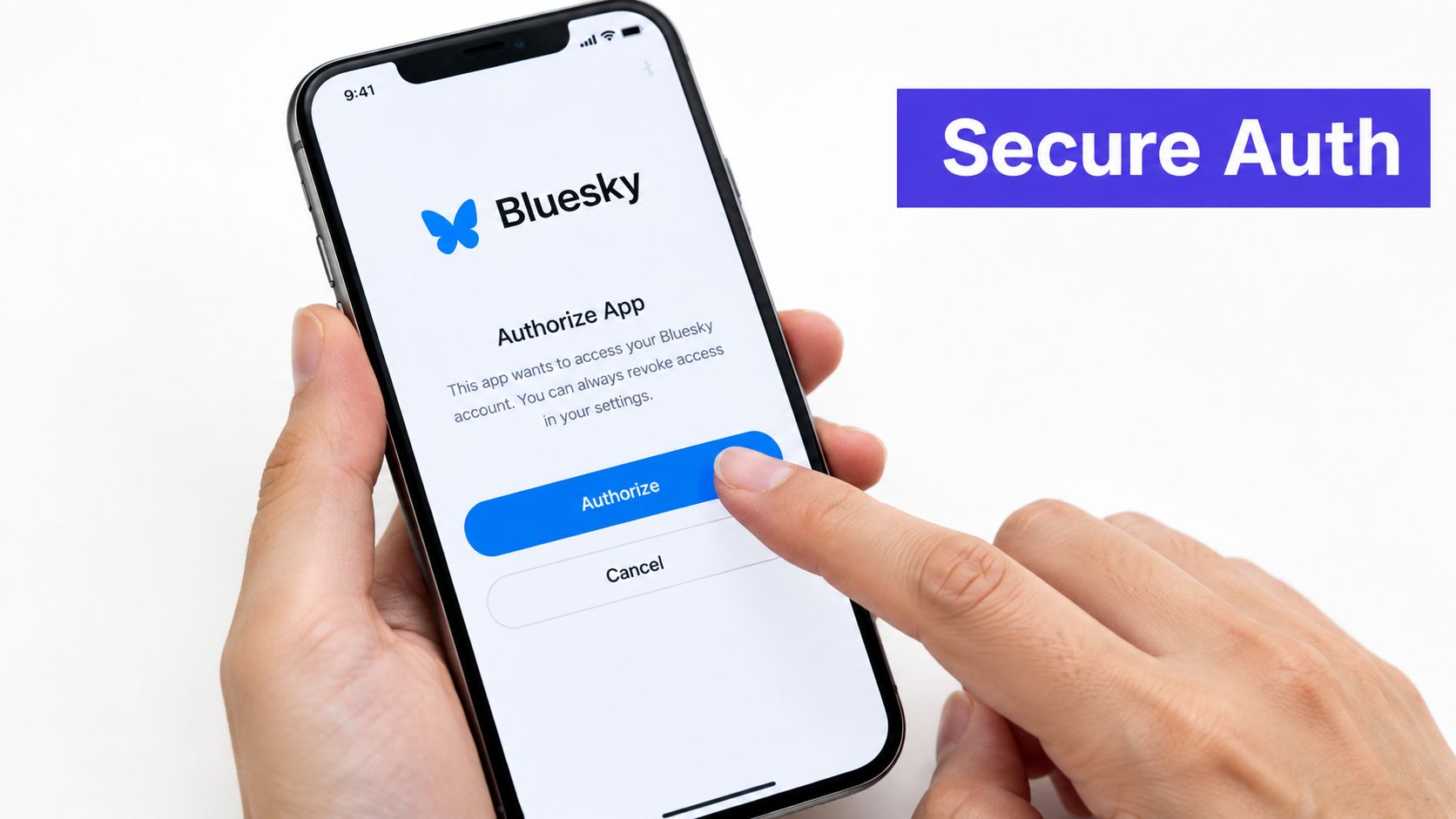
Before scheduling, connect Bluesky through an app password rather than entering your main account password into a publishing tool. The app password creates a separate credential that you can revoke without changing the password you use to sign in to Bluesky.
Create the credential in Bluesky
Open Bluesky and go to Settings. Find Privacy and Security, then open App Passwords and choose the option to create a new password. Give it a recognizable label, such as the name of your scheduling workspace, so you'll know which connection to remove later if access changes.
Bluesky displays the generated password once. Copy it immediately and store it in your password manager. Don't send it through an ordinary team chat, paste it into a shared document, or reuse it for another service.
Add the account to your scheduler
Open your publishing platform and choose the option to add a social channel. Select Bluesky, enter your handle, and provide the app password when prompted. The scheduler should authenticate the account and confirm that it can publish.
The basic process is consistent across external services: connect the account, authenticate with an app password, compose the post, and select a future time. Buffer's Bluesky scheduling guide documents this workflow and distinguishes the app password from the primary login password.
Security check: If a tool asks for your normal Bluesky password instead of an app password or a supported authorization flow, stop and verify the integration before continuing.
For teams using a shared workspace, review who can create, approve, edit, and publish content. A connection should belong to the organization's operating process rather than one person's browser session. If someone leaves the team, revoke the relevant app password and create a new credential for the replacement workflow.
Services that use delegated authorization can reduce credential handling in the dashboard. Read the provider's OAuth delegation details before connecting an account, and confirm what access the integration receives.
Once the account is connected, publish a private or low-risk test post before loading a full campaign. Check the author identity, text formatting, media, link card, and timestamp. A short verification step catches account-selection errors before they affect a public launch.
Composing Posts and Formatting Threads
Bluesky rewards concise drafting, but concise doesn't mean careless. A scheduled post has to work without the context you'd provide while publishing manually, so the opening sentence, link framing, media choice, and reply path should be intentional.
The platform supports posts of up to 300 characters, up to four images, or one video up to three minutes. These constraints are documented in Hootsuite's Bluesky publishing guidance. Use the composer's counter while writing, and leave room for edits if your team adds a campaign tag or disclosure during review.
Build the single post first
Start with the reader's reason to stop. A useful structure is:
- A clear observation or tension.
- One practical point.
- A specific invitation to read, reply, or try something.
Avoid copying a long LinkedIn introduction into Bluesky and trimming random words until it fits. Rewrite for the feed instead. Replace abstract setup with a concrete statement, then use the link or image to provide depth.
Media needs the same discipline. Add alt text where the publishing tool supports it, check that the crop preserves the subject, and preview the post on a smaller screen. A visually attractive asset can still fail if the text becomes unreadable or the image doesn't match the opening line.
Bluesky posts are stored as repository records of type app.bsky.feed.post. A scheduler uses that structure to publish the content, but you don't need to work with the record directly. You do need a tool that understands Bluesky's post and reply relationships rather than treating every item as an isolated update.
Schedule a thread as a sequence
A thread should be drafted as a narrative, not as several unrelated posts scheduled for the same moment. Give each post a job:
- Opening post: State the problem or promise.
- Middle posts: Deliver one idea per reply.
- Final post: Summarize the lesson and provide the next action.
Write each entry so it remains understandable if a reader encounters it separately. Avoid placing an essential qualifier only in the third reply. Then review the thread from top to bottom, checking pronouns, links, numbering, and transitions.
A scheduler with thread support should publish the replies in order and preserve their links. If the interface offers a thread composer, use it rather than creating several independent scheduled posts. The Bluesky post formatter from PostSyncer can also help you prepare copy that respects the platform's compact format before it enters the publishing queue.
Keep a human check in the process for time-sensitive threads. Scheduled automation can publish the sequence, but it can't know that a breaking announcement has made the original framing inappropriate unless someone reviews the queue.
Setting Timezones and Automating the Queue
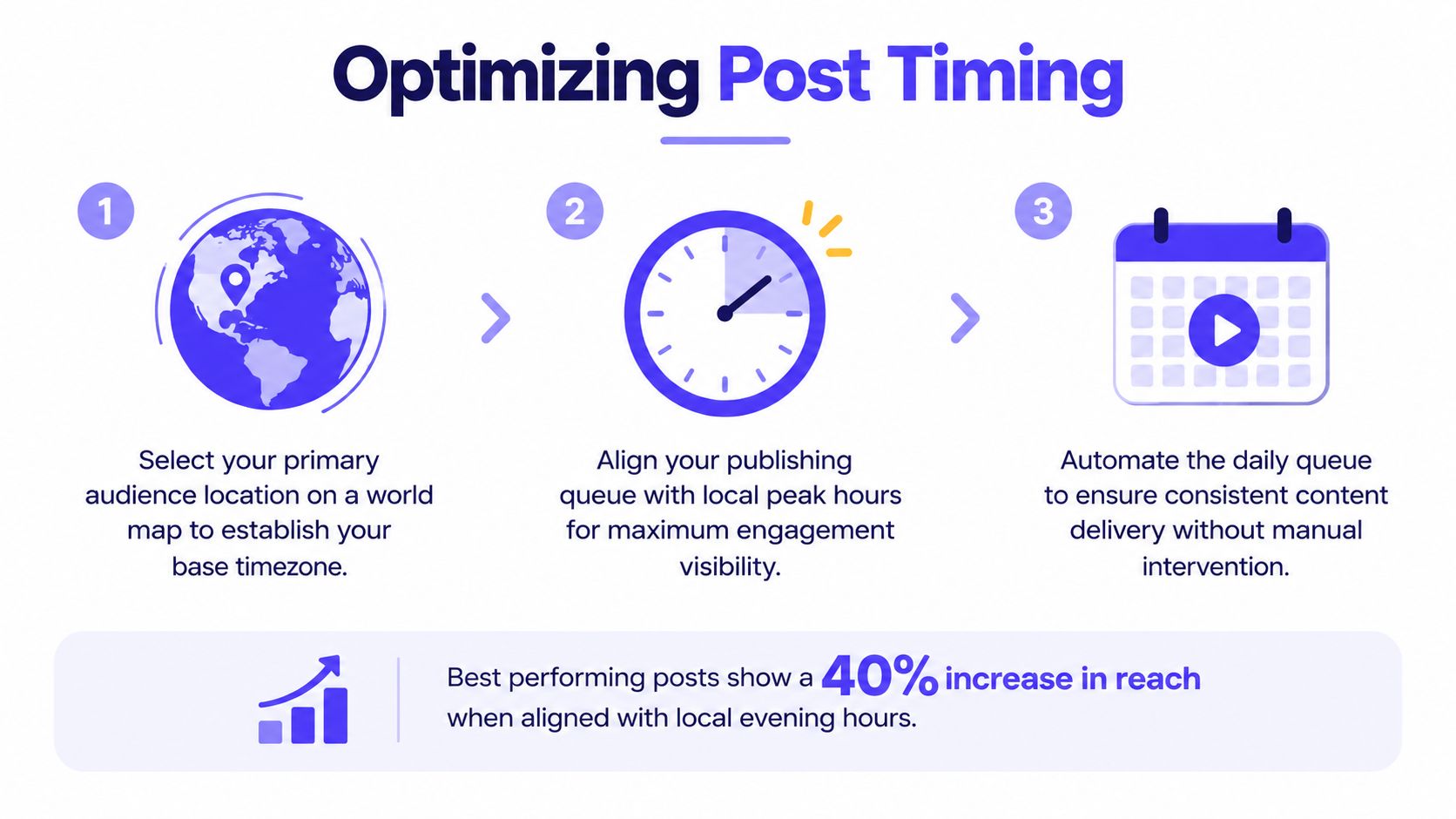
A timestamp only has meaning when the scheduler and the team agree on its timezone. Set the workspace timezone first, then verify the account or campaign settings before adding posts. Otherwise, a carefully planned morning update may appear at an inconvenient hour for the audience you're trying to reach.
Configure the publishing clock
Choose the timezone that matches your primary audience or the person responsible for campaign approval. For a global account, don't assume one universal posting time will serve every region. Create separate publishing windows when the message deserves regional timing, and adapt the copy if the audience context changes.
Use precise scheduling for launches, event reminders, embargoed announcements, and thread openings. For evergreen material, a queue is usually more efficient. Add approved posts to the queue and let the scheduler assign the next available slot.
Tools commonly provide controls such as next available slot, prioritize, publish now, and set date and time. These controls serve different purposes. “Next available” protects a steady cadence, “prioritize” moves an important post forward, and an exact time is appropriate when timing affects the campaign.
Use the calendar as an operating tool
A visual calendar should answer practical questions quickly. Are two posts competing for attention? Does a thread have a clear opening slot? Did a cross-platform campaign accidentally publish the same wording everywhere? Can the team see what requires approval before the next publishing window?
Drag-and-drop calendars are useful for reshaping an evergreen queue, but be cautious with linked threads. Moving one post without checking its replies can separate the sequence or create an awkward gap. Treat the complete thread as one campaign unit during review.
For a global team, record the intended audience timezone in the campaign brief. Don't rely on memory or a teammate's local clock. Before a major launch, inspect the preview, confirm the selected channel, and check the scheduled timestamp from the account's perspective.
Automation should remove repetitive publishing work, not remove judgment. Keep a review checkpoint for news-sensitive content, product claims, and posts that depend on a live event.
Best Practices for Bluesky Engagement
Scheduling gets the post into the feed. It doesn't create the response that makes the post useful. Bluesky's text-led environment rewards clear ideas, recognizable voice, and visible participation after publication.
Start with a point that can stand on its own. “We launched an update” is weaker than a short explanation of what changed and why a reader should care. Give the audience something to respond to, such as a trade-off, a practical question, or an observation from your field.
Write for conversation
A good scheduled post leaves a natural opening for replies. Ask a focused question rather than a broad request for opinions. If you're sharing a link, explain the value in the post instead of dropping the URL without context. Link cards can support discovery, but the copy should still make sense if the card loads slowly or fails to render.
Threads work best when each reply advances the idea. Don't split one sentence across several posts just to create length. Use the first post to establish the subject, then make the next replies useful enough that a reader can save or share them independently.
Reply time matters: Reserve time around publication to answer early comments, clarify points, and recognize useful contributions.
Avoid treating a scheduled queue as a substitute for presence. A post that receives questions but no response can feel abandoned, even if the publishing cadence is consistent. Assign responsibility for replies in the campaign calendar, especially when several people can publish from the same account.
Bluesky's audience is large enough to justify a deliberate operating model. The platform's estimated total user base exceeded 40 million in 2026, according to TechCrunch's coverage of its changing audience. That scale doesn't make every post valuable, but it does make careless automation more visible and a consistent, human voice more worthwhile.
Build a sustainable content mix
Use the queue for evergreen education, recurring insights, campaign reminders, and adapted versions of longer content. Publish manually when the subject is developing quickly, when the post depends on a live conversation, or when the right response requires immediate context.
Keep cross-platform consistency at the campaign level, not the sentence level. The same product announcement can appear across channels, but Bluesky may need a shorter hook, a different reply prompt, or a thread that provides context without importing another network's formatting conventions.
Review performance qualitatively as well as through analytics. Note which openings attract thoughtful replies, which topics lead to profile visits, and which links start useful discussions. Then update the queue based on those observations instead of blindly repeating a format.
Troubleshooting Common Publishing Errors
A scheduled post can fail even when the copy is ready. Most problems come from authentication, unsupported media, incorrect channel settings, or thread structure. The fastest fix is to identify which layer failed instead of rewriting the entire campaign.
Authentication failures
If publishing stops after the account was connected, check the app password first. It may have been revoked, deleted, copied incorrectly, or replaced during an account-security change. Create a new app password in Bluesky, reconnect the channel, and run a small test publication.
Don't keep retrying the same failed credential. Repeated attempts won't repair a revoked token and can make it harder to tell whether the problem is the account, the tool, or the network.
Media and formatting problems
A post can fail because the attached file doesn't meet the scheduler's Bluesky requirements. Reopen the draft and confirm the text stays within 300 characters, the post contains no more than four images, and any video is no longer than three minutes, as outlined in Hootsuite's Bluesky help documentation.
Use the preview before rescheduling. If an image looks cropped, replace it with a better-framed version rather than assuming the feed will display it as it appears in your design software. If a link card doesn't appear, keep descriptive link copy in the post so the update remains useful without the preview.
Thread and queue errors
When a thread publishes out of order or fails to link correctly, inspect whether the replies were created through the scheduler's thread feature. Independent posts scheduled for the same time aren't equivalent to a connected thread. Rebuild the sequence as one thread, confirm the order, and test with a low-risk draft if the tool supports preview or review mode.
A crowded queue can also create unintended timing. Look for duplicate campaign entries, a changed timezone, or a post moved without its associated replies. Pause nonessential evergreen items while you repair the priority sequence.
Network interruptions and service-side delays require a different response. Check the scheduler's publishing status, avoid immediately creating duplicates, and verify the account feed before manually reposting. Keep an approved fallback draft available, but use it only after confirming that the original didn't publish.
Resilience rule: Build a queue that can absorb one failed post without forcing the team to recreate the entire week.
Finally, review permissions and workspace ownership when several people manage the account. A healthy process includes a named owner for credentials, a reviewer for important campaigns, and a clear record of which posts were published, skipped, or rescheduled.
PostSyncer lets teams connect Bluesky to a shared calendar, prepare text, images with alt text, video, link cards, and quote posts, then coordinate publishing with other social channels. If you want to replace manual reminders with a controlled Bluesky workflow, visit PostSyncer and set up your publishing calendar.