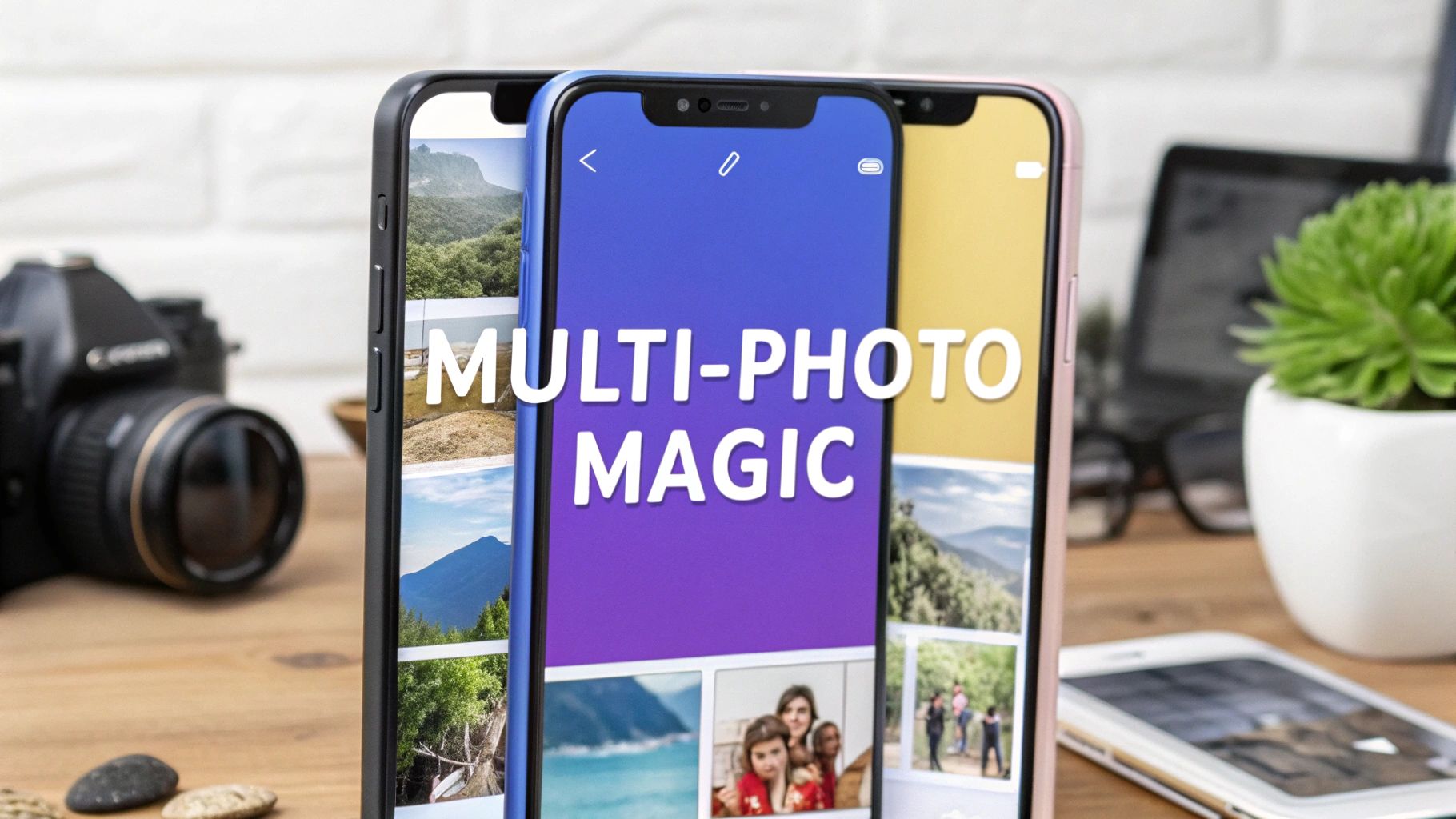












Instagram Stories have evolved beyond single, fleeting moments. To truly captivate your audience and tell a compelling narrative on platforms like Instagram, mastering the art of visual storytelling on social media is essential. The real power now lies in weaving these narratives, and one of the most effective ways to do this is by combining multiple photos into a single, cohesive story. This technique transforms a simple update into an immersive experience, capturing audience attention and driving deeper engagement.
However, moving beyond a basic photo dump requires a clear strategy. This article breaks down eight innovative and actionable multiple photos one story Instagram ideas designed for creators, brands, and agencies looking to elevate their content. We'll provide step-by-step guidance for each concept, ensuring you have the tools to create visually stunning and strategically effective stories that resonate with your followers and achieve your marketing goals. From showcasing product transformations and building aesthetic mood boards to creating educational infographics, these ideas will help you master the art of multi-photo storytelling and make your content stand out. Let's dive into the creative concepts that will transform your approach to Instagram Stories.
1. Before & After Transformation Stories
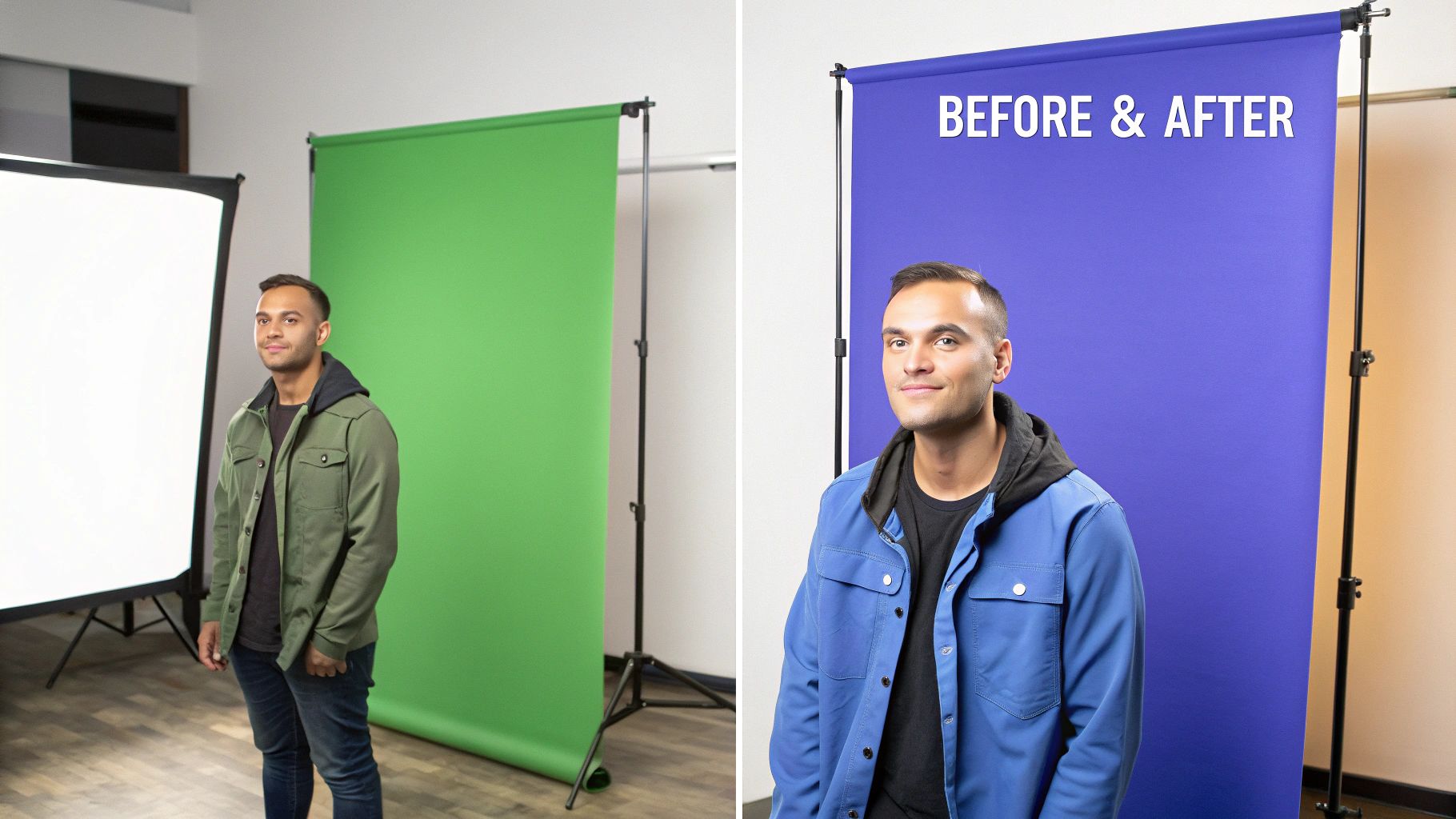
The "Before & After" format is a classic storytelling powerhouse, perfectly adapted for Instagram's visual, multi-photo story feature. This approach uses two or more images to showcase a clear progression or transformation, creating a compelling narrative of change that immediately grabs audience attention. It's a highly effective way to demonstrate value, whether it’s a fitness journey, a product's impact, or a creative process.
This technique capitalizes on the human brain's natural curiosity and desire for resolution. By presenting a "before" state, you create a question in the viewer's mind that the "after" photo satisfyingly answers. This method is one of the most popular multiple photos one story Instagram ideas because it delivers a complete, impactful narrative in just a few taps.
Actionable Implementation Steps
- Photo Consistency: To maximize the transformation's impact, maintain a consistent angle, lighting, and framing between the "before" and "after" shots. This ensures the focus remains on the change itself, not on distracting visual differences.
- Narrative Flow: Use the multi-story format to build anticipation. Post the "before" image first, perhaps with a question sticker like "Guess the result?". Follow it with one or two "during" or progress shots, and conclude with the dramatic "after" reveal.
- Data Overlays: Add text overlays to quantify the change. Include timelines ("3 Months Apart"), key metrics ("-20 lbs"), or specific details ("From Primer to Final Coat") to add credibility and context.
- Interactive Elements: Use Instagram's poll or slider stickers on the final slide to ask your audience what they think of the transformation. This encourages engagement and turns a simple showcase into a conversation.
This format is ideal for service-based businesses, artists, and influencers in niches like fitness, beauty, home renovation, or design. It provides tangible proof of skill and results, making it a powerful tool for building trust and driving conversions.
2. Photo Collage Grid Layouts
The photo collage grid is a visually dynamic and efficient format that arranges multiple images into a structured layout within a single Instagram Story frame. This technique allows creators to present a rich, multi-faceted narrative at a single glance, making it perfect for summarizing an event, showcasing a product line, or presenting a collection of related ideas without overwhelming the audience with numerous individual story slides.
This method is one of the most versatile multiple photos one story Instagram ideas because it condenses information and creates a professional, magazine-like aesthetic. It's an excellent way to show variety and depth, such as a fashion brand displaying a full outfit with close-ups of accessories, or a food blogger showing key ingredients alongside the finished dish. The structured visual harmony of a grid is both pleasing to the eye and highly informative.
Actionable Implementation Steps
- Use Design Apps: Leverage third-party apps like Canva, Unfold, or Instagram's own "Layout" mode to create clean, professional grids. These tools provide templates that simplify the arrangement of your photos, ensuring a polished final look.
- Maintain Visual Cohesion: For a strong impact, ensure all photos within the grid share a consistent color palette, filter, or theme. This creates a unified visual story rather than a collection of random images.
- Add Context with Text: Use text overlays to label or briefly describe each image in the collage. For example, label different product features, event highlights, or steps in a process to guide your viewer's understanding.
- Strategic Numbering or Flow: If your grid tells a sequential story (like a recipe), consider adding numbers to each photo. This directs the viewer's eye and makes the narrative clear and easy to follow. You can learn more about adding multiple photos to an Instagram story on postsyncer.com to master the technical aspects.
This format is exceptionally effective for e-commerce brands, event marketers, and lifestyle influencers. It provides a comprehensive snapshot of an experience or offering, making it a powerful tool for driving engagement and conveying a large amount of visual information efficiently.
3. Carousel-Style Sequential Storytelling
The Carousel-Style Sequential Storytelling format transforms your Instagram Story into a mini-narrative, using multiple photos to create a complete arc with a clear beginning, middle, and end. Each image acts as a chapter or a scene, guiding the viewer through a cohesive experience that unfolds with each tap. This method creates a highly immersive and engaging sequence.
This technique leverages the core function of stories: telling a story. By structuring your content sequentially, you build momentum and keep your audience invested from the first photo to the last. It's one of the most effective multiple photos one story Instagram ideas because it turns a simple update into a compelling, cinematic journey, making it perfect for travel influencers, lifestyle creators, and brands showcasing a process.
Actionable Implementation Steps
- Plan Your Narrative Arc: Before shooting, outline the story you want to tell. Identify the key moments: the setup (beginning), the action or event (middle), and the resolution or final product (end). This ensures your photos have a logical and compelling flow.
- Vary Your Shots: To keep the story visually dynamic, mix up your photo composition. Combine wide shots to establish the scene, close-ups to highlight details, and medium shots to show action. This visual variety prevents the sequence from feeling monotonous.
- Use Consistent Editing: Apply a consistent filter or editing style across all photos in the sequence. This creates a professional and cohesive look, tying the individual images together into one unified visual narrative.
- Guide with Text: Add short text overlays or captions to each photo to provide context and move the story forward. Use simple phrases like "First, we started here..." or "And then this happened..." to guide the viewer through the narrative.
This format is exceptionally powerful for documenting events, behind-the-scenes processes, travel diaries, or personal milestones. It allows you to share a rich, detailed experience that a single photo could never capture, fostering a deeper connection with your audience.
4. Product Showcase & 360-Degree Views
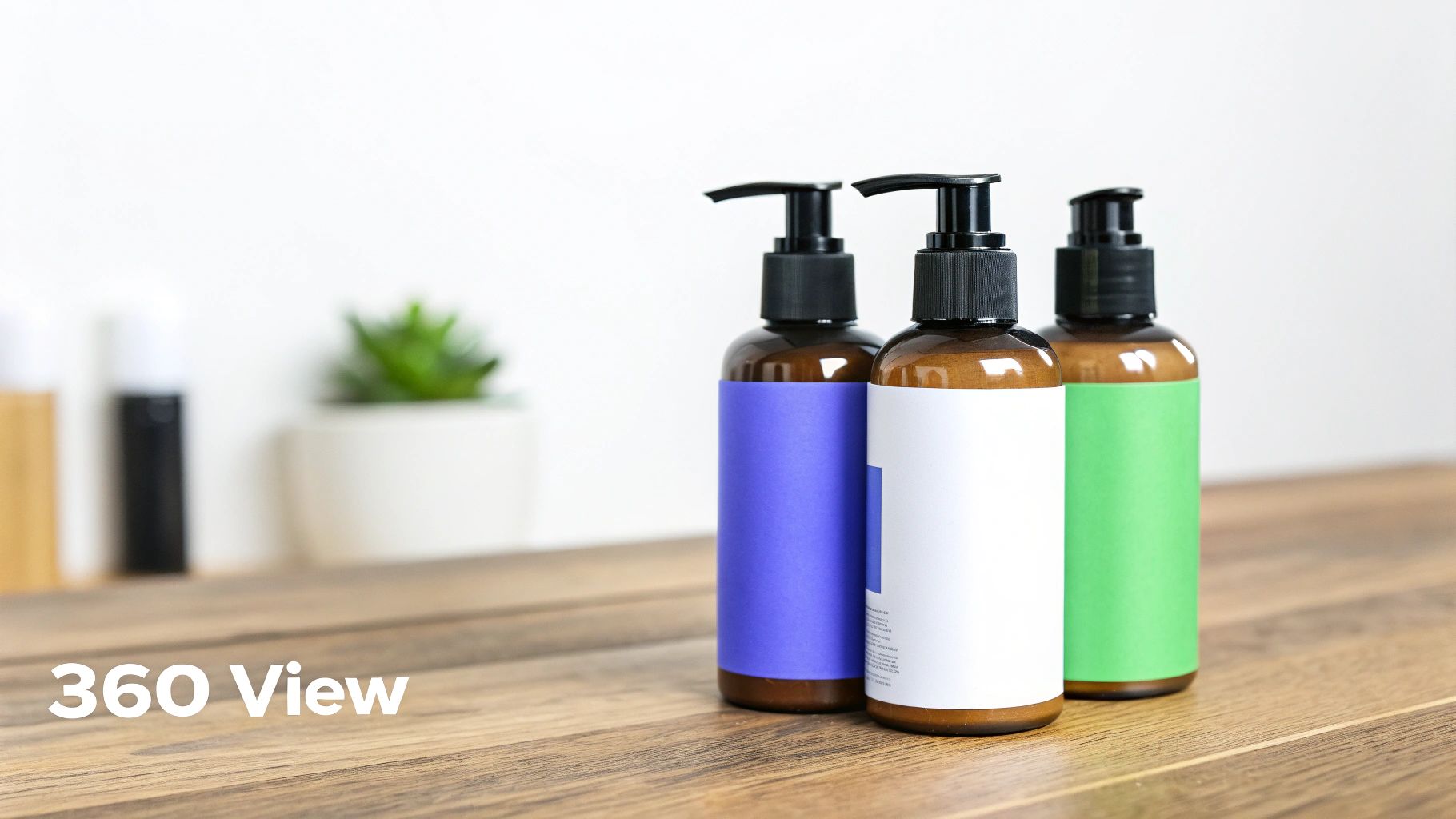
The "Product Showcase" format is an essential tool for e-commerce and retail brands, using multiple photos to create a comprehensive digital showroom within a single Instagram Story. This approach moves beyond a single, static image by presenting a product from various angles, highlighting specific details, showing it in use, or demonstrating different styling options. It effectively mimics the in-person shopping experience, allowing potential customers to explore an item thoroughly without leaving the app.
This technique is powerful because it addresses key customer questions and hesitations directly, building confidence and reducing purchase friction. By showing close-ups of texture, multiple colorways, or a 360-degree view, you provide a level of detail that a single post cannot. This is one of the most effective multiple photos one story Instagram ideas for driving direct sales, as it gives viewers all the information they need to make a purchase decision.
Actionable Implementation Steps
- Logical Photo Flow: Structure your story to guide the viewer. Start with a hero shot of the full product, then swipe through to close-up details, different angles, and finally, a lifestyle photo showing the product in context.
- Consistent Visuals: Use a consistent background and lighting across all shots to ensure a seamless and professional viewing experience. To make your products truly shine and achieve professional-quality images for your multi-photo stories, consider optimizing your product photography lighting setup.
- Informative Overlays: Add text overlays to each slide with key information. Include the product name, price, specific features ("100% Cotton," "Water-Resistant"), or available sizes. This adds value to each tap.
- Direct Call-to-Action: End the sequence with a clear call-to-action. Use Instagram's "Link" sticker to direct viewers straight to the product page with a prompt like "Shop Now" or "Tap to See More."
This format is indispensable for any brand selling physical goods, from fashion and beauty to home decor and electronics. It transforms your Instagram Story from a simple social media post into a dynamic, interactive, and highly effective sales channel.
5. Event Highlight Reels & Moment Compilation
The "Event Highlight Reel" method transforms a fleeting experience into a lasting digital memory, perfect for Instagram's multi-photo story feature. This approach involves curating a series of images from an event, such as a concert, conference, or party, to create a cohesive and dynamic summary. It allows you to tell the entire story of an event, from start to finish, within a single, engaging story sequence.
This technique is powerful because it captures the atmosphere and energy of an event far better than a single photo ever could. By weaving together different moments, perspectives, and emotions, you provide a comprehensive look that makes viewers feel like they were part of the experience. It's one of the most effective multiple photos one story Instagram ideas for building community and generating FOMO (fear of missing out).
Actionable Implementation Steps
- Curate Diverse Perspectives: Select photos that show the event from multiple angles. Include wide shots of the venue, close-ups of speakers or performers, candid photos of attendees enjoying themselves, and detail shots of decorations or products.
- Create a Chronological Flow: Arrange the photos to tell a logical story. Start with setup or arrival shots, move to the main activities or key moments, and end with a grand finale or a thank-you slide. This creates a satisfying narrative arc for the viewer.
- Brand with Overlays: Use text overlays to add context. Include the event name, date, location, or specific session titles. Add your brand's logo or use branded fonts and colors to maintain consistency and reinforce brand identity.
- Incorporate Video Clips: Enhance the narrative by mixing in short video clips between photos. A quick pan of the crowd, a snippet of a speech, or a toast can add a dynamic layer of energy and make the story more immersive.
This format is essential for event planners, wedding photographers, concert venues, and corporate marketers. It serves as a powerful recap that can be shared with attendees and used as a promotional tool for future events. For maximum impact, you can even prepare these highlight stories in advance. Learn more about how to schedule Instagram Stories to ensure your content goes live at the optimal time.
6. Tutorial & Step-by-Step Process Format
The tutorial format breaks down a complex task into a series of simple, digestible steps, making it one of the most valuable and shareable multiple photos one story Instagram ideas. This approach uses a sequence of photos to guide viewers through a process, from assembling ingredients for a recipe to completing a DIY craft. Each tap forward reveals the next stage, creating an interactive and educational experience.
This technique transforms your Instagram Story into a practical resource that your audience can follow in real-time or save for later use. By providing clear, visual instructions, you position your brand or profile as a helpful authority, building trust and encouraging repeat engagement. It’s an effective way to showcase product use, share expertise, and offer tangible value beyond simple entertainment.
Actionable Implementation Steps
- Structure the Narrative: Start with a "cover slide" that lists all necessary ingredients, tools, or materials. This sets expectations and helps viewers prepare. Follow with one photo per step, concluding with a polished image of the final result.
- Number and Annotate: Use Instagram's text tool to clearly number each step directly on the image (e.g., "Step 1," "Step 2"). Add brief, concise text overlays describing the action in each photo, such as "Chop the onions" or "Apply the base coat."
- Maintain Visual Consistency: Use consistent lighting, backgrounds, and camera angles across all photos in the sequence. For recipes or crafts, a top-down or flat-lay perspective is highly effective for showing clear actions.
- Encourage Saving: Add a clear call-to-action on the final slide, like a "Save this for later!" GIF or sticker. This prompts users to bookmark your tutorial, increasing its lifespan and the likelihood they will reference your profile again.
This format is perfect for creators and brands in the food, beauty, fitness, and DIY niches. It provides immense value to the audience by teaching them a new skill, making it a powerful strategy for fostering a loyal and engaged community.
7. Mood Board & Aesthetic Collection Format
The Mood Board or Aesthetic Collection format shifts the focus from linear storytelling to creating a cohesive visual experience. This approach involves curating multiple thematically related photos with similar color palettes, styles, or textures to evoke a specific feeling or brand identity. Instead of a narrative with a beginning and end, it presents a visually immersive collage that communicates a mood, theme, or concept at a glance.
This technique is incredibly effective for brands and creators who want to establish a strong, recognizable aesthetic. It's one of the most artistic multiple photos one story Instagram ideas because it allows for creative expression while reinforcing brand visuals. By grouping images, you create a powerful, unified statement that resonates with audiences who appreciate design, style, and atmosphere.

Actionable Implementation Steps
- Curate with Cohesion: Select 4-6 photos that share a dominant color scheme or visual theme. Use editing tools or presets to ensure color harmony and a consistent look across all images, making the collection feel intentional. To visualize the final look, you can use an Instagram feed planner to arrange your assets.
- Mix and Match Textures: Combine different types of shots to add depth. Mix close-up detail photos, lifestyle shots, product images, and even abstract textures to make the mood board more dynamic and engaging.
- Minimalist Text: Keep text overlays to a minimum. If you add words, use a clean, simple font and limit it to a single title or a few keywords (e.g., "Autumn Vibes," "Coastal Living") to avoid distracting from the visual aesthetic.
- Leverage Music: Add a music sticker with a song that perfectly matches the mood you're trying to create. The right audio track can elevate the entire collection, turning a static set of images into a complete sensory experience.
This format is perfect for fashion bloggers showcasing seasonal trends, interior designers presenting inspiration, or lifestyle brands reinforcing their core aesthetic. It builds brand identity and provides followers with shareable, aspirational content.
8. FAQ & Educational Infographic Compilation
Transforming complex information into a digestible format is a challenge perfectly solved by the educational infographic compilation. This technique breaks down detailed topics, step-by-step guides, or answers to frequently asked questions into a series of interconnected, visually appealing slides. Each photo acts as a single page in a mini-presentation, guiding your audience through valuable information one tap at a time.
This approach positions your brand as a knowledgeable authority by generously sharing expertise. It's an excellent example of multiple photos one story Instagram ideas because it builds trust and provides genuine value, encouraging saves and shares. By making learning easy and visually engaging, you can capture attention for longer and teach concepts that are too dense for a single post, turning your Story into a go-to educational resource.
Actionable Implementation Steps
- Templatize Your Design: Create a consistent and branded template for your infographic slides. Use the same fonts, color palette, and logo placement on each photo to create a cohesive and professional look that is instantly recognizable.
- One Idea Per Slide: Avoid overwhelming your audience with walls of text. Dedicate each slide to a single, focused point or question. Use icons, illustrations, and bold headings to break up information and enhance readability.
- Number Your Slides: Clearly label each image (e.g., 1/5, 2/5) so viewers understand they are part of a series. This manages expectations and encourages them to tap through to the end to get the complete picture.
- End with a Strong CTA: The final slide is your opportunity to drive action. Include a clear call-to-action, such as a quiz sticker to test their knowledge, a question box to ask for more topic ideas, or a link sticker directing them to a full blog post or resource.
This format is ideal for service providers, coaches, educators, and any brand focused on thought leadership. It's a powerful tool for explaining processes, debunking myths, or sharing industry insights, effectively turning your Instagram Story into a valuable micro-learning experience.
8 Instagram Multi-Photo Story Formats Compared
| Format | Implementation Complexity 🔄 | Resource Requirements ⚡ | Expected Outcomes 📊⭐ | Ideal Use Cases 💡 | Key Advantages ⭐ |
|---|---|---|---|---|---|
| Before & After Transformation Stories | Moderate 🔄 — sequence planning & consistent shots | Medium ⚡ — time series photos, decent camera/lighting | High 📊⭐ — strong engagement, tangible proof | Fitness, renovations, beauty, makeovers | Demonstrates clear progress; highly shareable |
| Photo Collage Grid Layouts | Low–Moderate 🔄 — resizing and layout design | Low ⚡ — native tools or simple apps | Medium 📊 — organized display but can dilute focus | Product varieties, event highlights, fashion spreads | Saves story space; professional organized look |
| Carousel-Style Sequential Storytelling | High 🔄 — narrative planning and cohesion | Medium ⚡ — multiple quality images and editing | High 📊⭐ — memorable, drives full-sequence views | Travel, behind‑the‑scenes, personal narratives | Strong storytelling; builds emotional connection |
| Product Showcase & 360-Degree Views | Moderate 🔄 — consistent angles and sequencing | High ⚡ — pro product photography and staging | High 📊⭐ — reduces purchase hesitation, boosts conversions | Ecommerce, jewelry, fashion, home goods | Comprehensive product understanding; conversion-focused |
| Event Highlight Reels & Moment Compilation | Moderate 🔄 — capture variety and curate quickly | Medium ⚡ — many candid shots, on‑site capture tools | Medium–High 📊 — creates FOMO and event interest | Concerts, weddings, conferences, launches | Conveys atmosphere; creates sharable memories |
| Tutorial & Step-by-Step Process Format | Low–Moderate 🔄 — clear step sequencing & labeling | Low–Medium ⚡ — stageable steps, simple overlays | High 📊⭐ — educational, high saves and authority building | Recipes, crafts, makeup, workouts | Actionable guidance; positions creator as expert |
| Mood Board & Aesthetic Collection Format | Moderate 🔄 — careful curation and color harmony | Medium ⚡ — editing tools and curated assets | Medium–High 📊 — builds brand aesthetic & inspiration | Fashion, interior design, lifestyle branding | Strong visual identity; highly inspirational and saveable |
| FAQ & Educational Infographic Compilation | Moderate 🔄 — template design and content distillation | Medium ⚡ — design skills/tools, research | Medium 📊 — builds credibility; highly saveable but less viral | Professional services, wellness, finance, education | Deep informative value; positions as trusted source |
Streamline Your Storytelling and Maximize Your Impact
Moving beyond single-image posts to craft compelling multi-photo narratives is no longer just an option; it's a strategic necessity for capturing and retaining audience attention on Instagram. Throughout this guide, we've explored a versatile toolkit of multiple photos one story instagram ideas, from dramatic "Before & After" transformations to detailed "Step-by-Step" tutorials and immersive "Event Highlight Reels." Each format offers a unique avenue to connect with your audience, whether you're showcasing product details, educating your followers, or simply sharing a brand's aesthetic vision.
The core takeaway is that a single story can accomplish so much more when it’s structured as a cohesive sequence. You can build anticipation, provide deeper context, and guide your viewers through a complete journey in a matter of seconds. By leveraging formats like sequential carousels, aesthetic mood boards, and informative FAQ compilations, you transform passive viewing into an interactive and memorable experience. This approach not only boosts engagement metrics like taps and replies but also strengthens brand recall and authority.
Your Actionable Path Forward
To truly master these techniques, you must move from inspiration to implementation. Your next steps should be strategic and deliberate:
- Audit Your Content Goals: Review the eight ideas presented. Which formats align most directly with your Q3 and Q4 marketing objectives? Are you trying to drive sales (Product Showcase), build community (Event Highlights), or establish expertise (Tutorials)?
- Select Two Formats to Test: Don't try to do everything at once. Choose two distinct formats to experiment with over the next month. For example, pair a product-focused idea like the "360-Degree View" with a community-building one like an "Aesthetic Collection."
- Plan Your Narrative Arc: Before you even open Instagram, storyboard your sequence. What is the beginning, middle, and end of your mini-story? This planning phase is crucial for ensuring your multi-photo story feels intentional and polished, not random.
- Measure and Refine: Track key metrics for each story. Pay close attention to the completion rate (how many viewers watched all the way through) and engagement on the final slide. Use these insights to refine your approach for the next one.
Embracing these diverse and dynamic multiple photos one story instagram ideas is about more than just posting pretty pictures; it’s about becoming a more effective and efficient digital storyteller. By thoughtfully sequencing your content, you create a richer, more engaging narrative that resonates deeply with your audience, turning fleeting glances into lasting brand loyalty.
Ready to put these ideas into action without the manual hassle? PostSyncer’s intuitive visual planner and AI-powered scheduler are designed specifically for crafting and automating complex multi-photo stories. Plan your sequences, schedule them for peak engagement times, and analyze your performance all in one place by visiting PostSyncer to start your free trial.



