











A product launch goes up on a Monday morning. Within an hour, a post that drew real questions is buried under crypto links, fake giveaway replies, and copy-pasted promo accounts. Someone on the team hides each one by hand while genuine customers wait for answers.
The expensive part is what the junk buries: the shipping question that sits unanswered, the ad comment that makes a paid post look like a scam, and the hour a social manager spends clicking Hide.
Hand moderation falls apart once volume is real.
On busy posts, spam, bot activity, and abuse make up a large share of the comment thread. Bluesky's 2025 transparency report recorded 2.49 million spam reports, alongside 4.36 million reports in its broader misleading-content category. A single platform can log millions of these reports.
This guide compares 10 spam filtering tools for social inboxes and comment moderation. For each, you'll get pricing, trial terms, platform coverage, and the trade-offs that show up after the first quiet week. They are grouped by role in the workflow rather than feature count: all-in-one social suites, dedicated Meta moderators, enterprise brand-safety services, and native platform filters. Each entry comes with a best-fit scenario and an honest limit, so you can match a tool to your comment volume and team size instead of chasing the longest feature list.
A filter should sit next to a unified inbox and AI auto-replies. It should clear obvious junk and leave real questions visible. It should not become a second publishing suite you don't need.
1. NapoleonCat
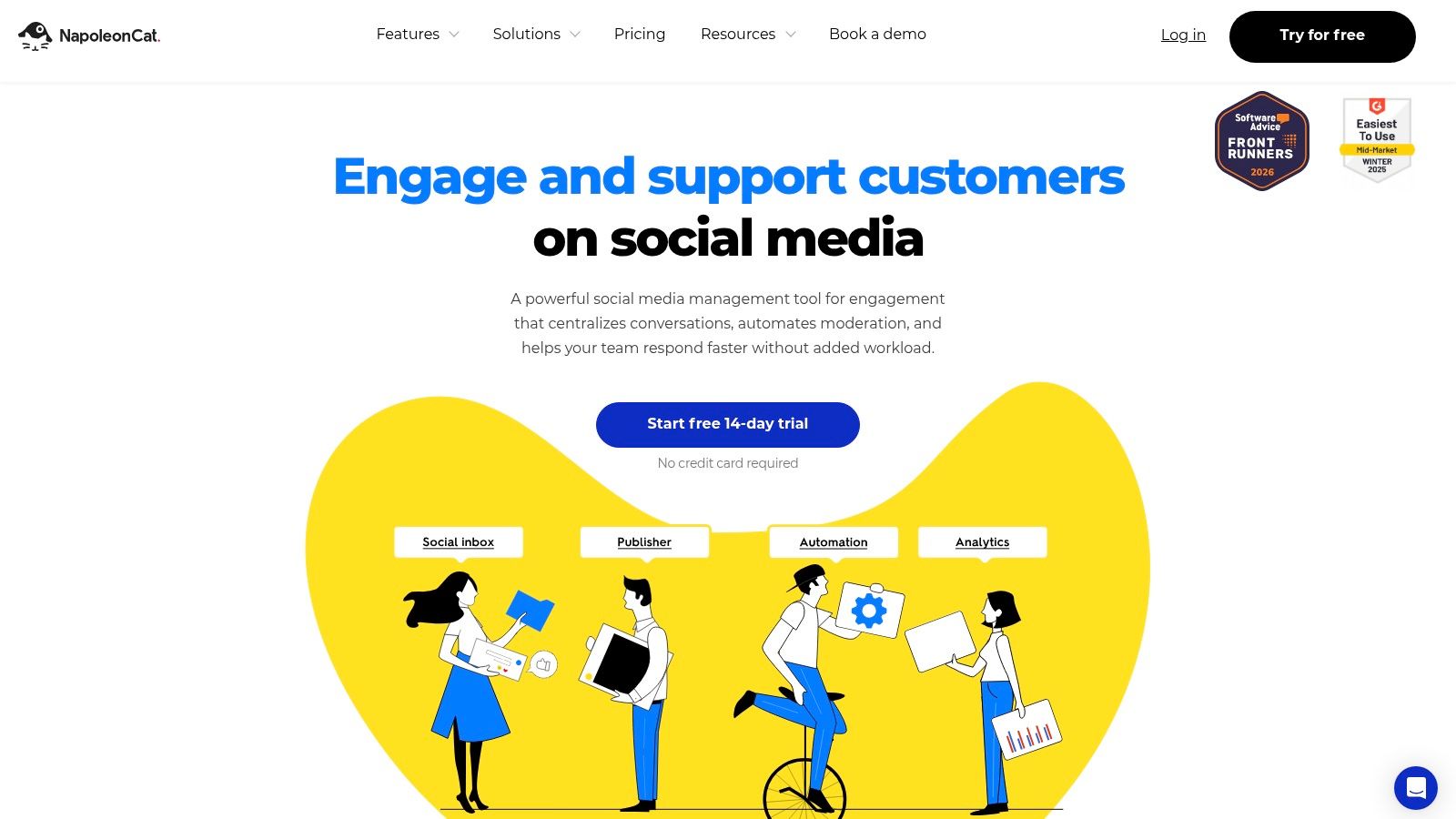
NapoleonCat is an all-in-one social suite. The shared inbox, rules, and AI-assisted labeling live in the same place as scheduling and reporting. Plans start at $79 per month, with a 14-day free trial. Automatic hiding and deletion sit on higher tiers, so the entry price is not the full moderation price.
The NapoleonCat workspace covers spam labeling, rules that hide or delete unwanted comments, and moderation on organic posts and ads. Saved replies and assignments mean a flagged comment can go to a person, not only into a bin.
Offline text models can look nearly perfect and still be the wrong promise for comments. One pipeline trained on the Apache SpamAssassin Public Corpus of 4,238 raw emails reported 99.65% test accuracy, 99.72% spam precision, 99.44% spam recall, and a 0.20% false-positive rate, per a public SpamAssassin benchmark implementation. That corpus is small and email-shaped. Don't treat those figures as your comment-feed result.
Practical rule: Block only at very high confidence, quarantine the middle, and leave low-confidence comments visible for a human.
Best fit: A small team that wants inbox triage and light automation together. Limit: Network APIs cap what any suite can hide or delete, and AI add-ons raise the bill.
2. CommentGuard
Say an agency runs five Facebook and Instagram pages, mostly from ads. The spam is links, phone numbers, and the same emoji string on every creative. CommentGuard is built for that job and almost nothing else.
Plans start at $29 per month for up to 5,000 comments. A seven-day trial covers up to 1,000 comments and doesn't ask for a credit card. Filters cover keywords, links, images, contact details, and emojis. You can hide or delete, add teammates, and work across pages. Details are on CommentGuard.
Keyword tools break when the campaign changes costume. A peer-reviewed review defines the false-positive rate as the share of valid ham classified as spam, and a dataset-shift study saw error climb from 5.95% to 48.81% in one cross-dataset test, with other scenarios at 29.19% to 35.72%, as reported in this PMC review of filter error under dataset shift. A list that worked on last month's promo spam can bury this month's real complaints.
Best fit: Meta-only brands and agencies with a known monthly comment cap. Limit: No publishing suite, no analytics layer, and the volume cap is a hard stop. If messages are the other half of the mess, pair it with a separate message filtering workflow instead of expecting CommentGuard to be the whole inbox.
3. Statusbrew
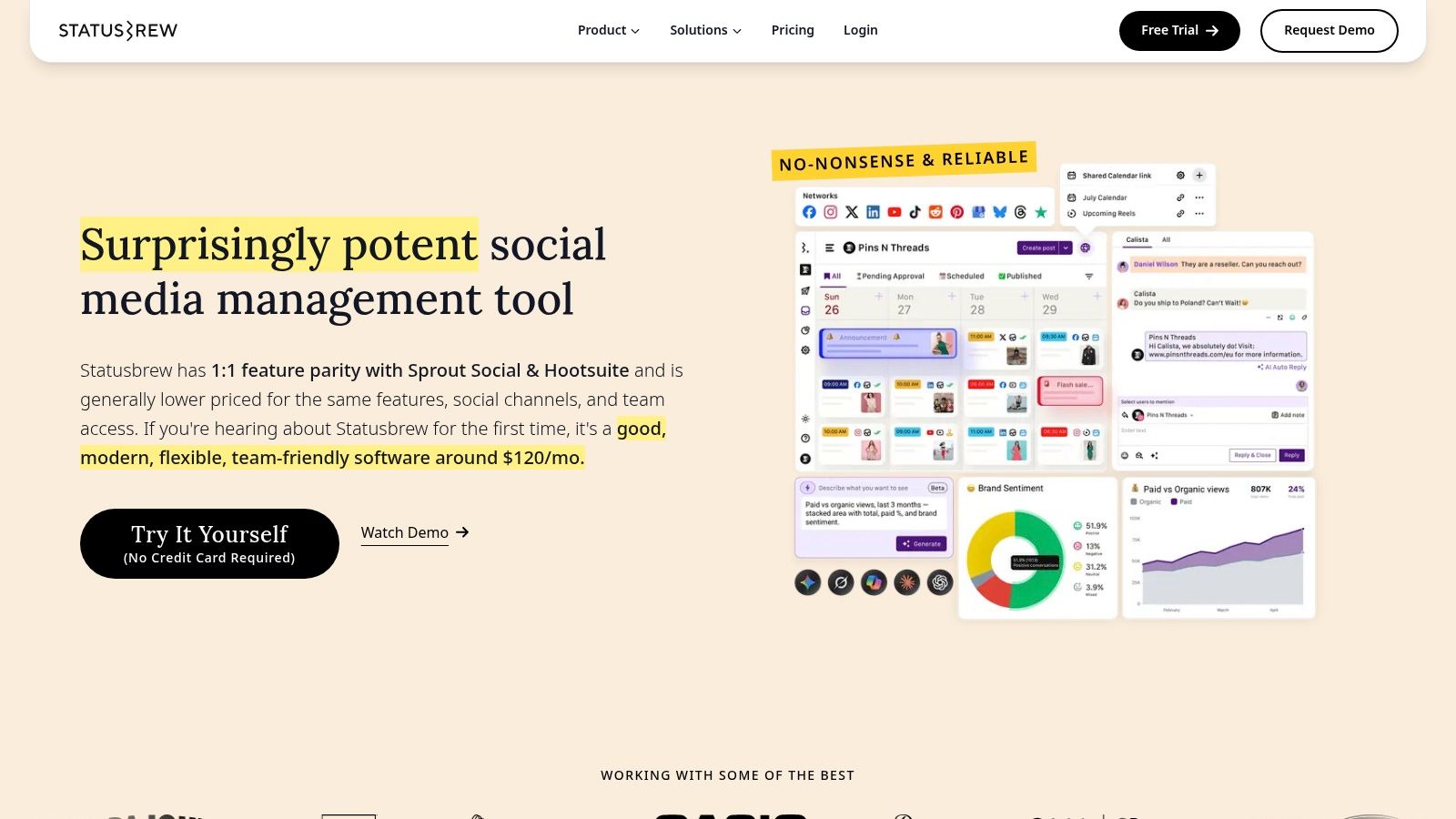
Statusbrew publishes its moderation rules in the open, which is rarer than vendors admit. Rule templates cover common spam patterns. Actions include automated hiding, unhiding, or deletion on organic comments and ads. The shared inbox handles assignments, so a borderline comment doesn't vanish with the junk.
Listed annual billing puts Lite at $69 per month and Standard at $129 per month. Lite is a reasonable solo starting point. Standard is where collaboration and heavier automation usually live. Check the current grid on Statusbrew.
- Rules you can read: Templates beat a black-box score when a client asks why a comment disappeared.
- Handoffs: Assignments matter once more than one person owns the page.
- Network gaps: The same rule will not fire the same action on every network.
The dashboard is a management console, not a spam appliance.
Best fit: Teams that already want scheduling plus a rulebook they can explain to a client. Limit: You're paying for a social suite. If you only need comment hiding, the extra modules are dead weight, and advanced automation is plan-gated.
4. Agorapulse
Agorapulse prices the suite per person. Standard is $79 per user per month billed annually, with a 30-day free trial. Two moderators are not $79. They're $158 before you add anyone who only needs to approve a reply.
Rules can key off keywords, links, email addresses, and message type, then review, assign, or label the item inside a shared inbox. Publishing and reporting sit in the same login. See Agorapulse.
Headline block rates hide that spread. In fall 2007 testing, one internet provider prevented delivery of 93% of tested spam while another blocked 78%, the FTC Spam Summit staff report found. Same job, very different operations. Social rule sets behave the same way. A tight keyword rule on one network is a loose net on another.
A clean feed is not proof the filter is fair. Count the real comments you had to restore.
Best fit: Multi-network teams that will use the inbox, not only the hider. Limit: Per-user math gets ugly as the roster grows, lower plans cap how many rules you can run, and conditions differ by network.

5. Sprout Social
Sprout Social is a social operations platform that happens to filter. The Smart Inbox pulls comments and messages into one queue, then tags, filters, and assignments turn that queue into a shift, not a scroll. Essentials is $79 per seat per month on annual billing, and a 30-day trial is available. Workflow automation and deeper analytics sit higher up the ladder. Pricing lives on Sprout Social.
I wouldn't start here if the only pain is giveaway bots on one Instagram page. You'd be buying reporting, approvals, and collaboration you may not staff. Per-seat pricing also punishes the "everyone should see the inbox" habit. Give seats to people who act on comments. Everyone else can live with a weekly export.
What it does well is structured triage. A spam tag, an owner, and a status beat a shared password and a hope that someone checked the native app.
Best fit: In-house teams and agencies that already run Sprout-shaped workflows and want spam handled inside that inbox. Limit: Expensive for a solo creator, and the automation you picture in the demo may not be on Essentials.
6. BrandBastion
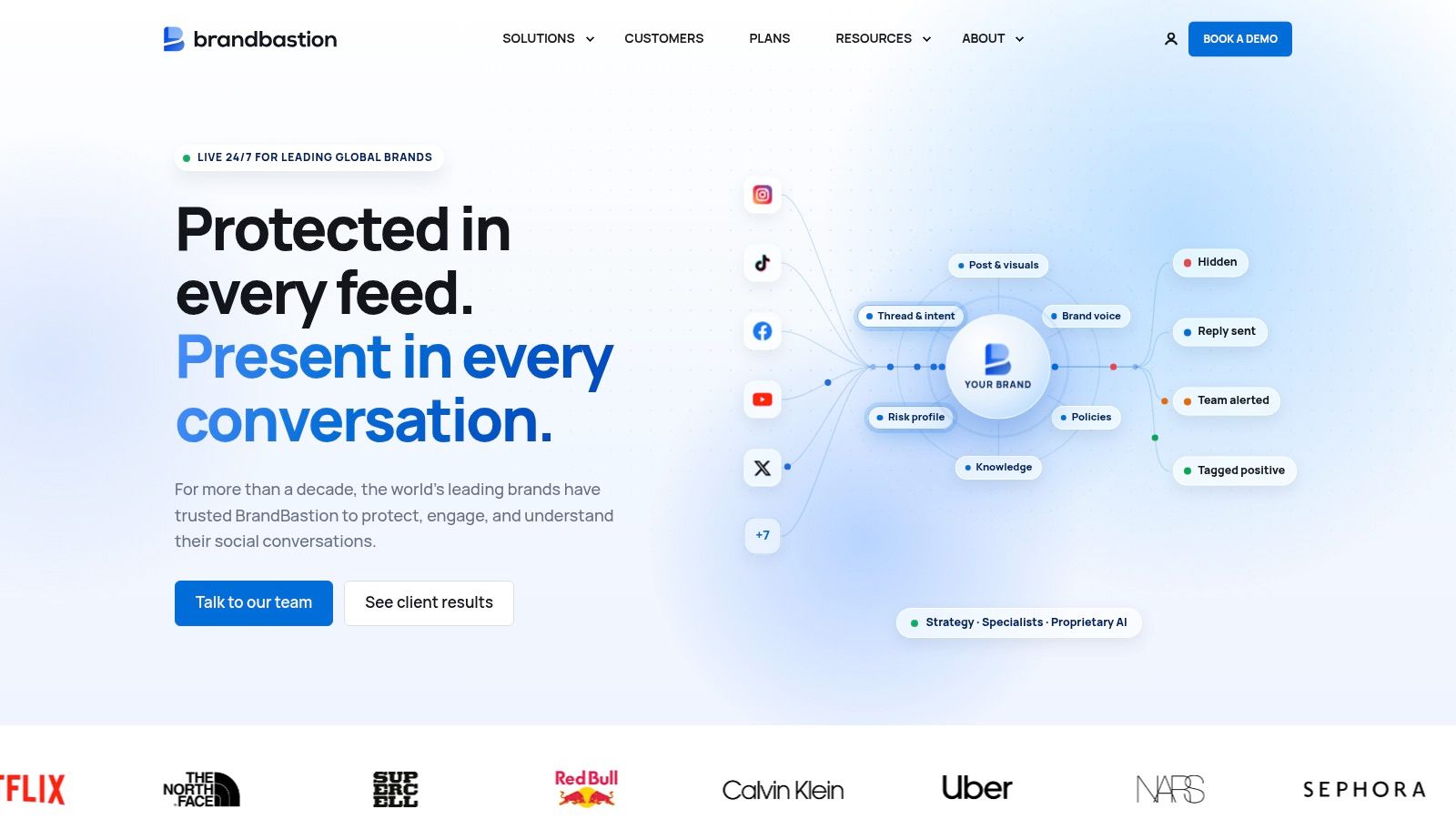
BrandBastion is an enterprise brand-safety service, not a self-serve toggle. AI categories classify comments, crisis alerts flag spikes, and sentiment sits beside a unified inbox. Some plans add AI-drafted or managed replies, so you're buying software, a managed community team, or both.
Main pricing is demo-led. A TikTok App Center listing has shown an Essential option at $499 per month, but you should confirm price and availability with BrandBastion before you budget it. Start at BrandBastion.
That consultative setup is the product. Multilingual analysis and crisis routing are why a global brand pays. They're also why a local shop should walk away. If you can't fill a weekly review meeting, you don't have a BrandBastion problem. You have a keyword-list problem.
Best fit: High-volume brands that need multilingual coverage and someone on the hook during a spike. Limit: Opaque core pricing, a sales step before you can test on your own threads, and far more machine than a low-volume account will use.
7. Respondology
Respondology prints a number, and the number is the filter. Published annual-billing plans start at $999 per month, with enterprise deals above that. You get adjustable moderation categories, business rules, image and GIF removal, and, on higher plans, sentiment, topics, and paid-plus-organic coverage across major networks. The public grid is on Respondology.
At that price I want three things in the trial: a false-positive sample from your own comments, a missed-spam sample, and a latency number your moderators can live with. Volume limits on the page are useful. They don't tell you whether a sarcastic product complaint gets treated as abuse.
- Buy it when: Paid social throws off thousands of comments and a human queue is already missing fraud links.
- Skip it when: You're under a few hundred comments a week. The cheapest serious tier will dwarf the labor it replaces.
- Watch the tier gates: Multilingual support and paid-social moderation are not the base promise.
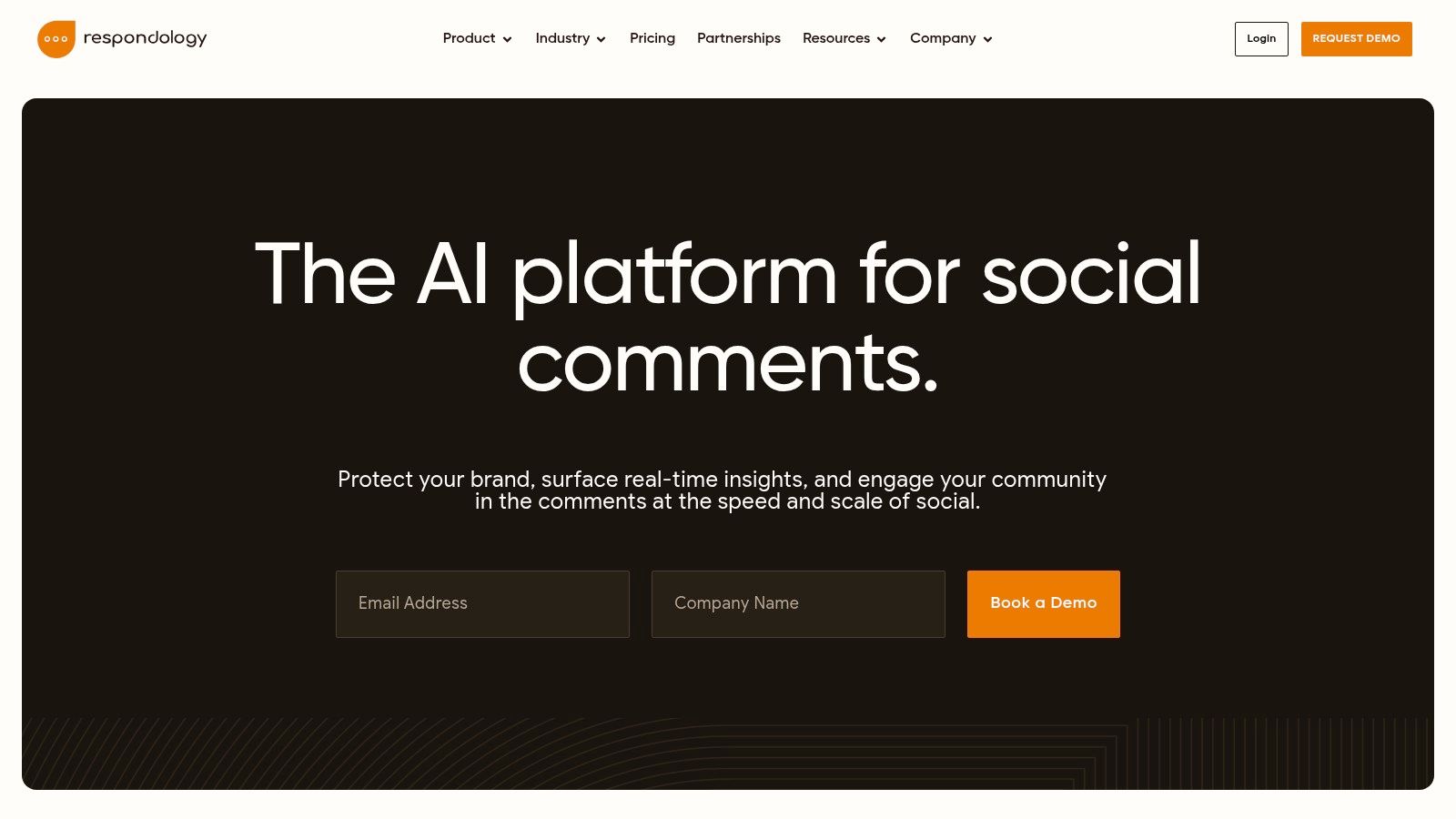
Best fit: Brands and agencies with large communities and a budget line for moderation, not a side tool. Limit: Small accounts will overpay, and the features that match global or paid campaigns sit on upper tiers.
8. Komento
Komento skips the suite and classifies Facebook and Instagram comments in context, then hides them. You're not maintaining a novel-length blocklist for every spelling of "forex." Paid plans are listed from $53 per month. A seven-day trial covers 100 comments, which is enough to see the style of mistakes, not enough to judge a launch week. Per-page severity and custom exceptions are the controls that matter. The product site is Komento.
Hiding instead of deleting is the right default. A hidden comment can be restored when the model treats a frustrated buyer as toxic. A deleted one is gone, and so is the customer's trust. Any accuracy percentage you see on the site is the vendor's claim. It is not an independent benchmark. Score it on your pages.
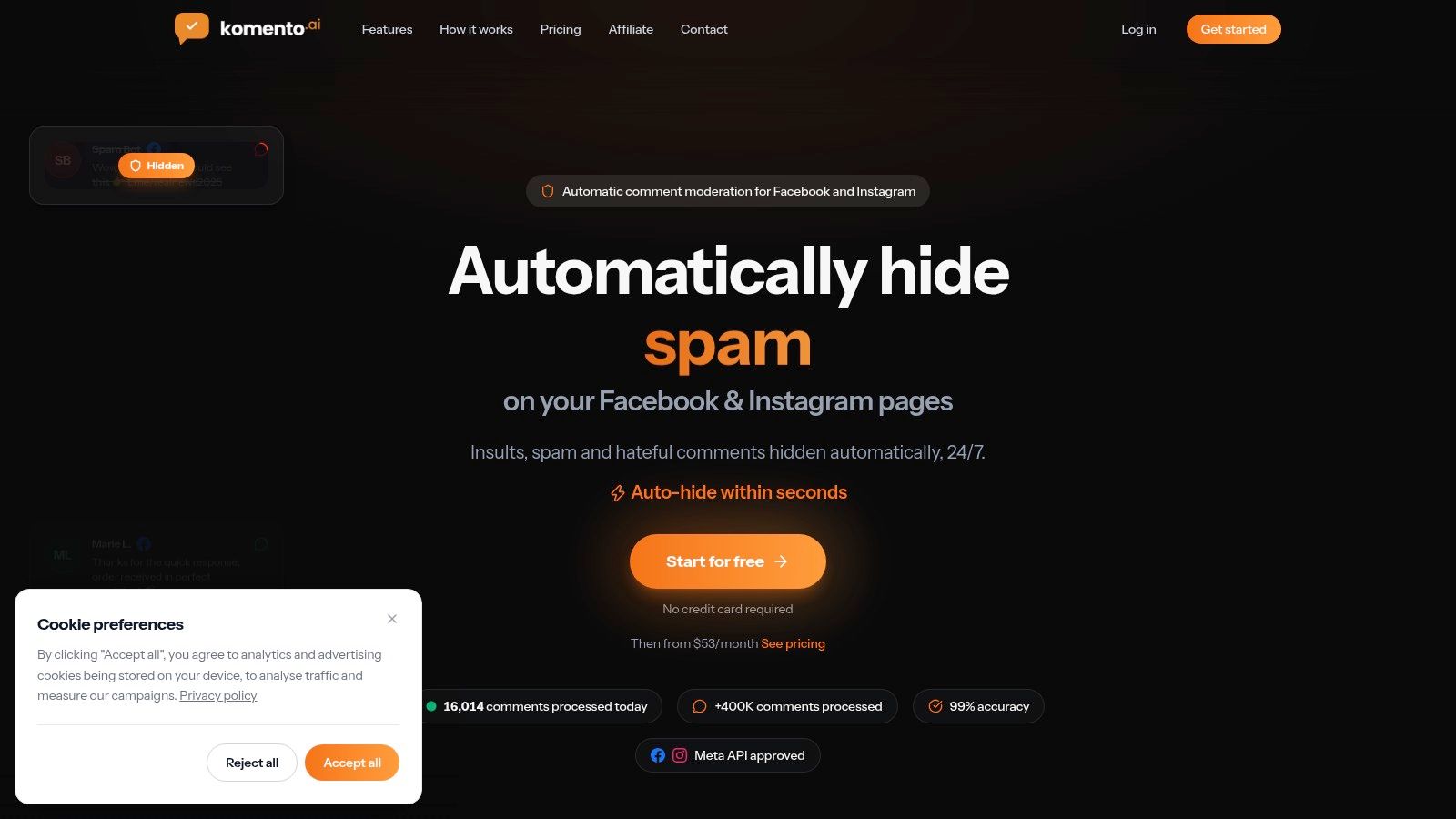
Best fit: Meta-only operators who want AI hiding without a $79-per-seat management suite. Limit: Facebook and Instagram only. No delete action. A 100-comment trial will not represent a viral post.
9. Instagram Hidden Words
Hidden Words is Instagram's own filter, and it costs nothing. It can hide comments and message requests that match Instagram's filters or a list you write: words, phrases, and emojis. For a creator who lives on one profile, it's the correct first switch, not a consolation prize. The settings are documented in the Instagram Help Center.
Native filters exist because nobody can read the flood by hand. A Congressional Research Service review reported estimates that spam was about 50% of all email in early 2003, about 75% by the end of 2003, and roughly 75 to 80% by the end of 2004, which is why providers filtered before the inbox, not after a human glance. The same logic applies to comments. The catch is scope. Hidden Words never sees Facebook, TikTok, or YouTube, and it won't give a team a review log.
Custom terms still hide legitimate comments. A bakery that blocks "free" will hide customers asking about free samples. Review the hidden folder on a schedule, and treat message-request spam as its own stream, using a guide to message requests on Instagram if requests are where the junk lands.
Best fit: Instagram-only accounts that need a free baseline today. Limit: One network, weak team reporting, and both missed disguises and buried real comments.
10. YouTube Studio comment moderation
YouTube Studio holds potentially spammy comments for review, blocks words you choose, and can restrict comments that contain links. It's included with the channel. Creators who take most of their spam on videos or Shorts should turn the hold queue on before they buy anything. Google documents the controls in YouTube's comment moderation help.
The hold queue is the honest design. Spam stays off the public thread until you approve it. The cost is that the queue is still your job. A link-block stops the obvious crypto reply and misses the same pitch written with spaces in the URL. Blocked words have the same disguise problem as Instagram's list.
If YouTube is one tab among many, don't stop at Studio. A cross-network comment moderation workflow keeps held, hidden, and approved comments in one place so Shorts spam doesn't train you to ignore every other network.
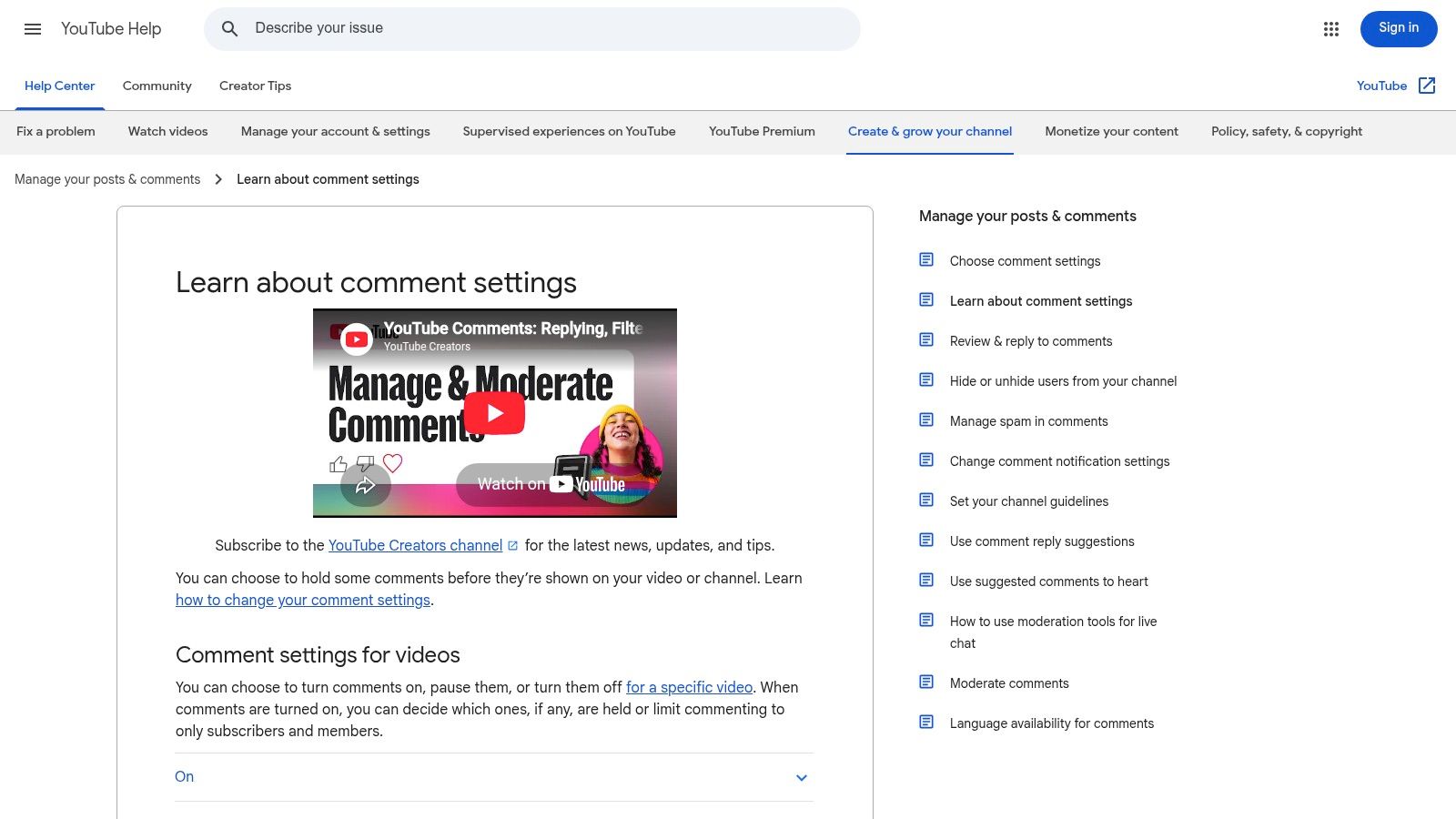
Best fit: Channels whose spam problem is YouTube comments, not a multi-network community. Limit: YouTube only, manual review of held comments, and plenty of reworded spam still gets through.
How the 10 spam filtering tools compare on price, trials, coverage, and fit
| Item | Starting price | Trial or free option | Platform coverage | Best for |
|---|---|---|---|---|
| NapoleonCat | $79/month | 14-day free trial | Several major social networks | Teams combining moderation with social inbox and management |
| CommentGuard | $29/month | 7-day trial; up to 1,000 comments | Facebook and Instagram | Brands and agencies moderating Meta comments |
| Statusbrew | $69/month, billed annually | Ask the vendor for a demo or trial | Multiple social networks | Teams needing moderation and content management in one workspace |
| Agorapulse | $79/user/month, billed annually | 30-day free trial | A range of social channels | Teams seeking broad social management with automated moderation |
| Sprout Social | $79/seat/month, billed annually | 30-day trial | Multiple social networks | Teams needing structured inbox triage and collaboration |
| BrandBastion | From $499/month (TikTok listing); confirm current pricing with the vendor | Demo-led; ask the vendor | Multiple social networks | High-volume brands needing AI moderation or managed engagement |
| Respondology | $999/month, billed annually | Ask the vendor for a demo or trial | Multiple major social networks | Businesses managing substantial comment volumes |
| Komento | $53/month | 7-day trial; covers 100 comments | Facebook and Instagram | Users seeking focused AI comment moderation |
| Instagram Hidden Words | Free | Included with Instagram | Instagram users seeking built-in filtering | |
| YouTube Studio comment moderation | Free | Included with a YouTube channel | YouTube | Creators moderating comments on videos and Shorts |
The table splits into four roles. The free row at the bottom, Hidden Words and YouTube Studio, covers one platform each and costs nothing. The Meta specialists, CommentGuard and Komento, sit at $29 and $53 per month with short trials capped by comment volume: 1,000 comments on CommentGuard's 7-day trial, 100 on Komento's. Komento's cap is tight, so judge it on spam quality, not raw volume.
The all-in-one suites cluster near $79 per month. The trap is how that number scales. Agorapulse charges per user and Sprout Social per seat, so a four-person team pays several times the listed price. Statusbrew, Agorapulse, and Sprout all bill annually, which means the monthly figure commits you for a year. NapoleonCat's $79 is flatter and pairs moderation with a social inbox, and its 14-day trial gives you roughly two posting cycles to test filters against real spam.
The top of the table is a different purchase entirely. Respondology starts at $999 per month billed annually, and BrandBastion lists from $499 per month, with both run through demos rather than self-serve trials. At those prices the question is staffing: whether hours spent clearing spam threads exceed the subscription. Below that threshold, a $29 to $79 tool plus the free native filters does the same job for most pages.
Matching a Spam Filter to Your Inbox Stack
Count one normal week before you pick a plan. Split comments into spam, genuine questions, and threads that need a human. That split tells you which errors you can afford.
One or two Meta pages with repetitive link spam point to a specialist. CommentGuard if you want keyword and volume pricing you can read. Komento if you'd rather hide by context than maintain a blocklist. Several networks plus a team point to an all-in-one inbox: NapoleonCat, Statusbrew, Agorapulse, or Sprout Social, matched to whether you need rules, per-user seats, or a heavier ops stack. BrandBastion and Respondology pay off when comment volume is already a staffing problem. Hidden Words and YouTube Studio stay in the stack either way. They're free and they catch the obvious layer.
Similar accuracy scores can still wreck a community in opposite directions. One moderation model can hide benign comments while another misses harmful ones. Research summarized by Harvard Business School's AI Institute found moderation improved outcomes when people experienced a cleaner comment environment, but the effect reversed when users were explicitly shown that a brand had hidden hostile comments directed at itself, as covered by Online Moderation's accuracy analysis. Maximize removal and you can hide a refund complaint or a safety question. Prefer quarantine, exceptions for criticism, and a human on anything about money, harm, or reputation.
If you already use PostSyncer's unified comments inbox, with spam filtering and AI auto-replies, test that filter against the week's sample first. Add a dedicated tool only for a gap you measured, such as Meta-only image spam or a YouTube hold queue you still want inside Studio. Run every trial on your own comment history. A demo thread full of "buy crypto" will not show how the filter treats your real buyers, regulars, and angry customers.
Comment filters leave outbound email untouched. If newsletters are landing in spam, that is a sender and content problem, and an email spam checker belongs in that workflow.
PostSyncer puts scheduling, a unified comments inbox, AI auto-replies, and spam filtering in one workspace, so obvious junk can come off the thread while real questions stay available for a reply. If you're comparing spam filtering tools because your comments are split across networks, start with that inbox and add a specialist only where the built-in rules fall short. Visit PostSyncer to see how the inbox and filters fit the pages you already run.