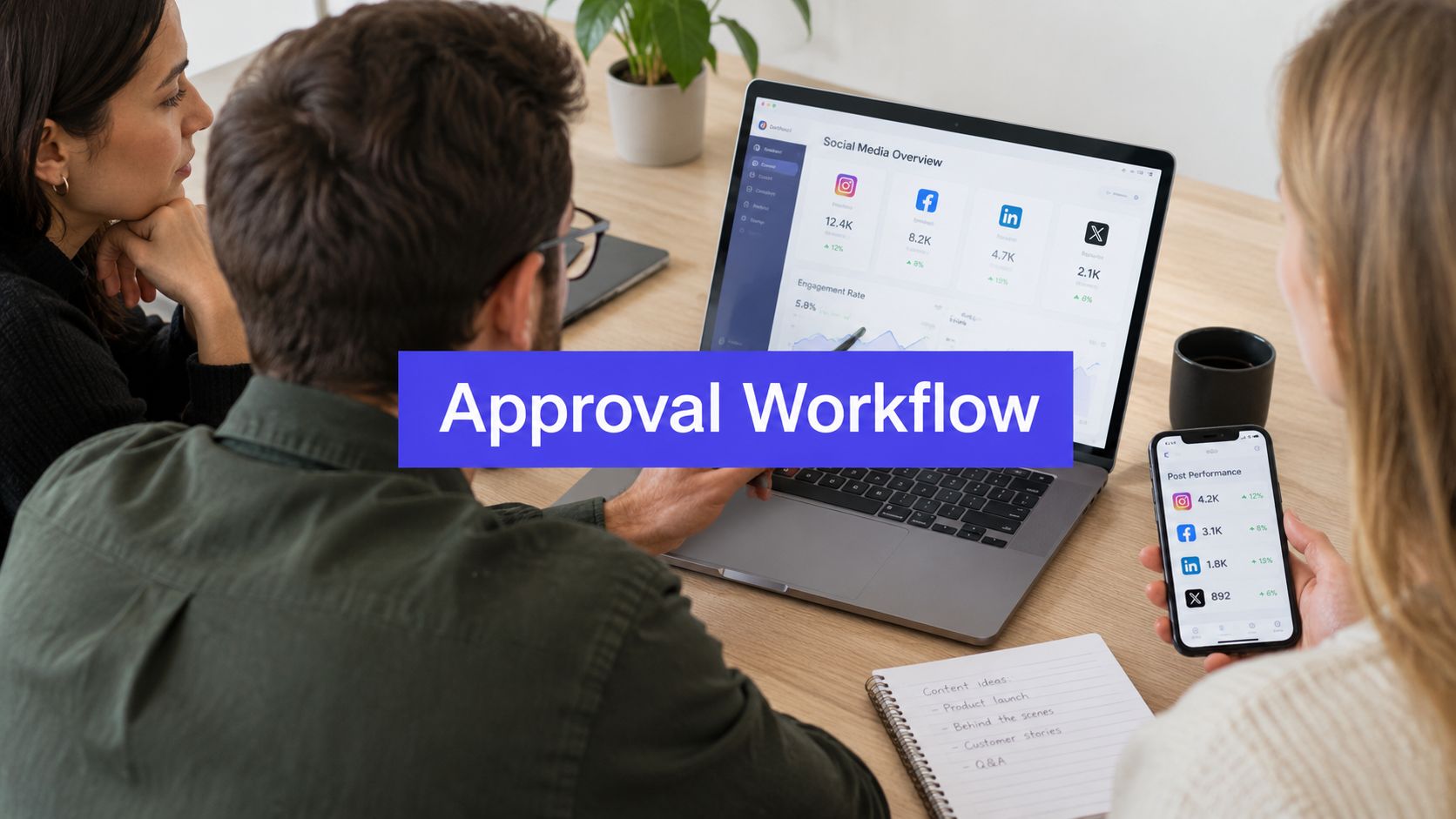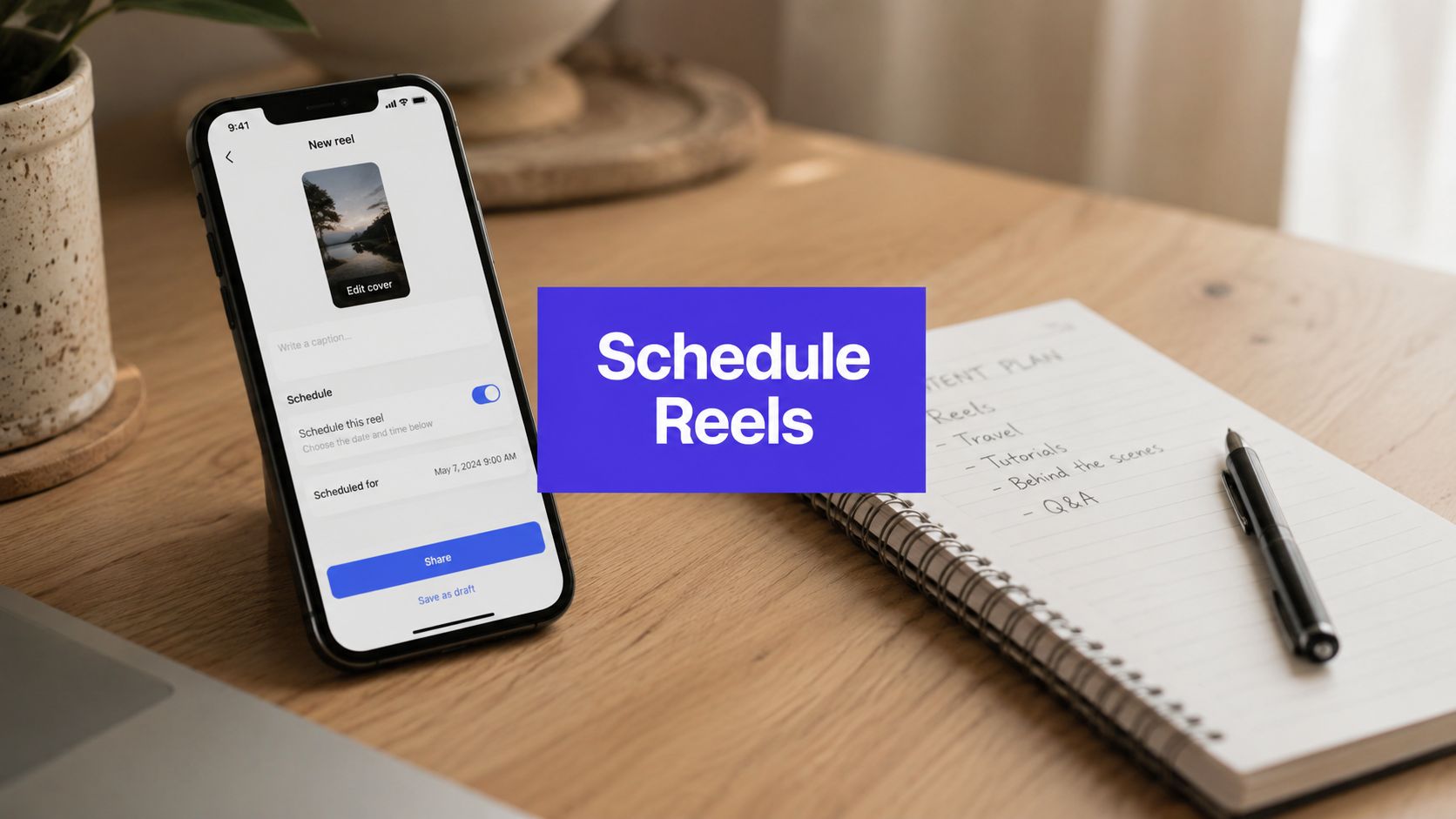












You've finished a batch of Reels, written the captions, approved the covers, and added everything to the calendar. Then a launch-day meeting runs late, the person responsible for publishing is in another time zone, and one brand's Reel goes live hours after its intended window. That's the operational problem scheduling solves. The hard part isn't finding the schedule button. It's choosing the right workflow, protecting approval quality, checking time zones, and learning whether scheduled publishing performs as well as posting manually.
Why Scheduling Instagram Reels Matters for Consistent Growth
A solo creator can often publish manually for a while. A social media manager handling several brands can't reliably depend on memory, availability, or a perfectly timed notification. Manual publishing forces creative work and logistics into the same moment, so a delayed edit, an unexpected meeting, or a forgotten device can disrupt the entire calendar.
Reels deserve that operational attention because the format has reached enormous scale. A 2026 industry summary of Instagram Reels statistics reports more than 2 billion monthly active Reels users, while also citing more than 200 billion daily plays across Instagram and Facebook combined and approximately 17.6 million hours of Reels watched per day. A separate 2026 benchmark analysis says Reels represent about 50% of all time spent on Instagram. The practical conclusion is simple: Reels are no longer a side format you publish when you have spare footage.

Scheduling turns content into a system
A workable schedule separates production, review, and distribution. The creator can batch filming and editing. A client or brand lead can review the final assets. The publisher can queue approved Reels without waiting for the original creator to be online.
That separation creates room for a healthier content mix:
- Planned evergreen Reels: Educational clips, product demonstrations, FAQs, and recurring series can be prepared in advance.
- Launch-focused Reels: Product releases, campaigns, and event content can be aligned with a coordinated publishing window.
- Responsive Reels: Trends, news, and community reactions can remain unscheduled until the team knows the creative is ready.
- Testing Reels: Similar ideas can be assigned different time windows so the team can compare performance instead of trusting a generic chart.
Scheduling also protects consistency during busy periods. It doesn't make a weak Reel compelling, and it doesn't guarantee stronger reach. It gives good content a better chance of being published as intended, with the caption, cover, tags, and destination checked before the account owner has to move on to the next task.
Operational rule: Schedule the baseline content, but keep open space for timely posts and creative changes.
Reels also have a concentrated early performance window. One 2026 Reels analysis reported that about 65% of views and 61% of interactions occur within the first three days, with roughly 30% of lifetime views arriving on day one. That's why timing deserves testing. A scheduled Reel can reach the intended audience window without requiring a team member to interrupt another job at the exact publishing moment.
How to Schedule Reels Using Native Instagram and Meta Business Suite
Native scheduling works well for individual creators and small teams. Instagram is usually faster on mobile, while Meta Business Suite gives desktop teams one planning workspace for connected Instagram and Facebook accounts. At scale, the tool matters less than the checks around it. A Reel scheduled in the wrong timezone or before approval can create more work than manual publishing.
Scheduling inside the Instagram app
Instagram's mobile workflow is short:
- Open Instagram, tap Create, and choose Reel.
- Upload or record the video. Add the caption, cover, tags, and other publishing details.
- Continue to the final sharing screen and open More options or Advanced settings, depending on the app version.
- Turn on Schedule this Reel.
- Select the publication date and time, tap Done, return to the sharing screen, and confirm Schedule.
The app can schedule approximately 75 days ahead, according to a detailed step-by-step guide to scheduling Instagram Reels on mobile and desktop. Instagram uses the device's timezone, so a phone set to one region can schedule content at the wrong local hour for another market. Teams working across regions should record the target market's timezone in the content brief and verify it before approval.
After scheduling, open the profile menu and find Scheduled content in the professional tools area. Treat the confirmation screen as a submission notice, not a final quality check. Reopen the queued Reel and verify the date, time, caption, cover, account, collaborator settings, and tags.

Scheduling with Meta Business Suite
Meta Business Suite suits desktop workflows and teams publishing to Instagram and Facebook. Open Planner, choose the date, and select the option to create a Reel. You can also enter the Reel creation flow, choose the connected account, upload the video, add the caption and cover, then select Schedule rather than publishing immediately.
Business Suite is Meta's current planning workspace. Older tutorials may mention Creator Studio, but interface labels and available options change. Follow the labels shown in the account you are using, and confirm the Instagram profile before uploading. If a client or another team member must approve the post, complete that review before scheduling. Native tools do not replace an approval record, so teams should keep the approved caption and final asset together.
Use this verification routine before leaving the dashboard:
- Account check: Confirm the Instagram profile and any Facebook cross-posting destination.
- Asset check: Watch the uploaded video and inspect the cover at small size.
- Copy check: Review spelling, mentions, caption links, and disclosure language.
- Timing check: Compare the displayed time with the target market's local time.
- Queue check: Reopen Planner or the scheduled-content view and confirm that the Reel appears.
For a visual walkthrough, this video compares the app and Business Suite workflows:
Native scheduling saves the team from publishing at a fixed minute, but it does not guarantee greater reach than manual posting. It supports consistent timing and gives reviewers time to check the post. Keep time-sensitive Reels flexible when a trend, approval change, or timezone issue makes the scheduled version outdated.
When to Use Third-Party Schedulers Like PostSyncer
A single brand with one reviewer can usually stay with Meta Business Suite. The setup is close to Instagram and Facebook, adds no separate subscription, and works when the same person creates, checks, and schedules each Reel. Problems appear when publishing is only one part of the job.
A third-party scheduler earns its place when the workflow covers multiple brands, several reviewers, different social networks, or a shared content library. The practical question is whether the team can manage approvals, revisions, timezones, and account access without spreadsheets, direct-message threads, and repeated switching between profiles. Scheduling may improve consistency, but it does not automatically improve reach. It helps when it gives the team a reliable publishing process, and it hurts when a queued Reel becomes outdated before it goes live.

Native tools versus a shared workspace
| Need | Native Instagram or Meta tools | Third-party scheduler |
|---|---|---|
| One Instagram account | Usually sufficient | May add unnecessary complexity |
| Several brands | Requires switching between assets and views | Multi-workspace organization can reduce friction |
| Client approvals | Often handled outside the publishing flow | Review and approval features can keep feedback attached to the post |
| Cross-platform launches | Best suited to Meta destinations | Useful for coordinating Instagram with other networks |
| Reporting | Platform-specific views | Unified reporting can simplify comparisons |
| Content reuse | Manual repetition is common | Libraries and queues can make repurposing easier |
Consider an agency preparing one Reel for several regions. A client may approve the edit, a creative lead may check the cover, and a regional manager may verify the local posting time. Meta Business Suite can publish the final asset, while the approval trail remains in email or chat. That split makes version control harder, especially when the latest requested change is not reflected in the scheduled post.
Choose a third-party tool based on the work it removes:
- Workspace separation: Keep each brand's assets, calendars, and permissions distinct.
- Approval visibility: Show who approved the exact version in the queue.
- Cross-platform adaptation: Adjust captions and formatting for each network instead of duplicating them.
- Analytics by context: Compare timing, format, account, and campaign without relying on one blended number.
- Reliable account connections: Maintain a process for expired permissions and failed publishing attempts.
A team managing LinkedIn alongside Instagram may also need a dedicated linkedin post scheduler, since approval and publishing requirements differ by network. For Instagram-focused planning, review the PostSyncer Instagram scheduler to assess whether a shared workspace fits the team's process.
External scheduling still requires a final Instagram check. Music availability, collaborator permissions, account connections, and native editing options can affect whether a Reel publishes as intended. Use the scheduler for coordination, then keep time for platform-specific review before the post enters the queue.
Finding the Best Time to Schedule Your Reels
A global team can schedule the same Reel for a time that reaches one market during breakfast and another after midnight. Timing charts help form a starting hypothesis, but they cannot replace account-level testing. The available benchmarks also point to different windows. One 2026 timing study covering 7 million posts found that Reels performed best from 8 a.m. to 12 p.m. Monday through Thursday. A separate social media engagement data report showing hourly rates, best times to post, and weekday versus weekend performance. identified stronger evening activity from 6 p.m. to 11 p.m., particularly on Wednesday and Thursday.
That disagreement tells you that audience location, follower habits, content type, and account history matter more than a universal schedule. Scheduling can support reach by putting a Reel in front of the right audience at a deliberate time, but it does not compensate for weak creative or an incorrect time zone.

Build a timing test
Use Instagram's audience activity data as the primary reference, then change one timing variable at a time. A practical framework is to test four posting windows over four weeks, following the benchmark guidance above.
Assign each window a clear purpose:
- Morning window: Test the early-day activity suggested by the first benchmark.
- Midday window: Reach followers who browse during a work or study break.
- Evening window: Test the later activity identified in the second benchmark.
- Account-specific window: Use the strongest activity period shown in your own insights.
Keep the creative mix reasonably comparable. A product launch and a casual behind-the-scenes clip can attract different audiences, making the timing result difficult to interpret. Record the Reel topic, hook style, format, audience region, scheduled time, reach, plays, interactions, saves, shares, and profile actions in one worksheet.
Test whether publishing before a peak performs differently from publishing at the peak. Schedule similar Reels 30 to 60 minutes before an audience activity peak in one group, then compare them with Reels scheduled at the apparent peak. Treat this as an experiment rather than an established rule.
Practical test design: Change the publishing window first. Keep the creative variables as stable as possible, or the timing conclusion will be difficult to trust.
Let follower behavior override broad averages
Global brands should split reporting by region. One calendar time may be morning for one market and late evening for another, so set the priority before scheduling: one global launch, regional relevance, or a sequence of local releases. Confirm that the scheduler interprets the account's time zone correctly, especially when teammates work from different locations.
For more context on building a data-led schedule, consult this guide to the best time to post on social media. The useful output is a short list of windows that the team keeps testing as audience behavior and content mix change.
Scheduling is a control system, not a reach hack. It reduces missed publishing opportunities, while reach compared with manual posting depends on execution, audience alignment, creative quality, and whether the Reel goes live correctly.
Building a Scalable Reels Scheduling Workflow for Teams
A team managing several brands can lose more time correcting a scheduled Reel than creating it. Build the workflow around one shared record for each asset, including the video, caption, cover, owner, approval state, target market, local publishing time, and reference time zone. A tidy calendar is not enough if the final file is buried in folders or chat threads.
Assign ownership at every production stage
Batch work by task rather than taking each Reel from idea to publication alone. A practical pipeline includes:
- Ideas: Save hooks, references, audience questions, and campaign connections.
- Production: Record or collect footage, then create the first edit.
- Review: Add the draft caption, cover, music choice, and compliance notes.
- Approval: Name the reviewer and record the final decision.
- Scheduling: Queue only approved assets with the correct market and time zone.
- Monitoring: Confirm publication and review early performance.
Use labels that teammates can understand without opening the video. Include the brand, campaign, content type, target region, approval status, and intended date. “Product launch, approved, North America, evening test” gives the scheduler useful context. “Final Reel new” does not.
Teams producing original audio or looking for short-form music resources can review using Vocuno for Reels music. Check Instagram's publishing and rights requirements before adding the track to a scheduled asset.
Make approvals and handoffs visible
The scheduler should never have to guess which file is final. Attach the approved caption and cover to the reviewed asset, and request approval again when either changes materially. Archive rejected versions instead of deleting them. That record makes replacements easier to audit when a launch date changes or a reviewer asks what happened to an earlier cut.
A shared editing process also reduces version confusion when several people work on one Reel. Teams can use collaborative editing practices to keep comments, revisions, and ownership visible before the asset reaches the calendar.
Timezone errors are easy to miss. Store both the local publishing time and the reference time zone, then filter the calendar by brand and market before confirming the queue. A launch may require one coordinated release, while an educational series may need each region to publish during its own active period. Check the scheduler's displayed time against the target market whenever teammates work from different locations.
Test scheduling against manual publishing
Scheduling saves time, but it does not prove that reach will match manual posting. Compare similar content types with comparable audiences and documented publishing windows. Mark whether each Reel was scheduled or published manually, then review reach and interactions without changing the creative approach halfway through.
Keep the timing test separate from the creative test. If scheduled Reels perform similarly, reliability and saved work may justify making scheduling the default. If manual posts perform differently, inspect the timing, last-minute edits, real-time engagement, and any publishing failure before blaming the scheduling method.
A scheduler is an operating control, not a reach shortcut. It reduces missed publishing opportunities, while performance depends on execution, audience timing, creative quality, and whether the Reel goes live correctly.
Choosing the Right Scheduling Approach for Your Needs
The right setup depends on how often you publish, how many people approve content, and how much coordination your accounts require.
- Solo creator: Use Instagram's native scheduler for a manageable Reels queue without formal approvals.
- Small brand team: Use Meta Business Suite when Instagram and Facebook are the main destinations and one shared calendar is sufficient.
- Agency or multi-brand team: Consider a third-party workspace when account switching, permissions, approvals, reusable assets, reporting, and cross-platform publishing create daily friction.
- Trend-led account: Keep a manual or reminder-based lane for fast-moving content, while scheduling evergreen Reels in advance.
- Global brand: Label each market clearly and verify the workspace or device time zone before confirming the queue.
Scheduling does not automatically improve reach over manual publishing. Use it when consistent execution and saved production time matter, then compare similar Reels published through each method. Record the publishing method and target market, and review reach and interactions without changing the creative approach at the same time. If results differ, check timing, last-minute edits, real-time engagement, and publishing failures before blaming the scheduler.
Troubleshooting starts with the account connection, publishing permissions, scheduled status, and platform-specific features. For an incorrect time, compare the scheduler display with the target market and device settings. For music issues, confirm the audio is available and permitted for the account and region.
Visual product references can support creative review before publishing. WearView may suit brands that need a clearer way to present wearable products within their visual workflow.
A hybrid setup often works best: native tools for straightforward posts, a shared scheduler for approved multi-brand campaigns, and manual publishing for urgent or trend-sensitive content.
PostSyncer combines Reels scheduling with planning, approvals, cross-platform publishing, content organization, and analytics. Visit PostSyncer to assess whether its workflow fits your team.