

Your week is queued. Six posts are loaded into the calendar, the captions are written, the carousel is uploaded, and nothing needs your attention until Thursday. Then you open the app at 9:40 on a Tuesday and find eleven replies, two quote posts and a customer who has now asked the same question twice.
That gap is what this guide is about. Scheduling Threads posts is a mechanical problem you can solve in an afternoon: pick a route, write the post, set a time, confirm it's in the queue. What stays unsolved is what happens after the timer fires. Threads grew fast enough that the audience arrived before the tooling did, passing 100 million sign-ups in fewer than five days after launch, which BBC News reported as faster than ChatGPT's rise. That figure counted sign-ups, not monthly actives, so read it as a measure of reach rather than of daily conversation.
The working model is a queue that stays interruptible. Everything below assumes you'll publish on a schedule and still spend part of every day in the replies.
Pick the Right Way to Schedule Threads Posts
You need one of three routes: the scheduler built into Threads, a third-party tool, or the Threads API if you're building the queue yourself. Which one fits depends on posting frequency, how many networks you publish to, and whether anyone reviews drafts before they go live.
The built-in route. Open the composer, write the post, then look for a schedule option inside the composer menu or beside the Post button. Availability shifts with app version and region, so check your own account before you plan around it. Native scheduling handles multiple posts per day and lets you set slots several days ahead, which covers a solo creator publishing a few times a week. What it can't do is put the same idea on Instagram and LinkedIn, show a combined calendar, or route a draft through approval. You edit or delete queued posts one at a time.
Third-party tools. These earn their place when Threads is one of four networks you publish to. One calendar, recurring slots, bulk upload and approval steps are worth paying for the moment you're copying the same post into three apps. Check two things before you commit: that Threads is a supported channel at all (it's often added after Instagram), and that scheduled Threads posts appear in the calendar view rather than in a separate list you have to remember to open.
The API route. Building your own queue means an approved app, user access tokens and retry logic you own. This is a developer route, not a marketing team route.
| Option | Scheduling range | Formats supported | Best for |
|---|---|---|---|
| Built-in Threads or Meta scheduling | Multiple posts per day, several days ahead | Text, images, video, carousels | Solo creators posting a few times a week |
| Third-party scheduling tools | Tool-dependent, from a week to a month of queued slots | Check that Threads is supported, including carousels | Teams and agencies posting to several networks |
| Threads API for developers | Set by your own queue logic | Text, image, video, carousel, quote, repost | Developers building custom publishing workflows |
| Manual posting with a reminder | None, posts go live when you publish | Any format | Occasional posters who post a few times a month |
Three questions settle the choice faster than any feature comparison. How many posts a week, how many networks, and does a second person need to see the draft before it publishes? A yes on that last one rules out the built-in scheduler.
Rule of thumb: if a post needs approval, the native scheduler will fail you before the third week, no matter how good the app feels today.
How to Schedule a Threads Post Step by Step
The sequence barely changes between apps. Only the labels move.
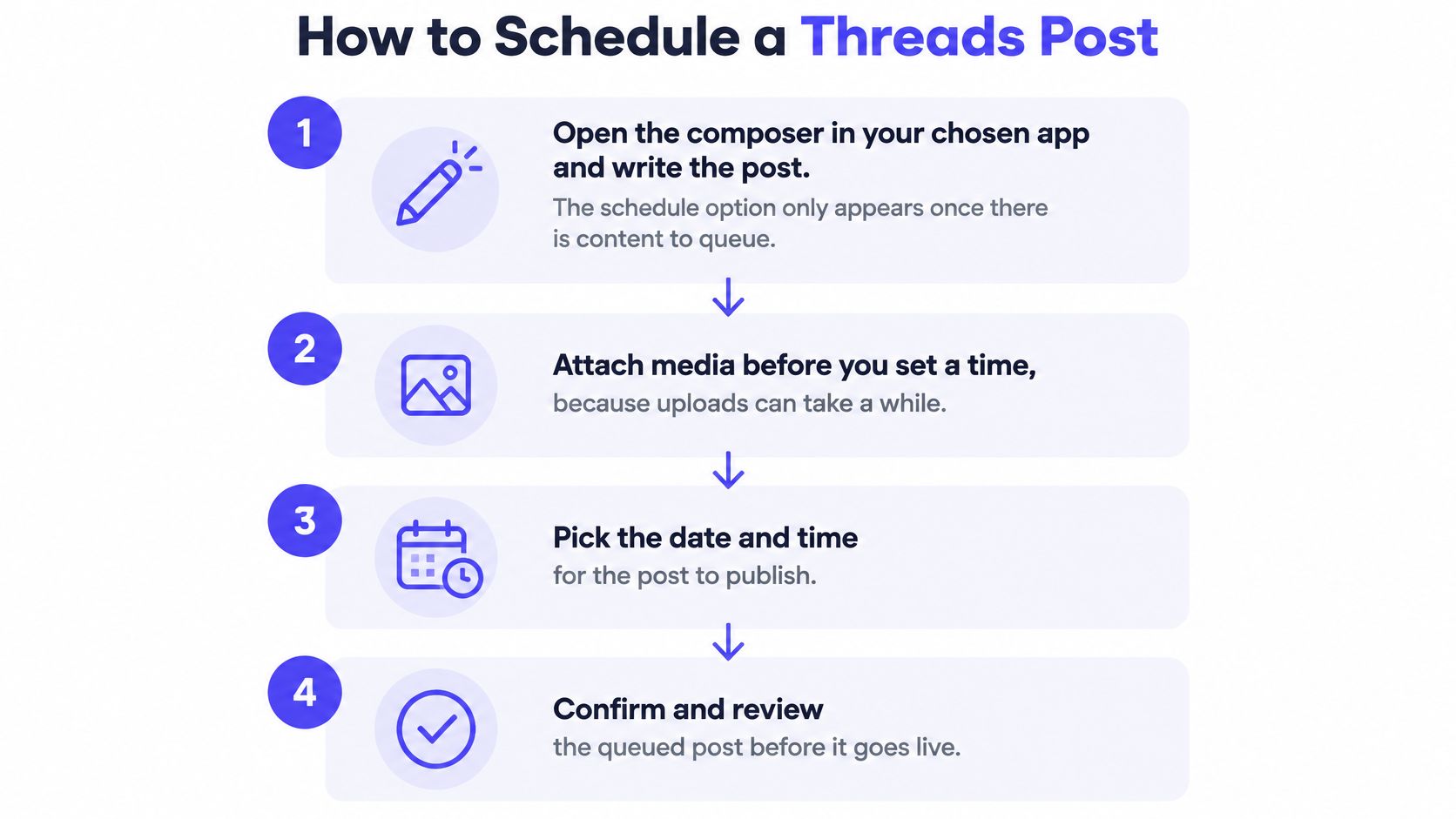
- Write the post before you look for the schedule button. The option appears only once there's content to queue. Opening the calendar first sends you hunting for a control that isn't rendered yet.
- Attach media before you touch the time. Uploads are the slowest part of publishing, and a video that's still processing when the slot arrives can publish without it. Upload the heavy assets the day before, not ten minutes before.
- Find the clock. It's a small calendar icon next to Post in some apps and a Schedule entry in the three-dot menu in others. If neither exists, update the app or check whether the feature has reached your region.
- Pick the date and time, then read the time zone shown. Most wrong-hour posts are wrong-zone posts. If the tool defaults to your device zone and your audience sits somewhere else, convert deliberately and write the zone into the post note.
- Confirm the post is in the scheduled list, not the drafts list. A draft never publishes. Look for a queue entry with the correct timestamp, and check it again if you edited anything after saving.
- Edit from the queue, never by creating a second post. Rebuilding the post "cleanly" is how duplicates happen. Open the queued item, change it in place, and re-confirm the time.
- Check the queue once a day for the first week. A broken account connection is silent until the slot passes. Seven days of daily glances catches a reconnect while there's still time to reschedule.
If the posts you're queuing belong to a campaign rather than a standing feed, a written plan keeps the slots honest. The Gym Membership Tips social plan template gives you a structure for mapping themes to weeks before anything reaches a scheduler, which is where most over-posting starts.
Scheduling Threads Chains, Images and Video
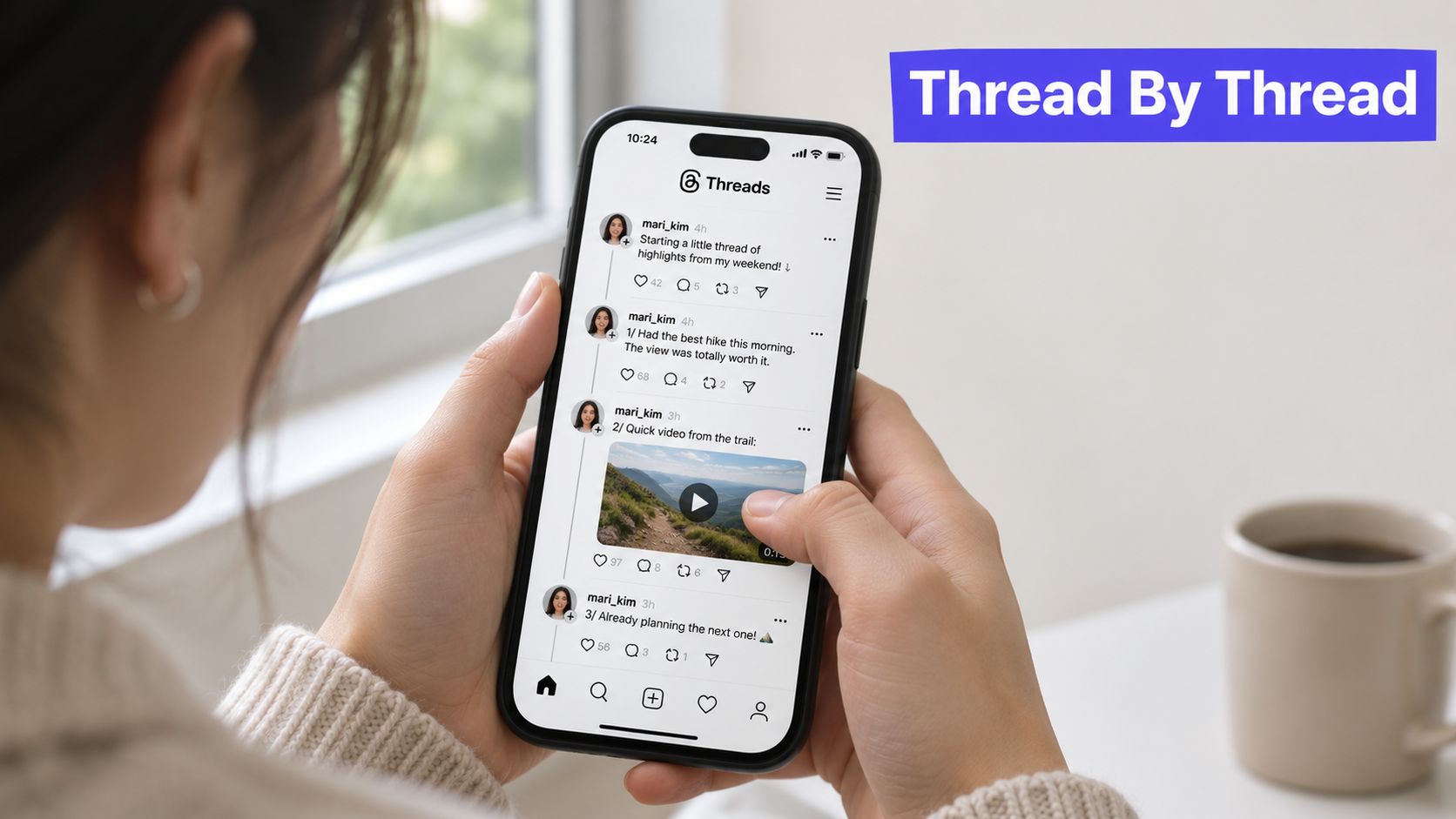
A nine-part hiking-gear thread with a 40-second clip in part three, set for 7 a.m. Saturday, still fails if that clip is processing when the slot hits. Processing is the slowest step, and no scheduler can hurry it. Leave a gap after the chain so replies to part one are not competing with eight more posts.
The preflight that catches most failures
I close the calendar until the chain survives a phone-sized read. Each part has to stand alone. If part six needs a second tap to finish a sentence, rewrite it. A Threads post formatter shows the length of every part before anything is queued.
Match file type and dimensions to what Threads accepts. A rejected asset fails at publish time with little warning. Media behind a private link or a login screen cannot be fetched, so the URL has to open for anyone. Write alt text while you build the post, and recheck campaign links the morning of launch.
Meta's documentation on Threads posts and publishing states that a carousel accepts a maximum of 20 media items, and that the 30-second wait after creating an image or video container is a processing guideline, not a guarantee. Poll status instead of trusting a fixed delay. Mark each item created, processing, published, failed, or needs_reauthorization, and do not retry a successful submission as a new post. Validate it as Threads content rather than a copied Instagram or X post.
A save confirmation tells you the post is queued. It says nothing about whether the video finished processing.
Choosing Posting Times Without a Universal Rule
A brand whose followers sit in Manila, Berlin and Chicago has no shared morning. Advice that says to post a few times a day assumes one time zone and an audience waiting in it. Copy a US-centric frequency benchmark and you mostly publish into hours when nobody is awake to answer.
Threads ranks with personalized signals that favor accounts people already follow and conversations that are current, and Meta hasn't published the weights that combine them. No outside benchmark can tell you what your audience will see. Treat the directional claims in circulation as hypotheses. One large timing analysis summarized in Hootsuite's guide to how often to post on social media identified weekday mornings as stronger. Those findings move with audience geography, industry, follower mix and whether replies are counted, so a borrowed format ranking is not a plan for this account.
Trade the usual question for a sharper one: which time-and-format combinations start qualified conversations here? A queue that fills every open hour leaves no one free to answer. A post that goes out while the replies sit empty looks like a conversation that already died.
The fix is a timing test, not a generic schedule. Change one variable, read the replies, then decide whether that slot stays.
Run a four-week test, one variable at a time
Change one thing per cycle, schedule each post in the audience's local time, and measure replies rather than likes. Likes measure reach. Replies measure whether the post said something people wanted to argue with or add to.
| Variable | Compare | Measure | Review after |
|---|---|---|---|
| Posting window | Morning vs evening in audience time zone | Replies per post | 4 weeks |
| Format | Text vs image vs video | Reply rate per post | 4 weeks |
| Topic | Two content themes | Conversations started | 3 weeks |
| Response window | Replies within 30 minutes vs none | Reply count after 24 hours | 2 weeks |
Programmatic queues make the test cheap to run. The Threads API changelog records that Meta documented the Threads API in April 2024, opened it to all developers on June 18, 2024, named scheduled publishing as a use case, and sets a ceiling of 250 API-published posts per profile in a rolling 24-hour period, with carousels counted as one post. A timing test never comes near that ceiling. The constraint on the experiment is reply capacity, not publishing volume.
I would not freeze a window until the reply column is the one that moved. Before you fix any window, the HypedX guide on how to compare YouTube posting schedules applies the same one-variable method to another network, and best time to post on Threads covers the windows most accounts settle into. A slot is a hypothesis about when your people are talking. Test it as one, and leave the half hour after it open for replies.
Set Queue Limits and a Weekly Routine
Monday, 9:10. Four posts are already live, two more are queued before lunch, and the reply seat is empty.
Set the limit by reply capacity
Count the posts one person can review, publish, watch for the first hour, and answer. That count is the cap. A two-person team that gives each post an hour of attention can carry four to six posts a day on a brand account. Forty posts released in one batch creates a spike nobody can answer, and the thread under each post sits there like a billboard.
A scheduler will hold several posts a day and several days out. It will not decide when a queued post should yield to a reply you still owe. Accounts that stop replying after they publish tend to lose conversation momentum. Pick the replies back up and the thread starts moving again.
The slot test: name the person who will be in the replies thirty minutes after a post publishes. If there isn't one, move the slot.
Build a 30-minute weekly batch
One sitting, once a week, holds if the list stays short:
- Draft five posts and tag each one evergreen or timely. The tag decides whether it can wait or has to ship on a day someone is watching.
- Schedule the evergreen posts on days when someone can answer, not on days that only look even on the grid.
- Leave one or two slots empty for posts you will write the day a conversation shows up. An empty slot is spare capacity.
- Book the reply window on the same calendar. Twenty minutes after each publish, then a second pass later that day.
A burst in one hour crowds the next day's attention, so spread the queue instead of stacking it. Hold a buffer under your own cap for an urgent post. When a live thread takes off, pause or push back whatever was queued for that hour. The calendar's job is attention, not only timestamps. What a social media calendar is covers how slots, queues, and labels fit together.
In PostSyncer you set a specific time for each platform and turn a slot into a recurring post, so the weekly batch does not have to be rebuilt every Monday.
Review the week on replies and conversations started. Then run the routine once: schedule three posts this week, write down the reply window for each, and count replies after 24 hours.
PostSyncer schedules Threads posts across 11+ networks from one calendar, with recurring time slots, multi-part threads, and a comments inbox so the reply window stays next to the queue. Setup needs no code. You connect the accounts and start posting. PostSyncer is where that queue and the open reply slots sit together.