

Free scheduling tools work, and every one of them takes something back. A short queue, a missing network, a single login, or analytics that disappear after a month is the hidden cost of a social media scheduler free plan in 2026. The audience is not waiting on one app. DataReportal's April 2025 global statshot reported that global social media user identities reached 5.31 billion in April 2025, equal to 64.7% of the world's population. Posting by hand, one network at a time, falls apart once a brand is active on several of those accounts.
I only trust a free tier after four checks:
- Queue behavior: How many posts can wait, and do those slots return after publishing or never reset.
- Real networks: Which accounts connect, not which logos sit on the pricing page.
- People: Whether a second person can log in, approve, or even see the calendar.
- History: How many days of results you keep once a post is live.
This is an audit of ten free options, judged on published plan limits, platform coverage, and whether a normal week of content survives the workflow. A creator posting three times a week needs a different free plan than a team holding several brand calendars. The comparison table after the reviews lines those limits up. The close groups the same tools by the job they do.
1. PostSyncer
A free queue that only stores a handful of posts is the wrong tool once drafting, comments, and reporting have to sit next to publishing. PostSyncer keeps those jobs in one workspace. You can schedule posts, Reels, carousels, and short-form video across 11+ networks: X, Facebook, Instagram, TikTok, YouTube, Pinterest, Threads, Telegram, LinkedIn, Bluesky, and Mastodon.
The calendar is for planning a week of content, not a flat list of posts waiting to go out.
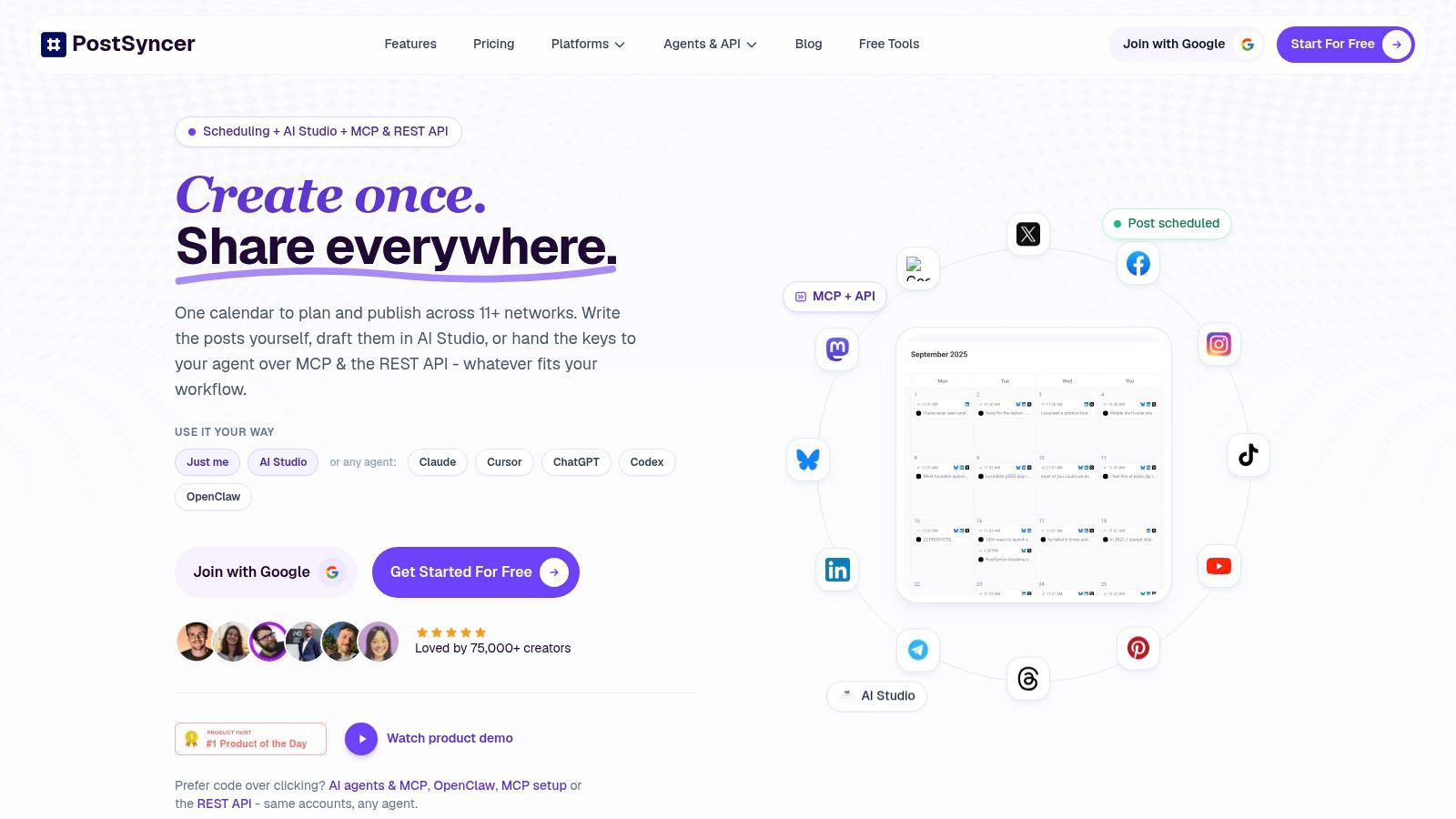
Labels, approval workflows, and separate workspaces keep a startup brand and a client brand out of the same queue. AI tools turn a URL, PDF, image, video, or plain text into captions, hooks, images, and short video. A comments inbox, AI replies, contact records, and spam filtering cover the replies a queue never handles. You work in the browser, with API access on paid plans. Connections use OAuth, and the product describes GDPR compliance.
What the plans still cap
PostSyncer has a free tier for scheduling across platforms, and a free trial so you can connect accounts and use core features before you pay. Team members are unlimited on the paid plans below. Starter covers 10 social accounts, one workspace, unlimited scheduled posts and drafts, basic analytics, a basic unified inbox, 1,000 AI credits a month, and light API access. Pro covers 15 social accounts, two workspaces, unlimited scheduled posts and drafts, advanced analytics, an advanced unified comments inbox, 1,000 AI credits a month, and moderate API access.
Account counts, storage, analytics depth, and API use still follow the plan. One workspace is enough for a single brand. Agencies running several brands will hit that wall on Starter and need the second workspace on Pro. AI spends monthly credits, and publishing is not identical on every network. TikTok's Content Posting API documentation states that unaudited clients are limited to five users posting within a 24-hour window, with those uploads restricted to private viewing. No scheduler can waive that. Confirm the network before you promise a client public TikTok automation.
See the product at PostSyncer.
2. Buffer
Buffer is the cleanest ongoing free queue for a solo operator who posts steadily and does not need a second login. The free plan connects up to three channels and holds 10 scheduled posts per channel. When a post publishes, that slot opens again. You are not burning a lifetime allowance.
The everyday set is enough for one person. You get queue and calendar scheduling, an AI Assistant for drafting and adapting copy, basic analytics, a community inbox, mobile apps, a browser extension, and CSV bulk upload. One user only. Deeper analytics and real team collaboration sit on paid plans.
Three channels is a genuine strategy if those three are the only ones you will touch this quarter. It is a trap if LinkedIn, TikTok, and a second Instagram are already on the brief. Ten posts per channel also means you cannot load a month of content on Monday and walk away. You batch a week or two, then refill.
Practical rule: A refilling queue rewards people who post on a rhythm. It punishes anyone who wants a month of content sitting ready on day one.
If the free cap is fine but you are already pricing the next step, this guide to cheaper social media schedulers is the comparison worth making before you add channels one invoice at a time. Start at Buffer.
3. Metricool
Metricool suits people who want performance data alongside their publishing calendar. Its free plan is ongoing, but the available brands, publishing capacity, analytics history, and network access are limited. Check which accounts and features are included before building a workflow around it.
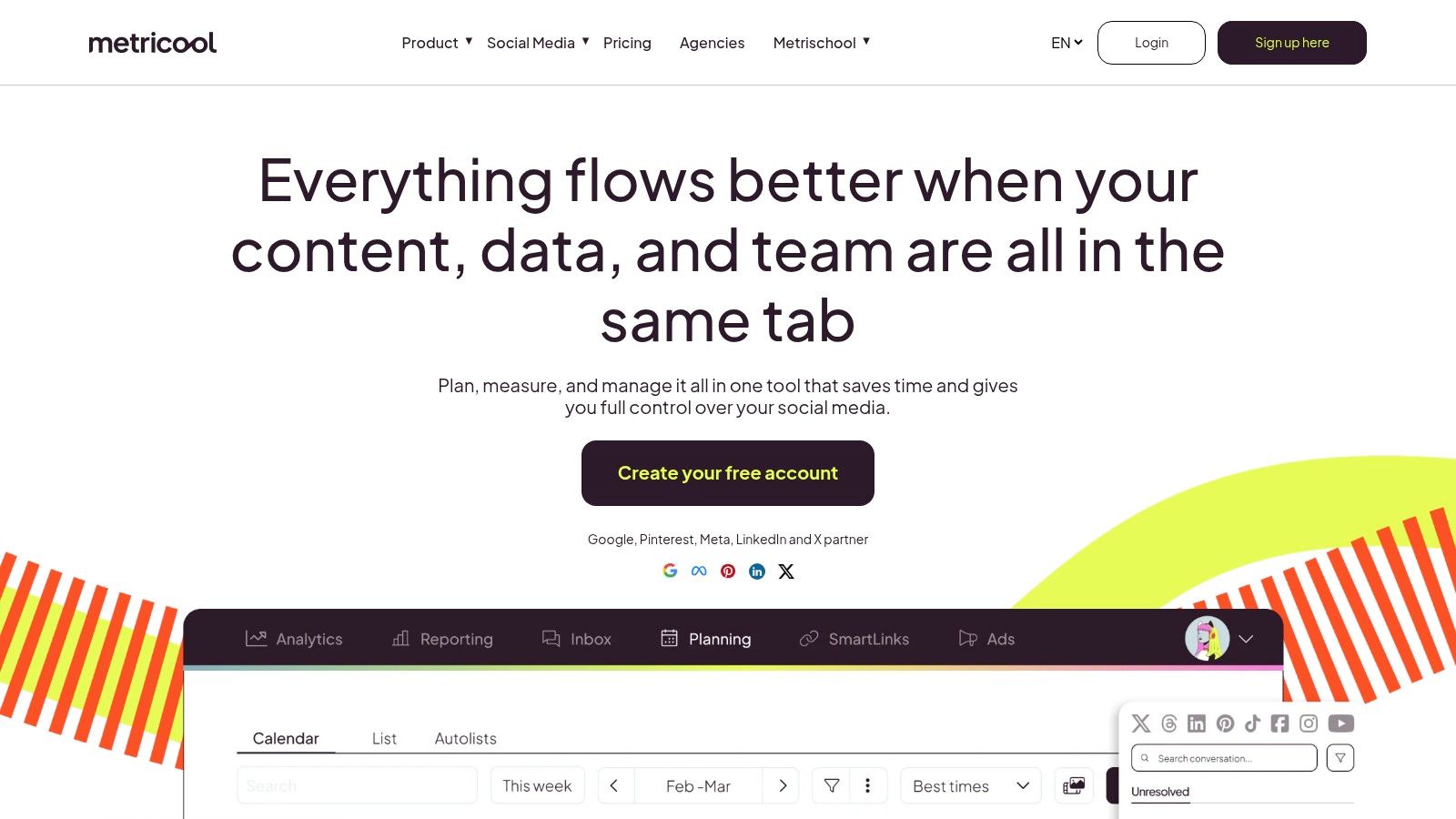
The planner combines visual scheduling with basic social analytics, competitor tracking, and an AI assistant. Paid plans add capacity, a longer analytics history, and integrations.
The trade-off is clear: Metricool's reporting tools may matter more than its free publishing limits if you manage one brand and prioritize measurement over volume. If your workflow depends on networks or account capacity the free tier does not include, compare those constraints before moving your calendar. See the current options at Metricool.
4. Publer
Publer fits one person with a small set of accounts who still wants each network to look like itself. Free includes one user, one workspace, three social accounts, and 10 scheduled posts per account. Slots come back after publication. X is not on the free plan.
Previews are the reason to open it, because you can see the crop and the caption before the post leaves the queue.
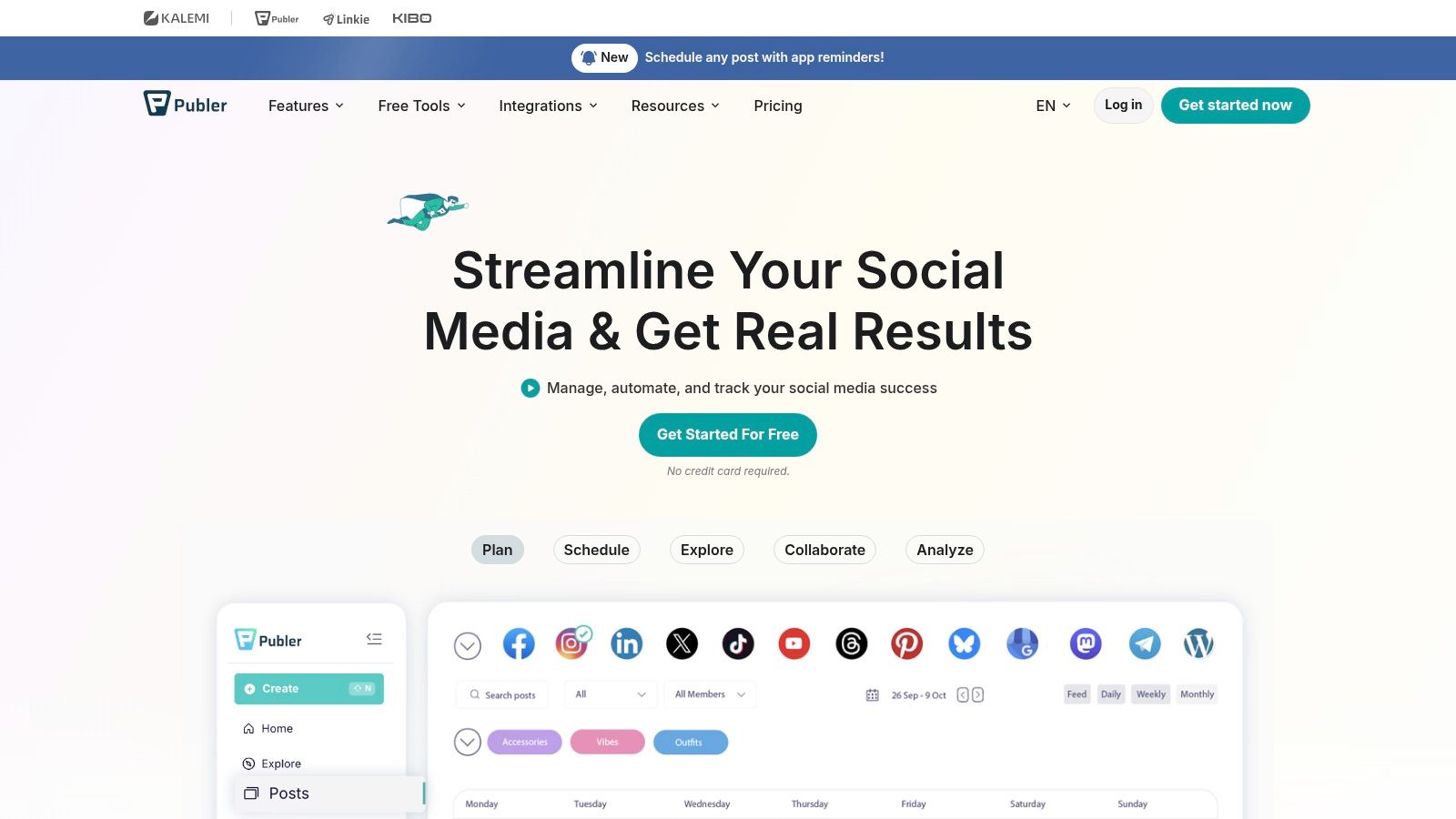
Calendar and list views show a preview for each network. You can auto-schedule from a preset cadence, edit images in the tool, pull designs through Canva, and rewrite the caption per destination.
That last part is what most free queues skip. One shared caption saves a few minutes and usually costs reach, because a LinkedIn opening and an Instagram line are different jobs. Three accounts and ten queued posts still limit how far ahead you can plan, so this is a weekly batching tool, not a quarter-long calendar. If X is required on day one, the free plan is the wrong door. Details are at Publer.
5. Zoho Social
Zoho Social's free edition aims at a single small-business brand, and the paperwork is messier than the feature list. The current free-edition page describes one brand, six social channels, and one user, and it does not state a monthly publishing cap. That reads like the most generous queue here. Zoho's own documentation conflicts on whether scheduling is available in the free edition.
Do not retire another tool because a pricing page looks unlimited. Connect one channel and place a post on a future date inside the product. If that control is missing, the free edition is a publisher with light reporting, not a scheduler.
What you can count on more safely is a central view of connected channels, a content calendar, drafts, recent-post tracking, basic engagement numbers, and a mobile app. Deeper Zoho ecosystem integrations and team workflows are paid. It is a fair test if you already work in Zoho and you only run one brand. It is a poor bet for an agency, and a risky bet if the whole week depends on unattended publishing. Check the live limits at Zoho Social.
6. Social Champ
Social Champ is a light dashboard for a few accounts, and its fine print is split across pages. The help center says free users can schedule 15 posts per social account. X is not supported on the free tier. Account limits are less clearly pinned down in that same help material, so read the pricing page on the day you sign up. That gap is exactly what glossy roundups tend to skip.
The dashboard is simple enough to learn in an afternoon, which is the right test for a free queue.
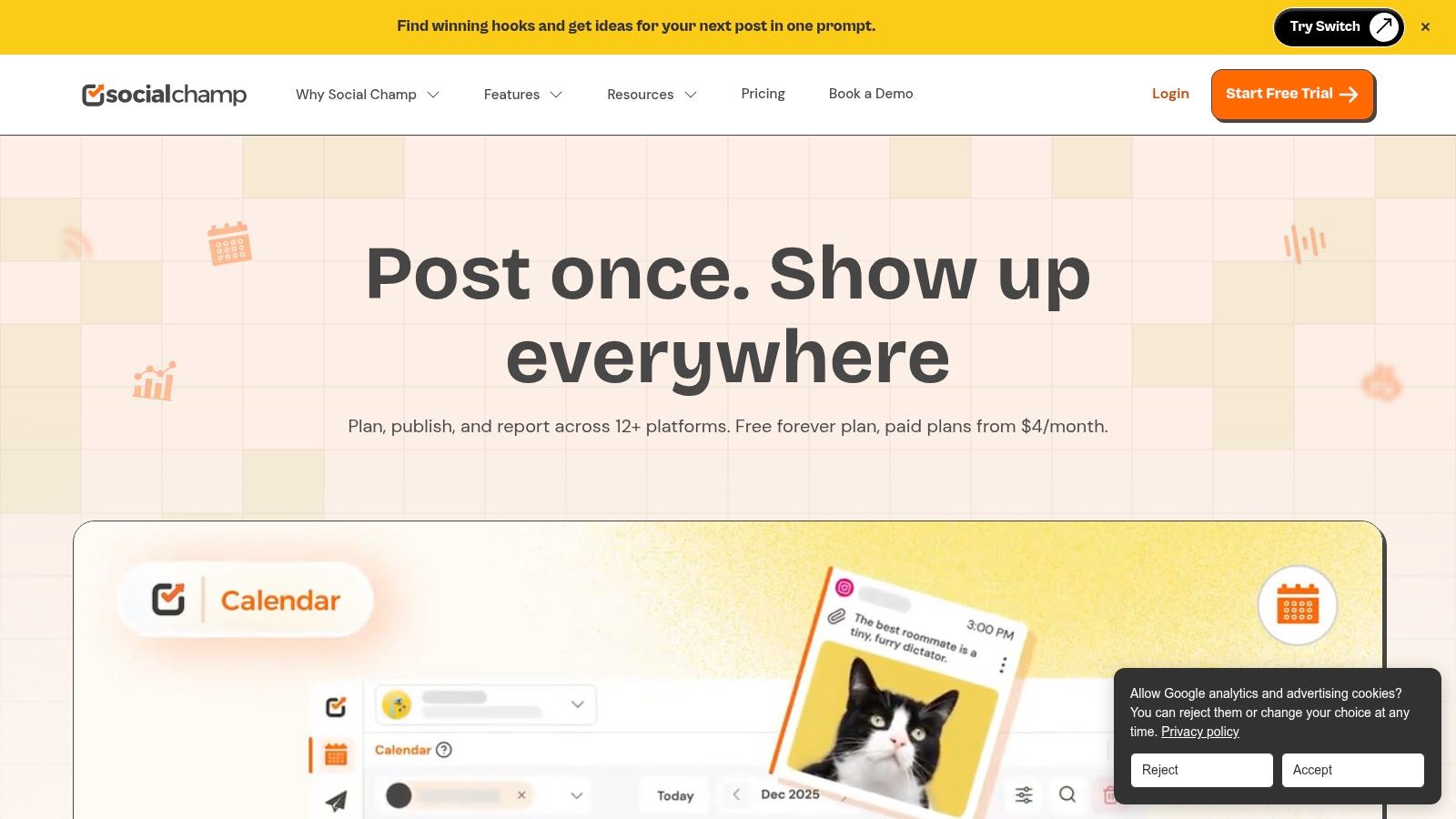
You schedule from one dashboard to networks that include Facebook, Instagram, LinkedIn, Pinterest, and TikTok, with a content calendar for moving posts around. Paid plans add accounts and higher volume.
Fifteen posts per account will carry a two-week test on a few networks. It will not carry a brand that posts daily to five destinations. I would use the free tier to learn the calendar, then decide on the paid jump before a launch week depends on it. The site is Social Champ.
7. Fedica
Fedica is the free scheduler I point to when the mix includes networks most tools still treat as extras. Free scheduling coverage includes Bluesky, Facebook, Instagram, LinkedIn, Mastodon, Pinterest, Pixelfed, X, Threads, and Tumblr. TikTok, YouTube, and PeerTube are listed on paid plans.
That split matters once you look at how people move between apps.
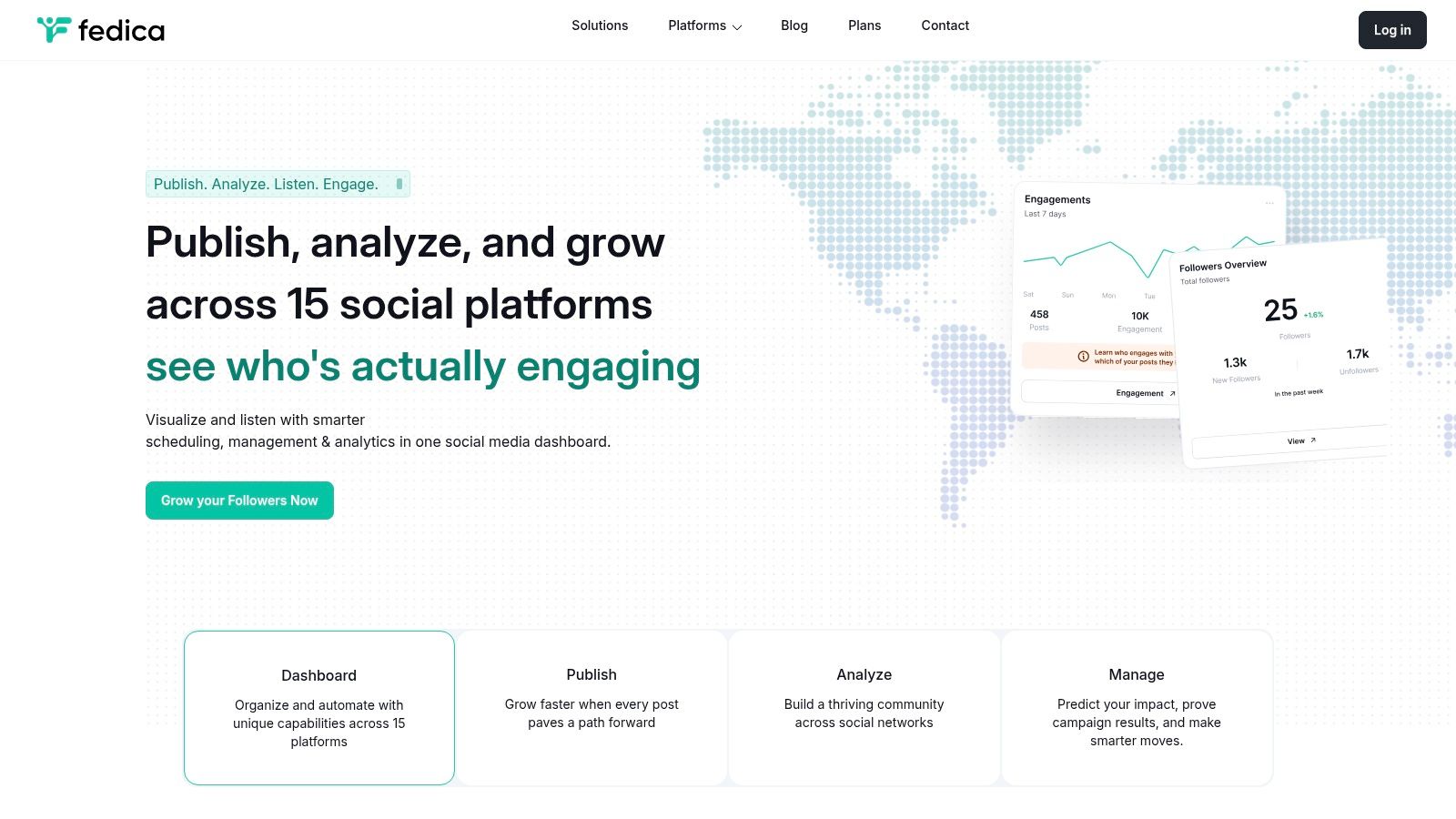
DataReportal's Digital 2025 social overview found that users spread activity across an average of 6.83 platforms per month. A queue that only covers Meta leaves the federated half of that habit on manual posting. Fedica's calendar plus a browser extension lets you schedule while you are already reading, which is useful for creators who live on Bluesky, Mastodon, or Pixelfed.
Deeper analytics and some publishing tools stay paid, and network support still changes by plan. Read the current limits before you connect a stack of federated accounts and assume they all land on free. The product is at Fedica.
8. SocialBu
SocialBu will connect three social accounts and let you publish. Then it stops being an ongoing free plan. The allowance is 10 lifetime posts. The counter does not reset next month.
Treat the dashboard as a test bench. Ten posts is enough to prove a connection, not enough to run a month.
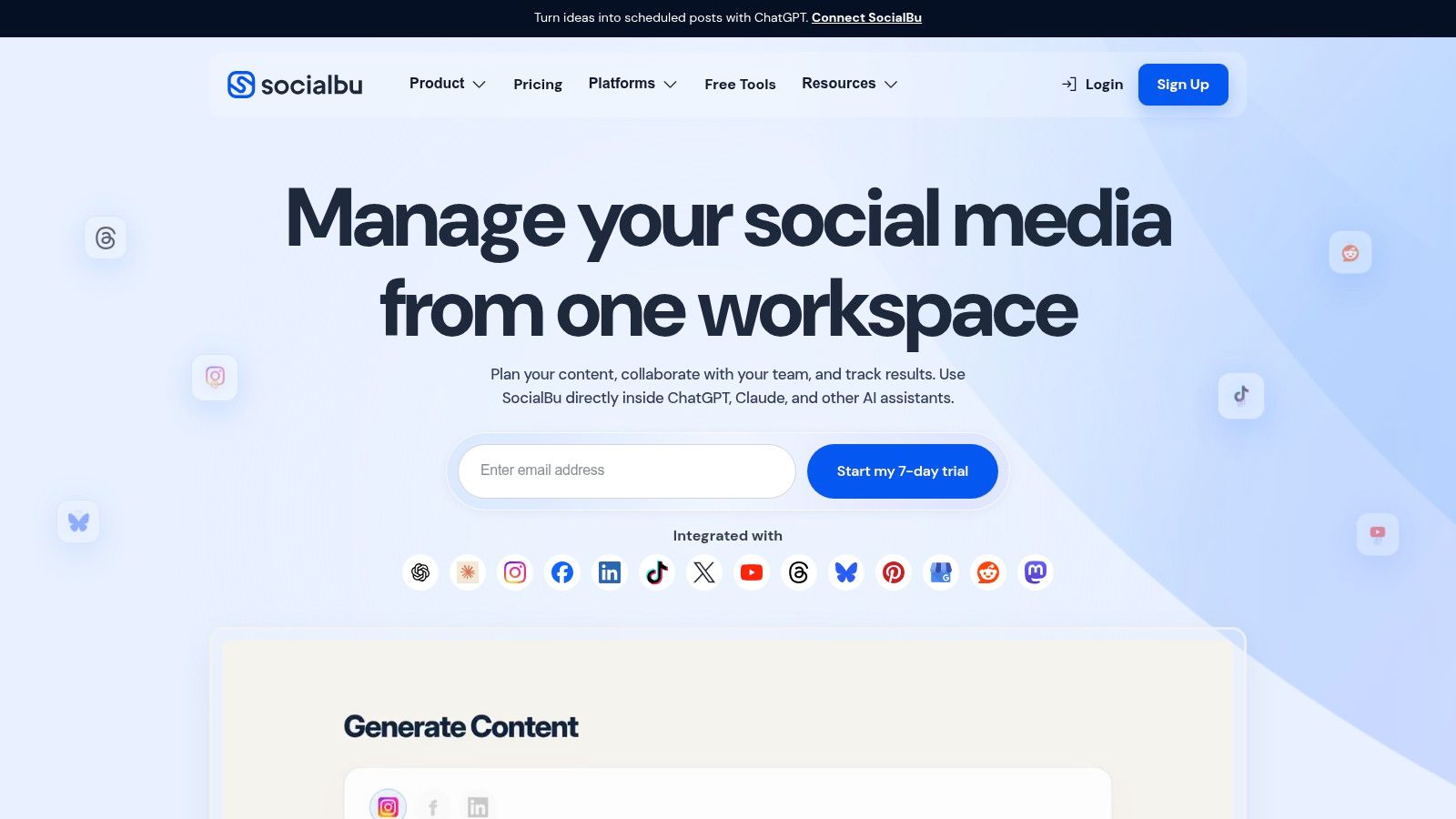
Use those ten posts to test the path, not to launch a campaign. Networks you can try include Facebook, Instagram, LinkedIn, YouTube, Threads, TikTok, and Bluesky, plus a custom queue and a small set of AI generation credits. There is no team workflow and no social inbox on the free plan. Once the tenth post goes out, continued publishing means a paid plan.
A non-resetting lifetime cap is a trial with a softer label. If posts never come back, decide on the upgrade before post number eight.
That is the constraint to remember if you are comparing a social media scheduler free offer that never states whether the meter resets. Start the test at SocialBu.
9. CoSchedule
CoSchedule is a marketing calendar that also schedules social posts. The free plan connects one social profile and holds up to 15 scheduled messages. The tier continues. It does not expire after a trial window. Social analytics, X publishing, and bulk CSV scheduling are excluded.
The calendar view is the product. Social is one lane on it, next to the rest of the editorial work.
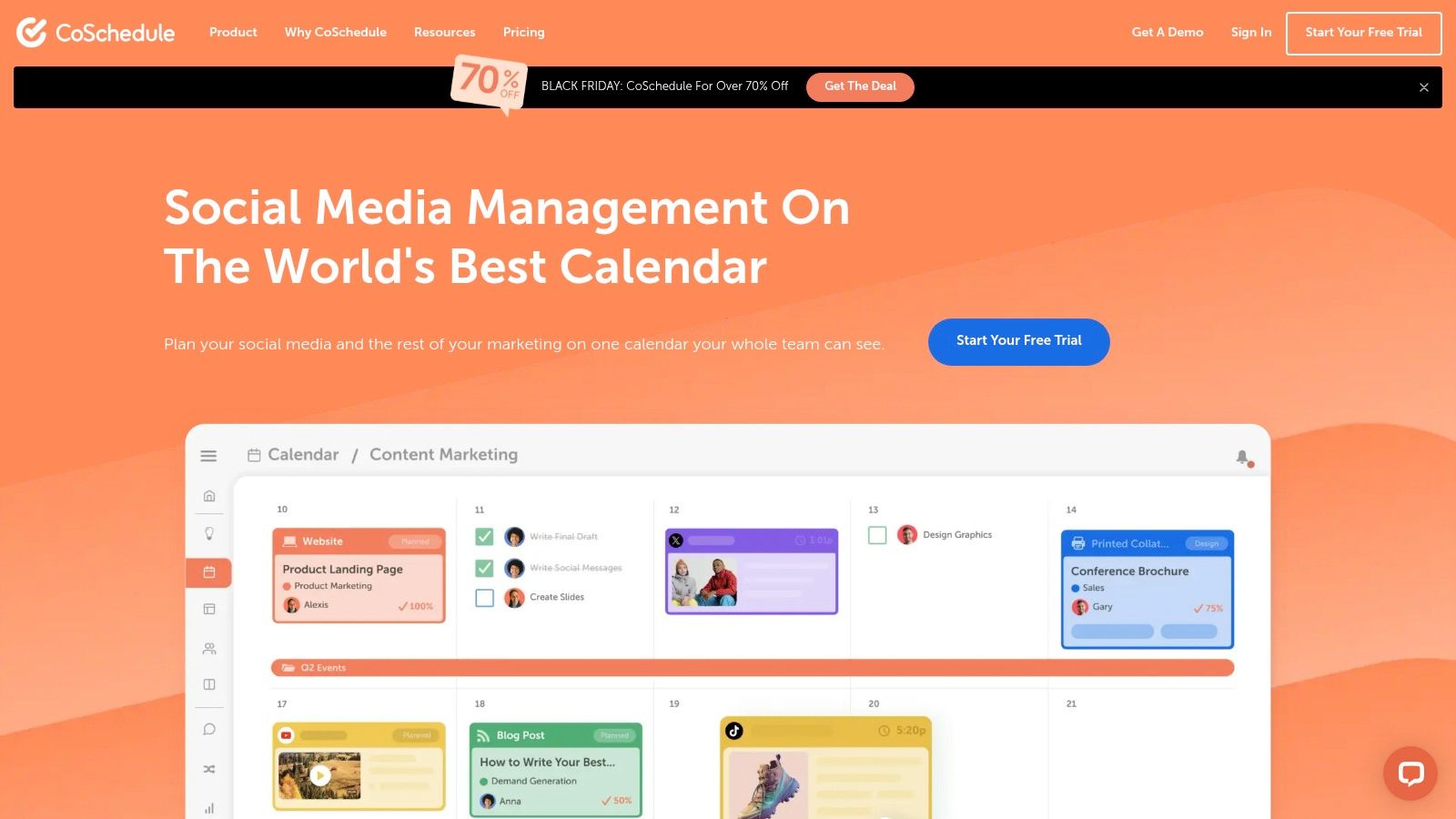
You drag messages into place, keep drafts beside the wider plan, and you can see when a blog, an email, and a social update collide. That is why a free content calendar often matters more than another queue slot for teams whose social posts exist to support a launch.
Fifteen messages on one profile will not follow a real audience. Pew Research Center's social media use report found, in its 2023 survey of 5,733 U.S. adults, that 83% had ever used YouTube, 68% Facebook, and 47% Instagram. One free profile cannot cover that split. Pay when you need a second network or real analytics. The tool is at CoSchedule.
10. Meta Business Suite
If Facebook and Instagram are the whole job, Meta Business Suite is the honest no-cost option. There is no subscription. You publish and schedule for Meta business accounts in one place, and the suite connects to Meta's business tools and ads. Ad spend is a separate decision, not a hidden software fee.
It is not a cross-platform scheduler. LinkedIn, TikTok, Pinterest, YouTube, and the rest stay outside it. Planning and reporting stay inside Meta's ecosystem too. For a shop that only runs those two business accounts, native scheduling avoids a third-party token dying on a Friday. For anyone else, it is one lane of a larger stack, not the system of record.
A social media scheduler free of license fees can still be expensive in staff time if you rebuild the same post by hand on every other network. If Instagram timing is the specific task, this guide to scheduling an Instagram post covers the native path before you add another app. Open it at Meta Business Suite.
Free plan limits and platform coverage at a glance
A free plan is a set of constraints: queue size, excluded networks, and caps that do not reset. Match the row to the job, not to the longest feature list.
| Tool | Free plan limits | Supported networks | Best for |
|---|---|---|---|
| PostSyncer | Free tier for scheduling across platforms, plus a 7-day free trial with core features and connected accounts | 11+ networks: X, Facebook, Instagram, TikTok, YouTube, Pinterest, Threads, Telegram, LinkedIn, Bluesky, and Mastodon | Teams that want publishing, AI tools, engagement, analytics, and automation in one workspace |
| Buffer | Up to 3 channels and 10 queued posts per channel | Social channels; the free-plan network list is thin in public docs | Creators and small businesses that want a simple scheduler |
| Metricool | 1 brand, 20 posts per month; LinkedIn and X excluded | Networks excluding LinkedIn and X on the free plan | Users who want analytics next to scheduling |
| Publer | 1 user, 1 workspace, 3 accounts, and 10 queued posts per account; X excluded | Multiple networks; X excluded on the free plan | Individuals running a few accounts who customize posts per platform |
| Zoho Social | 1 brand, 6 channels, and 1 user; whether the free plan actually schedules is poorly documented | 6 social channels | Small businesses and people already in other Zoho products |
| Social Champ | 15 scheduled posts per account; X excluded | Facebook, Instagram, LinkedIn, Pinterest, TikTok, and others; X excluded on the free plan | Light scheduling across several mainstream networks |
| Fedica | Free scheduling on the networks in the next column | Bluesky, Facebook, Instagram, LinkedIn, Mastodon, Pinterest, Pixelfed, X, Threads, and Tumblr | Creators who post to both decentralized and mainstream networks |
| SocialBu | 3 accounts and 10 lifetime posts | Facebook, Instagram, LinkedIn, YouTube, Threads, TikTok, Bluesky, and others | Checking that accounts connect and a post can go out |
| CoSchedule | 1 social profile and 15 queued messages | One social profile; X publishing is excluded | Calendar-first social and content planning |
| Meta Business Suite | Free to use | Facebook and Instagram | Businesses that only publish on Meta |
A refilling queue of 10 posts fits a week of planning. SocialBu's 10 posts never come back, so that row is a connection check. Meta stays inside Facebook and Instagram. Fedica is the wide network list, including Mastodon, Bluesky, and Pixelfed.
How to Pick the Right Free Scheduler and Start Posting
The free plan worth keeping is the one whose hard limit matches how you publish, not the one with the longest feature page.
Queue depth is the first filter. Buffer and Publer hold 10 scheduled posts per account, and the slot returns after a post goes out. That covers a week or two of planning, not a quarter loaded in advance. CoSchedule holds 15 messages on one profile. Social Champ's help center allows 15 posts per account. If you batch a month of content in one sitting, those caps stop you before the calendar looks full.
Monthly volume is a separate ceiling. Metricool's 20 posts a month is visible before you write a word. It fits a measured single brand. A daily poster burns through it in the first week.
Network coverage decides who is eligible. Fedica is the free plan that includes Mastodon, Bluesky, and Pixelfed. Meta Business Suite only covers Facebook and Instagram. Zoho's page lists six channels for one brand, but scheduling availability is unclear, so confirm the product schedules before you move a calendar onto it.
Analytics and non-resetting limits change the call again. Metricool is the free plan built around measurement, with a 30-day history and a watermark. The other free plans in this roundup mostly show basic numbers or push reports to a paid tier. SocialBu's 10 posts never reset. Call that a connection test, not a publishing plan.
Time is the other limit. Many small businesses only have a few hours a week for marketing. A scheduler can clear the queue and still leave comments, crops, disclosures, and "did this create a lead" on your desk. The free plan sticks only if the first scheduled post is fast.
Agencies placing several brands on one process should also read the SMS Activate guide to agency workflows before they pick a single-workspace free tier and hope it stretches.
Then run a two-week trial, not a tool tour.
- Connect with OAuth: Add each account through the network's own permission screen. Do not share a password into the scheduler.
- Batch one week: Load a realistic set of posts, including one asset rewritten per network, not one caption pasted everywhere.
- Set times per platform: PostSyncer's visual content calendar lets you drag and drop posts, set times for each platform, and plan weeks of content in minutes.
- Review after two weeks: Check what published, what failed, and what still needed a manual fix.
PostSyncer's free tier lets you test multi-network scheduling, the visual calendar, and AI content tools across 11+ platforms before a paid plan. The free trial includes core features and the ability to connect your social accounts, which shows whether the queue matches your weekly routine.
PostSyncer pulls scheduling, a visual calendar, and AI content tools into one workspace so a free-plan compromise does not have to mean missing networks or a queue that dies after ten posts. If you want to test that workflow on the accounts you already run, start with the free tier and put a real week on the calendar. Visit PostSyncer and connect your accounts before the next content week.