











A marketing automation workflow is simply a series of automated actions you set up to handle marketing tasks. Think of it as a digital assembly line for nurturing leads and engaging customers. It moves people through a specific journey based on their behavior, saving your team a ton of time and effort in the process.
Why Your Marketing Automation Workflow Needs a Rethink

Let's cut through the noise. A marketing automation workflow isn't just about scheduling social media posts—it's about getting your team’s most valuable resource back: their time. Too many marketers just "set and forget" their automation, completely missing its power to drive real, meaningful growth.
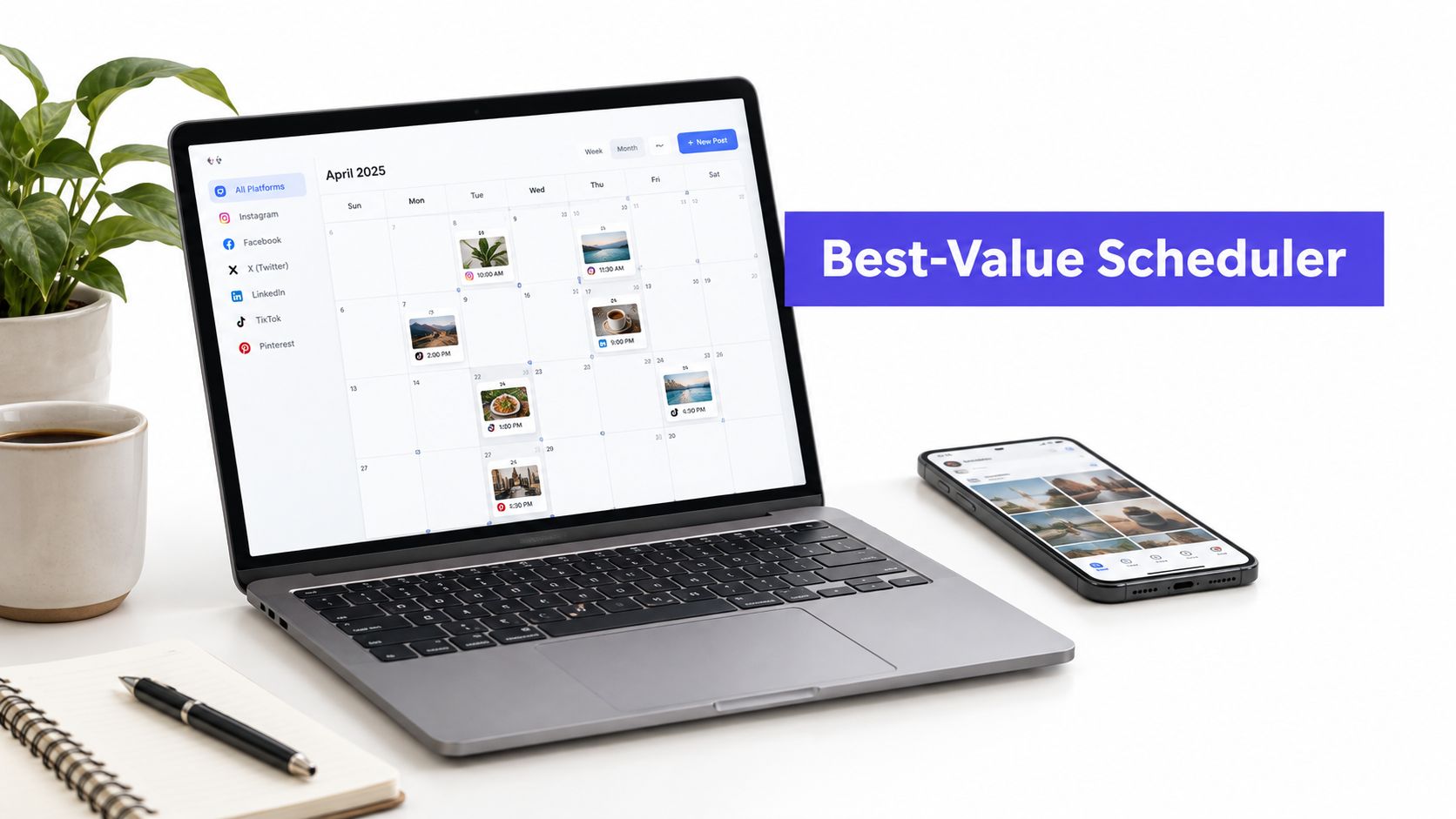
The difference between a team drowning in manual tasks and one that's actually scaling is a smart, strategic workflow. Picture an agency managing ten different clients. Without a solid system, they’re bleeding hours every week copying, pasting, and manually pushing content live. But with a platform like PostSyncer, they can build a repeatable process for scheduling, approvals, and reporting. This frees them up to focus on the creative work that actually moves the needle.
The Real Cost of Inefficiency
Being inefficient isn't just a minor headache; it’s a direct hit to your bottom line. Every hour your team spends on a repetitive task is an hour they aren't spending on strategy, building client relationships, or finding new business. That lost opportunity cost adds up fast, killing momentum and leading straight to burnout.
Just think about a creator trying to stay active on Instagram, TikTok, and YouTube. Manually formatting and posting unique content for each platform is practically a full-time job. A well-designed workflow automates that distribution, making sure content is published at the perfect time for each audience without someone having to babysit it.
From Simple Schedule to Growth Engine
A truly effective workflow is so much more than a sequence of tasks; it’s an engine for efficiency and ROI. The numbers don't lie. A well-oiled marketing automation workflow can deliver an average ROI of $5.44 for every $1 invested over three years. That’s a massive 544% return.
It’s why 76% of organizations report seeing a positive ROI within the first year alone.
This kind of impact happens when you build your workflow around a few core components:
- Clear Triggers: Specific actions that kick off the automation, like a new blog post going live.
- Logical Sequences: A planned series of actions, such as automatically sharing the new blog post on LinkedIn the next day.
- Approval Loops: Automated steps for team or client review, so you can finally ditch the endless email chains.
- Data-Driven Optimization: Using analytics to constantly tweak posting times, content formats, and your overall strategy.
For a deeper dive into organizing your marketing processes, this guide to effective marketing workflow management is a great resource. By rethinking your approach, you can turn a basic schedule into a dynamic system that actively helps you hit your goals. You can also find more strategies in our guide on social media automation.
Building Your Workflow From the Ground Up
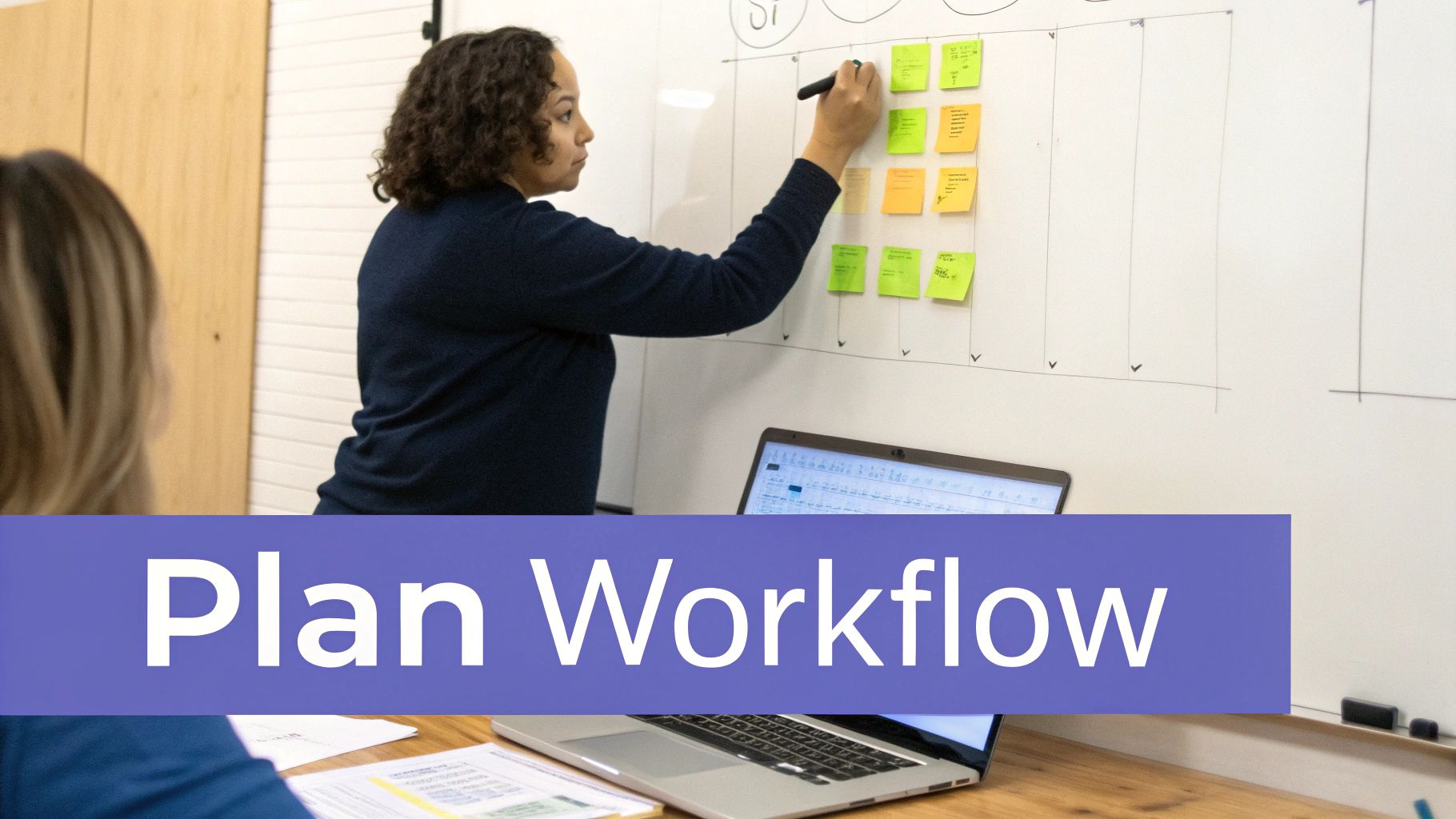
Diving into automation without a clear strategy is like trying to drive across the country without a map. You might get somewhere, but it probably won't be where you intended. A genuinely powerful marketing automation workflow doesn't start with software; it starts with a solid plan built on clear goals and an honest look at your current process.
If you skip this groundwork, you just end up automating chaos. And that only makes things messy, faster.
The first move is to get brutally honest about what you’re trying to accomplish. Vague goals like "get more followers" just won't cut it. You need specific, measurable objectives that will shape every decision you make from here on out.
Defining Your Core Objectives
Your social media goals have to be more than just vanity metrics; they need to tie directly into your bigger business objectives. Are you trying to fill the top of your sales funnel? Build a die-hard community around your brand? Or maybe establish yourself as the go-to authority in your niche?
Each of those goals requires a completely different approach to content, engagement, and automation.
Think about which of these common objectives resonates most with you right now:
- Brand Awareness: The main game here is maximizing reach and impressions. You're focused on getting as many new eyeballs on your content as possible.
- Lead Generation: This one is all about driving action. You’ll be laser-focused on metrics like click-through rates, form fills, and downloads coming from your social channels.
- Community Engagement: Success here means prioritizing interaction. You're hunting for high-quality comments, meaningful shares, and user-generated content that shows you're building a loyal following.
My advice? Pick one primary objective to start. Trying to do it all at once just dilutes your efforts and makes building an effective workflow nearly impossible. Once you have that goal locked in, it's time to audit your existing process to find the real opportunities.
"Many teams rush to automate tasks without first defining clear goals or understanding their audience. This leads to a disconnected, ineffective workflow that sends the wrong message at the wrong time."
Auditing Your Current Process for Bottlenecks
Okay, now it’s time to map out how things get done right now—the good, the bad, and the ugly. This isn't about placing blame; it's about spotting the time-sucking bottlenecks that are holding your team back. Where do things grind to a halt? What repetitive tasks eat up way too many hours?
Get your team together and ask these kinds of questions:
- Honestly, how long does it take for a content idea to go from a brainstorm to a live post?
- Where does our approval process get stuck most often? Is it legal? The client? The CEO?
- How much time are we wasting manually formatting the same post for five different platforms?
- Are we constantly digging through folders to find the right logo or brand images?
The answers will point you directly to your first big wins. For example, if you find out that getting client approval involves days of back-and-forth emails, an automated approval loop should be your top priority. If your team is wasting hours hunting for assets, setting up a centralized media library in PostSyncer is a no-brainer.
Mapping Content Pillars to Audience Segments
With your goals and bottlenecks figured out, the final piece of the foundation is your audience. You wouldn't talk to a recent college grad the same way you'd talk to a C-suite executive, right? The best automation delivers the right message to the right person, every single time.
Start by clearly defining your key audience segments or customer personas. From there, you can map your main content pillars to each one.
| Audience Segment | Primary Content Pillar | Example Post Type |
|---|---|---|
| Startup Founders | Productivity & Growth | A carousel post on "5 Time-Saving Hacks for Busy CEOs." |
| Marketing Agencies | Client Management & ROI | A case study showing how a client increased leads by 30%. |
| Solo Content Creators | Monetization Strategies | A short-form video explaining three ways to earn with Reels. |
This simple mapping exercise is a game-changer. It ensures your automated content sequences always feel relevant and personal, not robotic. When you're planning your editorial calendar, this clarity is priceless. If you want to dive deeper into structuring your content creation, check out our guide on building an effective content creation workflow.
For agencies juggling multiple clients, this level of organization is non-negotiable. Using a tool like PostSyncer's workspaces lets you build out these distinct strategic plans for each brand, making sure every campaign is perfectly on-brand and targeted from day one.
Designing Triggers and Sequences That Get Results
Once your strategy is locked in, it’s time to get your hands dirty and build the engine of your marketing automation workflow. This is the exciting part where your big-picture plan turns into a real, tangible set of automated actions. At the heart of any workflow are two simple concepts: triggers and sequences.
Think of it like a basic "if/then" statement. A trigger is the if—the specific event that kicks everything off. The sequence is the then—the series of automated actions that follow. Getting this relationship right is what separates a clunky, robotic system from a smart, responsive one that feels almost human.
Identifying High-Impact Triggers
Triggers are the starting pistol for your automation. They can be time-based, like a campaign launch date, or they can be action-based, like a customer mentioning your brand in a tweet. The trick is to pick triggers that tie directly back to your goals.
For instance, if your goal is to get more eyeballs on your new content, a fantastic trigger is "a new blog post is published on our website." Or, if you’re all about community engagement, a powerful trigger could be "a piece of user-generated content (UGC) is tagged with our brand hashtag."
Here are a few practical trigger ideas to get you started:
- Event-Based: A webinar is scheduled to go live in one week.
- Content-Based: A new video is uploaded to your YouTube channel.
- User-Based: Someone uses a specific keyword in a comment on your Instagram post.
- Time-Based: The first Monday of every month.
The more specific your triggers, the more relevant your automated sequences will be. Think of them as listening posts, constantly monitoring for the perfect moment to act.
Crafting Intelligent Content Sequences
Once a trigger fires, the sequence begins. This isn't just about blasting out a single post; it’s about creating a thoughtful series of communications that guide your audience on a journey. A well-designed sequence feels natural and delivers value at every touchpoint.
Let's say your trigger is a new product launch scheduled for next Friday. A basic automation might just schedule one announcement post and call it a day. But an intelligent sequence does so much more.
A great marketing automation workflow doesn't just execute tasks; it tells a story over time. Each step in the sequence should build on the last, creating momentum and keeping your audience engaged from the initial spark of interest to the final call to action.
For that product launch, your sequence could be a multi-day affair:
- Seven Days Out (Teaser): Automatically schedule a vague, curiosity-piquing post across all platforms. In PostSyncer, you can use campaign labels to tag it as "Product Launch - Phase 1."
- Three Days Out (The Reveal): Schedule the official announcement post, complete with high-quality images and a link to a "coming soon" landing page. You can even customize the copy for each network—a professional tone for LinkedIn, a more casual vibe for Instagram.
- Launch Day (The Big Push): At 9 AM sharp, publish the main launch post. At the same time, schedule a follow-up Instagram Story with a countdown sticker.
- Two Days Post-Launch (Social Proof): Automatically schedule a post featuring an early positive customer review or a compelling use case.
- One Week Post-Launch (Last Chance): If you're running a launch discount, schedule a final reminder post highlighting that the offer is ending soon.
This multi-step approach builds anticipation and maintains momentum far more effectively than a single, isolated post ever could.
Visualizing and Managing Your Sequences
Mapping out these sequences can get complicated, fast, especially when you're running multiple campaigns at once. This is where visual tools are an absolute lifesaver. Using PostSyncer’s calendar view, you can see your entire sequence laid out clearly. The campaign labels let you filter the view, so you can focus solely on your "Product Launch" workflow and make sure the timing and content flow make perfect sense.
To make this even clearer, here’s a practical breakdown of how triggers and actions work together for social media workflows.
Trigger and Action Examples for Social Media Workflows
This table shows some common events that can act as triggers and the automated actions a tool like PostSyncer can execute in response. It’s a great starting point for thinking about your own automation possibilities.
| Trigger (The 'If') | Automated Action (The 'Then') | PostSyncer Feature Used |
|---|---|---|
| A new case study is published to the blog. | A sequence schedules three posts: one for LinkedIn highlighting ROI, one for Twitter with a key stat, and an Instagram carousel summarizing the results. | Campaign Labels & Custom Scheduling |
| User-generated content is found with our hashtag. | The post is automatically added to a "UGC Queue" for review and potential reposting. | Content Queues & Approval Workflows |
| An evergreen pillar post has not been shared in 90 days. | The post is automatically re-added to the scheduling calendar for republication on a future date. | Evergreen Content Rules & AI Scheduler |
As you can see, the possibilities go far beyond simple scheduling.
By designing triggers tied to meaningful events and building out these multi-touch sequences, your marketing automation workflow becomes a powerful strategic asset. It stops being a simple scheduler and starts actively working to nurture your audience, amplify your best content, and drive real results for your business.
How to Automate Approvals and Team Collaboration
Even the most well-oiled marketing automation workflow can screech to a halt at the final hurdle: the approval process. We’ve all been there—lost in endless email chains, trying to make sense of conflicting feedback, or hunting for the "final_final_v3.jpg" file. This is where great campaigns often get bogged down and die a slow death.
Let's be real, automating your review cycle isn't just a "nice-to-have." It’s absolutely essential for keeping your momentum (and your sanity).
The problem usually boils down to a lack of a clear, structured system. When nobody’s quite sure who needs to approve what or by when, delays are pretty much guaranteed. This is exactly why a tiered approval system, especially for agencies juggling multiple clients, is such a game-changer.
Establishing Clear Roles and Permissions
First things first, you need to define who does what. Not everyone on the team needs the same keys to the kingdom. By setting up distinct roles inside a platform like PostSyncer, you can create a smooth, frictionless path for content to travel from a draft to a live post.
Think about it in terms of these roles:
- Creators: These are your team members on the ground, drafting content and getting it ready for review. They kick off the entire process.
- Approvers: These are your key stakeholders—maybe a marketing manager, a senior creative, or the client themselves. They hold the final say and can approve, reject, or drop feedback directly on the content.
- Viewers: This could be for clients or executives who just need a bird's-eye view of the content calendar without needing any editing or approval powers.
This simple structure cuts out the chaos. Once a creator finishes a post, the designated approver instantly gets a ping. No more chasing people down on Slack or sending those dreaded "just checking in" emails.
One of the most powerful arguments for marketing automation is its incredible efficiency. Businesses have seen an 80% increase in lead volume and a staggering 451% surge in qualified leads. Nailing your internal processes, like approvals, is a huge part of what makes that possible, saving teams weeks of work every year. You can discover more insights about marketing automation's ROI to see the full picture.
Creating a Centralized Hub for Collaboration
Collaboration completely breaks down when feedback, files, and conversations are scattered everywhere. A messy process inevitably leads to using an outdated logo, the wrong brand hex code, or unapproved copy. These aren't just small slip-ups; they're costly mistakes that can erode brand consistency.
To avoid this, your workflow needs a single source of truth. This is where tools like a shared media library and a collaborative calendar become your best friends.
A centralized media library, like the one in PostSyncer, ensures everyone is pulling from the exact same pool of approved brand assets. This one move can prevent that frustrating moment when someone uses an old logo they dug out of their downloads folder.
In the same way, a shared calendar gives everyone total visibility over the entire content pipeline. The whole team, from the writer to the client, can see what’s scheduled, what’s waiting for a thumbs-up, and what’s already live. This level of transparency builds trust and keeps everyone aligned without needing constant status meetings.
The diagram below shows the basic logic that makes these automated systems work, moving from a trigger event to the final action.
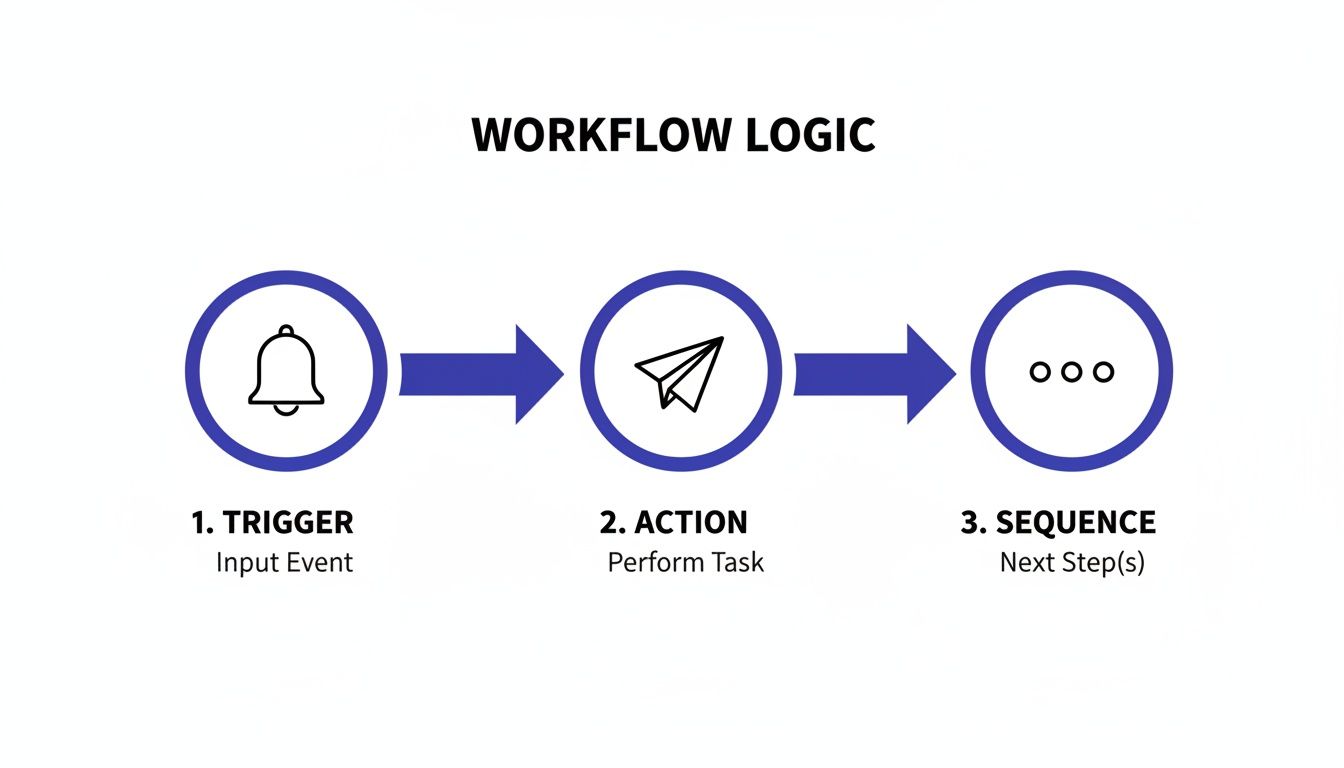
As you can see, it’s all about a specific event kicking off a pre-defined action. That action then starts a full sequence, automating the entire process from start to finish.
Using Data to Optimize and Scale Your Automation
A great marketing automation workflow isn't something you just "set and forget." It's more like a living system—a dynamic engine that needs to get smarter and more efficient over time. But that improvement doesn't come from guesswork.
It comes from listening to the data, seeing what works, and making strategic adjustments along the way. This is how you turn a good workflow into a truly intelligent marketing machine that consistently gets you results.
The whole process kicks off with tracking the right numbers. It's easy to get distracted by vanity metrics like follower counts, but they don't tell you if your automation is actually moving the needle on your business goals. You have to focus on the key performance indicators (KPIs) that reveal the real impact.
Using a tool like PostSyncer’s analytics dashboard, you can get straight to the data that matters. These are the numbers that paint a clear picture of what’s landing with your audience and what isn't, so you can fine-tune your approach with confidence.
Tracking the KPIs That Actually Matter
To really know how you're doing, you've got to look past the surface-level stuff. Your focus should be squarely on metrics that reflect how your audience is engaging and what actions they're taking. Without that, you're basically flying blind.
Here are the core KPIs I always keep an eye on for every campaign:
- Engagement Rate: This is the big one. It bundles up likes, comments, shares, and saves to show you how well your content is actually connecting with people. A high engagement rate is a clear sign your message is on point.
- Click-Through Rate (CTR): If you're trying to drive traffic or get leads, CTR is a must-watch. It tells you the percentage of people who saw your post and were compelled enough to click the link. It’s direct proof that your call-to-action is working.
- Reach and Impressions: While they aren't everything, these are still vital for understanding brand awareness. Reach is the number of unique people who saw your content, while impressions count the total views. If your reach is growing, your content is finding new audiences.
- Audience Growth Rate: This gives your follower count some much-needed context. It measures how quickly you’re gaining new followers, helping you pinpoint which campaigns are best at attracting new people.
By keeping a close watch on these KPIs in PostSyncer, you can start spotting trends and identifying your best-performing content. It gives you a clear roadmap for what to do next. For a deeper dive into these metrics, you should check out our guide on social media analytics and reporting.
The world of marketing automation is growing fast—the global market is projected to hit $15.58 billion by 2030. A big reason why is efficiency. Businesses that adopt it report 30% time savings and get to market 40% faster. This just hammers home how important it is to use analytics and AI to constantly improve your workflows. For more on this, check out these marketing automation statistics on moengage.com.
Leveraging AI for Smarter Scheduling
One of the most powerful ways to boost your performance is by posting when your audience is actually there to see it. Trying to figure this out manually is a nightmare of trial and error, but this is where AI-powered scheduling completely changes the game.
Platforms like PostSyncer use AI to analyze your own historical engagement data. The system identifies the peak activity times for your specific audience on each social network and then automatically suggests the best times to publish.
This data-driven approach means you're not just guessing anymore. You’re making an informed decision backed by your audience’s real behavior, which can give every single post a serious performance boost.
A Practical Guide to A/B Testing
Analytics tell you what happened in the past, but A/B testing is how you shape the future. It's a simple concept: create two versions of a post (A and B) with one small difference to see which one performs better. It’s a methodical way to learn what truly resonates with your audience.
The key to a good A/B test is to change only one thing at a time. If you change both the headline and the image, you’ll have no idea which element made the difference.
Here are a few high-impact elements perfect for testing:
- Headlines: Try pitting a question against a statement. Think "Are You Making These Social Media Mistakes?" versus "Stop Making These 5 Social Media Mistakes."
- Visuals: Test a clean, high-quality stock photo against a custom-designed graphic or even a short video clip. The visual is usually the first thing people see, so its impact is massive.
- Calls-to-Action (CTAs): Compare a direct CTA like "Shop Now" with a softer one like "Learn More." Finding the right phrase can dramatically improve your click-through rates.
By consistently running these small experiments, you'll gather incredibly valuable insights that you can apply across your entire marketing automation workflow. Each test is another piece of the puzzle, helping you refine your strategy, scale what works, and turn your automation into a genuine growth engine.
Your Marketing Automation Workflow Questions Answered
Even with a solid plan, jumping into marketing automation can feel a bit like learning a new language. You'll inevitably have questions. Whether you're fine-tuning a workflow you've had for years or building your very first one from scratch, getting good answers is crucial for sidestepping the usual headaches.
Let's dig into some of the most common questions we get asked.
What Is the Most Common Mistake When Setting Up a Workflow?
This one’s easy: focusing way too much on the tech and not nearly enough on the strategy. It happens all the time. Teams get excited about all the cool things automation can do and rush to set up triggers and sequences without a clear plan. They haven't mapped out the customer journey or even defined what they're trying to achieve.
When you automate just for the sake of it, you end up with a robotic, disconnected experience. You risk pushing the wrong message to the right person at the wrong time, which can alienate your audience faster than you can say "unsubscribe."
Before you automate a single post, take a step back. Map out your customer's journey from start to finish. Know what success looks like at each stage and build a content strategy that actually helps them get there. A tool is only as powerful as the thinking behind it.
How Do I Measure the ROI of My Social Media Automation?
Measuring the return on investment (ROI) means looking past vanity metrics like likes and follower counts. A real ROI calculation connects your automation efforts to tangible business results and efficiency gains.
First, let's talk efficiency. Track the hours your team saves each week by not having to manually post, pull reports, or chase down approvals. Multiply those hours by your team's average hourly rate, and you've got a hard dollar figure for the time you've bought back. That alone is often a huge win.
Next, you need to connect your work to performance goals:
- If you’re after leads: Track how many qualified leads are coming directly from your social channels. Keep an eye on the click-through rates on your links and, more importantly, the conversion rates on your landing pages.
- If brand awareness is the goal: Measure things like reach, share of voice, and how often your brand is mentioned. If those numbers are climbing, your automated content is doing its job.
- If you're driving sales: Use your analytics to see if your automated campaigns correlate with spikes in website traffic, product views, and actual sales.
When you combine these concrete cost savings with measurable performance gains, you can build a powerful case for the true value of your workflow.
Can a Solo Creator or Small Business Benefit From Automation?
Absolutely. In fact, you could argue that automation is more valuable for a one-person show or a small team. When you're strapped for time and resources, a smart workflow is like hiring a virtual assistant.
For a solo creator, it's the difference between posting whenever you remember and maintaining a consistent, professional presence across all your platforms. It handles the tedious scheduling so you can get back to what you do best: creating awesome content that your audience loves. It lets you punch well above your weight.
For a small business, automation is a great equalizer. It allows a lean marketing team to go toe-to-toe with larger companies by nurturing leads and keeping customers engaged without needing a massive staff. Tools like PostSyncer are built to scale, making automation an incredibly valuable asset right from day one, no matter how big your team is.
Ready to build a smarter, more efficient workflow? PostSyncer provides all the tools you need to automate your social media strategy, from AI-powered scheduling to seamless team approvals. Start your 7-day free trial today and see the difference for yourself.